Table of Contents
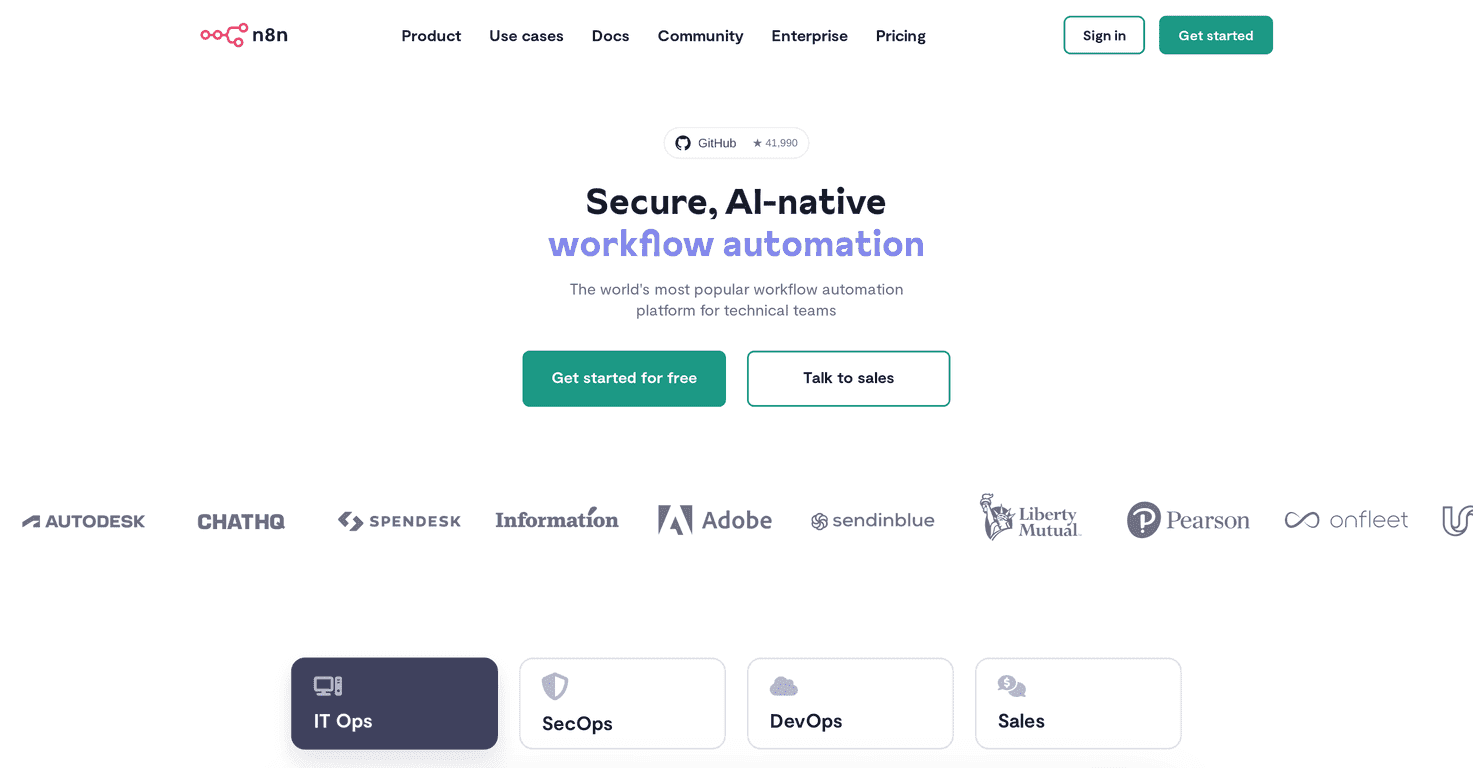
If you’ve been trying to automate repetitive work—copy/paste tasks, syncing tools, moving data between apps—you’ve probably bumped into n8n. I played with it for a while, and honestly, it feels like one of the few automation tools that actually respects technical users. You don’t just drag blocks and hope for the best—you can get into the logic, adjust it, and make it fit your setup.
n8n is built around workflows (sometimes people call them “automations,” but workflows is the right vibe). Each workflow is basically a sequence of steps that can call APIs, transform data, run code, and then route the result somewhere else. And unlike a lot of “black box” automation tools, n8n lets you customize pretty deeply—especially if you’re comfortable with JavaScript.
One more thing I noticed right away: the community is huge. They claim 55,000+ members, and it shows. When you’re stuck on how to format a payload for a specific API, you can usually find an example workflow or a forum thread that gets you unstuck fast. That matters more than people think.
Also, if data control is a big deal for you, n8n’s self-hosting option is a big win. I like being able to decide where the workflows run instead of sending everything off to a third-party platform and hoping it’s handled correctly. Plus, since it’s open source, you’re not locked into a single vendor’s interpretation of “best practices.”
That said, n8n isn’t a perfect fit for everyone. If you want something super simple—like “connect Google Sheets to Slack and done”—you might find the learning curve annoying. The UI is powerful, but it takes some time to get comfortable with nodes, expressions, credentials, and how data flows through the workflow. If you’re not technical, you’ll probably feel it.
n8n Review: What It’s Like to Use for Real Work
n8n is an automation platform that’s especially friendly to developers and technical teams. The core concept is simple: you build a workflow out of nodes. Each node can do something—trigger on an event, call an API, transform data, run a script, or send results somewhere else.
In my experience, what makes n8n stand out isn’t just the number of integrations. It’s the control. You can inspect the data at each step, tweak how fields are mapped, and add logic when you need it. That’s the difference between “it works on my demo” and “it still works when the API payload changes.”
Another thing I appreciated: you can code when you need to. If a built-in node doesn’t do exactly what you want (and this happens a lot in the real world), you can drop in JavaScript or Python logic to clean up data, handle edge cases, or build a request payload that the integration expects.
And yes, there are AI-related capabilities too. The practical value here is using AI to help automate tasks like classification, summarization, extracting structured fields, or generating content—then feeding that output into the rest of your workflow. But I’ll be straight with you: if your workflow needs rock-solid, deterministic results, you’ll still want guardrails (validation steps, retries, and sanity checks). AI is useful, but it’s not magic.
Finally, self-hosting is a big reason people choose n8n. If you’re dealing with sensitive data, you may not want to push everything through a hosted service. With self-hosting, you can run it in your own environment and keep tighter control over credentials and logs.
Key Features That Matter (Not Just the Marketing List)
- Workflow automation with real branching — Connect multiple services, route based on conditions, and handle different outcomes instead of forcing everything down one path.
- JavaScript and Python coding support — When an integration isn’t enough, you can write small scripts to transform data, map fields, and build custom payloads.
- AI-assisted automation — Use AI steps to extract or generate structured outputs, then pass those results into downstream actions (like sending tickets, updating CRM fields, or generating emails).
- Active community resources — With a large user base, you’ll find workflow examples, node tips, and troubleshooting help when something doesn’t behave as expected.
- Self-hosting + open-source flexibility — Great for teams who want control over hosting, networking, and data handling.
Pros and Cons (The Stuff You’ll Actually Notice)
Pros
- Deep customization — The open-source nature and coding support make it easier to tailor workflows instead of working around limitations.
- Self-hosting for better data control — If you care about where data lives and how credentials are managed, this is a major advantage.
- Community support — When you’re building something niche, it’s comforting to know other people have probably done it before.
- Powerful automation capabilities — Especially for technical workflows that need conditional logic, retries, and careful data mapping.
Cons
- Steeper learning curve — If you’re not comfortable with APIs, credentials, and data structures, you’ll probably spend more time figuring things out than building.
- Not as “plug-and-play” as simpler tools — Some setups take more configuration than you’d expect, particularly when you’re integrating multiple systems with slightly different field formats.
Pricing Plans: What You Should Expect
n8n includes a free tier so you can get your hands dirty and learn the workflow builder without immediately committing. After that, if you’re looking for enterprise features, higher limits, or team-focused options, you’ll need to check their pricing details or talk to their sales team for the exact plan that fits.
One tip: before you pay, build one “real” workflow. Something like syncing form submissions into a database, enriching the data, and then posting a summary to Slack. If that workflow feels smooth in your setup, you’ll know n8n is a good long-term match.
Wrap up
To me, n8n hits a sweet spot: it’s powerful enough for technical users, but still approachable if you’re willing to learn the workflow model. The customization, self-hosting option, and community support are the big reasons it stands out. If you want a simple automation toy, you might get frustrated. But if you want something you can actually engineer—and improve over time—n8n is worth serious attention.



