Table of Contents
Have you ever sat on your couch thinking, “I love this room… but it could look so much better”? That’s exactly where I was. So I tried My AI Room Designer to see if it could actually help—not just spit out pretty images, but get me closer to a layout I’d genuinely want to live with.
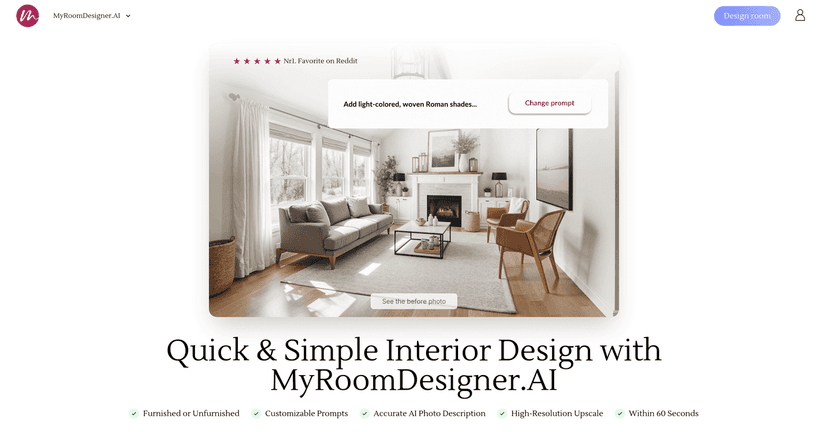
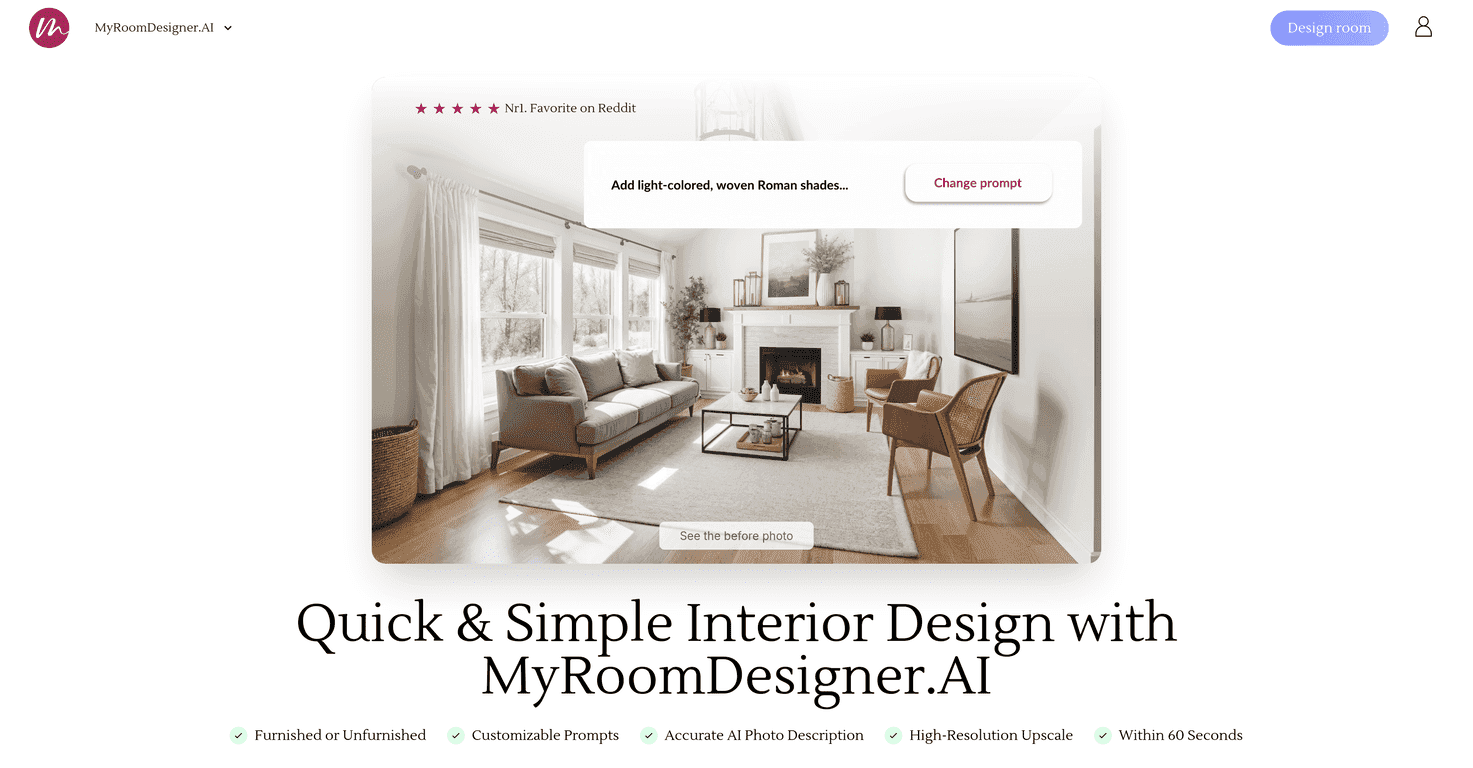
In practice, it’s pretty simple: you upload photos of your room, tell the tool what you’re going for, and it generates design options you can tweak. I liked that it doesn’t assume you already know interior design terms. If you’re starting from scratch, it still gives you a direction to build on.
What stood out to me right away is the “iteration” feel. You’re not locked into one result. You can adjust colors, swap furniture styles, and nudge the layout with prompts. And yes—being able to upscale images matters. When I’m trying to visualize the final look, I don’t want a blurry preview that makes everything feel hypothetical.
It also leans into mood boards and color palettes, which is a big deal if you’re aiming for a cohesive space instead of random “cool” items thrown together. Instead of just generating a single look, you get a clearer design vibe you can keep refining.
One more thing I appreciated: product recommendations. It’s easy for AI room tools to stay theoretical. Here, you’re shown real-life product suggestions that match the style you’re building. I found that helpful when I didn’t just want inspiration—I wanted a next step I could actually shop.
And if you want deeper control, you can modify prompts. I tested a few different directions (more modern vs. more cozy, lighter vs. darker palette), and the results changed enough to feel like I was steering the process rather than just rolling the dice.
My AI Room Designer Review (What I Actually Noticed)
Let me put it plainly: My AI Room Designer feels like a practical brainstorming tool for real spaces. Not a “magic wand” that instantly nails your dream room on the first try, but definitely something that helps you get unstuck.
Here’s what I found most useful while testing it:
- Photo upload + quick results: I didn’t have to spend forever setting things up. I uploaded room photos and got options fast enough that I kept iterating instead of losing interest.
- Color + furniture changes are easy: You can steer the vibe without needing to know design vocabulary. For example, when I prompted for a warmer palette, the recommendations leaned more inviting instead of cool/sterile.
- Layout adjustments aren’t just cosmetic: Some tools mostly change the “decor” while ignoring the room flow. This one felt more responsive to layout direction, at least within the scope of what the tool can model from your photos.
- High-resolution output helps you decide: When the preview is sharper, it’s easier to spot mismatches (like overly bold patterns or furniture proportions that don’t quite fit).
- Mood boards + palettes keep you consistent: If you’ve ever picked one “statement” item and then everything else suddenly looks wrong, you’ll appreciate this. It helps keep the design cohesive.
- Product recommendations reduce guesswork: I didn’t just get images—I got suggestions for actual products that match the style. That’s the difference between inspiration and action.
That said, I wouldn’t call it perfect. If you go heavy on very specific custom requests, results can swing in quality. It’s not unusual for AI tools—sometimes it understands the goal, sometimes it interprets it a bit too literally.
Key Features (And How They Help)
- AI-Powered Room Design for personalized options based on your photos and prompts
- Easy Customization with color direction and furniture/layout tweaks
- High-Resolution Outputs so you can actually evaluate the look
- Room Categories (like kitchens and bedrooms) to guide the style output
- Mood Boards + Color Palettes to keep your design consistent
- Product Recommendations to match your style and help you shop
- Prompt Modifications when you want more control over the result
Pros and Cons (Realistic Take)
Pros
- Quick and user-friendly: I didn’t need a tutorial to get my first usable result.
- Good variety of styles: It’s not stuck in one aesthetic lane, which matters if you’re comparing options.
- Fast iteration: The workflow encourages trying multiple directions instead of waiting for one “final” design.
- Visual quality is strong: High-quality previews make it easier to spot what’s working and what isn’t.
- Product sourcing support: Recommendations help bridge the gap between concept and purchasing.
Cons
- Advanced features may take some practice: If you want hyper-specific results, you’ll likely need a few attempts to get the prompt wording right.
- Resource usage can affect refunds: The tool mentions immediate GPU consumption, which could limit refund options depending on their policy.
- Result quality can vary with heavy customization: The more you push, the more you may need to refine.
Pricing Plans (What I Could Confirm)
I couldn’t find super detailed pricing breakdowns in what I reviewed, but I did see that annual plans can offer savings of up to 25%. If you want the exact current numbers (monthly vs. yearly, limits, and any trial options), you’ll want to check the pricing page on the official site before committing.
Wrap up
Overall, I think My AI Room Designer is a solid choice if you want to plan a room faster and more creatively—without getting stuck staring at empty space and measuring tape. The combination of photo-based design, adjustable prompts, mood boards/color palettes, and product recommendations makes it more practical than a lot of “just for inspiration” tools.
If you’re starting out, you’ll probably like how approachable it feels. If you’re more experienced, you can still use it to generate alternatives quickly—just be ready to iterate a bit to get the best match.
Happy designing—and don’t be afraid to test a few different styles. That’s where the tool really shines.
Promote My AI Room Designer



