Table of Contents
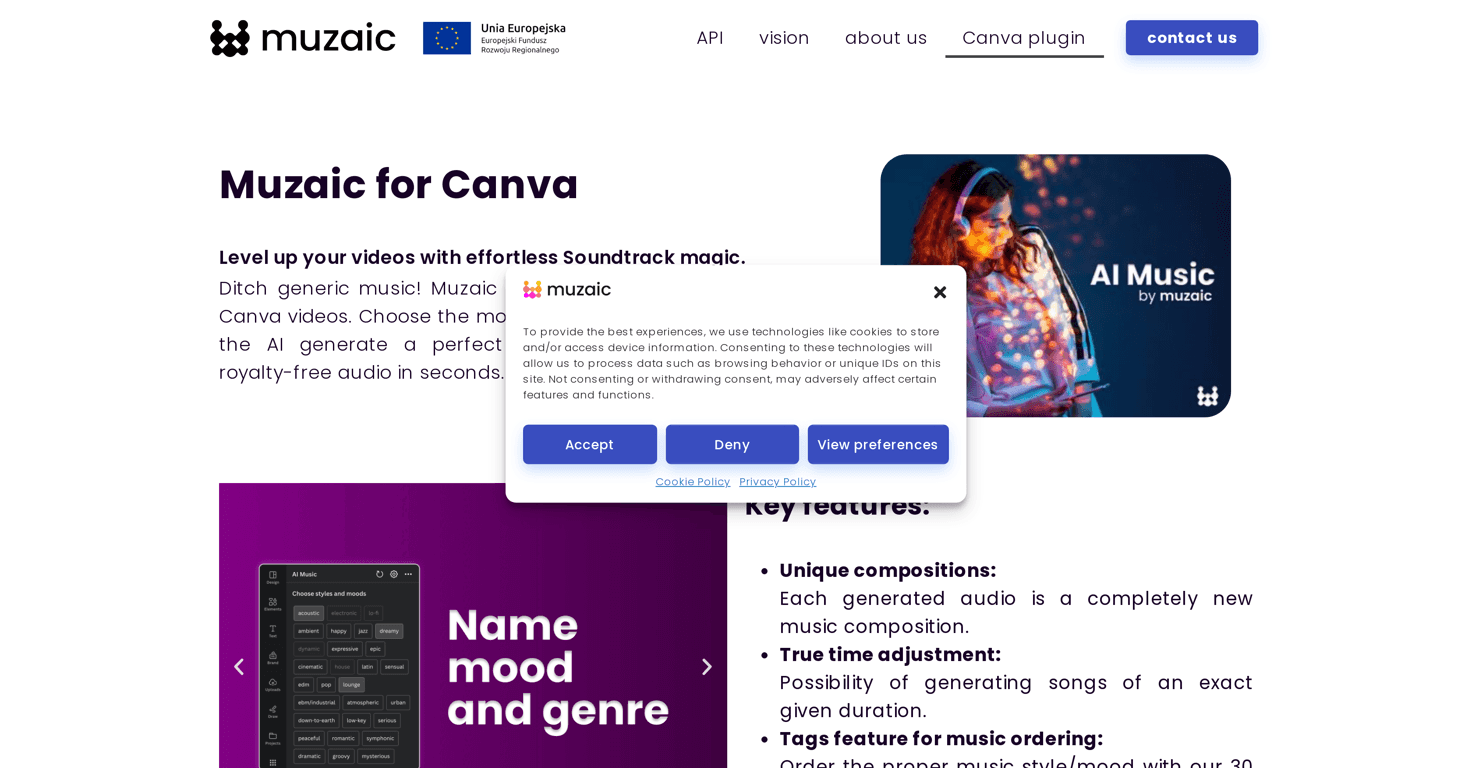
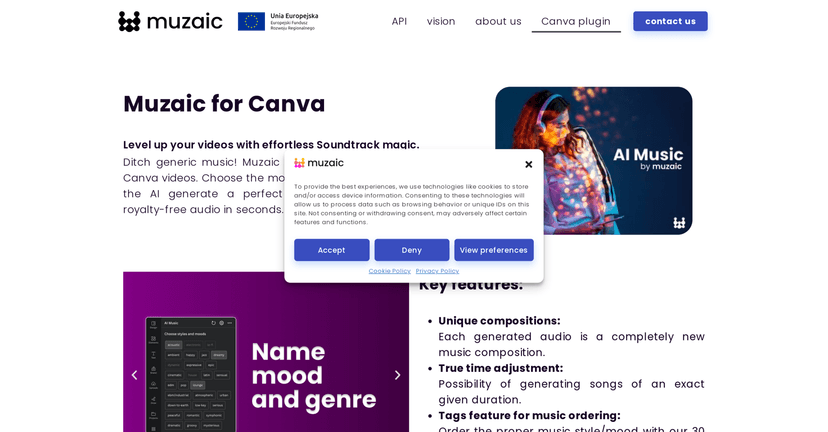
If you’ve ever tried to find “just the right” background music for a video, you already know how annoying it can be. You spend time listening to clips, downloading the ones that almost fit, then realizing the track is too long (or the vibe is wrong). That’s why I was curious about Muzaic for Canva—an AI music generator built to help you create soundtracks without leaving Canva.
In my experience, the best part isn’t just that it generates music. It’s that it’s designed to match your video’s mood and timing. Instead of picking from generic background loops, you can generate audio that’s closer to what you’re imagining. And if you work in Canva a lot, not having to bounce between tools is a big deal.
Muzaic for Canva Review: Does It Actually Help You Get Better Music Faster?
Muzaic for Canva is built for one main job: generating music inside the Canva workflow so you don’t have to hunt for tracks elsewhere. It uses AI to create custom compositions based on the mood and style you’re aiming for. And instead of forcing you to “settle,” it gives you more control over the sound.
From what I noticed, the tagging system is the most practical feature for real projects. You’ve got around 30 exclusive tags that help you narrow down the vibe—things like mood/style categories—so you’re not starting from a blank page every time. If you’re making multiple videos in a week (social content, product promos, YouTube shorts), that kind of structure saves time.
Another thing I care about: timing. Most background music libraries don’t care about your edit timeline. With Muzaic, you can create tracks with precise audio lengths so the music lines up with your video. That means fewer awkward trims and less “why does this beat land so weirdly?” moments.
It also lets you tweak musical dimensions like intensity, tempo, rhythm, tone, and variance. In other words, you can steer the track toward what you want instead of hoping the first result is close enough. Is it perfect every time? No. But it’s definitely more usable than random royalty-free picks.
Key Features
- Unique Compositions: Each audio track is freshly composed, so you’re not downloading the same loop everyone else is using.
- True Time Adjustment: You can generate songs with precise durations, which is great when your video is exactly 15s, 30s, or 60s.
- Tagging System: Organize music by style or mood with around 30 tags, so you can narrow down faster.
- Music Personalization: Adjust key musical dimensions—intensity, tempo, rhythm, tone, and variance—to get closer to your exact vibe.
Pros and Cons
Pros
- Easy to use in Canva: If you already edit in Canva, the workflow feels straightforward. You’re not constantly exporting and re-importing audio.
- Unique, royalty-free music: In practice, the generated tracks feel original enough for typical creator use cases (ads, promos, social videos).
- Good customization controls: The intensity/tempo/tone style adjustments help you refine without starting over completely.
- Solid export quality: The audio exports cleanly for use in video projects. I didn’t run into weird artifacts during playback.
Cons
- Use is tied to Canva projects: If you’re trying to reuse the audio outside Canva (in other editors, for example), this limitation may be a deal-breaker.
- Limited outside the Canva environment: Since it’s designed for Canva, you don’t get the same level of “full DAW” control you’d expect from dedicated music software.
Pricing Plans
Pricing for Muzaic for Canva isn’t clearly listed in the information I have here. In my experience, the fastest way to get the real numbers is to check the official Muzaic website or look inside Canva’s billing/subscription section if it’s bundled there.
Wrap up
Muzaic for Canva is a pretty compelling option if you make videos in Canva and you’re tired of hunting for music that almost fits. The combination of tags, timing control, and the ability to adjust things like intensity and tempo makes it easier to get to a soundtrack that actually matches your edit.
That said, if you need full control over music production or you want to use the audio outside Canva, you’ll likely feel the limitations. But for creator workflows inside Canva? Yeah, it’s worth exploring—especially when you’re trying to publish faster without sacrificing the vibe.



