Table of Contents
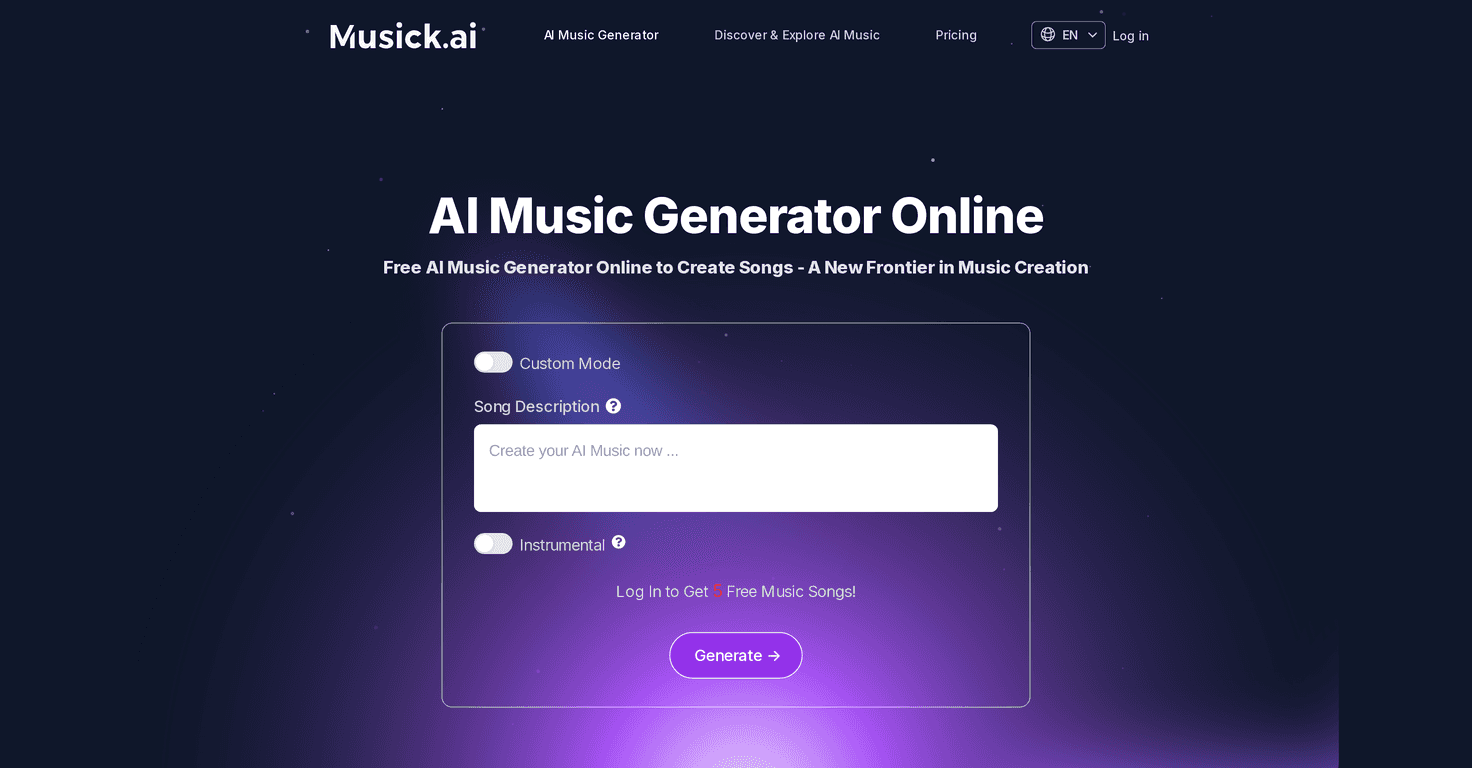
If you’ve ever had a melody stuck in your head and thought, “I wish I could turn this into an actual track,” then you’ll probably get what Musick.ai is trying to do. I tested Musick.ai with a few different prompts (mood + theme, plus a couple genre directions), and it’s honestly one of the easier AI music tools to jump into. The interface is clean, the workflow is simple, and you don’t need to be a producer to get something that sounds like music instead of random noise.
Musick.ai Review
Musick.ai positions itself as an AI music generator that helps you go from an idea to an actual track without getting stuck in complicated settings. When I say “idea,” I mean stuff like a vibe (chill, energetic, cinematic) and a theme (night drive, rainy city, focus mode, celebration). You type that in, pick a direction, and it does the heavy lifting.
What I liked right away is how quick it is to get started. The layout feels built for normal people—no producer-level jargon required. You can experiment with genres like EDM, Classical, Jazz, Pop, and more. And if you don’t have a perfect prompt, that’s fine. I tried a few vague ones first (just “uplifting electronic” and “late-night jazz”), and the results were still usable enough to keep tweaking.
Another thing that stood out: the tool doesn’t just feel like a “one-and-done” generator. There’s a community angle too, and that matters if you want inspiration or want to hear what other people are making. Collaboration features also show up as part of the experience, which is great if you’re working on something with a friend or a small team.
Key Features
- AI Music Generation for personalized compositions
You describe what you want—mood, theme, and sometimes the vibe you’re going for—and Musick.ai generates a track based on it. - Genre variety (EDM, Jazz, Pop, and more)
In my testing, switching genres changed the overall feel fast. Even when my prompt was similar, the direction (like jazz vs. EDM) made the output noticeably different. - Custom Mode for instrumental or lyrical creation
If you’re trying to build something for a video or background music, instrumental output is a big win. If you’re aiming for something with more “song energy,” lyrical options help you move closer to that. - User-friendly interface
I didn’t have to watch tutorials to get results. You can basically prompt → generate → listen → refine. - High-quality output
The tracks I generated sounded more “finished” than some other AI demos I’ve heard—there’s structure, and the instruments don’t feel randomly layered. - Collaborative tools
If you like working with others, you can share or build together rather than only generating solo. - Music Plaza Community
This is where you can discuss ideas, explore what other users are producing, and grab inspiration when you’re stuck.
Pros and Cons
Pros
- Beginner-friendly
You don’t need to know music theory to get something that works. I was able to generate tracks quickly with simple prompts. - Lots of genre options
If you’re exploring styles, Musick.ai gives you enough variety to keep experimenting without feeling boxed in. - Free music generation is available after login
That’s a good way to test whether the sound matches your taste before paying. - Commercial usage rights for generated music
If you’re using music in content or projects, it’s a big deal that the platform supports commercial usage.
Cons
- Subscription costs can add up
If you plan to generate a lot (like dozens of variations), you’ll likely hit limits and move to a paid plan sooner than you expect. - Free plan limitations
From what’s offered, the free tier restricts how many generations/downloads you can do. That’s normal, but it can be annoying when you finally find a prompt that clicks. - Free plan visibility may be public
I don’t always want my experiments public. If privacy matters to you, you’ll want to pay attention to how the free outputs are handled.
Pricing Plans
Musick.ai has three plans:
- Free Plan
Limited access for trying the platform out after you log in. - General Plan — $9.9/month
More generations, so you can iterate without constantly hitting the wall. - Professional Plan — $29.9/month
Unlimited downloads and privacy for your creations, which is the one I’d consider if you’re serious about using the music in real projects.
If you’re just experimenting, the Free Plan makes sense. But if you’re building content consistently (YouTube, TikTok, podcasts, ads), the paid tiers are where the workflow stops feeling constrained.
Wrap up
Musick.ai is a solid option if you want AI-generated music without a steep learning curve. In my experience, the biggest strengths are how quickly you can get results, the genre variety, and how easy it is to refine your prompts. The main downside is the usual one: if you want lots of generations and downloads (and especially if you care about privacy), you’ll probably end up on a subscription.
If you’ve been curious about making tracks from just a mood and a theme, it’s worth checking out Musick.ai and running a few tests. You might be surprised how fast you can go from “idea” to “I can actually use this.”
Promote Musick.ai




