Table of Contents
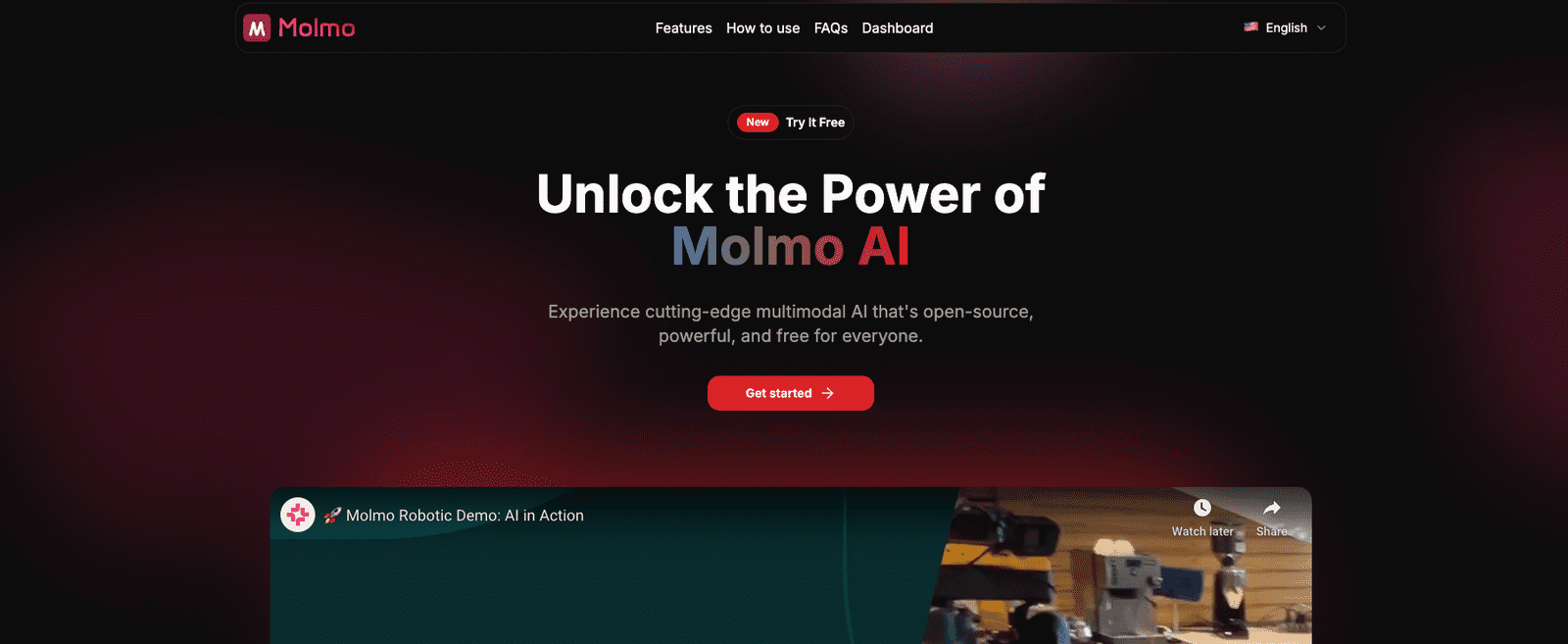
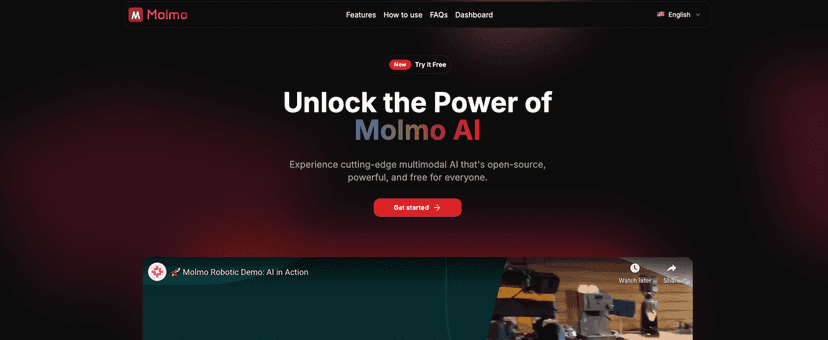
I’ve been keeping an eye on open-source AI models for a while, mostly because I don’t want to be boxed into one vendor or one pricing plan. That’s what pulled me toward Molmo AI. It’s a multimodal, open-source model, which basically means it can work with more than just text—think images alongside prompts.
In my experience, that “multimodal” part is where a lot of models either feel genuinely useful or just demo-friendly. So I wanted to see what Molmo AI is actually like to use: how it handles text + images, how painful (or not) it is to integrate, and whether it can deliver strong results without you needing enterprise-grade hardware.
Molmo AI Review: What I Liked (and What Took Some Work)
Molmo AI’s biggest selling point is that it’s built for multimodal tasks. That means you can give it a prompt and include images (for example: product shots, screenshots, diagrams, or anything visual you want it to reason about). If you’ve ever tried to bolt image understanding onto a text-only workflow, you know how clunky that gets.
What I noticed right away is that Molmo AI feels more “developer-friendly” than some research-only models. It’s not just about the model existing—it’s about being usable in real projects. You’re not stuck treating it like a black box.
Now, I’ll be honest: open-source models still come with a learning curve. If you’ve never worked with multimodal pipelines, you’ll need to spend a bit of time figuring out the basics (input formatting, image preprocessing, and how prompts affect the output). But once you get past that, it’s pretty satisfying. The results can be strong, especially when you’re specific with what you want from the image.
Also, one of the practical reasons I like Molmo AI is the “efficiency” angle. You don’t always need top-tier hardware to get meaningful output. Is it instant on a laptop? Not usually. But it’s not the kind of setup that screams “you need a data center to try this.”
Key Features That Matter in Real Projects
- Multimodal processing (text + images): This is the core feature. It’s built to accept visual inputs alongside prompts, which opens the door to tasks like image captioning, visual Q&A, and document/screenshot understanding.
- Strong performance for its class: In practice, Molmo AI tends to produce outputs that feel comparable to bigger models—especially when the prompt is clear. If you’re vague, you’ll get vague answers. But that’s true for basically every model.
- Efficient resource use: I found it more approachable than many “big model” setups. You can experiment without immediately maxing out your budget or your GPU capacity.
- Easy integration (for developers who don’t want chaos): The model is open-source, which usually means fewer surprises and more flexibility. You can adapt it to your workflow instead of rewriting your app around someone else’s API.
- Customizable behavior: You can tailor how you prompt and structure inputs to fit your use case. And because it’s open-source, you’re not locked out if you want to go deeper later.
- Active community: When you’re working with open-source models, community momentum matters. It helps with troubleshooting, example code, and keeping things moving as the ecosystem evolves.
Pros and Cons (My Honest Take)
Pros
- Open-source transparency: I like being able to inspect what’s going on and understand how the model is used. It also makes it easier to adapt for internal projects.
- Multimodal usefulness: If your project involves images (screenshots, product images, charts, documents), Molmo AI’s multimodal support is a big win.
- Better cost-to-experiment ratio: You don’t have to pay per call just to test ideas. That freedom matters when you’re iterating quickly.
- Flexible for different workflows: From research tinkering to building an app feature, it fits a lot of scenarios.
Cons
- Setup can be technical: If you’re not comfortable with model deployment basics, you’ll likely spend time troubleshooting environment issues, dependencies, and input formatting.
- Prompt sensitivity: Like other multimodal models, it performs best when you’re specific. If you give it a vague instruction (“describe this”), it may describe the obvious and miss what you actually care about.
- Hardware still affects speed: Efficient doesn’t mean “free and instant.” Expect slower responses if you’re running on limited resources.
Pricing Plans: Is Molmo AI Really Free?
Molmo AI is completely free to use, which is honestly one of the biggest reasons it’s getting attention. You can explore it, experiment with multimodal prompts, and build prototypes without worrying about usage charges stacking up.
That said, “free” doesn’t always mean “zero cost” in the real world. If you’re running it locally or deploying it somewhere, you’ll still pay for compute (GPU/hosting). But compared to pay-per-token APIs, the barrier to experimentation is much lower.
If you’re deciding between open-source and a hosted model, here’s the question I’d ask: do you want predictable monthly costs, or do you want to iterate freely and own your setup? For most devs testing ideas, Molmo AI makes a lot of sense.
Wrap Up
After spending time with Molmo AI, I’d summarize it like this: it’s a solid open-source multimodal option that’s genuinely useful for image + text tasks, and it’s approachable enough to experiment with without immediately needing a huge budget. The open-source angle is a real advantage, and the multimodal capability is where it shines.
Just don’t expect it to be effortless if you’re new to model integration. You’ll want to learn the basics and be intentional with prompts. If you do that, you’ll likely end up with a tool you can build on—without feeling locked into someone else’s ecosystem.
Promote Molmo AI




