Table of Contents
If you’ve ever stared at a blank page thinking, “Where do I even start?”—mind mapping can be a lifesaver. I tried Mind Map Wizard specifically because I wanted something simple. No account setup. No clutter. Just a way to turn a messy thought into a visual map I could actually work with.
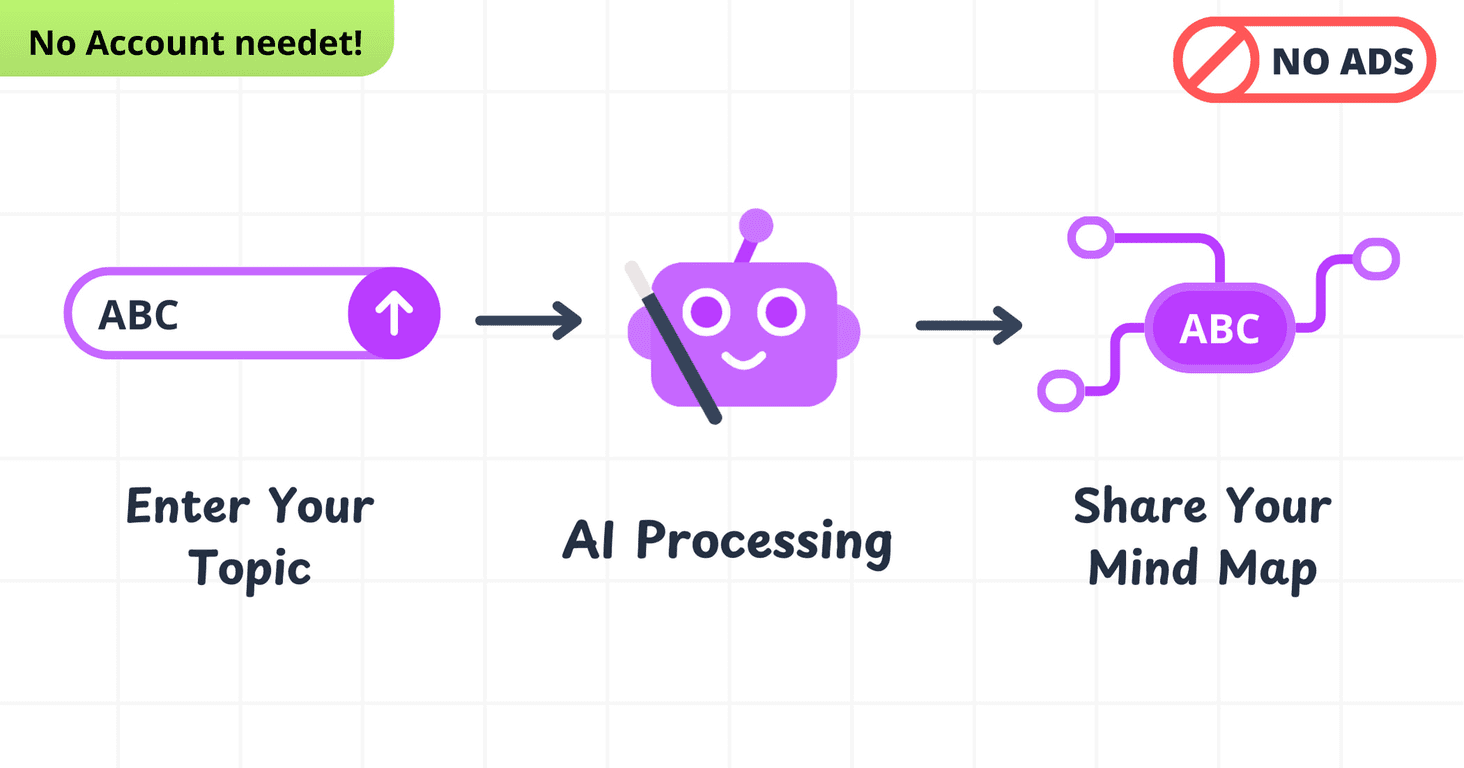
What surprised me most is how quickly it gets you from a topic to something structured. You type in what you’re thinking about, and it generates a mind map right away. That alone makes it feel less like “another app” and more like a quick brainstorming tool you can use immediately.
Mind Map Wizard Review
Here’s the quick vibe: Mind Map Wizard is built for speed and simplicity. When I tested it, I didn’t have to hunt for buttons or figure out where to start. I just entered a topic and got a map back immediately.
For example, I tried “personal finance” as a topic. The map came back with a basic structure right away—enough to spark ideas and help me organize next steps. Is it going to replace a full desktop mind-mapping suite? Probably not. But for brainstorming and outlining, it does the job without making things complicated.
It’s also a nice option if you work in short bursts. You know those days where you need to capture thoughts fast before they disappear? This tool feels designed for that.
Key Features
- AI-powered generation — Put in a topic and it produces a mind map instantly. I noticed the output is structured enough to start editing instead of starting from zero.
- Unlimited mind maps — You can create as many maps as you want. I tested a few different topics back-to-back and didn’t hit any “you’ve used your limit” wall.
- No account needed — No sign-up friction. If you just want to try it, you can. That matters more than people think.
- Ad-free experience — I didn’t get distracted by pop-ups or banner ads while using it, which keeps the focus on the actual brainstorming.
- Sharing — There’s a way to share maps so others can view or work with your ideas. In real life, this is handy for group planning or getting feedback from a teammate.
Pros and Cons
Pros
- Free to use — It’s genuinely $0, and I didn’t run into hidden paywalls during testing.
- Simple interface — It’s easy to understand even if you’ve never used mind mapping before.
- Instant access — No account creation. No “verify your email.” Just start.
- Less distraction — With an ad-free setup, you stay focused on building the map instead of closing tabs.
Cons
- Open-source means limited support — If something breaks or you need advanced help, you may not get the same level of customer support you would from a paid product.
- Mobile can get messy — On a smaller screen, longer maps and dense text can be harder to manage. If you’re mostly on your phone, you might find yourself zooming a lot.
Pricing Plans
Completely Free: $0/month. You get unlimited mind maps, no account requirement, an ad-free experience, and sharing options.
Wrap up
Mind Map Wizard is a solid pick if you want mind mapping without the headache. It’s quick, straightforward, and it actually helps you get from “idea” to “organized structure” fast. That’s what I care about most—especially when I’m brainstorming for writing, planning a project, or trying to sort out goals.
If you want a free tool that doesn’t waste your time, give it a shot. Worst case, you spend a couple minutes testing it and move on. Best case, you’ll end up using it every time your thoughts start piling up.
Promote Mind Map Wizard




