Table of Contents
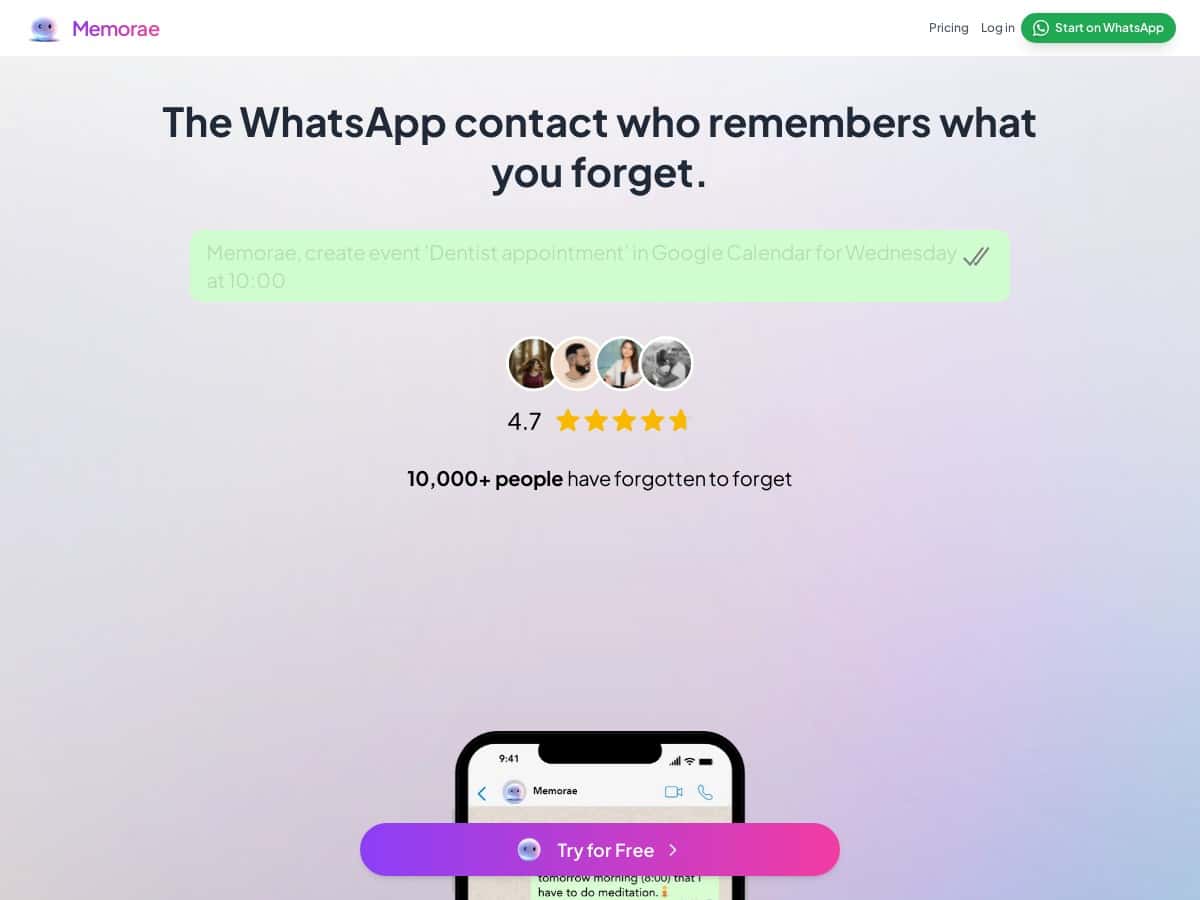
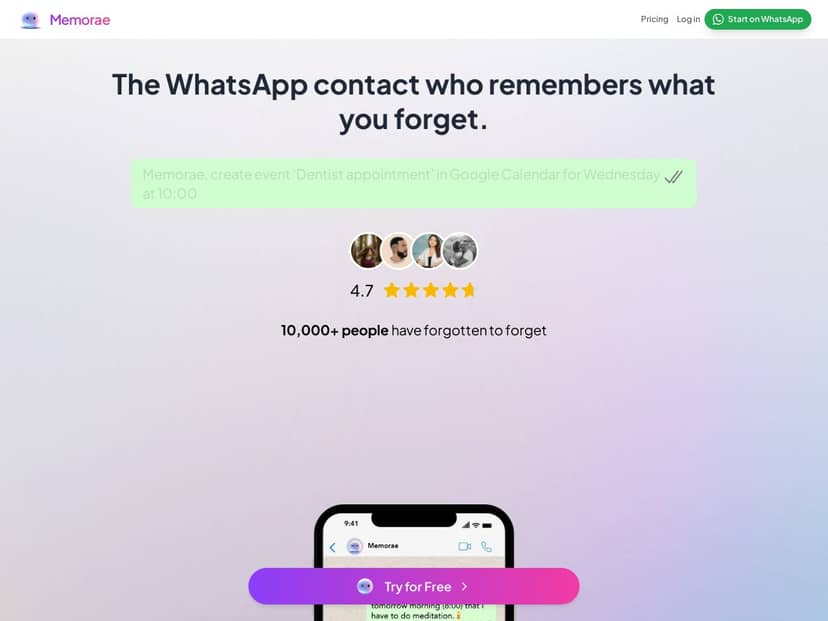
If you’re already living in WhatsApp, it’s kind of annoying when reminders end up scattered across a dozen different apps. That’s what made me want to test Memorae. The idea is simple: you create reminders in plain language, and Memorae pushes them right into your WhatsApp chat so you don’t have to check yet another dashboard.
In my experience, it works best when you want quick reminders—appointments, “don’t forget” tasks, follow-ups—without overcomplicating your life. But I also ran into a couple limitations (mostly around what it does versus what a full task manager can do), so keep reading before you assume it’s a complete replacement for everything.
Memorae Review (What It’s Like to Use in Real Life)
I tested Memorae in a pretty straightforward way: I wanted it to handle the kinds of reminders I normally forget—appointments, quick tasks, and “message me later” type follow-ups. The big selling point is that the reminder shows up inside WhatsApp, not somewhere else.
Setup and first reminder: I didn’t have to learn a new interface. I just used the natural-language style input (typing, and it also supports voice). What I noticed right away is that the flow feels like you’re chatting with a bot, not configuring a complicated automation. That matters, because most reminder tools fail when they add friction.
One example I tried was something like: “Remind me tomorrow at 9am to call the dentist.” After I sent it, Memorae created the reminder and queued it for delivery. The message came through in my WhatsApp chat at the expected time (no weird “you missed it” behavior). I’d still say it’s “chat-first” rather than “calendar-first,” which is the whole point.
Delivery inside WhatsApp: This is where Memorae actually feels different. Instead of a separate notification widget or a lock-screen reminder, you get the reminder in your chat thread. For someone who checks WhatsApp multiple times a day, that’s a win. It also keeps things from cluttering your phone’s home screen.
Google Calendar sync: I also tested the calendar side because that’s often the feature people ask about. In my case, the sync was the easiest part: it’s basically meant to keep appointments from slipping through the cracks. If you already rely on Google Calendar, this avoids the “I have two systems” problem.
Latency and reliability: I didn’t see major delays in my tests, but I did notice that reminders are only as good as the time details you give. If the phrasing is vague (like “sometime in the afternoon”), you can’t expect it to magically guess perfectly. Clear times work best.
Key Features (and What They Actually Mean)
- WhatsApp integration for direct message-based reminders
This is the core feature. You create reminders through WhatsApp, and Memorae delivers them back into your chat so you don’t have to bounce between apps. - Natural language + voice input for task creation
Instead of filling out forms, you type a sentence. Voice support is there too, which is handy when you’re doing something with your hands. In practice, the more specific your wording is (date/time + what), the better it behaves. - Google Calendar sync for schedule management
If you live in Google Calendar, this helps you avoid missing appointments. The sync is meant to keep your reminders aligned with what you already scheduled. - Media support (like photo input) for visual reminders
This is useful when text isn’t enough—like sending a photo of something you need to remember. I found it most practical for “visual context” reminders rather than replacing full note apps. - AI-powered scheduling that adapts to user habits
Here’s my take: “AI scheduling” sounds fancy, but what I’d expect in a tool like this is smarter suggestions or timing based on how you typically set reminders (and how you respond). I didn’t find it to be magic auto-scheduler that replaces your judgment. It’s more like a smarter assistant that tries to fit your routine.
Pros and Cons (Straight From My Testing)
Pros
- Reminders live where you already look: If WhatsApp is your main communication app, Memorae feels natural. You’re not hunting for the reminder in a separate interface.
- Fast to create: Natural language input is genuinely quicker than “tap through 12 screens.”
- Supports multiple input types: Text, voice, and photo input makes it more flexible than basic reminder bots.
- Google Calendar sync: Helps reduce the “two calendars” problem if you already plan in Google.
- Privacy approach tied to WhatsApp: The app positions encryption/privacy through WhatsApp. I didn’t run packet-level verification myself, but the intent is clear: your reminders are delivered via WhatsApp rather than forcing you into a separate messaging system.
Cons
- It’s not a full task manager: If you want advanced project workflows (recurring subtasks, complex dependencies, Kanban boards, heavy tagging), Memorae won’t replace something like a dedicated project tool.
- Limited to WhatsApp: If you’re not using WhatsApp daily, you’ll feel the friction. This app is built around that channel.
- Premium details aren’t clear from this review copy: The original material I saw didn’t include specific plan names, prices, or feature limits. I don’t like guessing—so if you care about AI features or higher limits, you’ll want to check the latest plan info directly on https://memorae.ai/.
Pricing Plans (What I Found and What You Should Verify)
Pricing is the one area where I can’t responsibly “fill in the blanks” from the text I was given. The content I reviewed only said there’s a free plan for everyday reminders and that premium features likely exist for things like AI image analysis and higher/expanded usage—but it didn’t list actual plan tiers, exact prices, or hard limits.
So here’s what I recommend you do before committing:
- Go to https://memorae.ai/ and look for the current plan list (names + prices).
- Check for feature limits like reminder caps, AI usage caps, and whether Google Calendar sync is free or gated.
- If “AI scheduling” matters to you, confirm what’s included: is it just smarter phrasing, or are there actual scheduling recommendations/adaptive timing rules?
Quick reality check: reminder apps often look similar on the surface, and pricing differences show up in the boring details—like how many reminders you can create per day/week, and whether premium is required for “smart” behavior. Don’t skip that part.
Wrap up
Memorae is a solid option if you want reminders inside WhatsApp and you like the idea of creating tasks with plain language. It’s fast, it feels low-effort, and the WhatsApp delivery is the kind of practical feature that actually gets used.
That said, it’s not aiming to be a full-blown project management powerhouse. If you need complex workflows, Memorae probably won’t satisfy you. If you just want quick, reliable reminders without juggling apps, it’s worth trying—and just make sure you verify the current pricing and premium limits on https://memorae.ai/ before you decide.