Table of Contents
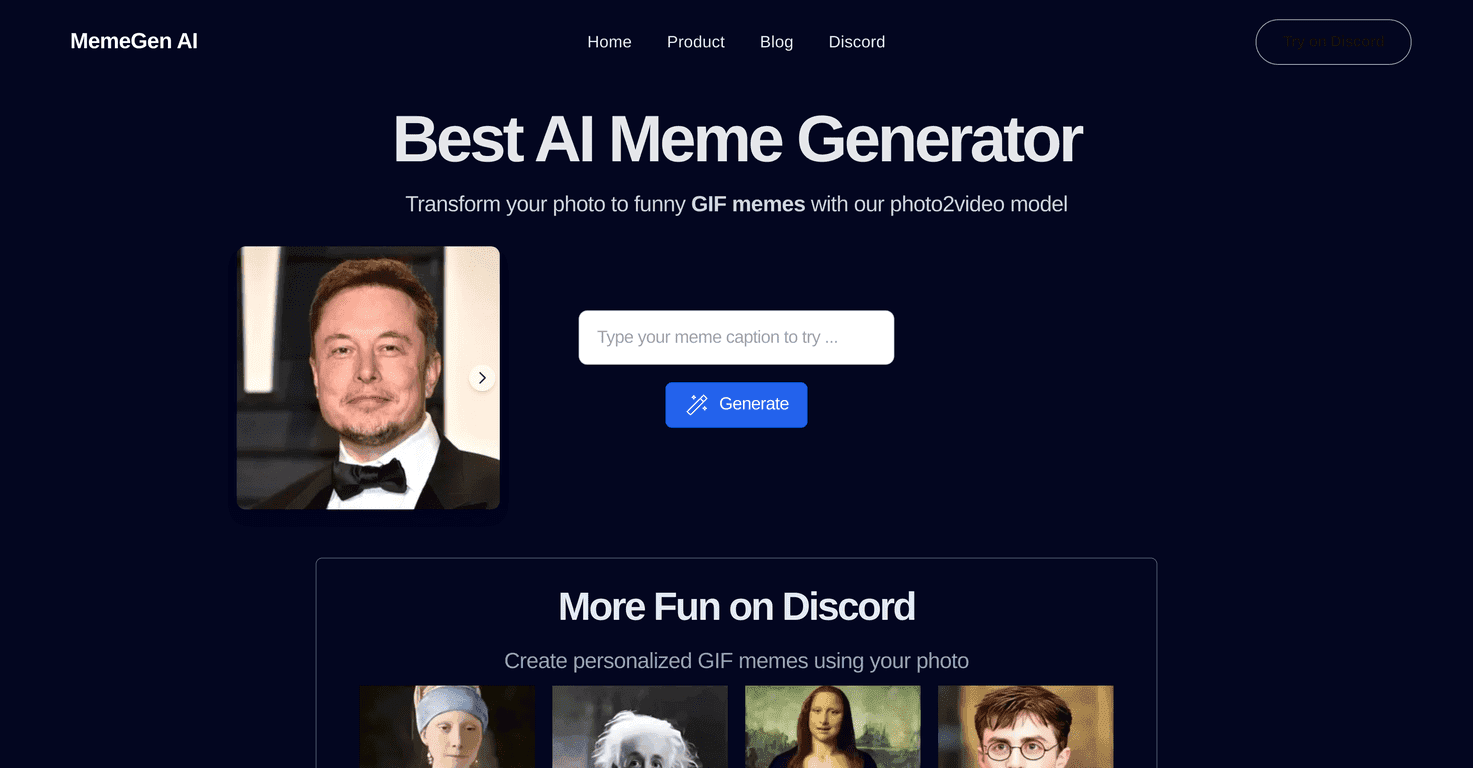
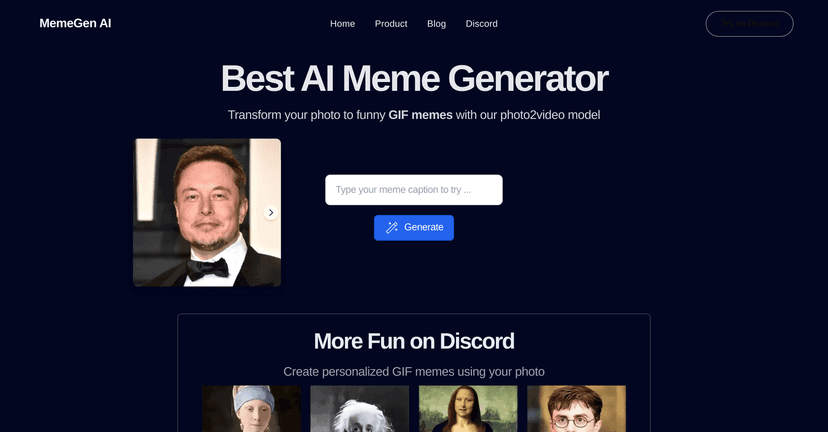
If you’re anything like me, you probably get tired of the same old captions on social posts. Sometimes you just want a GIF meme that says what you mean—fast. That’s where MemeGen AI caught my attention. It’s an AI meme generator that turns your photos into animated GIF-style memes, and the whole thing is built around being quick and easy.
In my experience, the best part isn’t “AI magic” for the sake of it—it’s that you can go from a normal picture to something actually funny in a couple of minutes. You can use it for personal chats, posting on social media, or even making simple brand-friendly memes when you don’t want to spend hours designing. And yes, it does feel pretty beginner-friendly, even if you’ve never made a meme before.
MemeGen AI Review: Is It Actually Good for GIF Meme Making?
Here’s the honest version: I don’t mind tools that are “simple.” I just hate when they’re simple and then disappoint you. With MemeGen AI, what I noticed right away is how focused it is. It’s not trying to be a full-blown editing suite. It’s meant for one job—turning your photo into a GIF meme—and doing that quickly.
When you start, you’re basically working with templates and text/photo inputs. You upload a photo, pick a style/template, and get something you can share. If you’re creating memes for Discord communities, group chats, or quick social posts, that workflow makes sense. Also, because it’s built around GIF-style output, it’s easy to get that “react” energy that static images don’t always hit.
One thing I liked: it feels built for people who don’t want to overthink it. I’ve used meme tools where you have to tweak everything manually just to get decent results. This one is more “choose, generate, share.” That’s exactly what I want when I’m trying to be funny on a deadline.
Key Features I’d Use (and What They Mean in Practice)
- Photo to GIF meme transformation
- Upload a photo and get an animated meme result. In practice, this is the core feature you’re paying attention to. If you already have a good picture (a selfie, a screenshot, a funny moment), you’re halfway there.
- Free to use on Discord
- For me, Discord is where memes live. If you’re already active there, having MemeGen AI inside that environment makes it more convenient than jumping between separate sites/apps.
- Customizable templates for personal or brand use
- Templates are what keep the results consistent. If you’re making memes for friends, you can go casual. If you’re trying to keep things on-brand, you can stick to cleaner styles and more recognizable formats.
- User-friendly interface for quick meme generation
- This matters more than people think. If it takes too long to figure out, you won’t use it. I found the flow straightforward enough that I didn’t feel stuck after the first try.
- Community engagement tools tailored to trends
- This is the “why it feels current” part. Meme culture moves fast, and having trend-aware options makes it easier to post something that doesn’t feel outdated the second you hit send.
Pros and Cons (What’s Great, What Could Be Better)
Pros
- Accessible and free on Discord
- If you’re a Discord user, the barrier to entry is basically zero. That’s a big win for casual meme makers.
- Engaging experience built around sharing
- It doesn’t feel like “work.” It feels like making something you can send immediately.
- Personalized meme options
- Using your own photo gives you more ownership than generic meme generators. It’s easier to make something that actually looks like you (or your inside joke).
- Helps with brand recognition and emotional connection
- If you’re using it for marketing, memes can humanize a brand. You’re not just posting updates—you’re posting something people react to.
Cons
- Free plan is limited to Discord
- This is the biggest limitation. If you want to generate memes outside Discord, you’ll have to look elsewhere or pay for options that aren’t clearly listed here.
- Requires photo uploads
- Some people don’t want to upload images for meme tools (fair). Also, if you only have text ideas and no good photo, you might feel stuck.
Pricing Plans: What Does It Cost in 2026?
Based on the info available, MemeGen AI is completely free to use on Discord. That means you can test the core meme-making features without paying anything upfront.
As for premium tiers: the details aren’t clearly provided in the information I reviewed. So if you’re hoping for “pro” features (extra templates, higher output quality, or exporting options), I’d treat that as unknown until you check directly inside the platform.
Quick Tips Before You Generate Your First Meme
- Use photos with clear faces or strong subjects. If the subject is blurry, the result usually won’t look as crisp.
- Keep your templates in mind. If you’re posting in a specific community, pick a style that matches the vibe there.
- Make one “safe” meme first. Then experiment. I’ve found that starting with a simple template saves time because you learn what the generator responds to best.
Wrap up
If you want an easy GIF meme generator and you’re already on Discord, MemeGen AI is worth trying. The workflow is fast, the templates make it simple to get results, and using your own photos gives you more personal (and shareable) output. Just don’t expect it to be a full cross-platform editor, and keep in mind you’ll need photo uploads to get the best results.
Honestly? If your goal is quick laughs and memes you can send right away, this one fits the job.
Promote MemeGen AI



