Table of Contents
If you’ve ever stared at a blank performance review box and thought, “How am I supposed to summarize all of this in a way that sounds… human?” then yeah—you're not alone. I’ve had weeks where I was juggling deadlines, meetings, and Slack pings, and the review just kept getting pushed back.
That’s why I decided to test Max Review. The pitch is simple: it helps you write performance reviews and self-assessments faster using AI, then lets you edit it so it actually sounds like you. After using it for a few rounds, I can tell you what worked, what didn’t, and where it might save you real time.
Max Review Review
Max Review Review
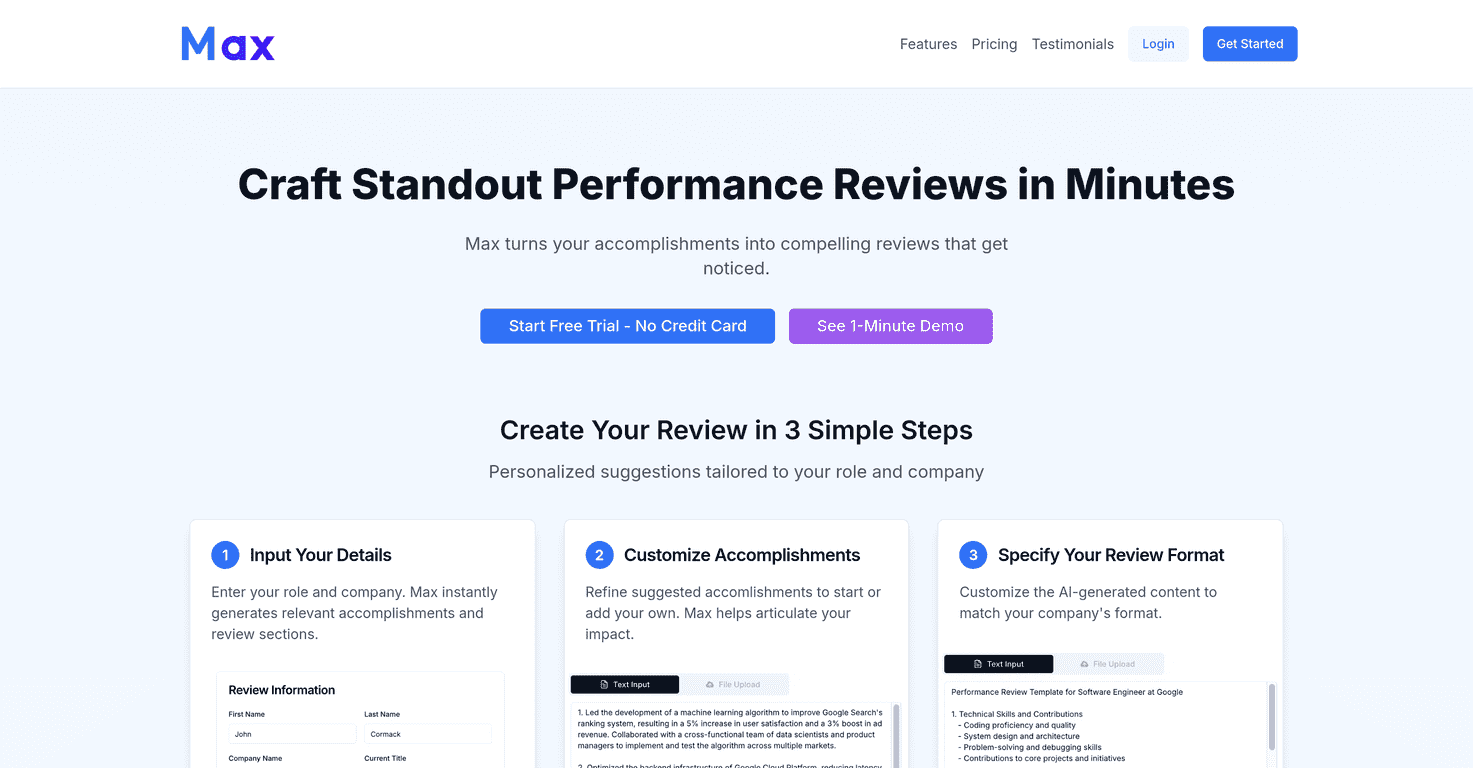
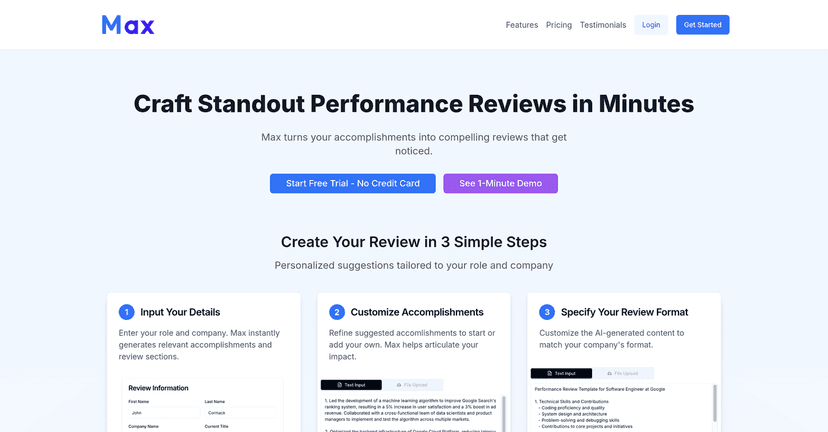
Max is built for people who need to write performance reviews (and self-assessments) but don’t have hours to craft every paragraph. In my experience, the biggest win is that it starts you from something solid instead of a blank page. You pick details about your role and company context, and it generates a draft you can actually work with.
What I liked right away: the interface is straightforward. You don’t feel like you’re fighting the tool. I was able to paste in my notes, tweak the wording, and then shape the final output so it matched how my team expects things to be written. If your company wants a certain tone—more formal, more metrics-heavy, more “impact” focused—Max gives you enough flexibility to adjust.
Now, let me be honest: AI drafts still need your brain. If you don’t feed it specifics (projects, outcomes, numbers, even rough timelines), the output can end up sounding generic. But when you provide a few key bullets, it does a pretty good job turning them into readable review language.
Quick example of what I mean
Instead of only saying “helped improve onboarding,” I added details like: reduced time-to-first-value, partnered with product to update documentation, and supported 3 new hires through their first week. The resulting draft came out much more concrete and easier to submit without rewriting everything from scratch.
Key Features
Here’s what Max focuses on, and why it matters when you’re actually writing reviews:
- AI-Powered Review Generation: It creates tailored performance review text based on your role and company context.
- Customization Options: You can refine what you put in so your achievements come through clearly—not just as “responsibilities,” but as outcomes.
- User-Friendly Interface: Editing is easy. You’re not stuck with a “generate and pray” workflow.
- Flexible Review Format: You can adapt the generated content to fit your organization’s style. (In my case, I needed it to sound more structured and less like a blog post.)
- Support & Resources: There’s email support and an introductory demo for new users, which helps if you’re not sure what inputs to provide.
Key Features
Max is at its best when you treat it like a drafting assistant. Don’t just dump your job title and hope for the best. What I found works is a “bullet-first” approach:
- Start with 5–8 bullets from your last review period (projects, wins, lessons learned).
- Add at least 2 metrics if you can (time saved, conversion rate, tickets closed, cost reduction, cycle time improvements).
- Include one growth area (something you improved and something you’re working on next).
Then let Max turn that into paragraphs that sound like a professional review. The tool’s value isn’t that it magically knows your work—it’s that it helps you translate your work into the format managers expect.
Also, I appreciated that I could iterate. I generated a draft, adjusted a few sections, and re-generated parts to better match my tone. That back-and-forth made it feel less robotic and more like something I’d actually write.
Pros and Cons
Pros
- It saves time: I didn’t have to start from scratch, and I finished my first draft faster than usual.
- Better structure than a blank page: The generated reviews tend to be easier to scan and follow.
- Personalization when you provide inputs: If you feed it specifics, the output reads more like your work and less like generic “team player” fluff.
- Risk-free trial: The fact you can start without a credit card is a big deal if you’re testing tools.
Cons
- Monthly subscription might feel tight if you only write reviews once or twice a year. If you don’t plan to use it repeatedly, it may not justify the cost.
- AI still needs editing: You’ll probably want to tweak wording, tighten claims, and make sure you’re not overstating impact.
- Not everyone will love the style: Some people (including me sometimes) prefer a more human voice. If your company expects very specific phrasing, you may end up rewriting more than you’d like.
Pricing Plans
Max keeps pricing pretty straightforward:
- Monthly Plan: $15/month
Includes 5 AI-powered reviews, AI-assisted editing, email support, and you can cancel any time. - Enterprise Plan
Custom pricing for teams (contact them). Typically includes everything in the monthly plan plus collaboration features and dedicated support.
If you’re using it for multiple team members or you know you’ll write several reviews in a year, the enterprise option might be worth exploring. If it’s just for one person, I’d do the math based on how many review drafts you actually expect to generate.
Wrap up
After using Max Review, I’d call it a practical tool for anyone who needs performance review drafts faster without sacrificing quality. It doesn’t remove the need for your input—but it does make the first draft way less painful. If you’re willing to provide real bullets (projects, outcomes, metrics), Max can turn that into something you’ll be proud to submit.
Promote Max Review




