Table of Contents
Document management sounds simple until you’re actually living in it. One week you’re hunting down an old contract. The next, you’re trying to compare changes across five PDFs and wondering why your “final_final_v3” file is somehow missing. That’s where I started paying attention to MagicDocs.
I tested MagicDocs with a mix of client docs—PDFs, scanned-style files, and a few longer reports—and what I liked right away was how quickly it helps you get to the point. Instead of staring at paragraphs, it pushes you toward organizing, summarizing, and pulling out key details so you can actually move on with your day.
MagicDocs Review: What It’s Like to Use for Real Document Chaos
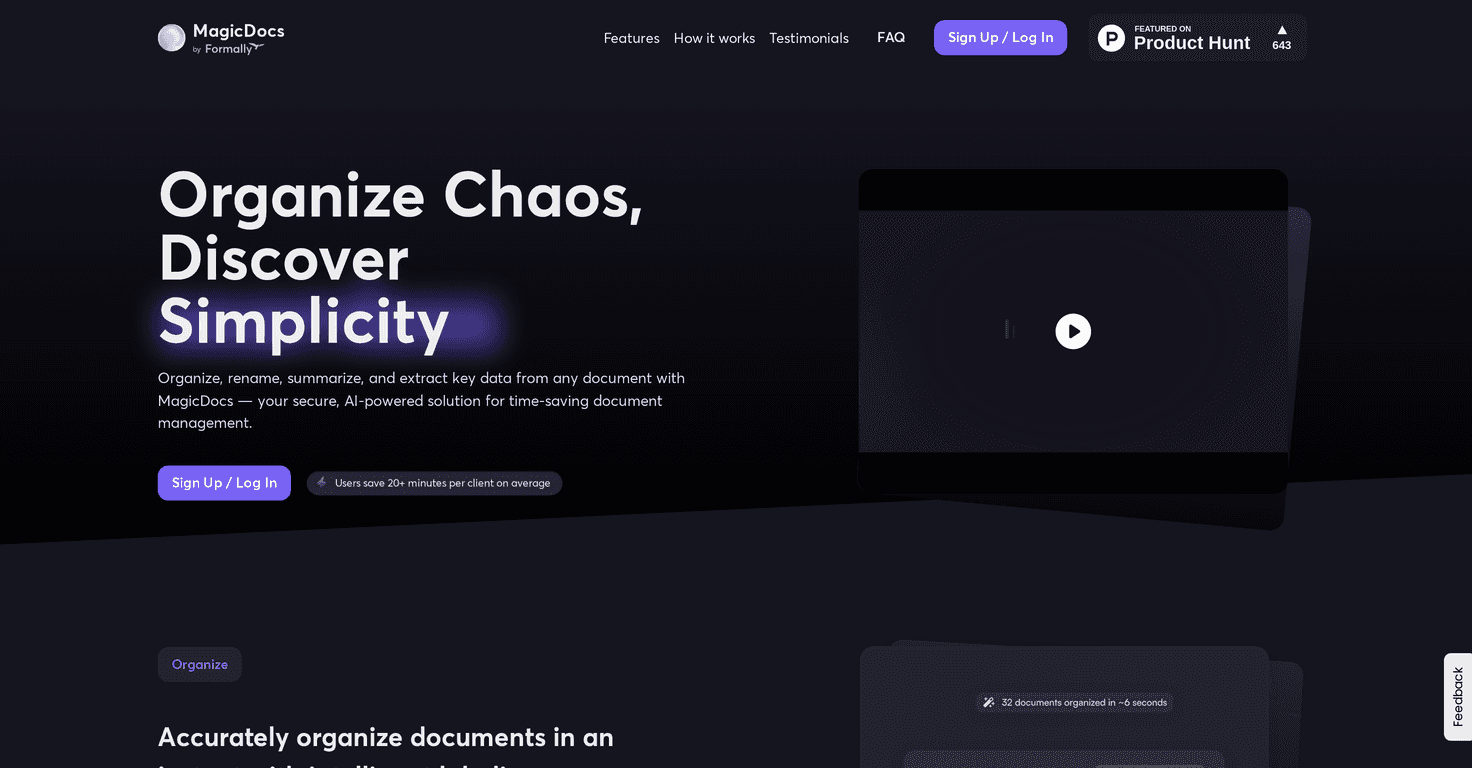
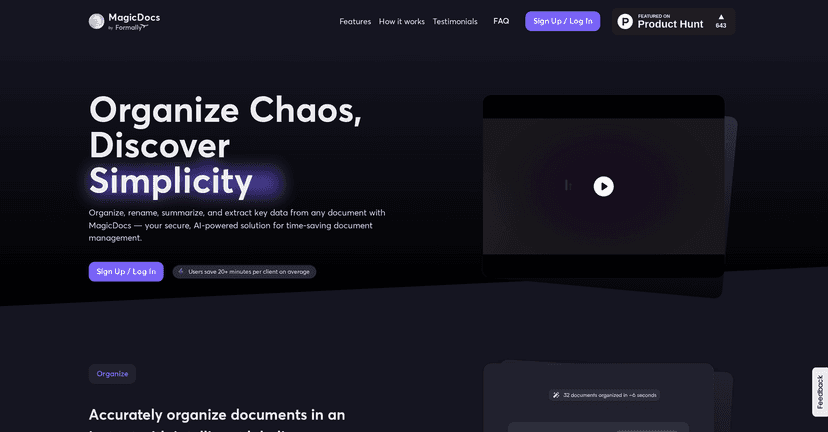
MagicDocs is built for the stuff that usually eats your time: organizing messy files, summarizing long documents, and extracting the details you actually need. If you’ve ever had to read ten pages just to find one clause, you’ll understand why this matters.
In my experience, the biggest win isn’t “AI magic” in the abstract—it’s speed. I uploaded a few lengthy documents and got summaries quickly enough that I didn’t lose momentum. Instead of treating every file like a full read-through, I could skim the summary, then jump straight to the sections that mattered.
It also supports real-time collaboration, which is important if you’re working with a team. When multiple people are involved, document management isn’t just about storage—it’s about coordination. MagicDocs helps keep everyone aligned without everyone having to read the same 30-page PDF from scratch.
And yes, security is a big part of the pitch. I can’t verify every security claim from a review alone, but the product positioning makes it clear they’re thinking about protecting client data while you work.
Key Features That Actually Matter
- AI-driven document organization to reduce duplicate work and keep files more consistent (especially helpful when different people name files differently).
- Instant summaries for long documents so you can scan the “what” before you dig into the “why.”
- Real-time collaboration for teams—useful when you’re reviewing the same doc and need quick handoffs.
- Enterprise-level security aimed at protecting sensitive client information.
What I noticed about the summaries
Summaries are where most document tools either shine or disappoint. What stood out to me with MagicDocs is that the summaries are designed to be actionable. I wasn’t just getting a vague overview—I could usually tell what sections were worth checking next.
That said, if a document is poorly formatted or heavily scanned, you may need to double-check the extracted details. I’ve seen this pattern across AI document tools: the cleaner the source, the better the output.
Using it for faster client workflows
Here’s how this plays out in a realistic workflow. Let’s say you have a client document that includes timelines, obligations, and a few “must-know” terms. Instead of reading every page, you can:
- Generate a summary to understand the overall structure.
- Use extraction to locate key details quickly.
- Collaborate with your team so someone else can review the exact sections you flag.
That’s the difference between “we’ll handle it later” and actually getting it done today.
Pros and Cons (The Honest Version)
Pros
- Saves time: the product claims users can save 20+ minutes per client, and I can see why—summaries and extraction reduce the number of times you have to hunt through pages.
- Fewer mistakes: they mention a 145% reduction in document errors. I can’t guarantee that number for every team, but less manual copying and fewer “where is that clause?” moments usually does improve accuracy.
- Easy to pick up: the interface feels approachable, even if you’re not super technical.
- Security focus: it’s clearly positioned for sensitive documents, which matters if you work with client data.
Cons
- Internet required for full AI functionality: if you’re offline or your connection is shaky, you won’t get the full experience.
- Learning curve for new users: not huge, but there’s still a “how do I want my documents organized?” phase where you’ll want to experiment.
- Document format limitations: some formats may not work as smoothly as others. If you’re dealing with lots of unusual layouts, test with a couple of samples first.
Pricing Plans: What I Found (and What’s Missing)
Here’s the tricky part: specific pricing information isn’t clearly listed on the site I reviewed. Instead, it looks like you’ll need to register to get pricing details. That usually suggests a subscription model (potentially based on usage, team size, or document volume).
If you’re comparing tools, I’d recommend reaching out or signing up just long enough to confirm:
- Whether pricing scales by number of users or documents
- How summaries/extractions are counted (per file, per page, per request, etc.)
- What formats are fully supported
It’s not a dealbreaker, but it does mean you’ll want to verify costs early so you don’t get surprised later.
Wrap-up: Should You Try MagicDocs?
If your document workflow feels slow, messy, or overly manual, MagicDocs is worth a look. The combination of organizing, summarizing, and extracting key information is exactly what I want from a document tool—especially when I’m working with client files that need to be handled quickly and accurately.
Just keep expectations realistic. AI summaries are great, but they work best when the source documents are clear. And if you’re expecting fully offline functionality, you’ll probably be disappointed.
Overall, MagicDocs feels like the kind of tool that helps you regain control—fewer document hunts, faster reviews, and less time spent reading the same thing twice.
Promote MagicDocs