Table of Contents
If you’re trying to post on TikTok or YouTube Shorts consistently, you already know the annoying part: coming up with ideas, editing clips, finding music, and exporting everything takes way more time than people expect. I’ve had weeks where I could either “make the video” or “keep up with messages and comments”… and that’s not a great trade-off.
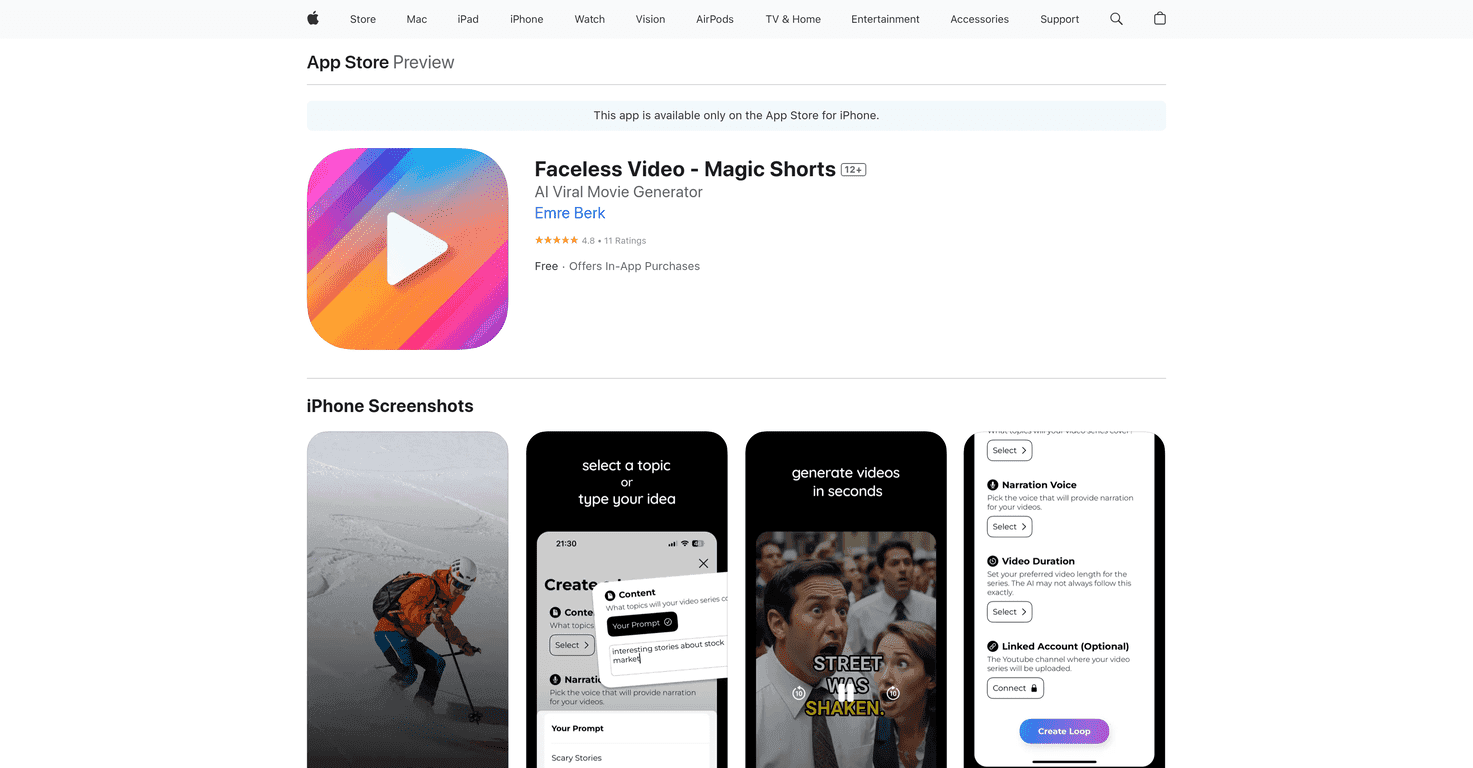
This is where Magic Shorts caught my attention. It’s an AI video creation app built for short-form content, and the big appeal is that it’s faceless. No filming yourself. No worrying about lighting, angles, or whether you look “on brand” in every clip.
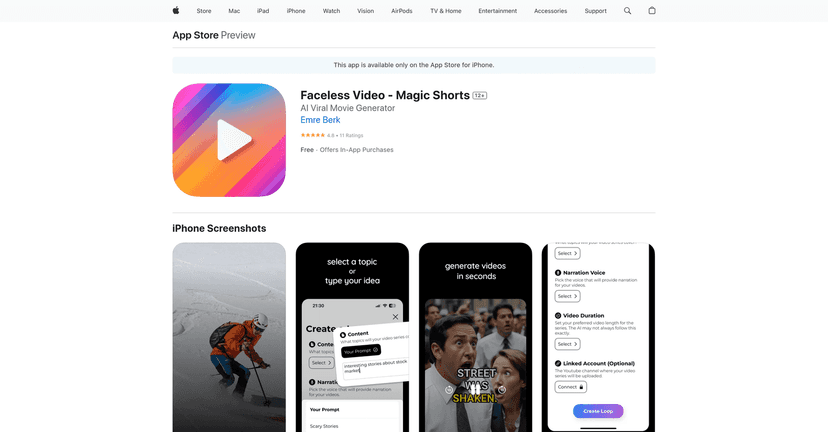
What I liked right away is that it doesn’t just throw you into a blank editor. You can pick a niche and generate content based on that, or you can go the prompt route if you want more control. And yes—this matters, because “random” content usually doesn’t perform. You want repeatable themes that match what your audience actually follows you for.
There’s also an automation angle. Instead of treating posting like a daily chore, you can set up a schedule and let the app handle the routine side. You still need to review what it makes (more on that later), but you’re not starting from zero every single time.
Magic Shorts Review
Here’s the simplest way I can describe Magic Shorts: it’s designed to help you publish short, faceless videos faster than you could with a traditional editor. If you’ve ever tried to keep a content calendar while also doing everything else in your life, you’ll get why that’s appealing.
In my experience, the best use case is when you already know your niche and you want to build consistency. For example, if you’re posting about fitness tips, personal finance, AI tools, or local business updates, you can generate content around that theme instead of starting from scratch each time.
And because it’s faceless, it’s easier to stay private. You don’t have to worry about filming, being camera-ready, or getting stuck because you don’t feel like showing up on camera that day.
One thing I always do with tools like this: I treat the first few videos as “drafts.” Even if the AI does most of the work, I still skim for things like:
- Whether the hook text actually matches the topic
- If the pacing feels right for Shorts/TikTok (fast enough to keep attention)
- Whether the visuals look consistent with your niche
- Whether the captions/wording sounds natural (not robotic)
When those pieces line up, you can churn out a lot more posts without burning out. When they don’t, you’ll want to tweak prompts or regenerate until it feels right.
Key Features
- AI-Generated Videos with no need to show your face
You can publish without filming yourself. That alone saves a ton of time and stress. - Choose Your Niche or create custom prompts
If you want direction, pick a niche. If you want control, write prompts and steer the content more closely to what you’re trying to say. - Automate Your Channel for effortless posting
Set up a schedule so you’re not manually posting every day. This is the part that really helps when you’re busy. - High-Quality Content that drives traffic
The output tends to be designed for short-form engagement—meaning it’s built to fit the “quick hook, quick payoff” style. - Effortless Growth while you focus on content
Instead of spending hours editing, you can spend more time on strategy: what to post next, what angle to test, and how to respond to comments.
Pros and Cons
Pros
- Saves time by automating a big chunk of video creation, especially if you’re posting frequently.
- Faceless content is a real win for privacy and convenience. It also removes the “I don’t want to film today” problem.
- Good starting point for engagement—the videos are made for TikTok/Shorts formatting, so you’re not fighting the platform style.
Cons
- Premium features can feel limited depending on what you expect from the subscription. If you’re looking for a fully customizable studio, you might find some boundaries.
- The free version is pretty restricted. You’ll likely need the paid plan if you want to publish at any serious volume.
Quick reality check: AI videos are only “set it and forget it” if you’re okay with some variation in quality. I didn’t expect every single output to be perfect—so I recommend treating it like a production pipeline, not a magic button.
Pricing Plans
Magic Shorts includes a Free Version with basic functionality. If you want access to enhanced features, the Premium subscription starts at $19.99 per month.
One important detail: the subscription auto-renews. So after you purchase, make sure you manage it through the iTunes Store settings so you’re not surprised later.
If you’re on the fence, I’d do this: try the free version long enough to see whether the niche outputs match your style. If the results consistently fit what your audience expects, then the monthly cost usually makes more sense.
Wrap up
Magic Shorts is a solid option if your goal is to post more short-form videos without spending your whole day editing. I like that it’s faceless, it supports niche-based content, and the automation helps you stay consistent—even when life gets busy.
Just don’t expect every video to land perfectly on the first try. In my experience, you’ll get better results when you review outputs and adjust prompts based on what’s working. If that sounds like your style, this app can definitely earn its keep.
Promote Magic Shorts



