Table of Contents
Have you ever stared at a blank page and thought, “Okay… but what do I actually write?” Yeah, me too. Lyrics are weird like that. Sometimes you’ve got the melody, you’ve got the vibe, but the words just won’t show up.
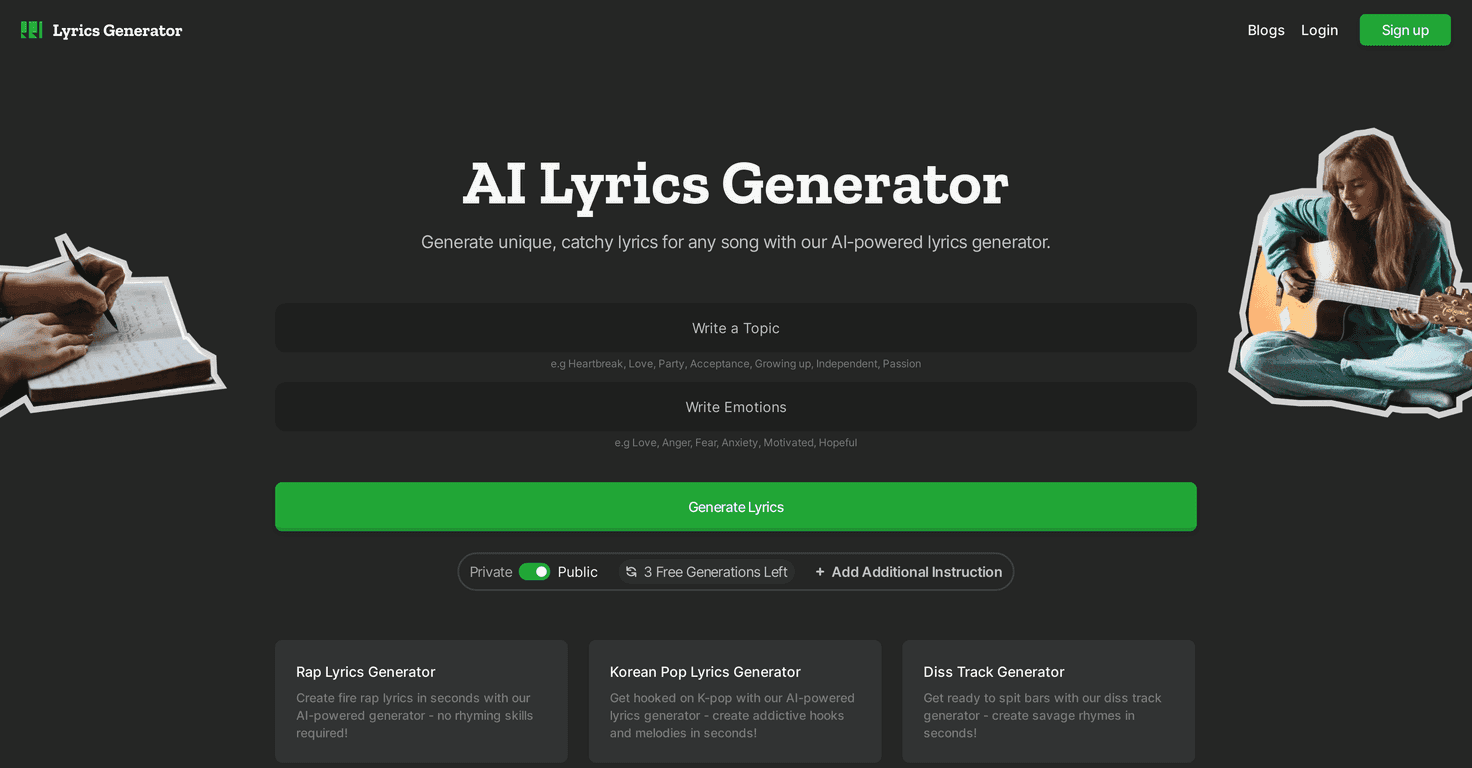
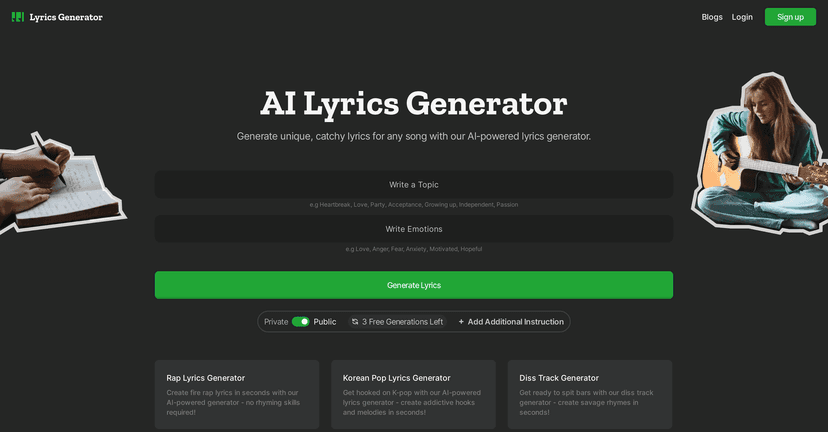
That’s exactly why I tried the Lyrics Generator. It’s an AI-driven tool that helps you turn a theme or a few rough ideas into full lyric drafts. You don’t need to be a “real songwriter” or have perfect rhymes ready to go. You just give it something to work with, and it starts generating lines you can actually build on.
Lyrics Generator Review
The basic idea is simple: you type in a prompt—like a mood, theme, or story—and it generates lyrics you can use as a starting point. In my experience, it works best when you’re specific. “Love song” is broad. “Late-night love, city lights, missing someone who moved away” gives it something to latch onto.
What I noticed right away is that it doesn’t just spit out random lines. It tries to keep a thread. When I fed it a prompt about heartbreak and “driving home in the rain,” the output leaned into that imagery instead of jumping around. Still, if you give it vague instructions, the lyrics can feel a bit generic—like it found the vibe but not your exact angle.
Also: it’s fast. Like, “I can generate a few variations before my coffee gets cold” fast. That’s huge when you’re stuck. You’re not committing to anything yet—you’re collecting options.
Key Features
- Generate lyrics from prompts: You provide a theme, mood, or idea, and it creates lyric drafts based on that input.
- Quick variations: Instead of one “final” result, you can keep iterating until something clicks. In practice, this is great for finding a hook or chorus direction.
- Beginner-friendly flow: You don’t need to know songwriting rules to get started. You can treat it like a brainstorming partner.
- Multiple skill levels: Beginners can get a starting draft, while more experienced writers can edit, tighten, and reshape the lines into something more personal.
Pros and Cons
Pros
- Great for writer’s block: When you don’t know where to begin, it gives you something to work with immediately.
- Catchy lines are easier to find: I noticed it often produces phrases that sound like they could be sung, not just read on a page.
- Prompt sensitivity helps: If you tweak your input (mood, setting, storyline), the output changes in a noticeable way.
- Useful for experimentation: Want to try a different perspective—first-person vs. third-person? Feed it a new prompt and see what you get.
Cons
- Personal touch is limited: It can mimic emotion, but it won’t automatically know your exact experience, memories, or voice. You’ll still want to edit.
- Quality can swing with the prompt: If your prompt is too short or too general, the lyrics may come out a little flat or overly “generic pop.”
- Not ideal for deep, specific storytelling: If you’re aiming for lyrics that feel painfully real (the kind fans quote because it’s your life), you’ll likely need to rewrite parts manually.
Pricing Plans
I didn’t see pricing details included in the content I was given, and I don’t want to guess. What I recommend is checking the official website for the latest subscription options, since tools like this sometimes change plans, limits, or free tiers.
If you’re testing it, I’d also suggest starting with a couple prompts and evaluating output quality first—then decide if the cost is worth it for your workflow.
Wrap up
The Lyrics Generator is a solid option when you want momentum. It’s not going to replace your own writing voice, but it can get you unstuck fast and give you usable drafts you can refine. If you’re the kind of person who likes to remix ideas—change a line here, rewrite a chorus there—this tool fits that style really well.
Try it with a specific prompt (setting + emotion + what the narrator wants), and you’ll usually get better results than going broad. And honestly? Even when the first draft isn’t perfect, it often sparks a direction you can build on.


