Table of Contents
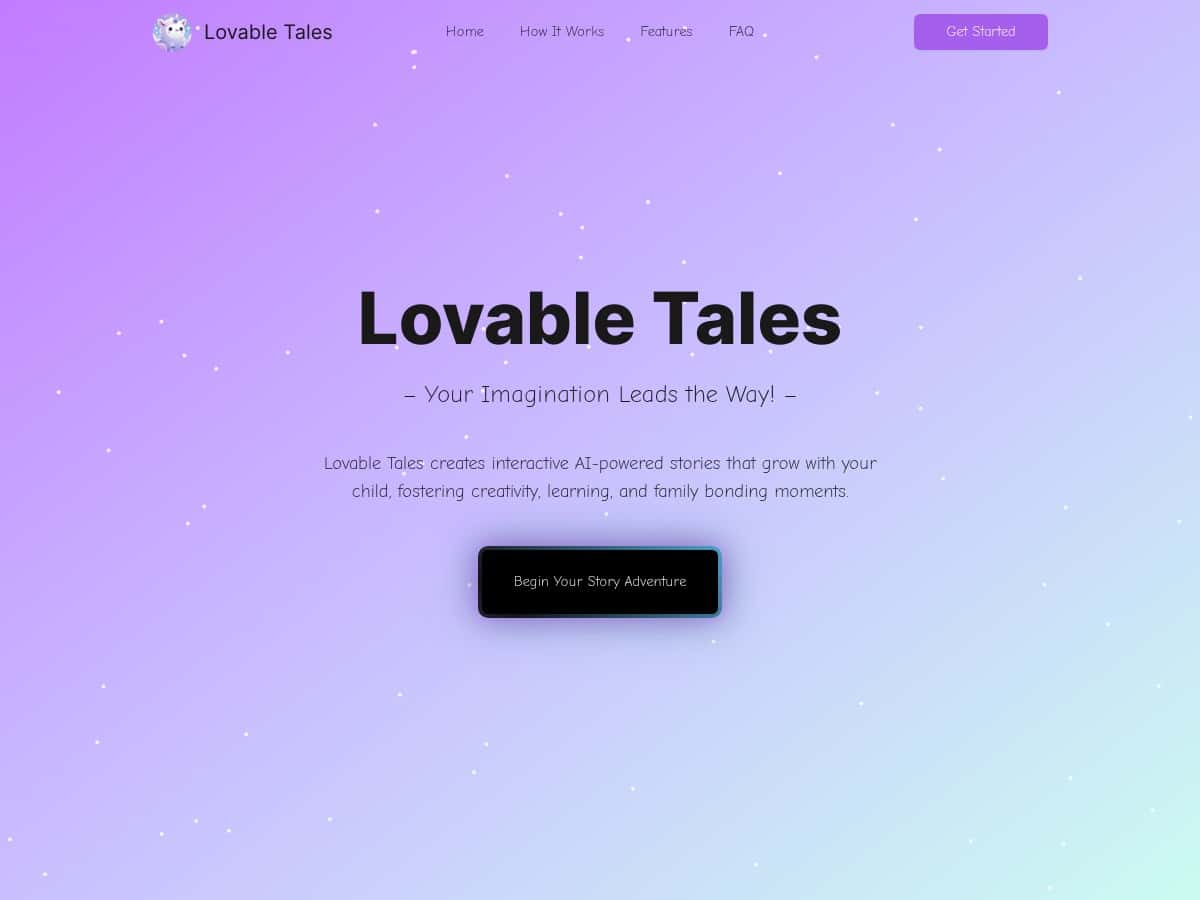
I’ve tested a handful of “story apps” with my kid, and most of them either turn into a glorified slideshow or feel more like an ad than an activity. Lovable Tales is different enough that I kept coming back to it. Here’s what happened when I tried it with my 7-year-old (and what I’d do again vs. what I’d skip).
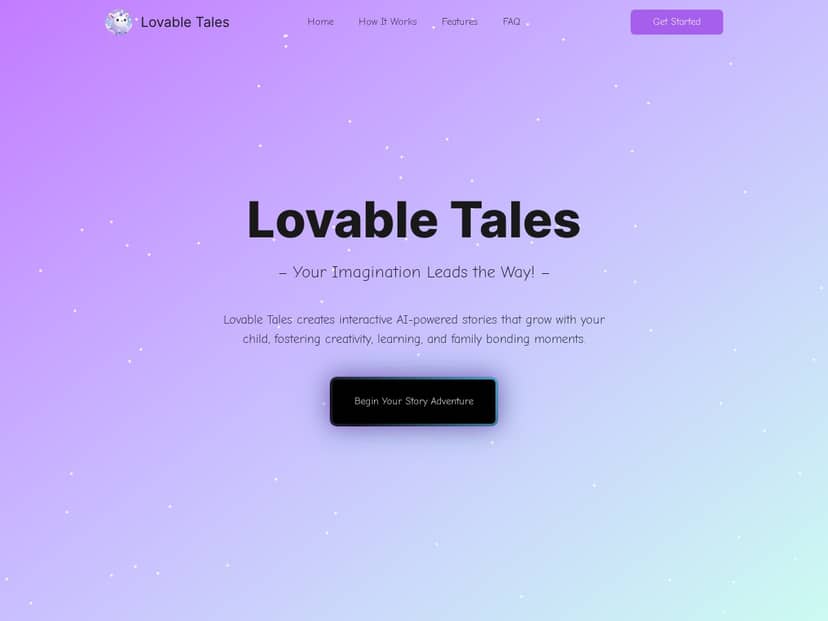
Quick context on my test: I used it on a tablet (Wi‑Fi on, no VPN), created an account, and then made separate stories with my kid taking the lead. We did setup first, then made 4 complete stories over about 45 minutes total. Each story included a few “choice” moments where my child selected what the character should do next and watched the plot respond immediately.
So did it live up to the hype? Mostly yes. The big win is how interactive it feels—my kid wasn’t just listening, she was steering. And when the story changed based on choices, it actually pulled her attention back in when she started to drift. That’s rare.
Lovable Tales Review
Let me start with the part that surprised me: the choices actually mattered. In our first story, I picked a “space explorer” vibe and my kid chose between two options that felt like real plot turns—one led to a “friendly robot helper,” the other sent the character into a “mystery cave” with a problem to solve. The text updated quickly enough that it didn’t feel like waiting for a computer to catch up.
Here’s what I noticed during play:
- My child stayed engaged longer than with normal reading. When she got bored, she’d immediately try another choice to “see what happens.”
- She asked to read parts out loud—not because we forced it, but because the story kept presenting new lines and prompts. It turned into a mini reading session.
- The interface felt built for kids. Big buttons, clear prompts, and no clutter. I didn’t have to constantly translate what to do next.
Now, I’m going to be honest: it’s still a screen-based experience. If your goal is “less screen time,” this won’t magically fix that. But if you’re looking for a way to make storytime interactive, it does a solid job.
Setup, in plain terms: I created the account, then started a new story. The flow was straightforward—no deep menus, no confusing settings buried three layers down. The first time we tried it, we moved through the story creation steps in under 5 minutes.
One more thing: I didn’t run into any obvious pop-up ads while we were using it. That’s important for kids’ apps. Still, I’d recommend setting parent controls immediately (more on that below) because you want to be the one deciding what’s allowed.
Key Features
1) Branching interactive storytelling (the “choice” moment)
This is the core feature, and it’s where Lovable Tales earns its keep. In my test, each story presented decision points—basically, my kid would pick an option like “help the character” vs. “take another path.” The next section of the story followed that choice.
Example from our session: After the character found a strange object, the app offered two directions. My kid chose the option that involved asking questions first. The story then leaned into curiosity and problem-solving instead of immediate action. It wasn’t just a different sentence—it changed the vibe of the plot.
2) AI-powered customization (characters, settings, and plot direction)
Customization is where the stories stop feeling repetitive. I tried changing the “starting situation” and character role between stories. The results weren’t identical, even when we used similar themes (space + adventure).
What I did: I selected different character traits and settings for each new story, then let my kid drive the choices.
What my kid saw: A story setup that matched the new theme, then prompts that guided the next decision. It kept the experience feeling fresh instead of “same story, different wording.”
3) Vocabulary and comprehension prompts (learning without the lecture)
I’m skeptical of “educational” claims unless I can see evidence. Here’s what I actually noticed: the story frequently introduced words my kid didn’t use every day, and the app’s prompts nudged her to respond in a way that made her think about meaning.
For instance, one story included a “describe what the character notices” kind of moment. My kid didn’t just click randomly—she sounded out parts and then explained her choice. That’s comprehension in action.
4) Kid-friendly interface and safe environment
From a usability standpoint, the app felt like it was designed by people who’ve watched kids use apps. Buttons were easy to spot, and the flow didn’t require constant parent intervention.
Also, the experience didn’t feel like it was trying to pull attention with ads. That matters more than people realize.
5) Parental controls and family sharing
I did check the parental control area because I wanted to see what it actually gives parents. The goal is simple: let kids create and interact while keeping guardrails in place.
In practice: I made sure the kid profile was set up correctly before letting my child start. That way, the app stayed in a kid-appropriate mode and didn’t dump her into parent-level settings.
6) Upcoming features (audio narration and achievements)
Audio narration and achievements are mentioned as upcoming, and honestly, I think they’d make a big difference. If audio narration lands properly, it’ll help kids who want to “listen” while still following along with the story text.
Achievements would also be a fun motivator—especially for kids who like collecting progress badges.
7) Developer tools for creating and deploying your own stories
This is a feature aimed at more advanced users (or educators). I didn’t build a story from scratch using developer tools, but I did see that the platform isn’t only a closed garden. If you’re a teacher or you want custom content, this could be useful.
Pros and Cons
Pros (based on my test)
- Interactive choices feel real: my kid’s decisions changed the direction of the story, not just a cosmetic detail.
- Kid-friendly UI: it was easy to navigate without me hovering every 10 seconds.
- Personalization shows up: switching themes/settings between stories produced noticeably different outcomes.
- Learning is built into play: prompts encouraged her to think and respond, and she read parts out loud more than usual.
- Safe, ad-free feel: I didn’t see distracting ads during our sessions.
Cons (the stuff you’ll actually run into)
- The free version is limited: after a small number of story creations, it starts pushing you toward paid access.
- Subscription is required for full use: if you want lots of stories and deeper customization, you’ll likely end up paying.
- It’s still screen time: this won’t replace offline reading—it’s more like an interactive supplement.
- Some features aren’t fully there yet: audio narration and achievements are still on the way, so we’re not at “complete package” mode.
If you’re the type of parent who wants “one story a week” and you’re okay with limits, the free tier might be enough. If you’re aiming for daily storytime, plan on upgrading.
Pricing Plans
Here’s how the pricing works based on what I saw and what’s commonly offered:
- Free plan: limited daily story creations (the app lets you try it, but it doesn’t support endless play).
- Paid subscription: starts at $25 per month and unlocks full access to story creation and additional customization.
- Yearly option: available with discounts if you know you’ll use it regularly.
What I’d tell a parent deciding: If you’re testing it for a new habit (like 15 minutes after dinner), the free plan can help you figure out whether your kid actually likes the format. But if your kid treats storytime like a daily event (mine does), the paid tier is the only way it won’t feel frustrating.
Wrap up
Lovable Tales is a genuinely fun way to get kids involved in storytelling. The branching choices, the kid-friendly interface, and the way it nudges reading and comprehension make it more than just “entertainment on a screen.”
Just go in with realistic expectations: it’s not a substitute for offline reading, and the free plan won’t last long if you want lots of stories. But if your kid loves stories and you want to make storytime feel interactive, it’s one of the better options I’ve tried.
If you’re curious, I’d start with the free tier to see how your child responds, then upgrade if it becomes part of your routine.


