Table of Contents
Testing web apps has always felt like one of those “either you code it or you suffer” tasks. And honestly? I’ve seen plenty of non-developers and junior folks get pushed out of the process because the barrier is too high. That’s why I was curious about Lila.
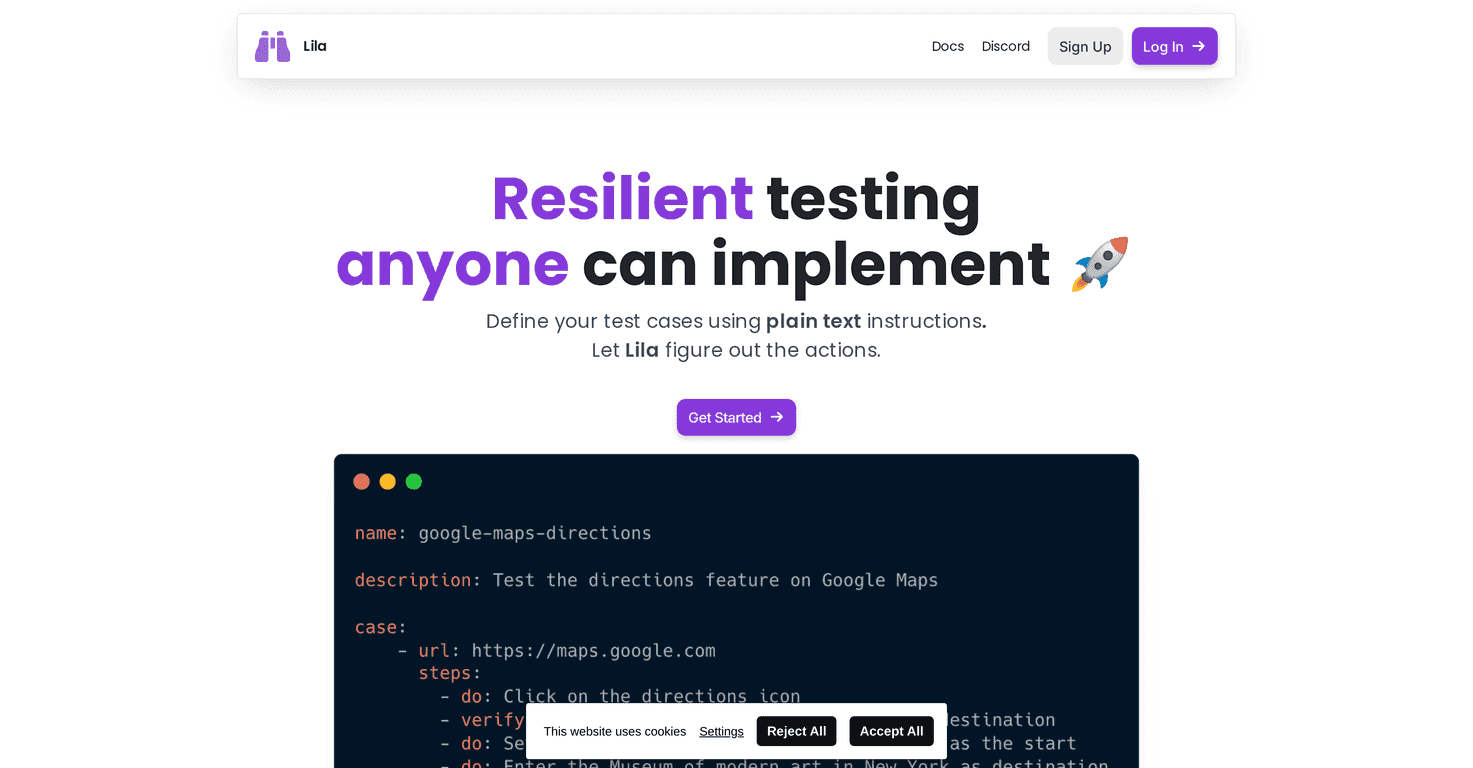
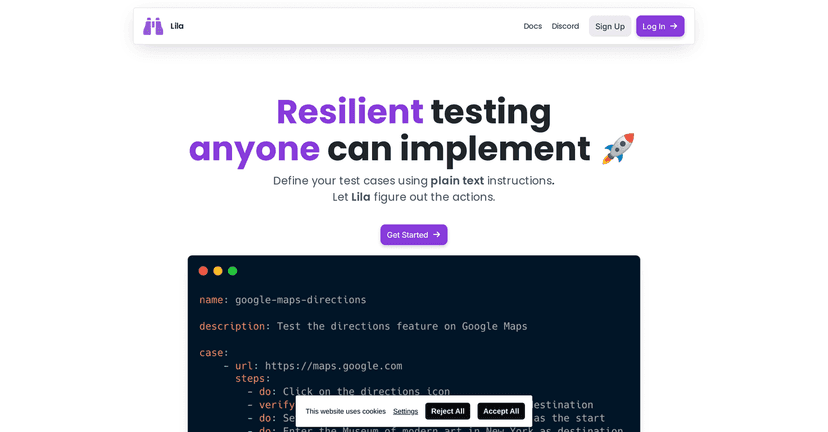
With Lila, you can describe what you want to test using plain, human instructions instead of writing a bunch of brittle selectors. You’re basically talking to a virtual browser: “go to this page,” “click that button,” “verify this text,” and so on. The part that stood out to me most is the self-healing behavior—when the UI shifts (new layout, moved components, updated CSS classes), Lila tries to keep the test passing instead of immediately failing like traditional scripts often do.
I’m not going to pretend it removes every headache—if your app changes so much that the user flow is totally different, tests will still need attention. But for the everyday “we updated the UI and now the test suite is red” problem? Lila felt like a real improvement.
Lila Review
Lila is built for people who want to test web applications without living in a code editor all day. Instead of writing and maintaining long automated scripts, you describe the steps in plain instructions and Lila handles the “how” in the background.
What I noticed right away is how it changes the workflow. When your tests rely on selectors (like “find this CSS class and click it”), even small UI tweaks can break everything. Lila tries to reduce that fragility by avoiding the usual selector grind and using a virtual browser approach that can interpret what you mean.
The self-healing piece is the big headline, but it’s also the most practical. In my experience, most “test failures” aren’t because the app is broken—they’re because the UI moved. With Lila, if a component shifts location or a class name changes, the test has a better chance of recovering instead of failing immediately. That means fewer late-night reruns and fewer “fix the tests, not the product” situations.
One more thing: I like that Lila is aiming at accessibility. If you’ve ever onboarded someone to testing and they immediately got overwhelmed, you’ll understand why this matters.
Key Features
- Human Instructions for writing tests in plain language. You don’t need to craft complex scripts just to get started.
- Robust to Changes so tests are less likely to snap when the UI updates. I found this especially useful for frequent frontend iterations.
- Self-Healing AI that adapts when elements change during execution—think moved components, updated styling, or minor DOM shifts.
- No More Selectors (or at least, far less reliance on them). This is a huge quality-of-life improvement if you’ve ever maintained flaky selector-based tests.
- Virtual Browser so you can run tests in a cloud environment instead of setting everything up locally.
- Scheduled Runs for automatic execution at intervals. If you want “nightly checks,” this is the kind of feature that saves time.
- Beautiful Reporting with visual feedback. When a test fails, seeing what went wrong matters more than just getting a cryptic error.
- CI/CD Integration so it can plug into your existing workflow instead of becoming a separate manual process.
Pros and Cons
Pros
- Beginner-friendly—the interface and instruction style are much easier for non-coders than traditional automation tools.
- Good “try it without risk” setup thanks to free initial credits. I like being able to run a handful of realistic flows before committing.
- Less brittle testing due to the self-healing approach. If your app’s UI changes often, this is where you’ll feel the difference.
- Unlimited users and API keys included without extra cost (as stated by the plans). That’s helpful for teams that want broader access.
Cons
- Costs can climb based on usage. If you run lots of test cases frequently (especially in parallel), you’ll want to keep an eye on consumption.
- There can be a learning curve—not coding, but learning how to phrase instructions clearly so the test matches your intended user flow.
- Major redesigns still require attention. Self-healing helps with small-to-medium UI changes, but if the flow is fundamentally different, you’ll still need to update tests.
Pricing Plans
Lila has a pretty straightforward pricing structure. The Free Tier includes $10 in credits, which should cover roughly 100 test case runs. That’s enough to test a few key user journeys—login, navigation, a form submission, maybe one or two “happy path” flows.
After that, there’s a Pay-as-You-Use model at $1 per 10 test cases. If you’re running a small suite occasionally, this can work well. If you’re doing heavy testing every day, you’ll probably want to plan ahead.
For teams that want more predictability, there’s a Monthly Subscription at $79 when billed annually. I like that option for organizations that know they’ll keep running tests long-term rather than treating it like a one-off experiment.
Wrap up
Lila is one of those tools that feels like it was built for real teams—people who don’t want testing to depend entirely on writing and maintaining complicated automation scripts. If your biggest pain is flaky tests breaking every time the UI changes a little, Lila’s self-healing and “no selectors” approach is genuinely compelling.
Just be smart about usage. The free credits are great for getting started, but if you scale up test frequency and coverage, costs can add up. Still, for anyone looking for a simpler, more accessible way to test web applications, I think Lila is worth a serious look.