Table of Contents
Newsletter writing is a weird mix of creativity and admin work. You’ve got to find good stories, read them, pick what fits your audience, then turn it into something that actually sounds like you. I tested letterpal to see if it could cut down that “research-to-draft” time without making the newsletter feel robotic. Spoiler: it helps a lot with the boring parts—but you still need to review what it generates.

letterpal Review: what I actually liked (and what I didn’t)
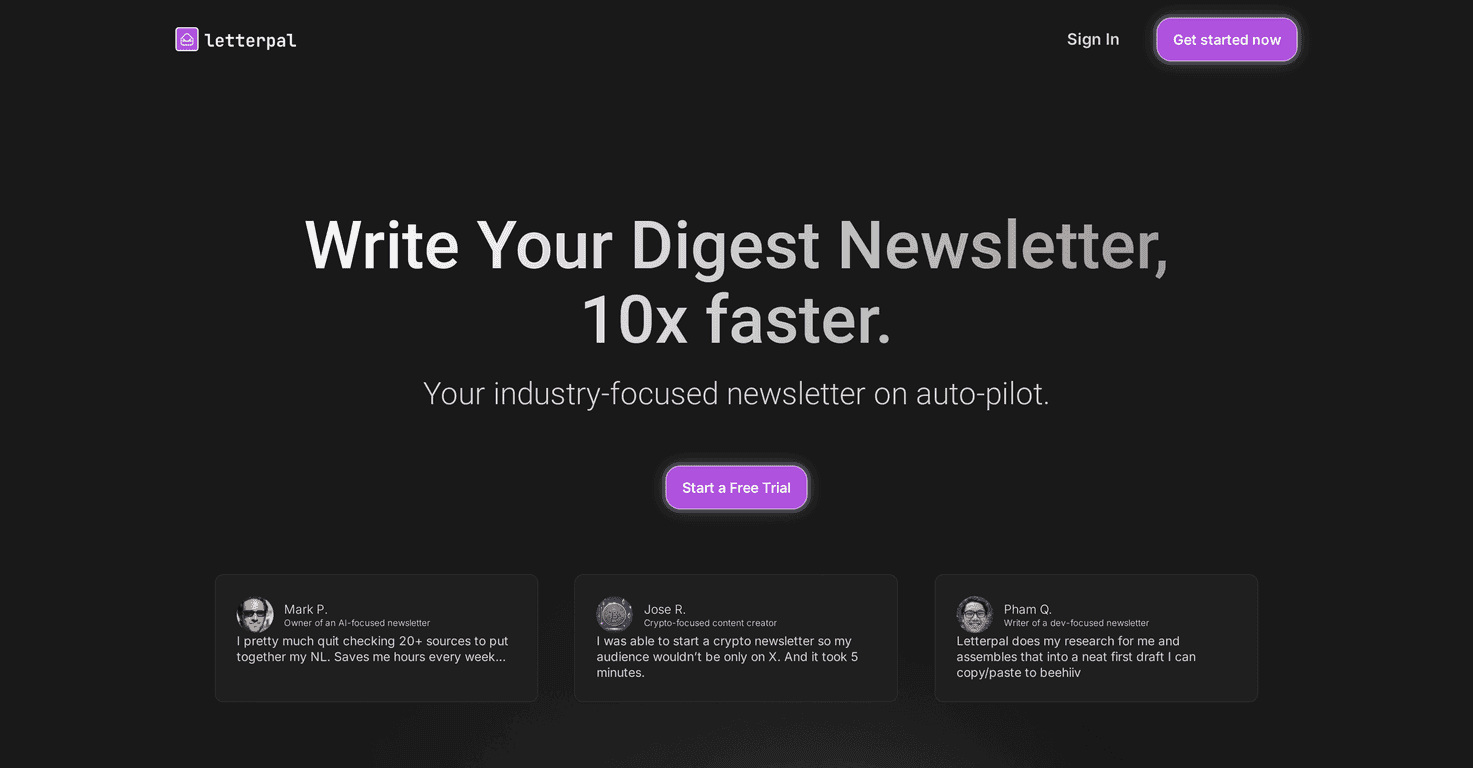
Here’s the core idea: letterpal looks for news that matches your niche, lets you choose the items you want, and then generates a newsletter draft from your selections. That sounds simple—because it is. But the real question is whether it saves time without sacrificing quality.
In my experience, the biggest win is the “assembly” part. Instead of spending an hour hopping between sites, skimming headlines, and trying to remember what you already read, you can start with a feed of relevant stories and then curate from there. The drag-and-drop selection makes it feel more like building a playlist than writing from scratch.
What I noticed when generating drafts: the output is fast, and it gives you a solid starting structure. Still, you’ll probably want to tweak the intro, adjust the tone, and add your own perspective. If you publish a newsletter under your name, readers can tell when it sounds generic—so treat the draft as a foundation, not a finished product.
So, is it “set it and forget it”? No. But if you’re trying to publish more consistently (weekly, biweekly, etc.) and you don’t want the research phase to eat your evenings, it’s a pretty practical assistant.
Key Features
- Automated Research to gather relevant news stories for your niche.
- Drag-and-drop Content Selection so you can curate what goes into your newsletter.
- One-Click Generation to turn your selected items into a full draft quickly.
- User-Friendly Interface that doesn’t feel intimidating—especially if you’ve never used a newsletter tool before.
- Over 10 Niche Categories with 50+ subjects discovered daily, which helps if your niche changes week to week.
Pros and Cons
Pros
- Time savings are real. Research + drafting is where most people lose hours. letterpal helps you compress that into something manageable.
- It keeps you current. Since it’s pulling recent items, you’re less likely to end up with “last month’s news” in your issue.
- Easy for beginners. The workflow is straightforward—choose stories, rearrange if needed, generate a draft.
- Different plan tiers for different users. If you’re publishing occasionally, you don’t have to jump straight to the highest tier.
Cons
- No direct email platform integration (yet). You’ll still need to copy/paste or use your newsletter tool separately.
- Customization still feels limited in places. You can shape the draft, but don’t expect full control like you’d get from a dedicated editor workflow.
- Credits can be a constraint on basic plans. If you’re generating drafts often (or testing different versions), you may end up upgrading sooner than you planned.
Pricing Plans
letterpal has three main options. Based on the current pricing structure:
- Casual Plan: $14/mo with 3 credits (best if you write occasionally).
- Pro Plan: $29/mo with 15 credits (built for weekly publishing).
- Scale Plan: $89/mo with unlimited credits (for power users who generate a lot).
All plans include a free trial for two newsletter generations. If you’re on the fence, I’d use those two generations to test your real niche and see whether the draft quality matches your standards.
Wrap up
Overall, I think letterpal is a solid option if your newsletter process is getting stuck in research and drafting. It’s fast, it’s simple, and it gives you a draft you can actually work with. Just don’t expect it to replace your voice completely—plan on editing for tone, adding context, and making sure the final newsletter feels like you.
If you want to publish more consistently without spending your whole day collecting links, it’s worth trying.