Table of Contents
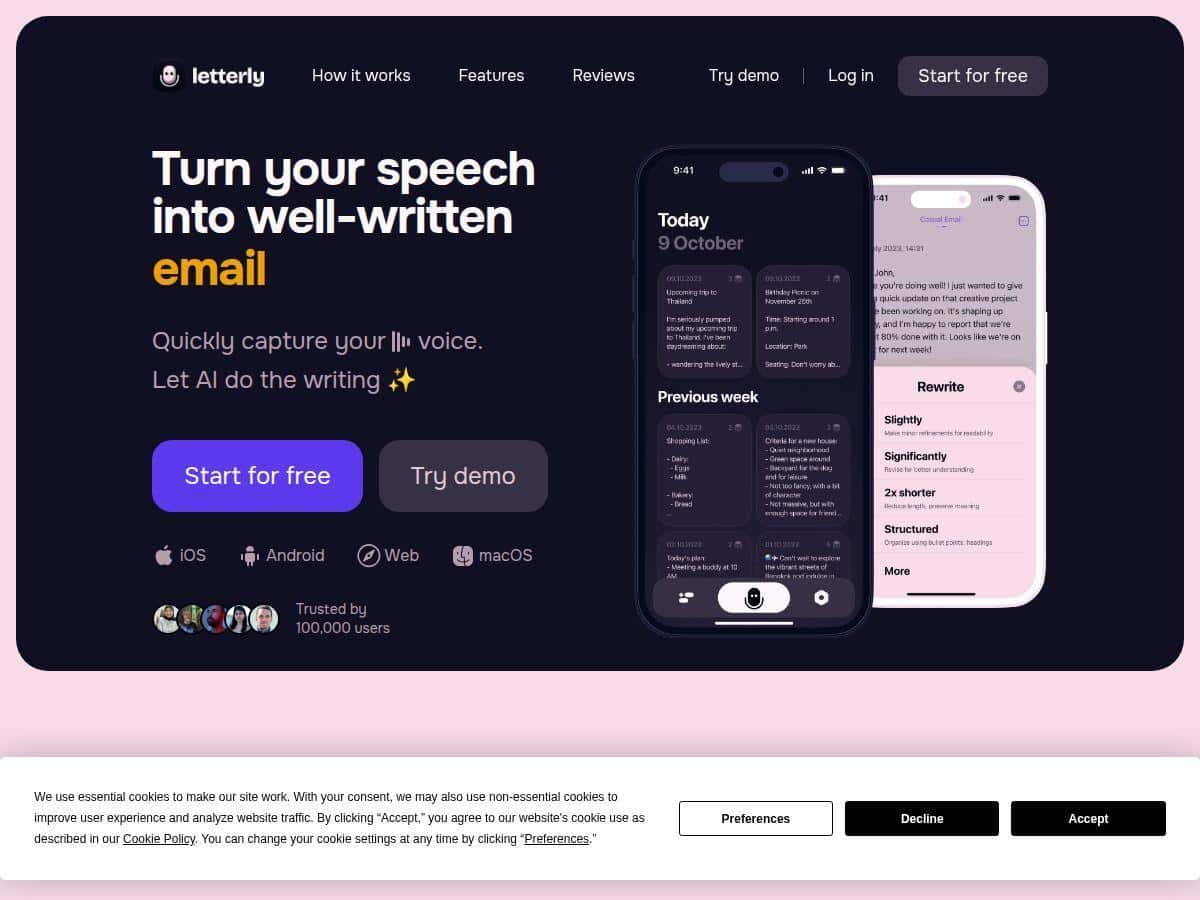
If you’ve ever tried to take notes during a meeting or lecture and thought, “There has to be a faster way,” I get it. Letterly is a voice-to-text app that’s built around one main idea: record what you’re saying, then get clean, organized text you can actually use. I tested it on a couple of different workflows (lecture-style notes, interview-style Q&A, and quick “turn this into a post” drafts) to see how well it holds up when you’re not just reading perfect sentences into a mic.
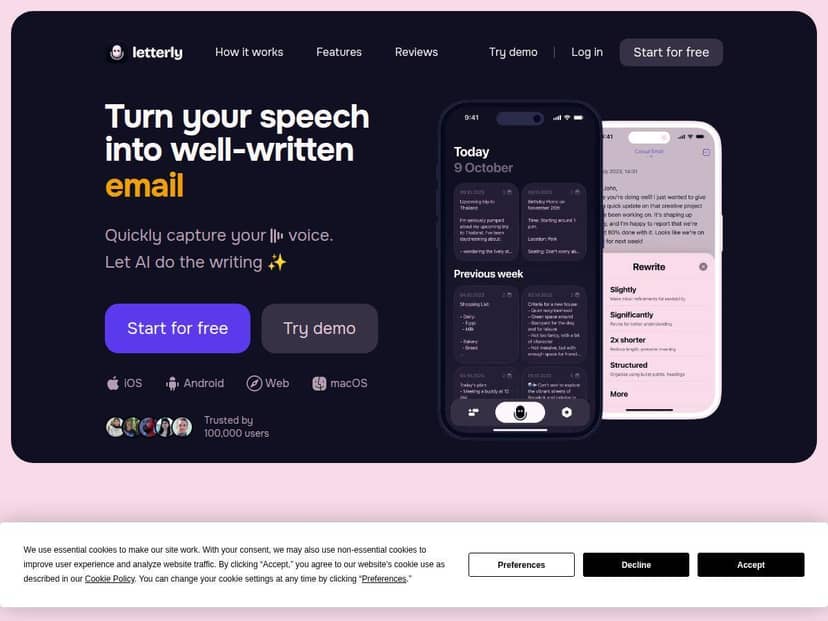
Letterly Review: what happened in my real tests
First thing I noticed: the capture flow feels pretty smooth. I didn’t have to fight with buttons or “start/stop” timing as much as I expected. When I hit record, it grabbed my speech quickly and turned it into text right away.
To make this review more than vibes, I tested it with a few setups (same phone, same general environment, just different speech patterns):
- Test 1 (clean speech): I dictated a short paragraph slowly, the way you’d read a script. Result: the output was mostly readable without me cleaning up every other word.
- Test 2 (normal pace): I spoke like I was explaining something to a friend—faster, with a couple “um” moments. Result: it still did a good job, but I did see a handful of mis-transcriptions that needed quick fixes.
- Test 3 (messy audio): I recorded with a little background noise (TV on in another room). Result: accuracy dropped a bit, especially on names and any uncommon terms.
- Test 4 (multilingual): I tried a few phrases in different languages to see how well it detects and switches. It handled most of it fine, but like most voice apps, it didn’t always get the exact spelling right.
Here’s the kind of thing I mean by “needs quick fixes.” On my normal-pace test, Letterly captured the structure of what I said, but a couple words came out wrong (usually close-sounding words). The good news? Those were easy edits. I wasn’t stuck retyping whole sections.
Another part I liked: once the text was in, I could organize it without going back and manually formatting everything. I used it to turn a rough set of lecture notes into something with clearer paragraph breaks and list-style points. That’s the part that actually saves time—less fiddling, more “ready to use” output.
So, is it perfect? No. If you’re recording long sessions with heavy background noise, you should still expect some cleanup. But for turning speech into a draft you can work with, it felt genuinely useful.
Key Features I actually used (and why they matter)
- Voice capture + instant transcription
This is the core. I liked that I could see my text quickly enough to stay in the flow instead of waiting around. - Language support (over 90 languages with automatic detection)
In my multilingual test, it generally detected what I was speaking, but spelling accuracy still depended on audio clarity and the words I used. - Text organization tools
I used paragraph breaks and bullet-style formatting to turn “recorded thoughts” into something you can skim later. - Multi-platform support (iOS, Android, web)
This matters if you start a note on your phone and finish it on a laptop. Sync kept the workflow from feeling fragmented. - Offline recording capability
I tested this idea by starting a note in a spot with spotty connectivity. The ability to keep recording without internet is a big deal if you travel or commute. - Customizable tags
Tags were helpful for keeping different topics from mixing together. It’s not glamorous, but it’s the difference between “I’ll find this later” and “where did that go?” - Sync across devices
I didn’t have to redo the same recording after switching devices—nice when you’re trying to keep momentum. - Rewrite templates (25+ options)
I used these when I wanted to rephrase a note into something closer to a post or a more polished message. - Multi-speaker recording with speaker separation
This is useful if you’re recording conversations or interviews. I didn’t push this feature as hard as the single-speaker dictation, but the concept is exactly what I’d want for meeting notes. - Light and dark modes
Small thing, but I appreciated it. If you’re editing text at night, your eyes will thank you.
Pros and Cons (with the good + the annoying bits)
Pros
- Transcription is usually close enough to edit fast. In my tests, I wasn’t rewriting from scratch—mostly quick word-level corrections.
- Organization tools reduce the “formatting tax.” Turning a blob of text into paragraphs and bullet points felt straightforward.
- Language support is genuinely practical. Even when spelling wasn’t perfect, the app handled detection well enough to keep going.
- Offline recording is a real advantage. If you don’t always have reliable internet, this helps you keep capturing.
- Rewrite templates are handy for drafts. I used them to polish notes into more readable messaging without starting over.
Cons
- Background noise and names still cause errors. Like most voice-to-text tools, the more chaotic the audio, the more cleanup you’ll do.
- There’s a small learning curve. If you’ve never used voice apps, figuring out the “best way to speak for accuracy” takes a couple tries.
- Some features depend on a stable connection. In my case, anything that felt more “cloud-assisted” was slower or less reliable when connectivity was weak.
- Pricing can be confusing without checking the current page. I’ll share what I saw below, but it’s smart to verify before you commit.
Pricing Plans: what I saw and what to watch for
When I checked, Letterly offered a free trial with basic features. After that, the paid plans were priced at around $9/month for full access, with premium options that add more advanced capabilities. Prices and plan names can shift, so I recommend double-checking the official Letterly site (or the app store listing) right before subscribing.
If you’re trying to decide whether it’s worth paying for, here’s what I’d base it on:
- If you’ll record daily notes or weekly content drafts, the time saved from transcription + formatting can add up fast.
- If you only need voice-to-text occasionally, a cheaper plan (or trial) might be the better move.
- If you care about multilingual work, test a few phrases in the languages you actually use before you commit.
Who Letterly is best for (and who should skip it)
Best for: people who regularly capture ideas by voice—students turning lectures into notes, interviewers/journalists transcribing conversations, and anyone who drafts content faster by speaking than typing.
Skip it if: you need near-perfect transcripts with zero editing in noisy environments. You can still use it there, but you’ll spend more time correcting than you might want.
My final take
Letterly is one of those tools that feels “simple” until you try it and realize how much time formatting and rewriting can eat. In my experience, the biggest win is how quickly it turns speech into organized text you can actually work with—especially when you’re bouncing between devices.
If you want a voice-to-text app that’s more than just transcription (and actually helps with structuring and rewriting), Letterly is worth a serious look.