Table of Contents
If you’ve ever stared at your homepage and thought, “Why does writing copy feel harder than building the site itself?” you’re not alone. I tested LandingPro AI for exactly that reason—getting website copy out of my head and onto the page without spending weeks going back and forth on drafts.
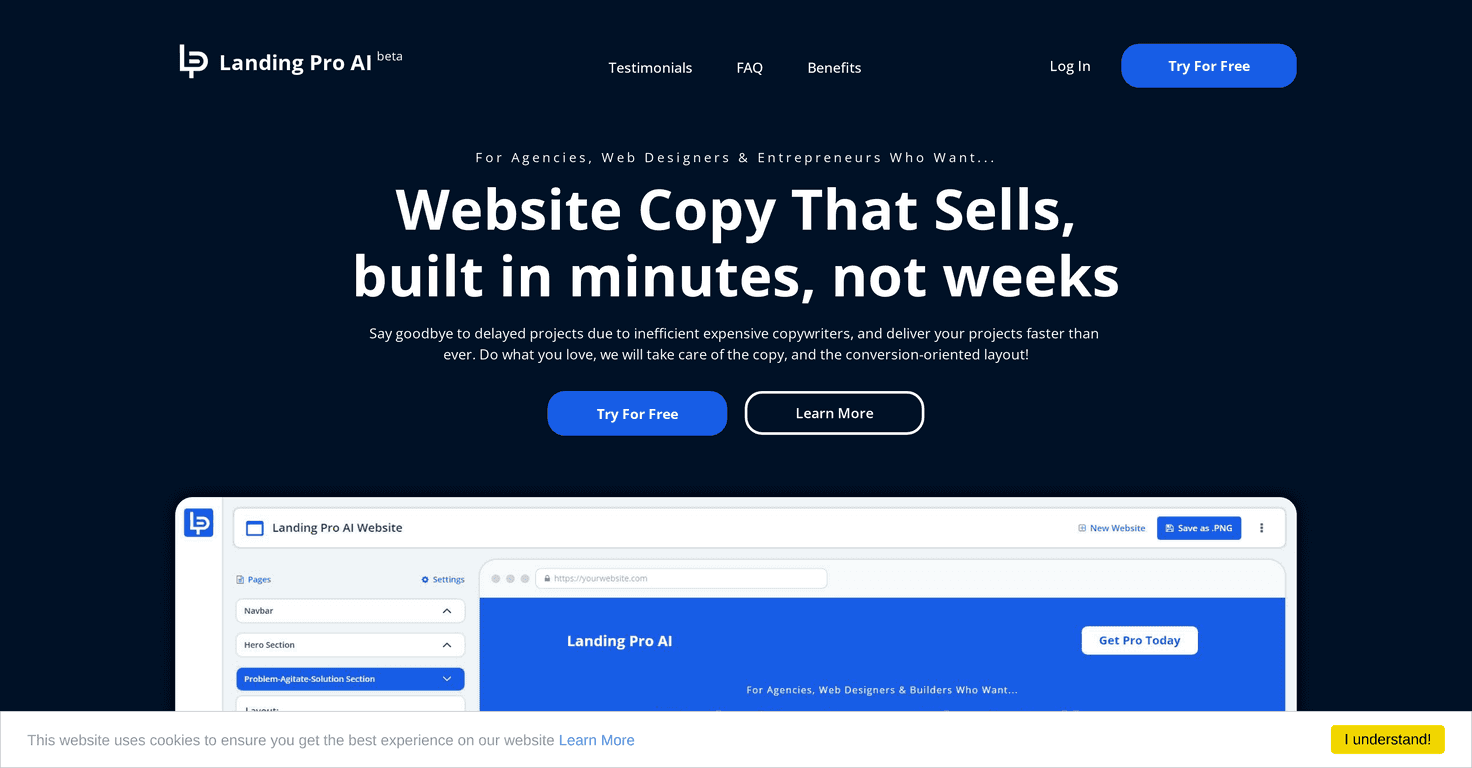
LandingPro AI is basically an AI writing tool focused on website content. The pitch is speed and sales-focused copy, and in my experience that’s the main reason people end up using it. You describe what you’re building, and it generates copy you can use right away (or tweak, which you’ll probably want to do).
LandingPro AI Review: Does It Actually Speed Up Website Copy?
LandingPro AI is aimed at people who need website copy fast—landing pages, product pages, service pages, that kind of thing. The biggest benefit I noticed right away wasn’t “perfect writing.” It was momentum. Instead of blank-page paralysis, I had a starting draft in minutes.
Here’s what that looked like in practice for me: I gave it basic info (what the business does, who it’s for, and what I wanted the page to achieve). Then I got sales-oriented text back—headlines, short sections, and descriptions that were clearly trying to move the reader toward an action.
That’s the real value if you’re building a site under a deadline. If you’re the kind of person who can edit and refine, AI output can be a huge time-saver. But if you’re expecting it to magically match your brand voice perfectly on the first try… you’ll probably be disappointed. More on that below.
Key Features I Looked For (and How They Help)
- Rapid generation of website copy
- Instead of writing from scratch, you’re generating drafts quickly. In my experience, this is most useful for first-pass content: hero text, benefit sections, and “what you get” style blocks.
- Tools built for faster project completion
- The workflow is meant to reduce the back-and-forth. You provide requirements, generate copy, then iterate. That “loop” matters because it keeps you moving instead of researching every sentence.
- User-friendly interface for quick launches
- I didn’t have to fight the UI to get results. If you’re not super technical, that matters. You should be able to plug in your inputs and start editing without a steep learning curve.
Pros and Cons (The Honest Version)
Pros
- It saves real time on copywriting. Even when you rewrite parts, you still start with something usable. That alone can cut hours off a page.
- Helps you hit deadlines. If you’re launching in days (not weeks), AI drafts are a practical way to get a first version live and then improve it.
- Sales-oriented structure. The output tends to focus on benefits and conversion-style messaging, not just generic descriptions.
Cons
- Personalization can feel limited. AI often knows how to sound “professional,” but it may not naturally include the specific angle that makes your business different. You’ll likely need to add details like your unique process, credentials, or customer outcomes.
- Quality depends on your inputs. If you give vague requirements, you’ll get vague copy. If you’re specific (audience, offer, tone, key differentiators), results improve a lot.
- Expect editing. I’d call it “draft-ready,” not “publish-ready” for most brands. You’ll want to tweak wording, tighten claims, and make sure it sounds like you.
Pricing Plans: What I Can (and Can’t) Confirm
In the info I was given, specific pricing wasn’t listed. So I don’t want to guess and send you the wrong way. For the latest plans and costs, the best move is to check the official LandingPro AI website.
If you’re comparing it to other AI copy tools, I’d also pay attention to things like: how many generations you can run, whether you can reuse templates, and whether there are limits on exports or usage. Those details matter more than the headline price.
Promote Automateed

Wrap-Up: Who LandingPro AI Is Best For
If you want something that gets you moving fast, LandingPro AI can be a solid option. I like it most for early drafts—when you need copy on the page so you can start refining, not when you need a fully custom brand voice from day one.
So, would I use it? Yes—especially if you’re a freelancer, a small business owner, or anyone launching quickly. Just don’t skip the human part: add your real differentiators, tighten the language, and make sure the messaging matches your audience. That’s where the “AI speed” turns into a page that actually converts.


