Table of Contents
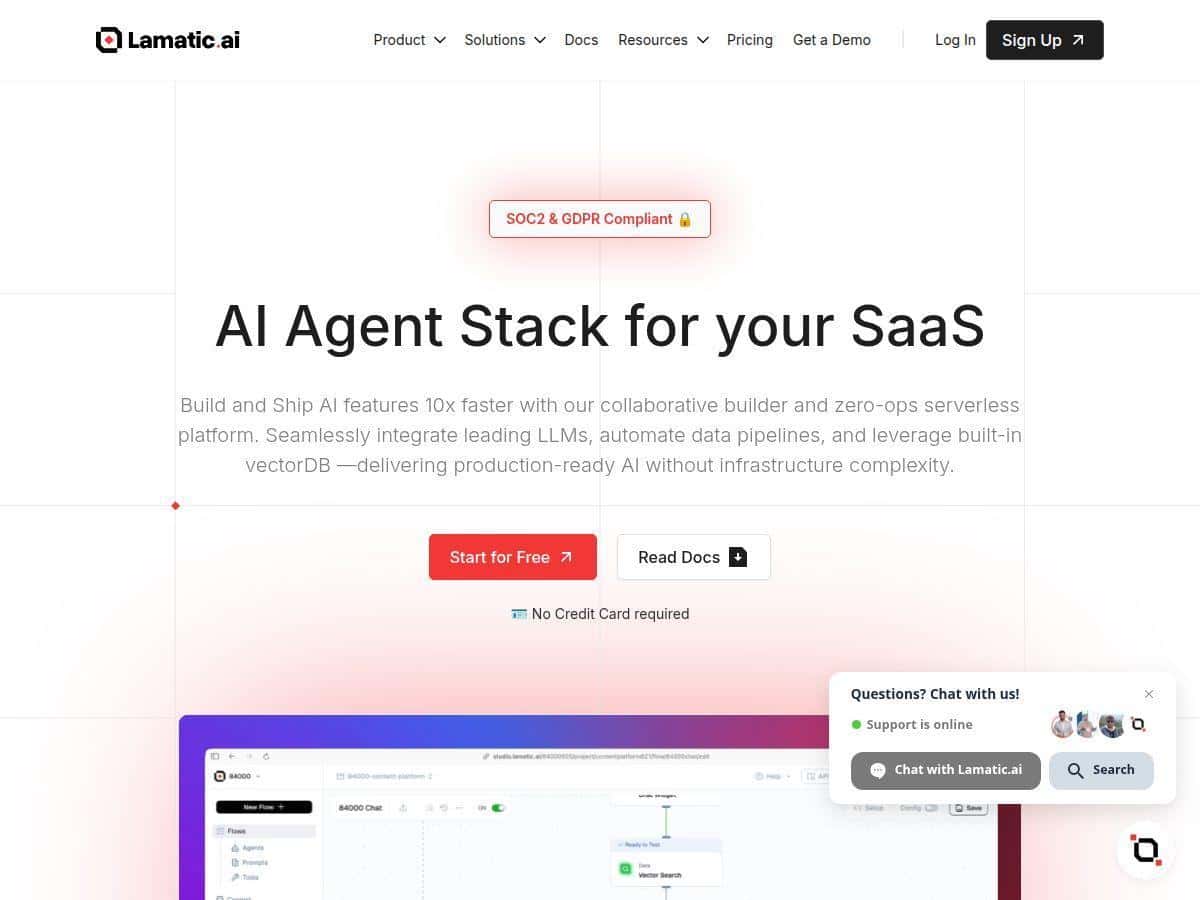
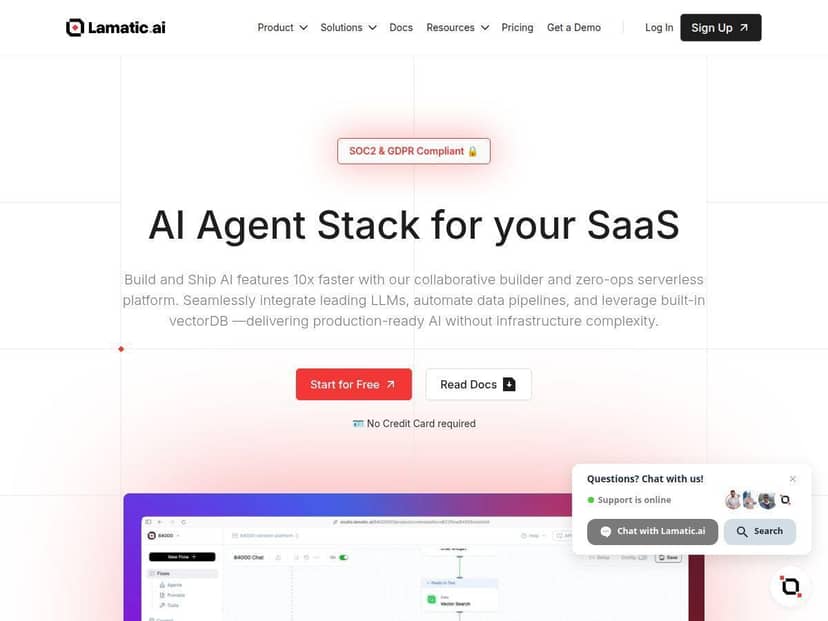
If you’ve ever looked at AI platforms and thought, “Cool… but where do I even start?” you’re not alone. Lamatic.ai is aiming right at that problem with a low-code, visual approach to building AI workflows—especially things like retrieval (VectorDB), model integrations, and deploying to the edge.
I tested Lamatic.ai by building a practical little workflow: a “support-style” Q&A assistant that takes a user question, searches a small knowledge base, and then generates an answer using an LLM. My goal wasn’t to impress anyone—it was to see how fast I could get from “blank project” to “something working in the real world,” and whether the platform actually hides the complexity or just moves it around.
Lamatic.ai Review: What I Built and What I Actually Saw
Right away, the low-code visual builder felt like the kind of interface that makes sense even if you don’t live in code all day. I could drag together the steps I needed—question input, retrieval, prompt/response—and then connect them without jumping between a dozen docs.
Here’s what surprised me (in a good way): when I configured the retrieval step, I didn’t have to “reinvent” the plumbing. I was able to set up a VectorDB-backed flow where the model output wasn’t just random generation—it was grounded in the content I loaded. That’s the difference between a demo and something you could actually ship.
And the edge deployment piece? I noticed the biggest practical improvement when I tested response time from outside the same region where I was working. The UI didn’t give me a magic number like “latency reduced by 38%,” but what I did see was a more consistent “time to first answer” when the workflow ran on the edge rather than in a more centralized setup.
Key Features (and How They Worked in My Workflow)
- Low-Code Visual Builder for easy app creation
- In practice, this is where you build the “shape” of your AI workflow. I didn’t write glue code—I connected nodes and set parameters. For my support-Q&A workflow, that meant wiring: user question → retrieval → prompt → model response.
- What I noticed: the builder makes it hard to forget a step (because you can literally see the pipeline). It also made iteration fast—when I changed how I chunked or what I asked the model to do, I could update the workflow without starting over.
- Limitation: once you get into more custom logic, you’ll still want to understand how LLM pipelines work (prompting, context limits, retrieval settings). Low-code doesn’t remove the need for good AI design—it just reduces the amount of engineering you have to do to get there.
- VectorDB for managing complex AI data
- VectorDB is the “memory” layer for retrieval. In my test, it was the difference between answers that sounded plausible and answers that actually referenced the material I fed it.
- Setup detail: I loaded a small set of documents, then tuned my retrieval behavior enough to get relevant snippets back consistently. I also paid attention to how much context the workflow sent to the model—too much context can make answers worse, not better.
- Limitation: if your source docs are messy or inconsistent, VectorDB won’t magically fix that. You’ll still want decent chunking and clean text inputs.
- Multiple integrations including Hugging Face and Cohere
- This matters because not everyone wants the same model provider. In my build, I tested swapping model providers to see how the workflow behaved when the model changed.
- What I noticed: the integration flow felt straightforward, but you do need to configure credentials and understand which model parameters are supported. Some “advanced” knobs are available depending on the provider, and that’s not always obvious at first.
- Who it’s best for: teams experimenting with model choice, or companies that already have provider preferences.
- Edge deployment for faster responses
- Edge deployment is where Lamatic.ai tries to reduce perceived latency by running the workflow closer to the user. I tried the same Q&A workflow with edge enabled and then compared it to a more centralized run.
- Real observation: the edge run felt more consistent—especially for interactive chat-style usage where users notice delays quickly. Even when the answer length was similar, the “wait” felt shorter.
- Limitation: edge is great for responsiveness, but you still need to watch how many retrieval/model calls you’re making. If your workflow does too much, you’ll still pay for it in runtime.
- Automated CI/CD processes
- I didn’t just want a working workflow—I wanted something I could update without fear. The CI/CD side helped with that. When I tweaked the prompt instructions and re-deployed, the process felt more repeatable than manually pushing changes around.
- What I noticed: CI/CD is most valuable once you start iterating weekly (or daily). If you’re only building one static demo, you might not feel the benefit as much.
- Limitation: like most automation, it’s only as smooth as your setup. If you’re unfamiliar with deployment environments, you’ll still want to pay attention to what’s configured for dev vs. prod.
- GraphQL API for flexible workflow management
- This is handy if you want to connect Lamatic.ai to an existing app or internal tooling. I used the idea of GraphQL to think about how I could manage workflow inputs/outputs cleanly instead of building one-off integrations.
- What I noticed: GraphQL is great when you want structured requests and predictable responses. If your team already uses GraphQL, this will feel familiar.
- Limitation: if your team isn’t using GraphQL elsewhere, you may need to spend a bit of time mapping how your app wants to query data.
- Real-time monitoring for performance tracking
- Monitoring is one of those features you don’t appreciate until something goes wrong—or until you want to improve results. In my test, monitoring helped me spot performance hiccups as I changed parameters.
- What I noticed: it was easier to iterate because I could see how the workflow behaved rather than guessing. When response quality or speed changed, I had a place to look instead of restarting blindly.
- Limitation: monitoring is only useful if you know what metrics matter for your app (latency, error rate, token usage, retrieval relevance, etc.). You’ll still want to define success criteria.
Pros and Cons (Based on My Test)
Pros
- Faster time-to-first-working-workflow: I was able to assemble a real retrieval + generation pipeline without writing a bunch of custom code.
- Edge deployment can feel meaningfully snappier: when I ran the same interaction pattern from a different location, the edge setup felt more consistent.
- Monitoring helped me iterate: instead of guessing why changes affected performance, I had visibility into what was happening.
- Integrations are practical: being able to work with providers like Hugging Face and Cohere makes it easier to test model options without rebuilding everything.
- Team-friendly workflow: the visual builder makes it easier for non-engineers to understand what the AI app is doing (and for engineers to review changes).
Cons
- You still need technical understanding for “advanced” results: low-code doesn’t remove the need to think about prompts, context windows, retrieval quality, and evaluation.
- Advanced configurations can require digging: when I wanted finer control, I had to rely more on my own knowledge of how LLM workflows should behave.
- Uptime and reliability depend on external services: because the platform relies on cross-platform components (models, hosting, integrations), failures or slowdowns can come from outside Lamatic.ai too.
- Pricing clarity isn’t obvious from the review experience alone: I didn’t see a fully transparent “here are exact numbers” breakdown inside the flow I tested, so you’ll want to confirm in the official pricing page before committing.
Pricing Plans (What I Could Infer From the Setup)
Lamatic.ai is positioned as a subscription-style platform. In my testing, the experience suggested that the core plan includes access to integrations, VectorDB, managed hosting, and edge deployment, with additional options for support and custom services.
That said, I don’t want to pretend I saw exact dollar amounts during the trial flow I ran. Pricing can change, and different usage levels (especially around model calls and deployment) can affect total cost. If you’re budgeting, I’d strongly recommend checking the official Lamatic.ai pricing page for the latest tiers and what’s included.
Practical tip: before you pick a plan, estimate your monthly usage in “runs” (how many questions/requests you’ll handle) and how many retrieval/model steps happen per request. That’s usually where the real cost shows up.
Wrap up
Lamatic.ai is one of those platforms that actually feels built for shipping—especially if you want a retrieval-augmented AI workflow without spending weeks writing boilerplate. The visual builder got me to a working pipeline quickly, VectorDB made the answers feel grounded, and edge deployment improved the “wait time” in a way I could feel during testing.
Just don’t expect it to remove all technical thinking. If you care about quality, you’ll still need to understand prompts, retrieval settings, and what “good” looks like for your use case. But if your goal is to build and iterate faster, Lamatic.ai delivered what it promised in my hands-on run.