Table of Contents
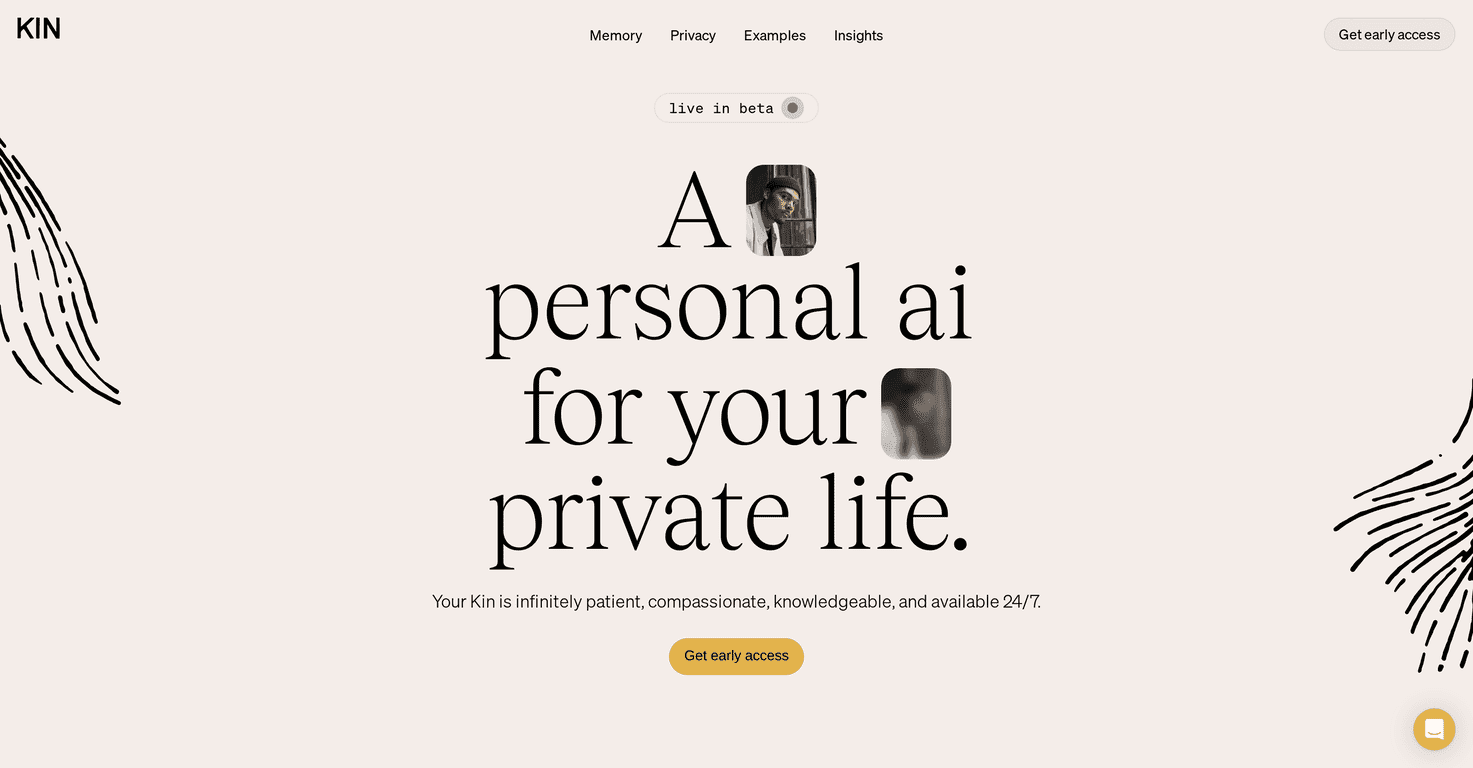
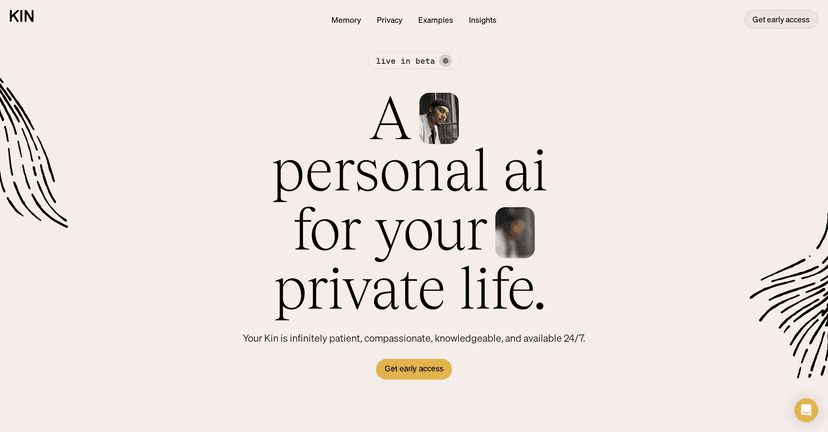
I’ve tried a bunch of “personal AI” apps over the last couple of years, and the big problem is always the same: they’re helpful… but I don’t always feel great about what they’re storing or how they’re using my data. That’s why Kin caught my eye. It’s built around privacy and memory, which sounds simple—until you actually use an assistant that remembers you the right way.
With Kin, the promise is that it can retain both semantic and episodic-style memories. In plain English, that means it’s not just keeping facts like “I prefer mornings” — it can also help you by recalling context, like what you were working on last time or the kind of decisions you’ve been wrestling with. The first time I noticed it doing this well, it felt weirdly natural. Like, “oh right… you actually get what I mean.”
Kin also isn’t only “talk to me.” It mixes in practical stuff that I actually use: coaching for conversations (especially the awkward ones), and task management to help you stay organized when your brain is overloaded. I’ve used it to help plan how I’d approach a tough message, and then later to turn that same goal into smaller steps. That flow matters. If an AI can’t connect the dots between “help me think” and “help me do,” I lose interest fast.
On the privacy side, Kin positions itself as giving users more control. And in an era where a lot of apps feel like they’re quietly building profiles, that emphasis is refreshing. I’m not saying privacy is magically solved everywhere—always read the settings—but the overall direction here is what I want from a personal assistant.
Kin is available on both iOS and Android too, so you’re not locked into one ecosystem. If you’re looking for a personal AI that focuses on memory (not just generic chat) and takes privacy seriously, Kin is definitely worth a look—especially while it’s still in beta.
Kin Review
Here’s what stood out to me most after spending time with Kin: it feels like it’s trying to be a real companion, not just a search box with a personality. When you ask it to help you make sense of something—especially something personal—it doesn’t only spit out generic advice. The memory angle is what makes it stick.
For example, I tested it with a few “decision” prompts and then came back later with follow-ups. What I noticed wasn’t just that it remembered the topic—it remembered the tone and direction. That’s the difference between “sure, I can talk about this” and “I can help you keep moving forward.”
Kin also leans into emotional support and inspiration generation. I’m not expecting it to replace therapy (please don’t treat any app like that), but it can be useful when you need a sounding board. Sometimes you just want someone to help you name what you’re feeling and then come up with a next step. That’s where Kin can be surprisingly handy.
And yes, it includes task management. I like that it doesn’t stop at “brainstorm.” It helps you turn ideas into actions. If you’ve ever had a great conversation with an AI and then immediately forgot what you were supposed to do next, you’ll appreciate this part.
One more thing: Kin’s privacy-first positioning matters. If you’re using an AI to discuss work, relationships, health-ish topics, or anything you wouldn’t want floating around, you should care about encryption and data handling. Kin highlights encryption and user control, which is exactly the kind of reassurance I look for before I start trusting an assistant with more than casual questions.
Key Features
- Memory Assistance: Helps Kin feel more “aware” over time instead of resetting every chat.
- Privacy Focus: Built around protecting your data and giving you more control than typical chatbots.
- Personal Coaching: Useful for tricky conversations—drafting what to say, planning how to approach it, and thinking through outcomes.
- Emotional Support: A supportive tone when you need help sorting through feelings or stress.
- Inspiration Generation: Great for brainstorming when you’re stuck, especially for writing, ideas, and creative direction.
- Task Management: Helps you move from “talk about it” to “do something about it.”
Pros and Cons
Pros
- Privacy and user control are a real selling point. That’s the reason I was willing to test it more than once.
- Memory makes the experience feel personal. It’s not just one-off answers; it can keep context over time.
- It’s more than chat. Coaching, emotional support, and task management all show up in practical ways.
- Works on iOS and Android, so it’s easier to fit into daily life.
Cons
- It’s still in beta, so expect occasional rough edges—things like slower responses, feature limitations, or inconsistent behavior.
- Feature depth may lag behind bigger, more established AI apps. If you’re used to highly polished workflows, you might notice gaps.
- Memory is helpful, but you’ll want to manage it. If you don’t want something remembered, make sure you understand what Kin is storing and how to adjust settings.
Pricing Plans
Kin is currently offering free access during its beta phase, available through the App Store and Google Play. Pricing may change as the app matures, but if you’re interested, beta is the time to try it before costs (if any) show up.
Wrap up
Overall, I like what Kin is going for: a personal AI that remembers in a way that feels useful and places privacy front and center. It’s not perfect (beta means you might hit some bumps), but the combination of memory assistance, coaching, emotional support, and task management is genuinely compelling.
If you want an AI companion that can help you think through decisions and then actually support next steps—without ignoring privacy—Kin is worth a try during beta.
Promote Kin




