Table of Contents
If you run Google Ads or YouTube ads, you already know how annoying it is to keep rebuilding keyword lists and audience ideas from scratch. I’ve been there—spend a few hours researching, launch, then wonder why the targeting feels a bit “off.” That’s why I wanted to test KeywordSearch v2.
In my experience, KeywordSearch v2 is built for one main job: turning keyword and audience research into something you can actually use in campaigns without jumping between five different tools. It does that with an AI Audience Builder, keyword research, and a YouTube-focused competitor view (the YouTube Ad Spy feature). And if you’re already running Google Ads, the syncing part matters a lot—because it’s one thing to find ideas, and another to get them live quickly.
KeywordSearch v2 Review: What I Liked (and What Didn’t Feel Perfect)
Let’s start with the big promise: KeywordSearch v2 helps you build ad audiences and keyword targets faster using AI. The part that stood out to me wasn’t the “AI” label—it was how quickly I could go from an idea to something that looked ready to test.
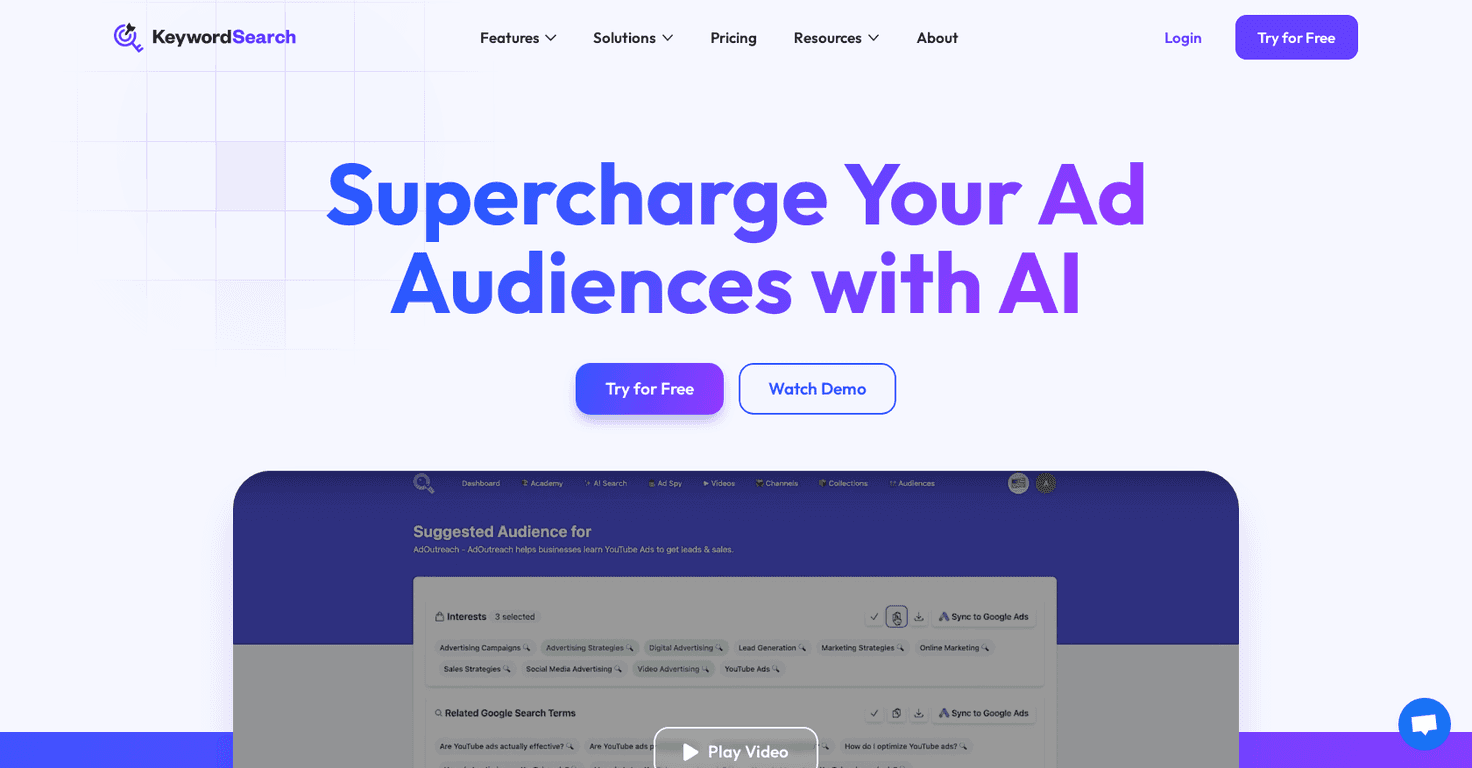
For example, I tried setting up audience ideas around a specific YouTube channel/topic. Instead of manually hunting through keyword variations and audience angles, I used the AI Audience Builder to generate audience suggestions. What I noticed right away is that the results felt more “campaign-ready” than a lot of generic keyword tools. They were grouped in a way that made it easier to build a set of targeting options, rather than just dumping a long list of terms.
Then there’s the YouTube side. If you’re running YouTube ads, the YouTube Ad Spy feature is the one I’d tell people to pay attention to. I used it to see what competitors were pushing and which themes showed up repeatedly. It’s not the same as having access to every single ad detail from every account, of course—but it gave me enough direction to refine my own approach and avoid guessing blindly.
One more thing I appreciated: the syncing options. It’s easy to fall in love with a tool that generates ideas… and then realize you still have to rebuild everything inside Google Ads. KeywordSearch v2 aims to reduce that gap so your audiences can get into Google Ads faster. In my experience, that matters when you’re iterating weekly (or even daily) and don’t want your process to drag.
Key Features That Actually Matter
- AI Audience Builder for creating ad audiences
This is the core feature. Instead of starting from a blank page, it helps you generate audience ideas you can test. - Keyword research to enhance visibility
I liked that it’s focused on ad intent, not just SEO-style “traffic keywords.” That makes it easier to think in terms of targeting and conversion. - Keyword Topic Auto Expansion
This helped me broaden beyond one exact phrase. If you’ve ever launched with only one keyword and watched it underperform, you’ll get why this is useful. - YouTube Ad Spy for analyzing competitors’ advertisements
It’s a fast way to spot recurring themes in competitor campaigns, especially when you’re trying to decide what angles to test. - Effortless syncing with Google Ads for quick setup
The whole point is reducing manual work. If you’re already using Google Ads, the ability to push audiences without rebuilding everything is a big win.
Pros and Cons (Real Talk)
Pros
- Fast to get started — the interface is straightforward. I didn’t feel like I needed a tutorial just to generate my first audience set.
- Time savings — automating audience creation is genuinely useful if you test multiple campaigns (or multiple angles) each month.
- YouTube-focused insights — the YouTube Ad Spy feature is the part I’d recommend most for people running YouTube ads.
- Better targeting direction — in my tests, the suggestions were easier to turn into actual ad targeting than raw keyword lists.
Cons
- Customization isn’t as deep as some power tools — if you love fine-tuning every setting (down to very specific audience logic), you might feel limited compared to more complex platforms.
- There’s still a learning curve — not because it’s hard, but because you have to learn how the tool thinks and how to translate that into what works for your account.
- AI outputs still need your judgment — it won’t magically fix poor offers, weak landing pages, or mismatched targeting. You still have to test and refine.
Pricing Plans (Free Trial Included)
KeywordSearch offers a free trial so you can test the features before committing. After that, you’ll need to choose a paid tier based on what you want to run. For the most accurate details, I’d check the official pricing page on their website and compare the plan limits to your campaign volume.
If you’re deciding whether it’s worth paying for, I’d base it on this: how often do you launch new ad groups or refresh targeting? If you’re only running one campaign and tweaking it slowly, you might not get as much value. But if you iterate constantly, the time saved can add up quickly.
Wrap-Up: Should You Try KeywordSearch v2?
Overall, I think KeywordSearch v2 is a solid option if you want faster ad audience building and cleaner keyword/topic expansion—especially for Google Ads and YouTube ads. The AI Audience Builder and YouTube Ad Spy are the standout pieces, and the syncing feature helps reduce the “cool ideas, but now I have to rebuild everything” problem.
That said, it’s not going to replace every advanced targeting workflow if you’re the type who wants maximum control. But if you want a practical way to generate testable audiences and keyword directions, it’s definitely worth a look—especially since there’s a free trial.


