Table of Contents
If you’ve ever looked at a pile of customer reviews or employee survey comments and thought, “There’s no way I’m reading all of this,” I get it. That’s basically why I tried Keatext in the first place. The promise is simple: take messy text feedback (reviews, surveys, support tickets) and turn it into insights you can actually use—without needing a data science team.
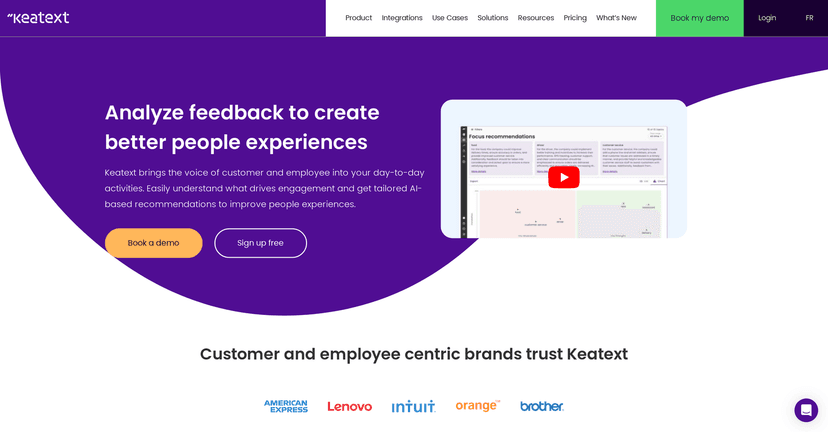
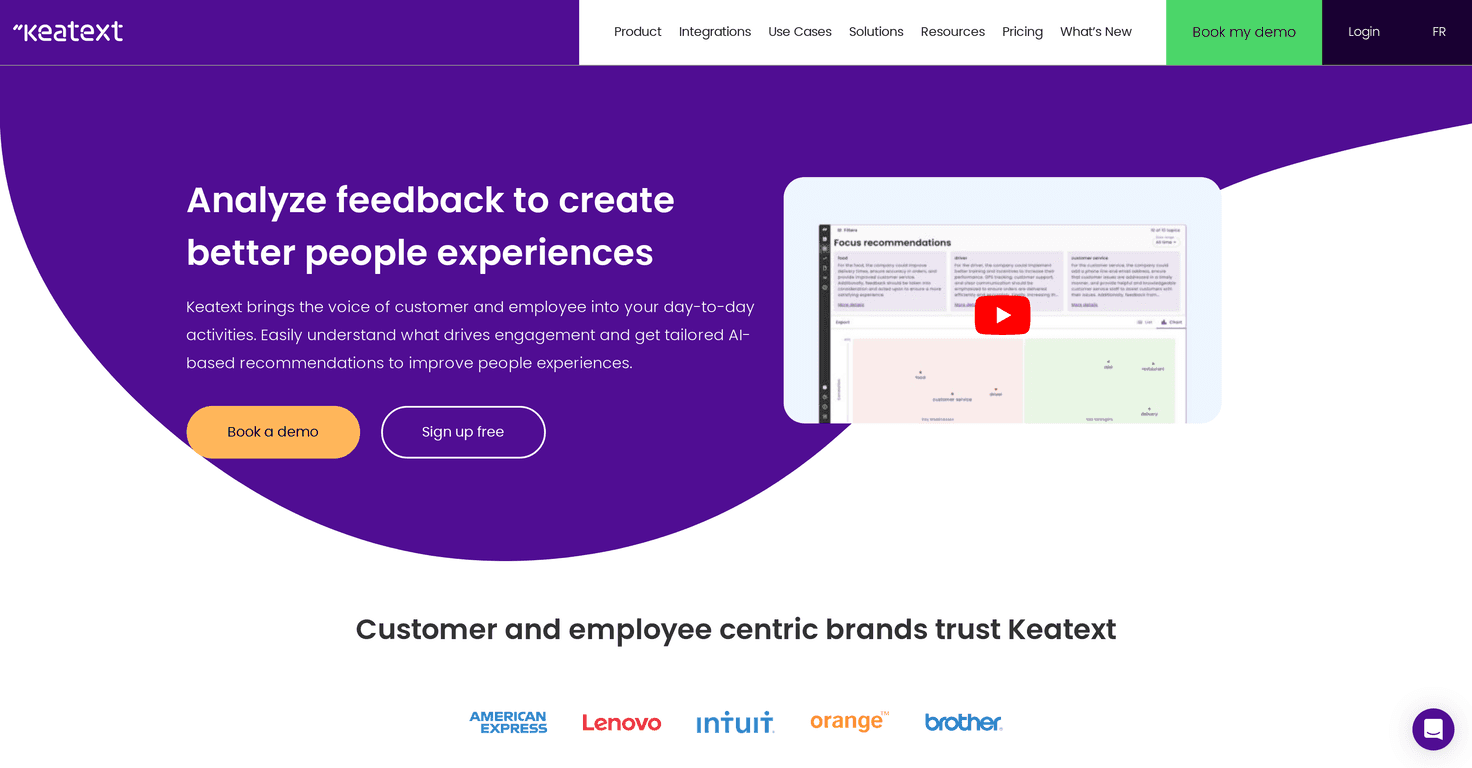
In my experience, the “value” of an AI analytics tool comes down to two things: how quickly it helps you spot patterns, and whether the output is clear enough to share with real humans (not just dashboards for dashboards’ sake). Keatext aims at both, and for the most part, it does a decent job—especially if your feedback is scattered across different places.
Keatext Review: What It Does (and Why It’s Useful)
Keatext is positioned as an AI-based text analytics platform for turning feedback into insights. That includes things like customer reviews, survey responses, and support tickets. If you manage customer experience, HR feedback, or internal operations, that’s a pretty familiar problem: you’ve got tons of text, but you need answers like:
- What are people complaining about most?
- Are issues getting better or worse over time?
- Which topics show up in support tickets vs. reviews?
- What should we fix first?
What I liked is that it’s built to be usable without a technical background. I’ve used tools that look powerful but require you to “know what to ask.” Keatext feels more like you can upload your data, review the output, and start making decisions quickly. That matters when you’re trying to move fast—because feedback doesn’t wait.
That said, AI tools can only interpret what you feed them. If your data is messy, inconsistent, or missing context, you’ll still need some cleanup on your end. No magic here.
Key Features I Looked For in Keatext
- Seamless data upload for quicker insights
If you’re collecting feedback from multiple sources, the upload step is where time usually gets lost. Keatext focuses on making that process straightforward so you can get to the analysis part faster. - AI-driven recommendations tailored to your needs
This is the “so what?” layer. Instead of only summarizing text, it aims to point you toward actions—like which topics to address first or where to dig deeper. - Comprehensive analytics to understand experiences
I’m specifically interested in whether insights are organized in a way that helps you spot themes quickly. Keatext’s analytics are meant to help you understand what people are really saying, not just count keywords. - Rapid reporting for easy sharing
One thing I always check: can you share results with your team without exporting a dozen confusing files? Keatext’s reporting is designed for quick communication across departments. - Integration capabilities with popular platforms
Integrations matter because manually copying feedback into a tool gets old fast. If Keatext connects with the systems you already use, it’s a big win.
Pros and Cons (Honest Take)
Pros
- AI insights help you make decisions faster. When you’re dealing with hundreds or thousands of feedback items, even saving 5–10 hours a week is meaningful. Keatext is built to reduce that manual reading.
- It’s easier to act on feedback. Instead of just dumping summaries, the tool is aimed at turning themes into next steps.
- Non-technical friendly. I found the interface approachable. You don’t need to be an analyst to understand what’s going on.
- Team-friendly reporting. If you’re sharing insights with marketing, support, or HR, you’ll appreciate anything that’s readable and not overly technical.
Cons
- New users may need a short learning curve. Even when a tool is user-friendly, you still have to learn how it structures insights and how to interpret the results correctly.
- Integrations can be the deciding factor. If your feedback lives in a system Keatext doesn’t integrate with (or if setup takes longer than expected), you may end up doing more manual work than you’d hoped.
- AI outputs still need your judgment. I trust AI summaries, but I don’t blindly accept them. If a theme looks off, it’s worth checking the original comments.
Pricing Plans: What I Recommend You Check First
Pricing can vary depending on what you’re analyzing and how you’re using Keatext, so I wouldn’t guess here. The good news is that you can explore the current options on the official pricing page via Keatext.
In my opinion, the best move is to start with a free sign-up or demo (if available), then test with a real sample dataset. Try something like:
- 50–100 recent customer reviews
- 20–50 support tickets that represent different issue types
- a small set of survey responses (especially if they include open text)
Then ask yourself: do the themes match what you already know from reading a handful of examples? If yes, you’re probably on the right track.
Wrap up
Keatext is a solid option if you want AI analytics for customer and employee feedback without spending your life manually reading text. The biggest strengths for me are the speed to insights, the fact that it’s approachable, and the focus on turning feedback into something actionable.
If you’re serious about improving how you handle feedback—whether that’s customer support trends, review analysis, or internal survey themes—Keatext is worth a look. Just make sure you test it with your actual data so you can see how accurate and useful the insights feel for your specific situation.


