Table of Contents
I wanted to see if JustCopy.ai could genuinely get an app online fast—without me having to wrestle with setup steps. So I tested it the way most people would: picked a template, nudged it with a prompt or two, and tried to ship something I could actually use.

What I built: a simple “micro-productivity” web app (think: a small dashboard + basic CRUD-style pages for items). Nothing crazy, but enough to test auth, a database, and the usual API wiring.
How long it took (my test):
- ~10–15 minutes to choose a template and get the layout close to what I wanted
- ~20–25 minutes to adjust fields, copy, and pages (mostly through the template customization + AI agent suggestions)
- ~10 minutes for auth + connecting the data model to the UI
- ~5 minutes to deploy (the “one-click” part is real—more on what can go wrong below)
So yeah, “minutes” isn’t just marketing in my case. But it’s also not magic—when you try to go beyond what the template supports, you’ll feel the edges.
JustCopy.ai Review
Here’s what surprised me: the workflow is pretty “guided.” I wasn’t constantly searching docs or stitching together pieces from scratch. Instead, I mostly followed the template structure, then used the AI agents to fill in the gaps.
My process (so you know what I actually did):
- I started with a template that already had the basics: pages, styling, and a data layer.
- I asked the AI agent to tailor the app copy and fields (for example, renaming the main entity and adjusting form labels).
- I verified auth by testing a sign-in/sign-out flow and making sure protected pages didn’t show data to logged-out users.
- I tested the “create → edit → delete” loop for the items so I could confirm the database + API wiring wasn’t just a pretty demo.
What worked smoothly: auth behaved as expected, and the REST-style endpoints were set up in a way that the UI could actually call without me manually hand-editing a bunch of code. Deployment also went through cleanly—no long build-nightmare.
Where I had to slow down: when I tried to add a custom workflow that didn’t map neatly onto the template’s existing structure, I had to iterate. The AI helped, but I still needed to adjust what the app was “allowed” to do based on the template’s boundaries.
That’s not a deal-breaker. It just means you’ll get the fastest results when your idea fits the template categories.
Key Features
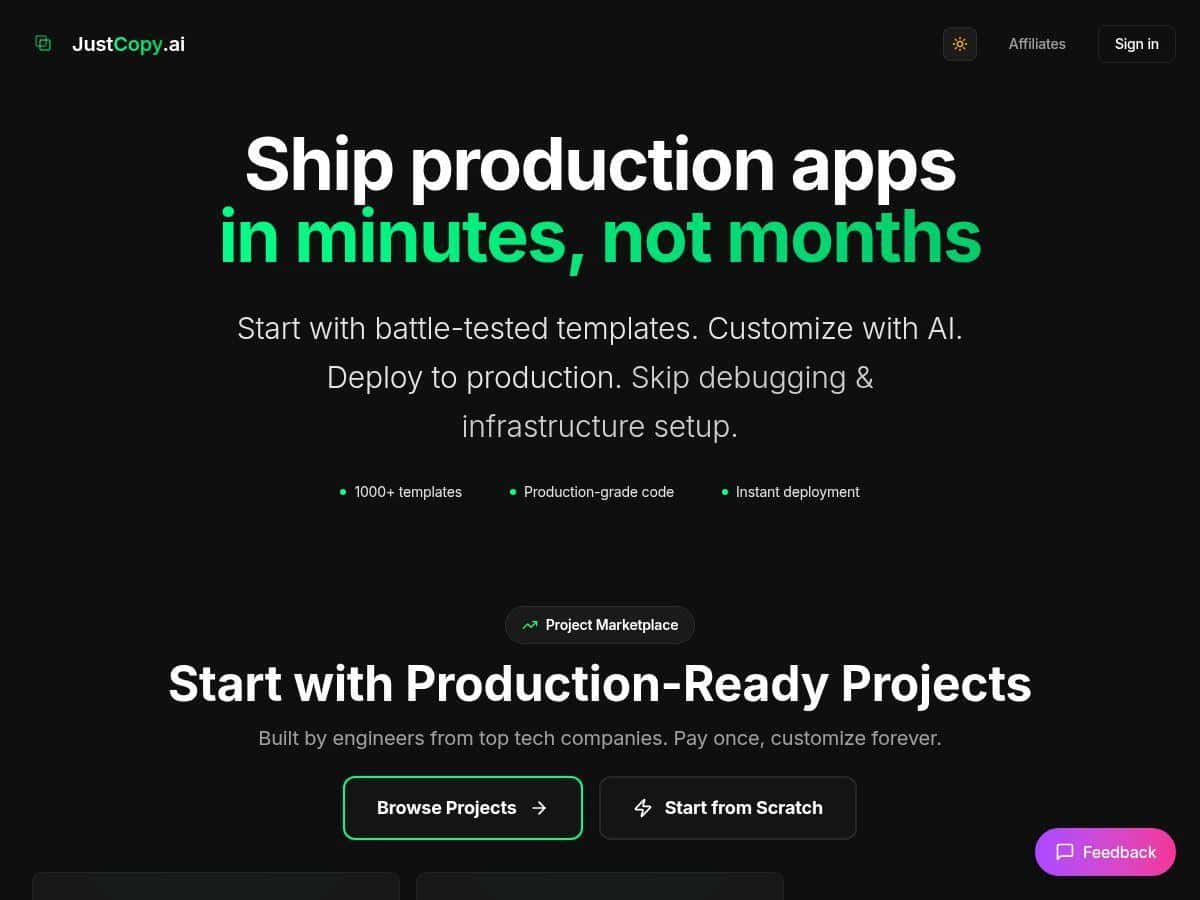
- Over 1000 pre-built templates you can customize instead of starting from a blank repo.
- AI agents (seven) that help with common app-building tasks—especially around setup, refining content, and getting you to a deployable state.
- Full-stack building blocks including authentication, a database layer, and REST-style APIs (enough to support real CRUD flows).
- Responsive UI + deployment support with monitoring/CI/CD behavior baked in, so you’re not just generating code—you’re shipping.
- One-click deployment that actually reduces the “last 10%” pain for non-developers.
- Open-source codebase + export, which matters if you want to keep ownership and customize beyond the template UI.
Pros and Cons
Pros
- Fast time-to-first-deploy: in my test, I had a working app running in under an hour, including auth and basic data operations.
- Beginner-friendly: if you can describe what you want (and you’re okay with template limits), you don’t need to be a developer to get results.
- Full-stack essentials included: auth + database + API wiring were there without me stitching everything together.
- Export helps with real ownership: if you want to extend the app later, you’re not stuck only inside the platform.
- Less friction than typical “app generators”: I didn’t hit the usual wall where deployment fails because the generated code is incomplete.
Cons
- Template boundaries are real: customizing beyond what the template supports can take extra prompting and iteration.
- Not zero-learning: even though it’s user-friendly, you still need to understand the platform’s concepts (what it expects for data models, pages, and routes).
- Highly niche apps may require more work: if your app has unusual business logic or a very custom architecture, you’ll likely spend time adapting after export.
Pricing Plans
Pricing can change, so I’m not going to guess numbers. For the latest details, check the official page here: JustCopy.ai pricing.
What I used during my test: I started on a standard user plan (the one that lets you build and deploy without enterprise-level limits). If you’re planning to test seriously, make sure your plan includes deployment access—some tools let you generate code but restrict where/how you can run it.
Quick practical tip: before you commit to a paid tier, do a small “end-to-end” test—pick a template, customize one data model, deploy, and confirm auth works. That’s the fastest way to see whether the plan limits (builds, deployments, or usage) will slow you down.
Wrap up
JustCopy.ai is one of the better “get an app live fast” tools I’ve tried. In my test, it wasn’t just generating code—it helped me reach a deployable, working app in under an hour, with auth and a basic CRUD flow functioning properly.
That said, it’s not a blank-check for any idea you can imagine. If your project fits the template structure, you’ll fly. If it doesn’t, expect some back-and-forth—especially when you want custom logic that the template doesn’t anticipate.
If you’re trying to validate an MVP, build a quick internal tool, or prototype something you can show users, it’s definitely worth exploring.