Table of Contents
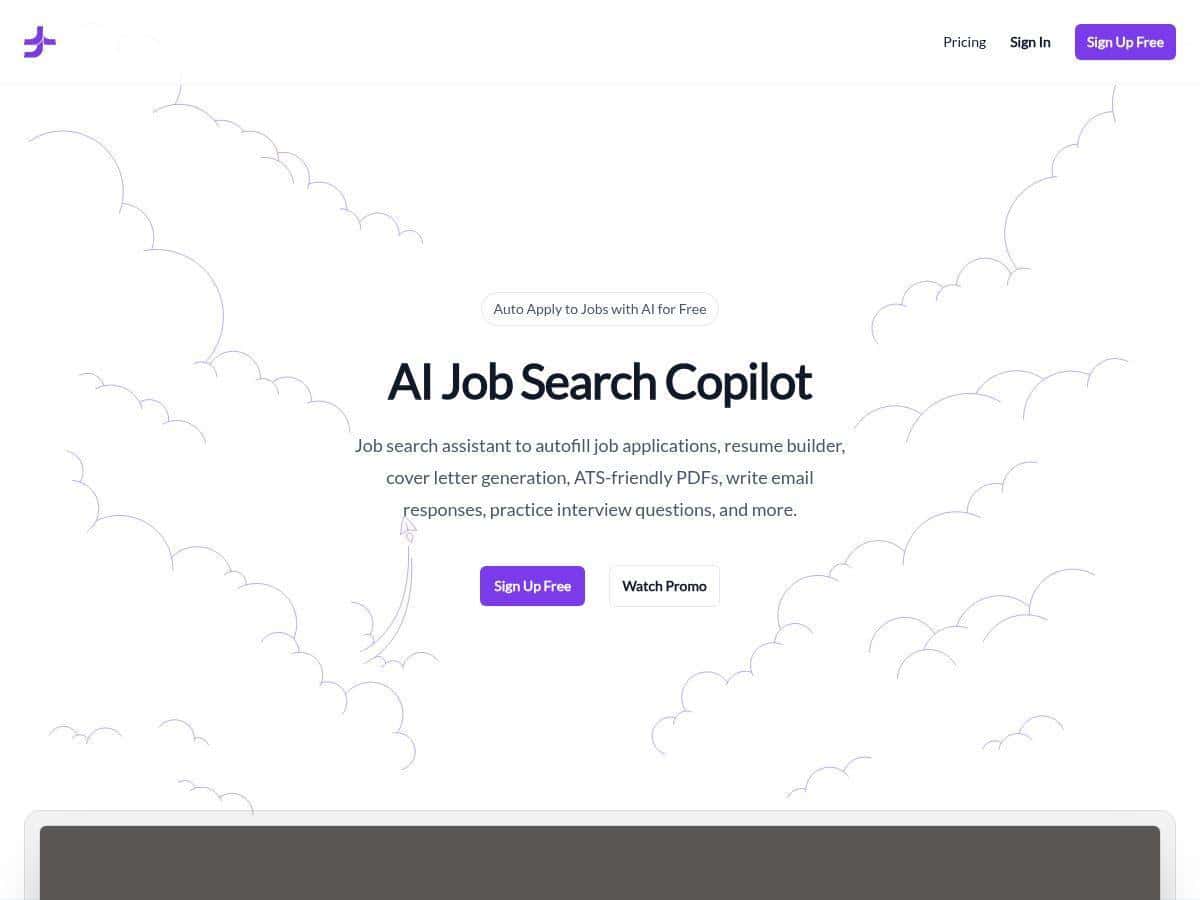
I’ve been burned before by “AI job search” tools that sound great but don’t actually save time once you hit real job boards. So when I tested JobJette, I focused on the stuff that matters: does it autofill smoothly, does the output look professional, and does it help you move faster without creating a bigger mess later?
JobJette Review
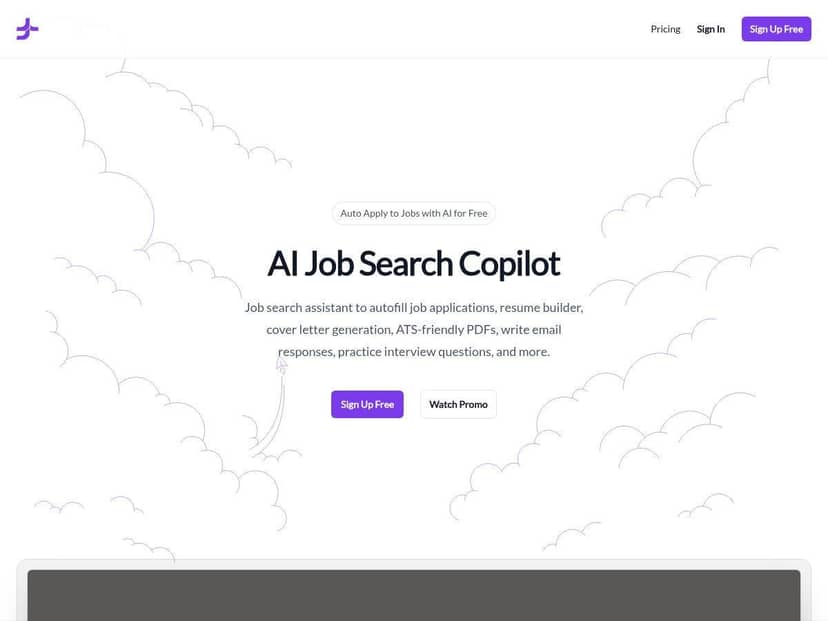
I spent a few sessions testing JobJette end-to-end: setting up my profile, generating documents, and using the Chrome extension to speed through applications. My main goal was simple—reduce the time between “I found a job I like” and “I actually applied,” without sacrificing basic quality.
Setup & first impression: The dashboard feels straightforward. I didn’t have to fight menus or guess where things were. Once my profile was in place, JobJette started behaving like a “job search assistant” rather than just another AI text box.
Form autofill test (real-world sites): Here’s what I noticed when I used the Chrome extension on common job-application pages. The autofill worked best on forms that use standard fields (name, email, location, work history). On pages with more custom questions (like long free-text prompts or unusual dropdowns), I still had to review before submitting—so it’s not a “set it and forget it” button.
My practical takeaway: If you’re applying to roles that require lots of repetitive fields, JobJette genuinely cuts down the boring parts. But if the job posting is unusually specific and expects very tailored answers, you’ll still want to read and edit. That’s not a dealbreaker—it’s just reality with any autofill tool.
Resume & cover letter builder test: I generated both a resume section and a cover letter draft using the builder. What I liked is that the output didn’t feel like generic filler. The language was professional, and the structure looked clean enough that I wouldn’t be embarrassed attaching it.
One thing I always do after generating AI documents: I skim for (1) dates, (2) tool/skill names, and (3) claims that sound impressive but aren’t supported by my actual experience. JobJette’s drafts held up pretty well on tone and formatting, but I still adjusted a couple lines to match my background exactly.
ATS reality check: “ATS-friendly” can mean anything, so I checked the basics: readable headings, no weird formatting, and consistent text structure. The generated content stayed in a format that’s easy to parse (no fancy tables or graphics). Still, I’d treat AI output as a strong starting point, not a guaranteed ATS pass for every employer.
Job recommendations: The recommendations felt based on my profile and preferences. They weren’t perfect matches every time, but they were close enough to reduce my scrolling. When I applied to roles outside my target scope, the suggestions drifted—so your settings matter.
Ads/sponsored posts: I did see sponsored content mixed in at times. It didn’t ruin the experience, but it’s there. If you hate any kind of marketing overlay, you’ll notice it.
Key Features
- AI job application automation — autofills common fields and helps submit applications faster (best on standard forms; you’ll still review custom questions).
- Resume builder & cover letter generator — produces clean, professional drafts you can edit quickly instead of starting from scratch.
- Chrome extension auto-fill — speeds up repetitive form entry. In my testing, it was most reliable where fields are predictable.
- Personalized job recommendations — suggestions based on your profile and preferences. It’s not magic, but it reduces the “what should I apply to?” problem.
- Application tracking dashboard — helps you keep tabs on what you applied to and where things stand.
- Interview prep resources — useful for refreshing common talking points and prepping faster (I didn’t treat it as the only source, but it helped).
- Desktop app via WebCatalog — available on Mac and Windows, which is handy if you prefer a dedicated app feel.
Pros and Cons
Pros
- Time savings are real — the autofill + application workflow reduces the repetitive parts of applying.
- Docs start from a solid baseline — the resume/cover letter drafts look professional and are easy to edit quickly.
- Cleaner ATS formatting than many AI templates — no “gimmick” formatting that would confuse parsers in my tests.
- Beginner-friendly — I didn’t feel like I needed a tutorial to use it.
- Works across platforms — Chrome extension plus a desktop app option is convenient.
Cons
- Not every job type is equally supported — in my testing, niche or highly specialized postings sometimes had more custom fields than the autofill could handle perfectly.
- You still need to review before submitting — any autofill tool can miss context on longer questions, so don’t skip the final check.
- Customization has limits — you can steer results, but if you want super granular control over every sentence and every keyword, you’ll still do manual editing.
- Pricing and plan details can change — I recommend double-checking the live pricing page before committing, since usage limits (and what’s included) may update.
Pricing Plans
I can’t reliably quote exact plan prices and usage caps from the HTML you provided (and pricing can change quickly). What I can say is this: JobJette includes a free “Freebird” plan that covers the core experience indefinitely, and then there are paid tiers for premium features.
What I suggest you check on the official page:
- Whether the paid plans add higher limits for document generation or application automation
- Any caps on how often you can apply or submit via the extension
- What “premium” actually unlocks (extra templates, deeper personalization, more interview prep content, etc.)
- Current billing cadence (monthly vs quarterly) and whether there’s a discount for longer commitments
If you want to be sure it fits your workflow, look for the exact usage limits and compare them to your real target (for example: if you’re applying to 20–30 jobs/week, make sure the caps won’t throttle you mid-week).
Wrap up
JobJette is one of the more practical AI job-search tools I’ve used—mostly because it focuses on the time sinks: autofilling applications, generating documents you can edit fast, and keeping your progress organized. If you’re applying at scale (or you just hate forms), it’s genuinely worth trying.
That said, it’s not a magic “instant job” button. You’ll still need to review anything it auto-fills, and you’ll want to tailor answers for roles that demand very specific context.
If you’re the kind of person who values speed and still checks your work, give JobJette a shot using the free plan first. If it saves you even 20–30 minutes per application, the math usually starts working in your favor.