Table of Contents
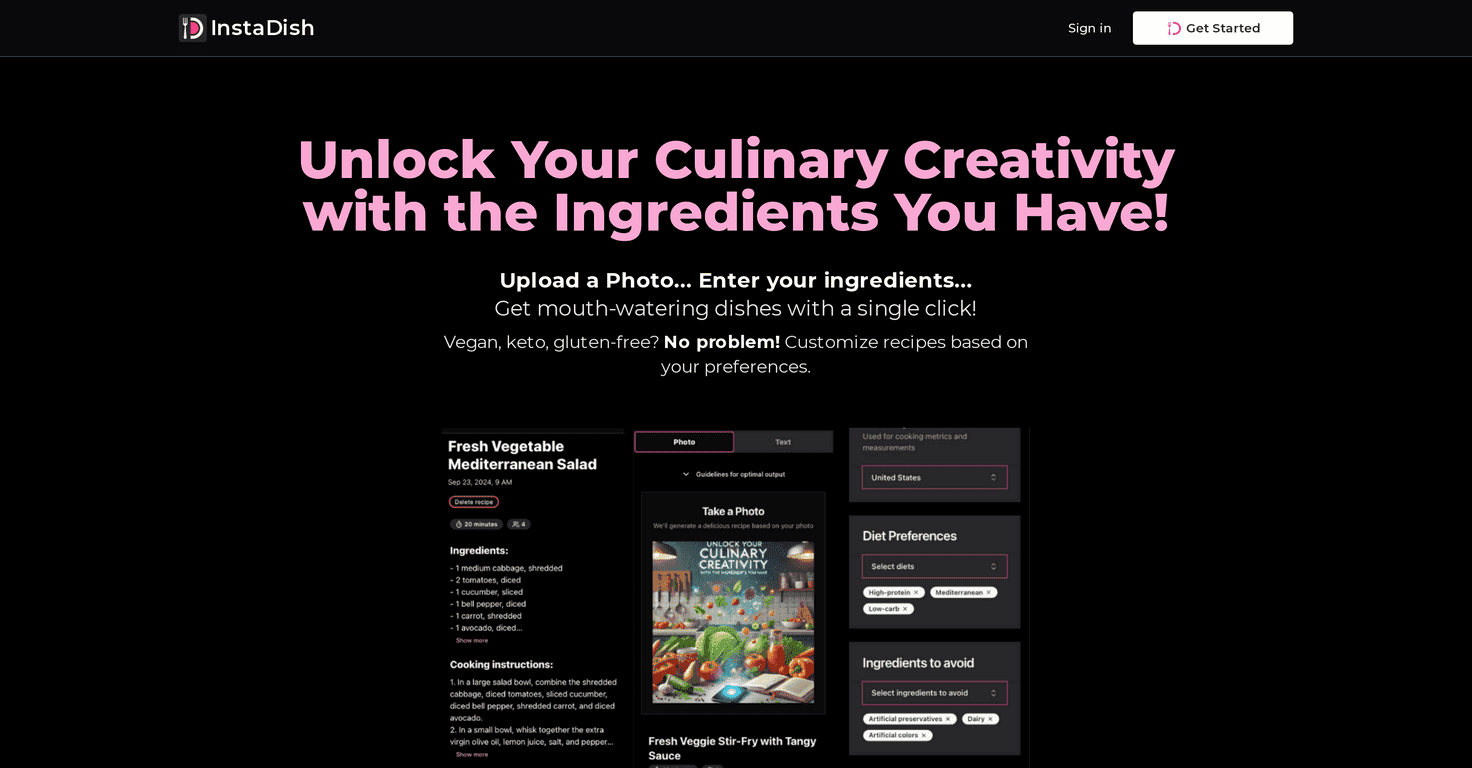
Let’s be honest—most nights I open the fridge and feel that tiny panic. Not because I can’t cook, but because there are so many random ingredients and I don’t want to waste anything. That’s where InstaDish caught my eye. It’s a recipe app that builds meal ideas around what you already have, instead of starting from scratch.
I tested it with a pretty typical “I have some stuff, not a plan” setup—like rice, a couple veggies, and whatever protein was left in the package. I snapped a quick photo (nothing fancy) and it generated recipe suggestions based on what it thought was in the fridge. The output wasn’t just random recipes either. It felt more like “use what you’ve got” cooking, which is exactly what I want on busy days.
One thing I really liked: if you see a dish online and want to recreate it, InstaDish lets you input an image or a recipe name to get a step-by-step guide. So it’s not only about pantry clean-out—it’s also useful when you’re trying to copy a meal you had somewhere (or saw on social media).
And yes, it supports dietary preferences too. I played around with vegan/keto-style adjustments, and the app will try to steer you toward ingredients that match your goal. It also suggests substitutions, which is handy when you don’t have one specific item and don’t feel like making a whole extra grocery run.
InstaDish Review: Pantry-Based Meals That Actually Help
InstaDish is built around one simple idea: stop wasting food (and time) by forcing yourself to make something from a random pile of ingredients. Instead, you tell the app what you have—either by taking a photo or entering items manually—and it generates recipe ideas based on that.
In my experience, the “photo first” approach is fast, but you get better results when the photo is clear. If ingredients are blurry, mixed together in a messy background, or hard to identify, the app can misread what you’ve got. It’s not a dealbreaker, but it does mean you might need to enter a couple items manually if you want the recipe to be spot-on.
Also, the instructions are written in a way that feels easy to follow. I didn’t feel like I had to translate cooking jargon into plain English. That matters when you’re cooking on a weeknight and you’re not trying to study a recipe like it’s a textbook.
And if you’re the type who likes replicating meals you’ve seen online, the Replicate Dish feature is a big plus. I tried it by searching for a dish name I liked, and then using the app’s guide output as a starting point. It’s a convenient way to get a structured “how to” rather than guessing at ratios from memory.
Key Features I Look For (and InstaDish Covers)
- Personalized Recipes based on your ingredients — you’re not starting from a blank page.
- Replicate Dish feature — use an image or dish name to get a step-by-step guide.
- Dietary preference adjustments — vegan, keto, and more, depending on your needs.
- Save Favorite Recipes — so you can reuse winners without regenerating everything from scratch.
- User data privacy — the app claims privacy is prioritized, which is important when you’re uploading photos.
- Clear cooking instructions — the steps are easy to follow while you’re actively cooking.
- Optional substitutions — this is one of those “small” features that saves you when you’re missing an ingredient.
- Food waste reduction — the whole concept is about using what you already have.
Pros and Cons (The Honest Stuff)
Pros
- Quick input options: you can use photo or manual entry, which is great when you’re in a rush.
- Diet-aware suggestions: it’s useful if you’re trying to stick to vegan/keto-style rules.
- Favorites are actually helpful: saving recipes makes it easier to repeat meals you like.
- Instructions feel usable: you’re not stuck with vague steps.
Cons
- Internet may be required: recipe generation isn’t always instant offline.
- Photo quality matters: if the app can’t clearly identify ingredients, you may get less accurate recipes.
- Credits can be confusing: if you’re not paying attention, the credits system might feel a little challenging at first.
If you’re someone who hates subscription/credits models, this might be the part you don’t love. But if you’re the kind of person who uses cooking apps a few times a week, it can still be worth it.
Pricing Plans: Credits-Based Cooking
InstaDish uses a credits system, so you buy credits and then generate recipes using those credits. The pricing options listed are:
- 10K Credits for $3 (approx. 12 recipes)
- 25K Credits for $7 (approx. 30 recipes)
- 50K Credits for $13 (approx. 60 recipes)
What I noticed is that your “real cost per meal” depends on how many times you regenerate or tweak recipes. If you only generate once and cook it, you’ll feel the value more. If you’re constantly iterating, credits can disappear faster than you’d expect.
Wrap up
For me, InstaDish hits a sweet spot: it turns “what do I do with this stuff?” into something actionable. The personalized recipes, the Replicate Dish feature, and the dietary/substitution options are genuinely useful—especially when you’re trying to cut food waste or recreate a meal you actually enjoyed.
If you’re curious, I’d say give it a shot with a real fridge check. Start with a photo of what you already have, pick one recipe you can cook that night, and see if it matches your style. If it does, you’ll probably keep using it.
Promote InstaDish