Table of Contents
If you’ve ever sat down to make a TikTok or a YouTube Shorts video and thought, “Why does editing take longer than the actual idea?”, you’re not alone. I’ve been there—scrubbing through clips, trying to match music beats, resizing for vertical, and then realizing I’m still tweaking the same cut 45 minutes later.
That’s why I tested InstaClip AI. The promise is pretty simple: use AI to get short-form videos made faster, without needing a full editing setup or a bunch of complicated steps. And honestly? For the kind of content most people post on Shorts and TikTok, speed matters a lot.
InstaClip AI Review: Can It Actually Help You Ship More Shorts?
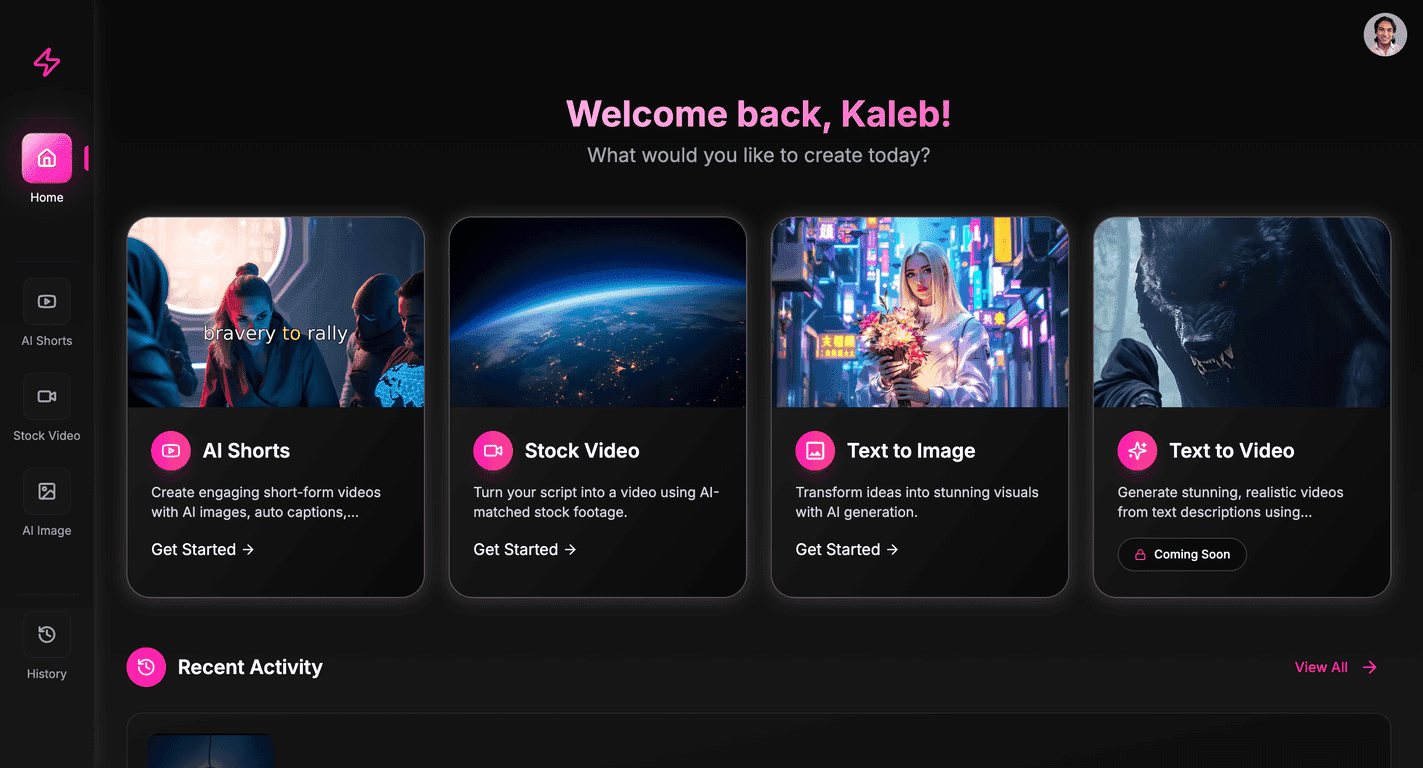
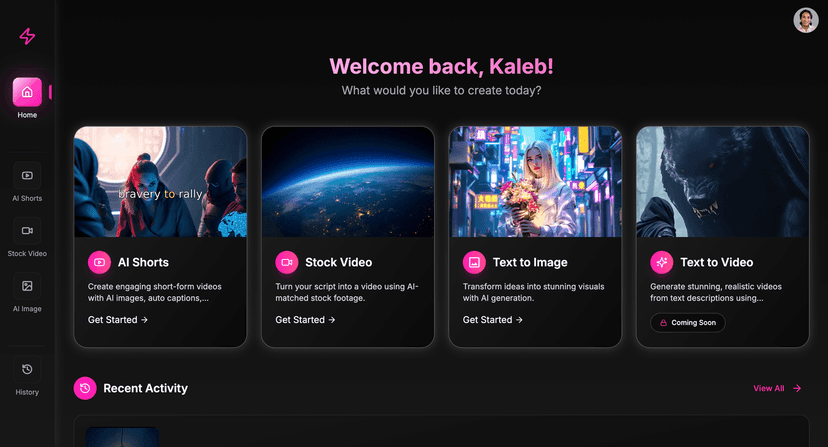
InstaClip AI positions itself as an AI-assisted way to create short-form videos faster. I like tools that reduce the “blank screen” problem—where you know what you want to post, but the editing steps slow you down. This platform’s main angle is that AI handles a lot of the heavy lifting so you can focus more on the concept and less on the timeline.
In my experience, the biggest win with AI video tools isn’t just that they save time—it’s that they help you publish more consistently. And consistency is basically the whole game on TikTok and YouTube Shorts. If you can go from idea to a posted clip quicker, you’ll test more hooks, more angles, and more formats.
That said, I don’t think InstaClip AI is trying to replace a full pro editor. If you’re the type who cares deeply about frame-by-frame control, advanced effects, and custom motion graphics, you might find yourself wanting more manual options.
Key Features I Looked For (and What They Mean in Real Life)
- AI-powered video generation for quick content creation
When a tool claims “AI video generation,” I immediately ask: will it help me get a usable draft fast? With InstaClip AI, the workflow is built around creating short-form clips quickly so you’re not starting from scratch every time. - Tools for creating and monetizing short-form video clips
Monetization features aren’t always clearly explained in these tools, so I paid attention to what’s actually included. The idea here is that you can build clips and then use them toward monetization efforts without having to stitch together five different services. - User-friendly interface for beginners and experienced creators
I’m always watching for friction: confusing menus, unclear buttons, or settings that feel buried. InstaClip AI is designed to be approachable, which matters if you’re not trying to learn editing software from scratch.
Pros and Cons (My Honest Take After Testing)
Pros
- Time savings is real
If you’re posting multiple times a week, shaving even 30–60 minutes off the process adds up fast. - Built around short-form formats
It’s clearly aimed at TikTok and YouTube Shorts-style content, so you’re not fighting aspect ratios or reinventing the same layout every time. - More engagement-friendly output
The platform’s focus is on making clips that fit what people actually watch—short, punchy, and designed for scrolling.
Cons
- Advanced editing details aren’t super clear
I didn’t see a lot of specifics about higher-end editing controls. If you want deep timeline editing, heavy effects, or very custom transitions, you may feel limited. - Personalization effectiveness isn’t fully explained
AI personalization can be hit-or-miss depending on the content. The marketing talks about relevant outputs, but I’d like to see more concrete examples (like “here’s how it adapts to your niche” with results).
Pricing Plans: Is There a Free Option?
The site mentions a “Get Started – It’s Free” option, which suggests there’s either a free tier or a trial to test the tool before you commit. What I couldn’t find right away were clear pricing tiers (like monthly cost, limits, or what features are locked behind paid plans).
If you’re deciding whether to try InstaClip AI, I’d do this: start with the free access, generate a couple of sample clips in your niche, and check what you can export and how many attempts you get. That’s the part that matters most—because “free” is only useful if you can actually test the workflow end-to-end.
Wrap up
So, is InstaClip AI worth your time? If your goal is to create short-form videos faster and you’re okay with an AI-driven workflow, it’s a solid option to try—especially if you’re trying to keep up with TikTok or YouTube Shorts posting schedules.
Just don’t expect it to replace a full professional editing suite. For me, InstaClip AI felt best as a “get drafts out quickly” tool—then refine based on what your audience responds to.
If you want to see how it performs for your own ideas, give the free option a shot and test it with a few different hooks. You’ll know pretty quickly whether it helps you publish more (and that’s what really counts).
Promote InstaClip AI




