Table of Contents
If you’ve ever stared at a Figma export and thought, “Why am I manually rebuilding this in code?”, you’re going to feel seen. I tested ImgToCode specifically for that UI-to-code pain—and honestly, it does save time when you’re working from a screenshot or a static design image.
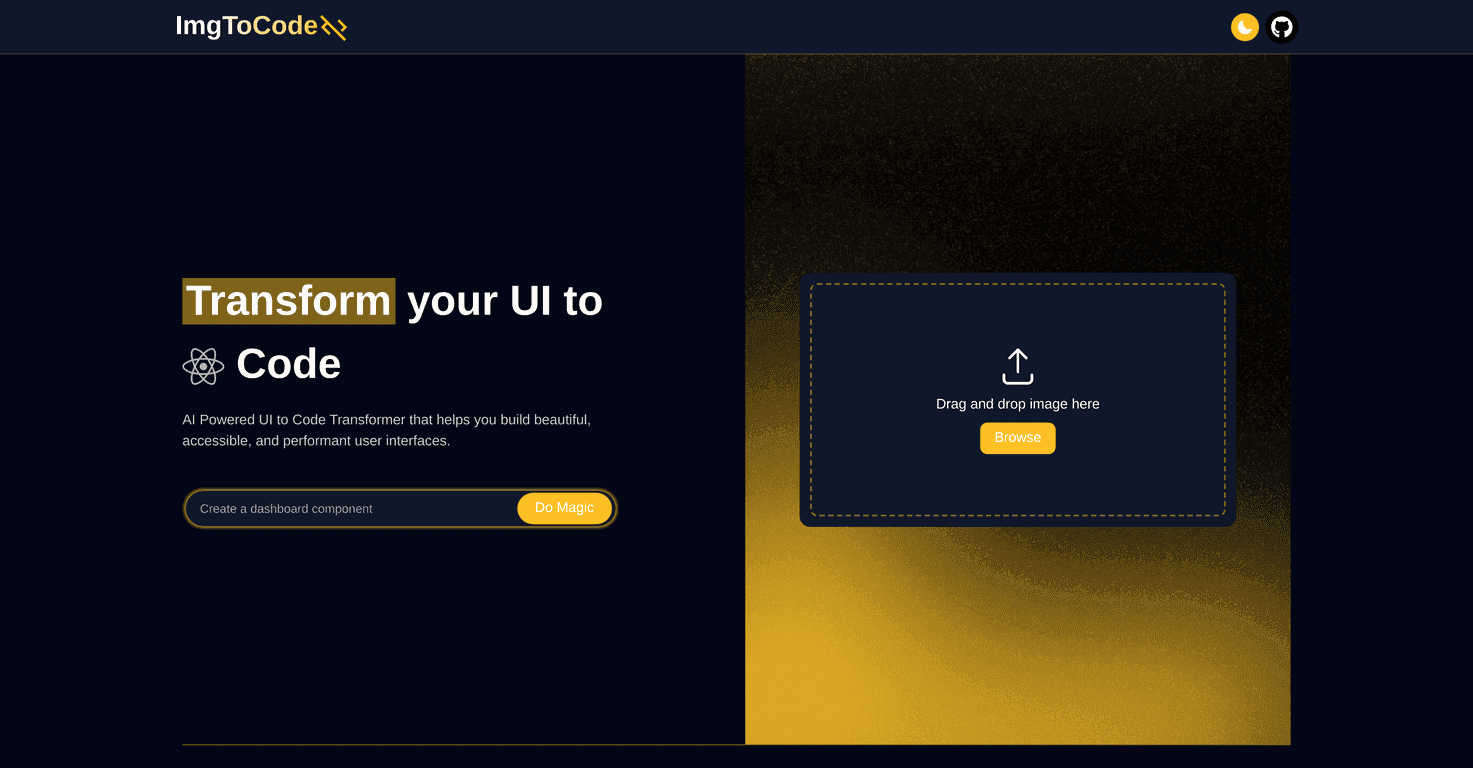
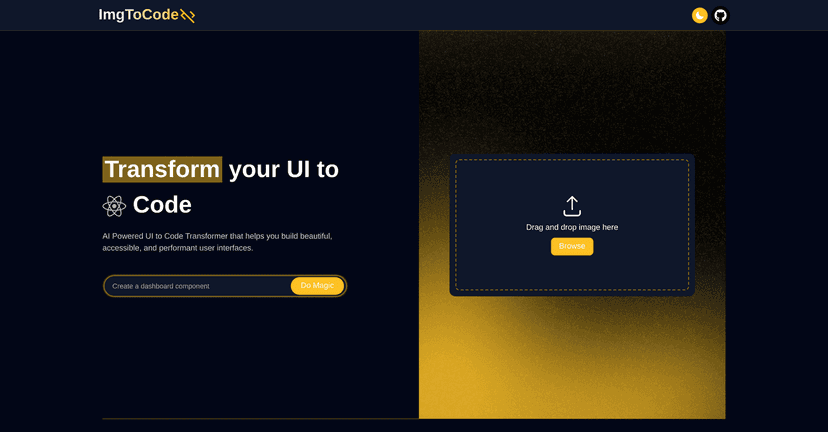
The basic idea is simple: upload your UI design image, and the tool generates front-end code you can actually use. What I liked most is that it’s not just spitting out random snippets. The output is meant to be clean and functional, and it tries to keep things performance-friendly and accessible (at least in how it structures things).
That said, I wouldn’t call it “press one button and everything is perfect.” If your design is complex—lots of overlapping elements, unusual layouts, custom shapes—expect to do some cleanup. Still, for the first draft? It’s a pretty solid shortcut.
ImgToCode Review: What It’s Like to Use
Let me put it this way: I don’t see ImgToCode as a replacement for a front-end developer. I see it as a “first-pass builder.” You still need to review the output, adjust spacing, and make sure everything behaves correctly—but it cuts down the boring part.
In my experience, the best results come when you start with a clear, high-resolution UI image. If your screenshot is blurry or the UI elements blend together, the generated code won’t magically guess what you meant. Garbage in, garbage out still applies.
What you’ll notice right away after generating code is the layout structure. ImgToCode aims to produce functional front-end code (not just styled text). It also tries to keep accessibility in mind—so you’re more likely to get a sensible structure for things like headings and interactive elements.
One more thing: the tool supports different image inputs, which matters because not every workflow starts with a clean design file. Sometimes you only have a screenshot, a mockup export, or a handoff image. That flexibility is genuinely useful.
Still, if your design has a lot of unique styling—custom icons, complex overlays, weird grid math—expect to spend some time polishing. The “AI did it all” fantasy doesn’t hold up. But the “AI got me 80% there” feeling? That part is real.
Key Features That Matter (Not Just the Marketing Ones)
- Image upload for UI designs — You can start from a UI screenshot/mockup instead of needing a full design file.
- Drag-and-drop workflow — It’s quick to use. No long setup. I didn’t have to fight the interface to get results.
- Front-end code generation — The output is built to be functional, so you’re not just copying styles—you’re working with real markup/layout.
- Accessibility-focused output — In the generated structure, accessibility is treated as more than an afterthought (helpful for landing pages, dashboards, and prototypes).
- AI-driven accuracy improvements — The more “standard” your UI patterns are (buttons, forms, nav bars), the better the generated code tends to be.
If you’re wondering what actually improves results, here’s my practical tip: crop the image so the UI is tight and centered. Leave out extra whitespace and random background elements. It sounds small, but it makes the output cleaner.
Pros and Cons From a Real-World Perspective
Pros
- Fast turnaround — I was able to go from an image to usable code quickly, which is great for prototypes and early iterations.
- Easy to navigate — The interface doesn’t feel complicated. You’re not hunting for settings every time you run a conversion.
- Performance-minded structure — The generated layout generally avoids the “everything is absolute positioning” mess you sometimes see from other tools.
- Accessibility is considered — I noticed the output tends to include a more sensible structure for interactive elements and content hierarchy.
- Flexible inputs — When you don’t have a perfect design file, being able to work from images still helps.
Cons
- Complex layouts can break — If your design has lots of overlapping elements or tricky spacing rules, you’ll likely need to fix alignment and spacing manually.
- Limited customization after generation — Once you’ve got the code, it’s still on you to tweak components, refactor styles, and make it match your exact system.
- Unique design elements may not translate cleanly — Custom shapes, unusual typography treatments, and niche UI patterns can come out off compared to the original image.
- Still requires review — I wouldn’t ship the generated code without checking responsiveness, contrast, and interactive states.
So, is it perfect? No. But if your goal is to stop rebuilding the same UI skeleton over and over, it’s a pretty practical tool.
Pricing Plans (What I Could and Couldn’t Verify)
At the moment, pricing for ImgToCode isn’t clearly listed in the content I reviewed. Since pricing can change (and sometimes depends on usage limits or plan tiers), I recommend checking the official site directly for the latest details.
If you want the most up-to-date info, start from the tool’s page: ImgToCode.
Wrap up
ImgToCode is best for people who want a faster way to turn UI images into usable front-end code. In my testing, it’s especially helpful for landing pages, simple dashboards, and UI screens with common components. You’ll still need to review and refine the output—especially for complex designs—but it can cut down the time spent on the “first draft” stage a lot.
If you’re tired of manually translating every pixel into code and you just want to get moving, this is worth a look. And if you tend to build with clean, standard UI patterns, you’ll probably get even better results.


