Table of Contents
I’ve tried a bunch of “text-to-image” tools over the years, and honestly? Most of them either feel clunky, hide the good stuff behind accounts, or make you fight with settings before you even get a usable result. Imagine Anything is refreshing because it’s pretty much ready to go the moment you land on the page.
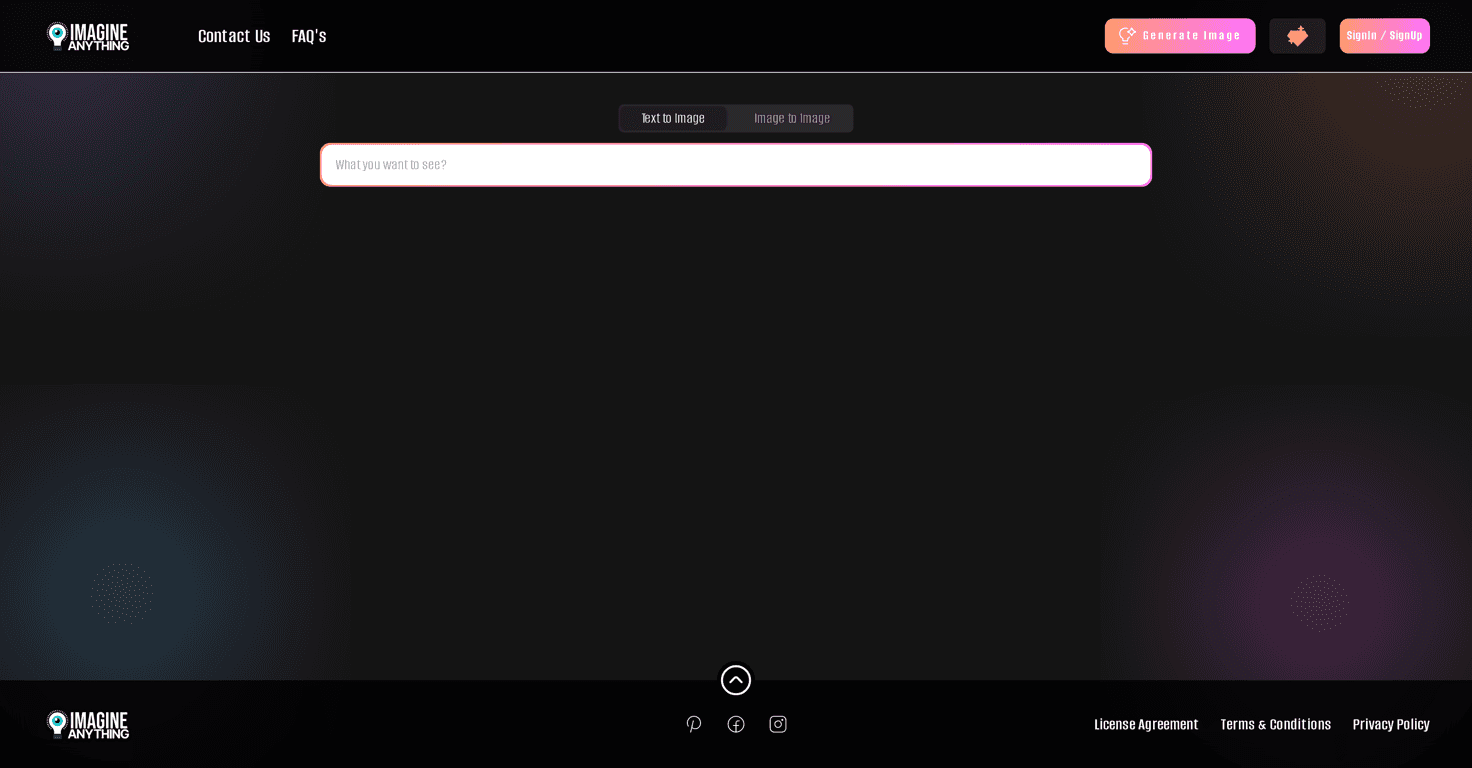
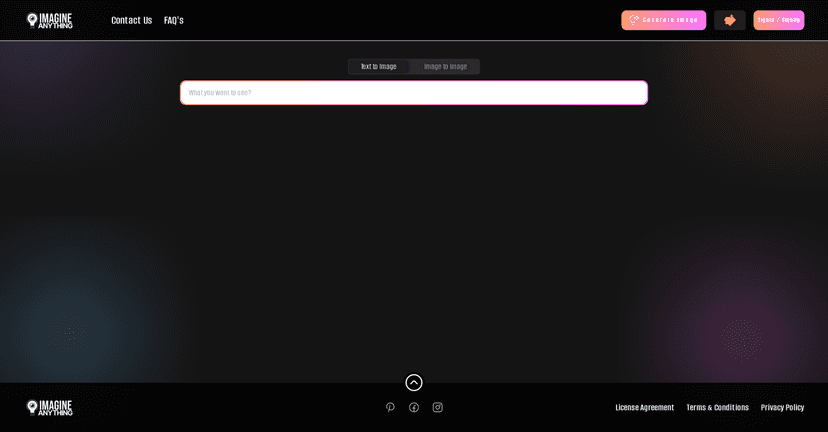
It’s a free AI image generator that turns simple text prompts into images, and it also lets you start from an existing image to create variations. That “two ways in” approach matters—sometimes you don’t want to write a perfect prompt, you just want to remix something you already have. What I noticed right away is how fast I could go from idea to something on screen, especially on mobile. No account gatekeeping. No setup. Just type, generate, and download.
Imagine Anything Review
Imagine Anything is a free AI image generator that lives up to its name: you can create images from text prompts, and you can also upload an image to generate variations. That flexibility is a big deal in real life. Sometimes I’m brainstorming brand visuals and I want to go from words to images. Other times I already have a rough concept (maybe a sketch, a logo mock, or a screenshot) and I just want alternate versions without starting from zero.
Another practical win: it’s responsive. I tested it on both desktop and mobile, and the interface didn’t feel like it was “barely usable” on a phone. Prompt entry stayed straightforward, and the overall flow was quick enough that I didn’t feel stuck waiting around.
And yes—no sign-up required is genuinely nice. I don’t have to create an account just to test an idea. I can generate a couple quick drafts, see if the style works for me, then decide whether I want to invest more time.
Now, one thing to keep expectations realistic: the quality you get depends heavily on your prompt. If your prompt is vague (“a cool character”), you’ll usually get something “cool-ish” but not necessarily what you had in mind. If you’re more specific (“a cyberpunk detective in a neon rain alley, teal and magenta lighting, cinematic lighting, 35mm photo style”), results tend to land closer to your vision.
Key Features
- Text to Image Generation lets you create images based on your written descriptions. In my experience, adding style cues (like “watercolor,” “studio lighting,” “anime,” “isometric”) makes a noticeable difference.
- Image to Image Generation lets you make variations of an existing graphic. This is great for iterating on something you already like—think “make it darker,” “change the background,” or “same subject, different outfit.”
- No Sign-Up Required means you can get started right away. If you just want to test an idea or generate a quick draft, this saves time.
- Responsive Design ensures the tool works smoothly on both desktop and mobile. I didn’t run into weird layout issues while using it on a smaller screen.
- User-Friendly Interface keeps things simple. You’re not forced into a bunch of advanced settings before you see output.
- Download Options make it easy to save your generated images for later use, sharing, or editing in another tool.
Pros and Cons
Pros
- Free to Use with no subscription required (at least for core generation). For trying out ideas, that’s a huge win.
- Easy to Use. The interface is straightforward, and you don’t need technical knowledge to get results.
- Two input styles (text and image) gives you more ways to create. I like having the option to remix instead of always starting from scratch.
- Fast iteration. The “generate and see” loop is quick enough that you can refine prompts without losing momentum.
Cons
- Limited features vs. paid platforms. If you’re used to advanced controls (more granular settings, stronger prompt tooling, or higher consistency), you might feel boxed in.
- Prompt sensitivity. The output can vary a lot depending on how specific your text is. Vague prompts usually lead to vague results.
Pricing Plans
Imagine Anything is completely free to access. In practical terms, that means you can generate images instantly without signing up and start downloading your results right away.
I didn’t see anything in the core flow that forced me into a paid plan. Still, like most free tools, I wouldn’t be shocked if premium options appear later—just don’t assume the free version will stay identical forever.
Wrap up
If you want a free AI image generator that’s actually easy to use, I think Imagine Anything is worth your time. The biggest reasons are the no-sign-up access, the simple text-to-image flow, and the fact that image-to-image variations are available too.
It’s best for casual projects, quick drafts, social media concepts, and brainstorming. If you need ultra-consistent output or advanced creative controls, you may eventually want a more robust paid platform. But for getting ideas out of your head and onto an image—fast—this one does the job.