Table of Contents
Let me guess—you’ve got an idea in your head (or a reference image sitting on your desktop), but when it’s time to write a solid prompt, you freeze. I’ve been there. You end up with something too vague, or you spend way too long tweaking wording instead of actually creating.
That’s why I was interested in the Image to Prompt Generator from ImagePrompt.org. It’s a free tool that turns an image into a detailed natural-language prompt, so you can jump into Midjourney, Stable Diffusion, Flux, and similar models without having to “invent” the prompt from scratch.
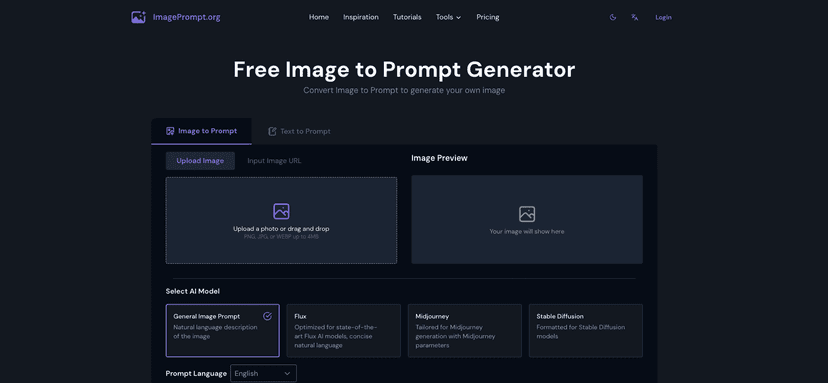
In my experience, the biggest win here is speed. You upload an image (or drop in an image URL), and the generator does the heavy lifting—describing what’s in the image and turning that into something you can paste into your AI workflow. But does it actually produce prompts you can use? Keep reading, because that’s the part I always care about.
Image to Prompt Generator Review: Does It Actually Help?
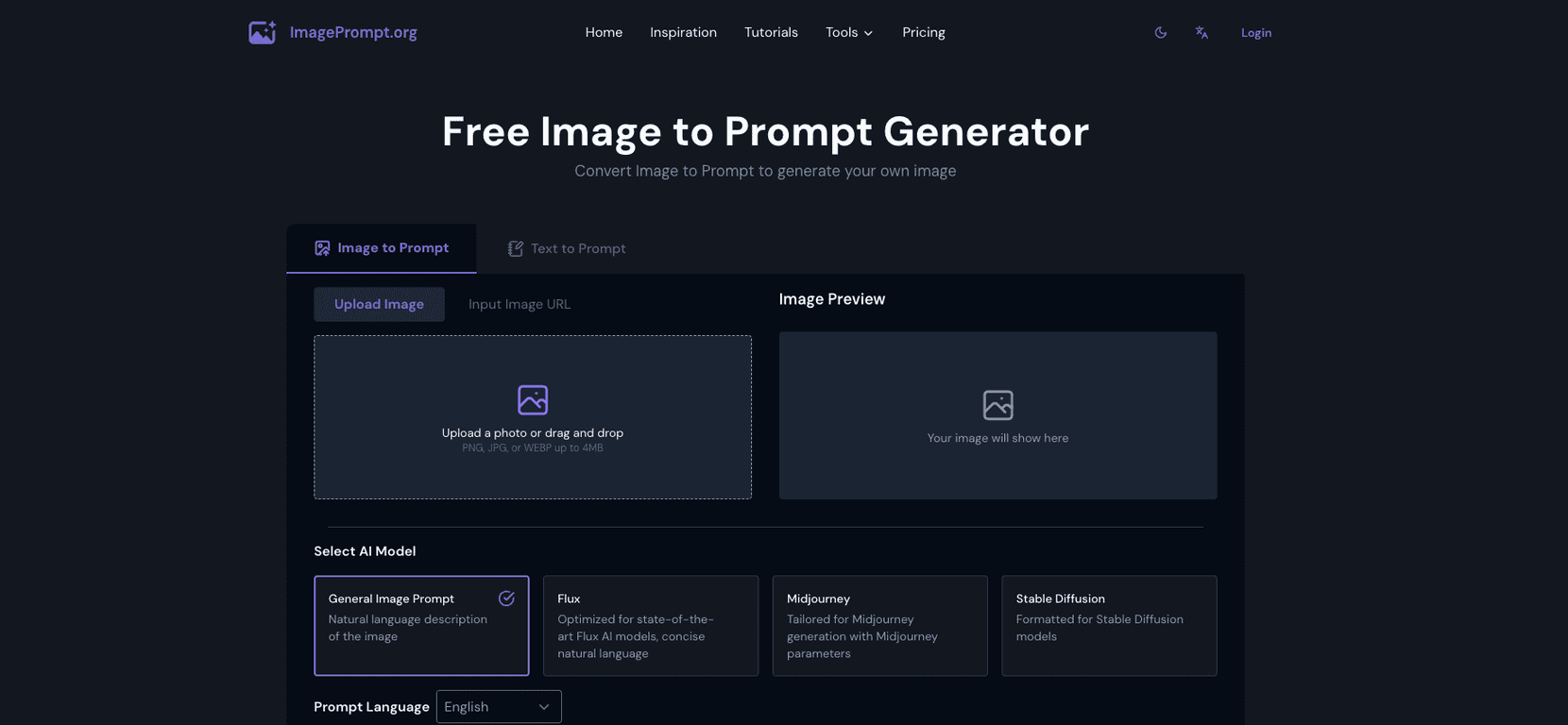
The Image to Prompt Generator is built for people who want to go from “here’s the vibe” to a usable prompt fast. You can upload an image or provide an image URL, and the tool generates a prompt that describes what’s in the picture in natural language.
What I like is that it’s not just generic filler text. When you choose AI models like Midjourney, Stable Diffusion, or Flux, the prompt generation is meant to align with the kind of output those systems respond to. That matters, because a prompt that works in one model can be oddly off in another.
Here’s what the workflow looks like in real life: you start with a reference image—maybe a product shot, a character concept, a landscape photo, or even a moodboard screenshot. Then you paste the generated prompt into your image generator and tweak from there. And yes, you’ll still tweak. But you’ll tweak from a strong starting point instead of writing everything yourself.
Also, the interface feels straightforward. I didn’t have to hunt for settings or figure out what order things go in. It’s the kind of tool you can open, run a test, and move on with your day.
Key Features I Noticed
- Image upload (and image URL support) — You can use your own files or point it at an online image, depending on what’s easier.
- Multiple AI model options — The generator can tailor prompts for different AI models instead of using the exact same format every time.
- Multi-language prompt generation — If you prefer prompts in a language other than English, this is a nice bonus.
- Detailed natural language prompts — The output aims to describe composition and visual elements, not just a one-line summary.
- User-friendly navigation — It’s not cluttered. You can get to the result quickly.
- Daily usage tracking — It keeps you aware of how close you are to your free limit, so you’re not surprised later.
Pros and Cons (Realistic Take)
Pros
- Free tier for basic use: 5 free uses daily is enough for testing, brainstorming, and occasional prompt generation.
- Works with multiple AI models: I appreciated that it’s not “one prompt format fits all.”
- Beginner-friendly: If you’re new to prompt engineering, this helps you get unstuck fast.
- Good prompt accuracy for typical images: For clear subjects and recognizable scenes, the generated prompts tend to be close enough that you can refine quickly.
- Privacy-focused behavior: The tool states it deletes images after processing, which is comforting if you’re uploading reference images you don’t want stored.
Cons
- Free limit is tight: Only 5 uses per day without upgrading. If you’re iterating a lot, that limit will hit sooner than you’d expect.
- Abstract images can be hit-or-miss: Highly abstract art or images with messy composition may lead to prompts that are less precise. You’ll likely need more manual edits.
- You may still need to edit: Even when the prompt is strong, I found it’s usually best to adjust details (style, lighting, camera angle, etc.) before generating final images.
Pricing Plans: What You Get for Free
Right now, the Image to Prompt Generator offers a free tier with 5 uses per day. After that, you’ll need a premium option to keep going.
One thing I wish was clearer: the exact premium pricing and what you get at each level isn’t fully spelled out on the website. If you’re the type who needs lots of iterations (like generating 20–50 variations for a concept), it might be worth checking the site directly before you commit.
Wrap up
Overall, I think the Image to Prompt Generator is a solid tool—especially if you’re tired of staring at a blank prompt box. It’s fast, it’s pretty easy to use, and the generated prompts are usually detailed enough to get you moving. The free daily limit is the main drawback, and abstract inputs may require extra tweaking, but for most normal reference images, it does what it promises.
If you’re creating AI images regularly (or you just want a better starting point when you’re stuck), this is one of those tools that can save you time immediately.
Promote Image to Prompt Generator



