Table of Contents
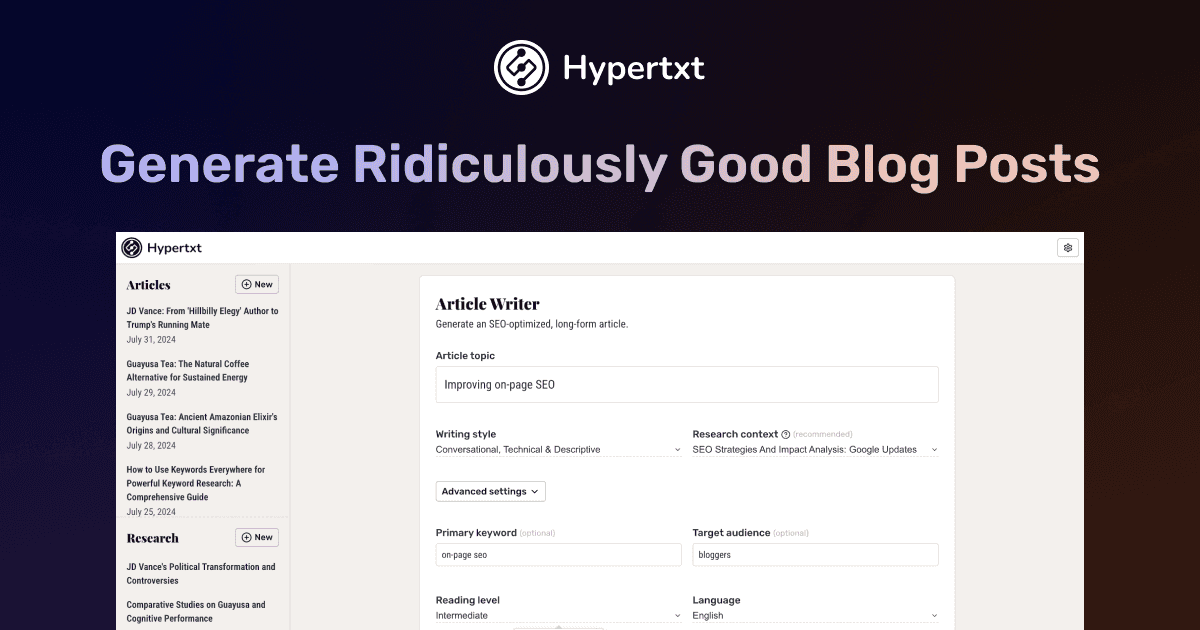
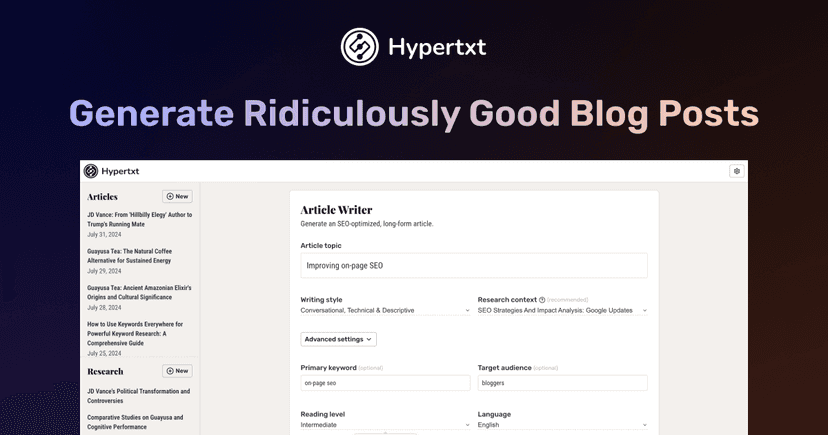
If you’ve ever stared at a blank doc at 9:00 p.m. wondering why writing a “quick blog post” always turns into a 3-hour project, I get it. That’s exactly where Hypertxt caught my attention. It’s an AI writing companion that’s meant to help you go from research to a finished, SEO-friendly article without doing all the legwork manually.
Hypertxt Review: Does It Actually Help You Write Faster?
Hypertxt is built for people who need to publish blog posts regularly—without spending every weekend rewriting intros and chasing SEO details. In my experience, it’s most useful when you already know your topic and you just want a structured way to turn that idea into a full article.
What I like is that it doesn’t just spit out a paragraph and call it done. The workflow is user-controlled: you’re basically guiding the steps (research → outline → SEO/optimization → final draft). That matters because if you’ve used a lot of “one-click” AI tools, you’ve probably seen the same problem: the writing sounds fine, but it doesn’t really match how you’d approach the topic.
Hypertxt’s pitch is that it mimics a more human process. So instead of jumping straight to final copy, you start with research reports and then build from there. If you care about accuracy and structure (especially for “how-to” posts, comparisons, and guides), this approach feels more reliable than pure generation.
Key Features (What You’ll Actually Use)
- Custom writing style — You can define tone and the reading level. I found this handy when I wanted the same topic written differently for different audiences (like “beginner-friendly” vs. “more technical”).
- In-depth research reports — It summarizes related content so you’re not starting from scratch. This is especially useful when you’re writing something niche and you want quick context before outlining.
- SEO-aligned content generation — The output is geared toward SEO best practices, not just generic “blog vibes.” I still recommend doing a quick manual pass (more on that below), but the baseline is there.
- User-controlled workflow — It simulates traditional research and writing steps, which helps you stay in control. For me, this is the difference between “AI-assisted” and “AI writes everything for me.”
One thing I noticed: the tool works best when you give it clear direction. Vague prompts lead to vague structure. If you provide a specific angle (example: “compare Tool A vs Tool B for agencies” or “explain X for non-technical founders”), the article tends to come out tighter.
Pros and Cons (Realistic Take)
Pros
- Feels more like a writing process than a one-shot generator. The research/outline flow helps the final draft stay organized.
- Customizable tone and style so you can keep your brand voice consistent across posts.
- Less “robot output” compared to tools that generate one generic article after another. The writing can still sound AI-ish sometimes, but it’s generally more readable.
- Research reports are free, which is a nice way to test the workflow without immediately committing to generation costs.
Cons
- There’s a bit of a learning curve. If you’re used to clicking once and getting a full blog post, you’ll need a couple tries to understand how to guide the steps effectively.
- Quality-first approach can slow you down if you only need something quick and disposable. If your goal is a short, low-stakes post, you might not want the extra structure.
My quick tip: after you generate the draft, do a fast “human pass.” Check (1) your intro hook, (2) whether key terms match what you actually want to rank for, and (3) that any claims sound like you—because that’s where credibility comes from.
Pricing Plans (Usage-Based, With BYOK Option)
Hypertxt uses a usage-based pricing model, which is great if you write inconsistently or want cost control. The numbers listed are:
- Output tokens: $0.30 per 1,000 tokens
- Input tokens: $0.06 per 1,000 tokens
- Research reports: free
For reference, Hypertxt estimates that creating a complete article (including the research you need) averages around $1.38. That’s the kind of pricing that can work well for freelancers and small teams, especially if you’re producing a few posts per month.
There’s also a BYOK pricing option for users with an Anthropic API key, listed at $89. If you already pay for Anthropic through your own setup, this could be a more economical route—though it’s only relevant if you’re comfortable using your own API key.
Wrap up
Hypertxt is one of those tools that feels genuinely aimed at writers, not just people trying to generate content as fast as possible. If you want a structured workflow (research → outline → draft) and you care about writing that doesn’t immediately scream “AI,” it’s worth testing. Just don’t expect it to replace your final editorial pass—because honestly, that’s where your voice and accuracy live.


