Table of Contents
Getting an ISBN can feel a little tricky when you’re brand new to publishing. I remember thinking, “Wait… who do I even contact?” But once you know the right path, it’s pretty straightforward: you register with your country’s official ISBN agency, request ISBNs for the specific editions/formats you’re publishing, and then you map those numbers to your book so retailers and libraries can identify it correctly.
In my experience, the biggest delays aren’t usually the ISBN itself—they’re the metadata decisions you make before and after you purchase (publisher name consistency, format-by-format ISBN assignment, and making sure you don’t accidentally reuse an ISBN across editions). So I’ll walk you through the process with the exact kinds of details agencies typically ask for, plus a few real-world “don’t do this” notes.
Key Takeaways
Key Takeaways
- Use your country’s official ISBN agency (not random barcode resellers) to avoid scams and metadata headaches. Start with the International ISBN Agency list of agencies.
- When you register, expect to provide publisher/imprint name, contact details, and publishing activity info. Choose the correct registration type (publisher vs. individual author).
- ISBNs are usually paid in blocks/quantities, but some regions offer free options through official programs—check your agency’s current policy before assuming prices.
- Assign a separate ISBN to each edition and format (example: paperback vs. ebook should not share the same ISBN).
- For print, place the ISBN near the barcode area on the back cover (and print the ISBN numbers clearly on the copyright page/title page). For ebooks, it’s mainly handled in digital metadata.
- ISBNs identify editions. Barcodes encode the ISBN for scanning. ISSNs are for serial publications (magazines/journals), not individual books.
- If you make a metadata mistake after buying, don’t panic—but do correct the ISBN mapping in your records and update the information you submit to distributors/retailers.

How to Get an ISBN?
At a high level, here’s the workflow: you apply through your country’s official ISBN agency, provide your book and publishing details, and then purchase or request the ISBN(s) you need for the exact editions and formats you’re releasing.
That ISBN becomes the “handle” for your title in catalogs and distribution systems. It’s also what barcode scanners use for print books. No mystery—just a bit of careful setup.
Here’s the simple 3-step path I follow:
- Find your national ISBN agency.
- Register as a publisher or author (whichever matches your situation).
- Request ISBN(s) for each edition/format you plan to distribute.
Find Your National ISBN Agency
The first thing you should do is locate the official organization assigned to issue ISBNs in your country. Each region has its own agency, and that matters because your registration and ISBN purchases are tied to that publisher record.
For example, in the US the agency is Bowker. In Canada, the Canadian ISBN Agency is the place to go. If you’re outside those, don’t guess—use the official directory.
To find your correct agency, check the International ISBN Agency list of agencies. This helps you avoid “ISBN services” that aren’t actually issuing through the official channel.
Register with the ISBN Agency
Once you land on your agency’s site, you’ll usually create an account. This is where you’ll decide what you are to the system: a publisher/imprint, or an individual author.
In my experience, the registration form usually asks for things like:
- Publisher name / imprint name (exact spelling matters)
- Contact details (email, phone/address depending on the agency)
- Publisher type (business vs. individual/self-publisher)
- Your publishing activity (how many titles/editions you expect to register)
- Tax/business details in some countries (varies a lot)
One practical tip: before you register, decide what your “publisher” name should be for the ISBN record. If you’re a sole author, you might still use an imprint name (for example, “Riverstone Press”). Just make sure you can consistently use the same name across your book, metadata, and distribution listings.
Also, be ready for a small moment of friction: some agencies want you to select the correct registration category and will nudge you to upload or verify details if you’re operating as a business.
What I noticed when I registered (common gotchas)
- Publisher name mismatch: If you buy ISBNs under “Riverstone Press” but later list “Riverstone Publishing” on your retailer metadata, you can end up with confusing records. I’ve seen this cause delays when distributors validate publisher info.
- Format confusion: Agencies treat “ebook” and “print” as different things. Don’t assume one ISBN covers everything.
- Edition wording: “First edition” vs. “revised edition” can matter later when you expand or update your book.
Buy or Obtain Your ISBN(s)
After registration, you request ISBNs. Pricing and delivery timelines depend on your country’s agency, and they can also depend on whether you buy a single ISBN or a block.
In the US, for instance, a single ISBN has historically been priced around $100+ (often cited around $125), and bundles can reduce the per-ISBN cost. But prices change—so check your agency’s current rate page before you budget.
Here’s a more helpful way to think about it: if you’re planning multiple formats, buying a block can save you money compared to purchasing one at a time.
A concrete example (so it’s not abstract)
Let’s say you publish:
- Paperback (6x9)
- Hardcover (same content)
- Ebook (EPUB)
Those are three different formats in the ISBN world, so you’ll typically want three ISBNs—one for each edition/format combination. If you reuse the same ISBN across formats, your listings can get messy in catalogs and reporting.
Free vs. paid ISBNs (what to double-check)
Some regions have government-backed or official programs that may provide free ISBNs—Canada and South Africa are commonly referenced in discussions, but the exact availability changes over time. For that reason, I recommend you verify the current policy on your agency’s site rather than relying on hearsay.
As for Amazon’s Kindle Direct Publishing: KDP may provide ISBNs for ebooks in some circumstances, but those policies can be limited or specific to Amazon distribution. Before you rely on a “free ISBN,” check KDP’s official ISBN terms for your program and region. (If you want full control across multiple retailers, purchasing your own ISBNs is usually the cleanest path.)
Processing times
Processing speed varies. For example, Bowker has been known to take several business days for issuance in some cases. If your launch date is tight, request ISBNs early and double-check the edition details you enter—because correcting metadata later isn’t always as fast as you’d hope.
Assign Your ISBN to Your Book
When you receive your ISBN(s), the real work starts: matching each ISBN to the right edition and format.
Typically, you’ll record:
- Title and (if used) subtitle
- Author and any contributors
- Publisher/imprint name exactly as you registered
- Publication date
- Format (hardcover, paperback, ebook, audiobook, etc.)
- Edition/version (first edition, revised edition, etc.)
And here’s the rule I wish everyone learned early: each unique version needs its own ISBN. Print vs. ebook is the obvious example, but even changes like a revised edition can require a new ISBN depending on what’s changed.
If you make a mistake
Let’s be honest—you might. Maybe you entered the wrong publication date, or you assigned an ISBN to the wrong format in your spreadsheet.
If that happens, don’t just “hope it’s fine.” Update your internal mapping immediately, and then check what you’ve already submitted to distributors/retailers. Most platforms let you update metadata, but sometimes they won’t fully correct everything after the product has been published.
Place the ISBN Correctly on Your Book
Where the ISBN goes depends on whether your book is print or digital.
For print books
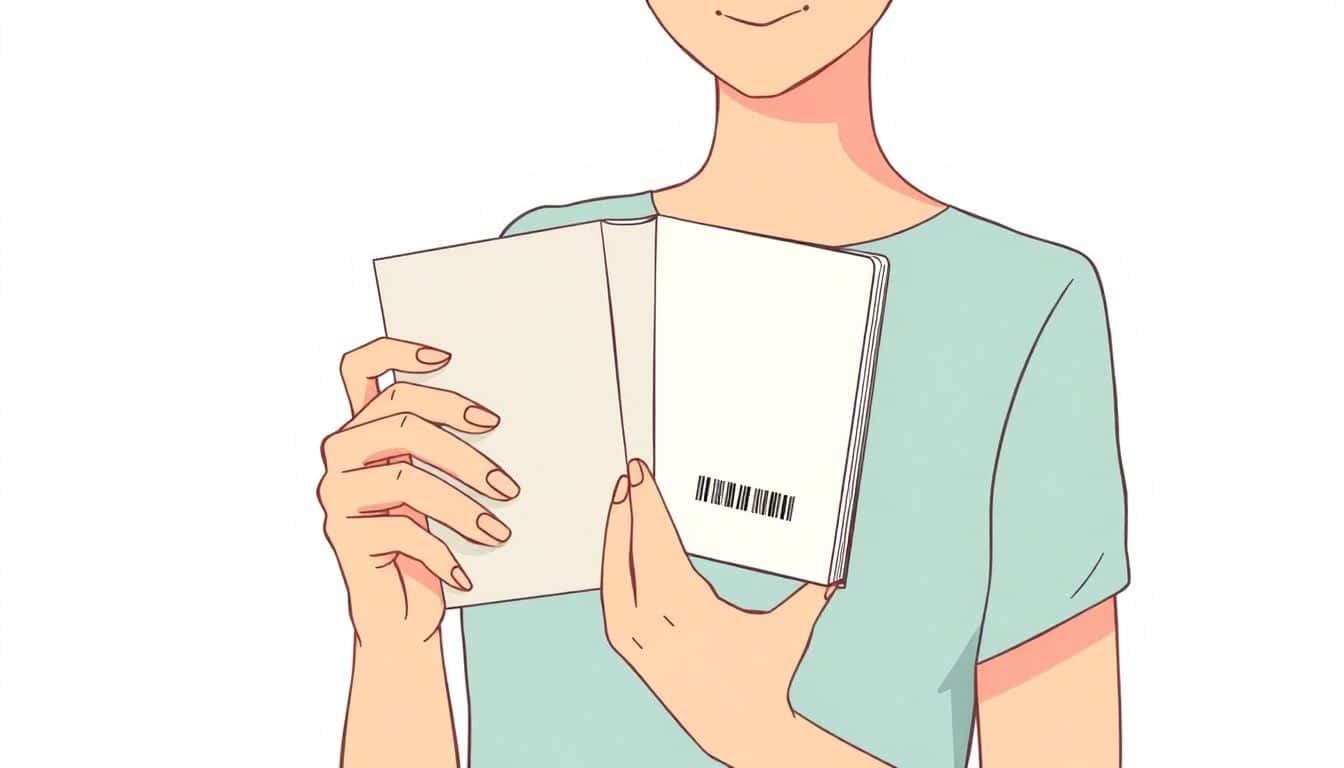
- Back cover: most commonly near the barcode area (often the lower-right corner).
- Copyright page/title page: include the ISBN number printed clearly as text.
- Barcode: if you’re generating a barcode, make sure it matches your ISBN exactly. Barcode software will usually handle the encoding, but you still have to input the correct ISBN.
For ebooks
Ebooks usually don’t have a “physical” placement. Instead, the ISBN is included in your digital metadata (the information retailers ingest). So the main thing is getting the ISBN right in your ebook distribution setup—not designing a barcode into the file.

What is the Difference Between ISBN and Other Book Identifiers?
People mix these up all the time, so let’s make it simple.
ISBN is the unique identifier for a specific edition of a book. It helps retailers, libraries, and distributors keep the right version straight.
Barcode isn’t an “ID” by itself—it’s a machine-readable graphic that typically encodes the ISBN so scanners can quickly look up the book at checkout.
ISSN is for serial publications like magazines and journals. If you’re publishing a single book, you’re almost certainly dealing with an ISBN, not an ISSN.
Once you know the difference, you’ll avoid those annoying catalog mismatches.
Where to Get an ISBN in Your Country
Every country has its own ISBN issuing agency, so your best move is still the same: find the official one for your location.
Use the International ISBN Agency’s directory to locate the correct contact and application instructions.
About free ISBNs: some countries have official programs that may offer free ISBNs under certain conditions, while other countries charge for ISBN blocks. Policies can change, so don’t assume. If you’re trying to minimize upfront costs, compare the official agency options first.
If you’re publishing through a platform like Amazon KDP, you might be offered an ISBN option there too. Just make sure you understand what that ISBN is intended for and whether it’s tied to Amazon-only distribution. If you plan to sell widely (bookstores, multiple retailers, libraries), purchasing ISBNs through your national agency usually gives you more flexibility.
Summary: The 3 Main Steps to Get Your ISBN
Quick recap of what matters:
1) Find your national ISBN agency and register correctly as a publisher or author.
2) Request ISBN(s) for each specific edition/format you’re releasing.
3) Assign the ISBNs to the right versions, then place the ISBN properly on print books and include it in ebook/digital metadata.
Do those three things carefully, and your book should be set up for smooth identification and distribution.
FAQs
Start with the official International ISBN Agency directory. It lists the authorized issuing agencies by country, so you can apply through the legitimate channel.
Typically, you create an account and provide your publisher/imprint name, contact details, and information about your publishing activity. Some agencies also ask for business verification or additional documentation depending on your setup.
Usually, yes. Many agencies offer ISBN blocks or bundles (often with a better per-ISBN price than buying just one). Check your agency’s pricing page for the current package options.
For print, place the ISBN near the barcode on the back cover (often close to the bottom). Also include the ISBN number clearly as text on the copyright page or the back of the title page.