Table of Contents
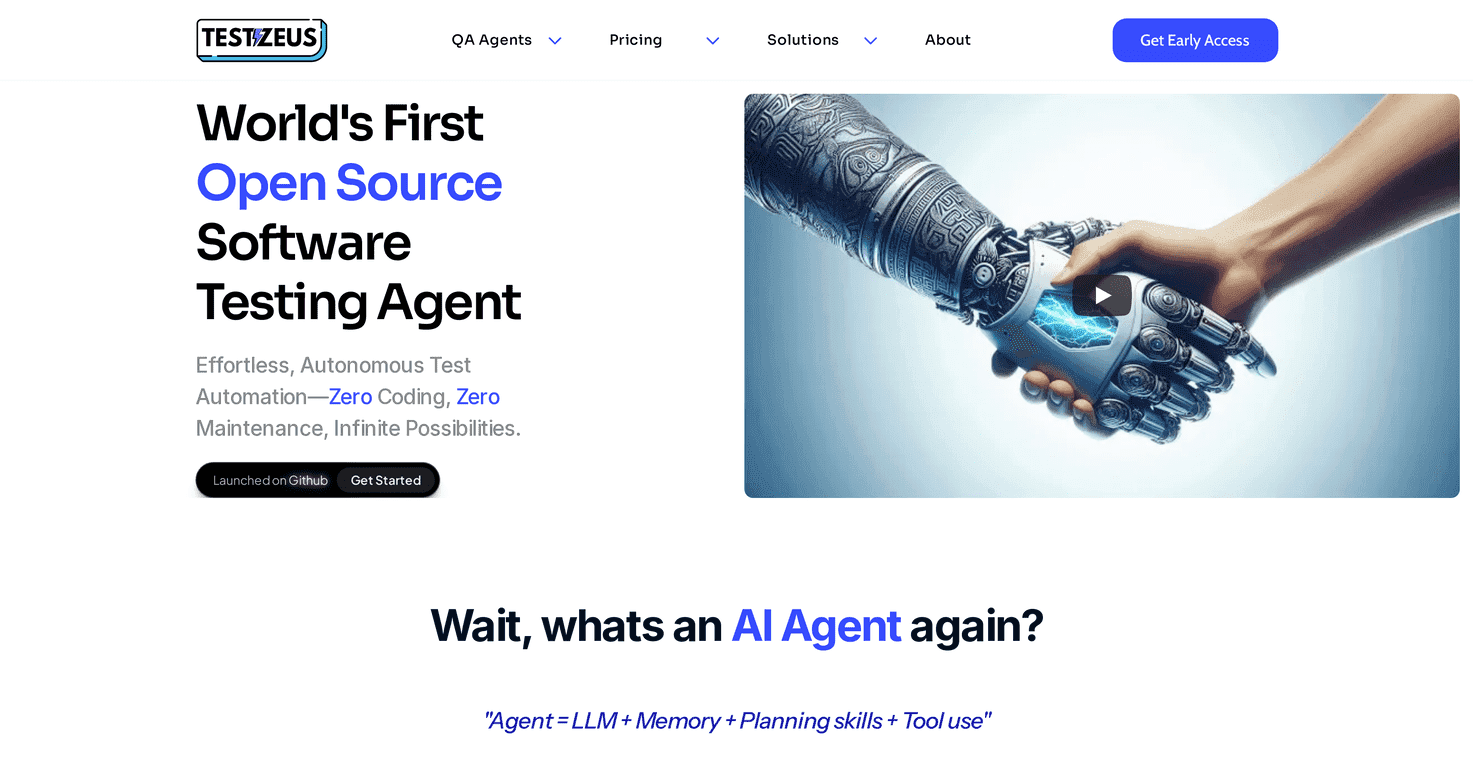
Testing has always been the part of software delivery that quietly eats time. You know the drill: a release is coming, bugs show up in weird places, and suddenly you’re rewriting the same UI checks over and over. That’s why I was interested in Hercules—it’s an open-source vertical testing agent built to make QA feel less like a never-ending chore.
What I liked right away is the “less manual work” angle. Hercules is positioned as a tool that can run tests for you using AI agents, without requiring you to be a full-time scripting wizard. And if you’ve ever tried to get a testing workflow into CI/CD, you’ll appreciate that it’s meant to plug into pipelines rather than living in a separate world.
It also leans hard on practical testing coverage—UI testing, API testing, and even database-related checks. Plus, the Gherkin support is a big deal for teams that include non-developers (product, QA, support). You can write end-to-end scenarios in a readable format, and that tends to make collaboration way smoother than pure code-only approaches. In my experience, that alone can reduce friction more than people expect.
Hercules Review: What It Does (and What You’ll Notice)
Hercules is built around a pretty clear promise: make quality assurance easier by reducing the amount of repeated work. Instead of manually orchestrating every step, you set up your tests and let the agent handle the execution. That’s the core idea behind the “autonomous AI agents” approach.
In practice, here’s what I’d look for when evaluating a tool like this:
- How quickly you can get a first test running: if I can spin up something basic in minutes (and not spend days on configuration), I’m already interested.
- Whether it fits into CI/CD: a testing tool that can’t run automatically during deployment is just extra overhead.
- How readable the test definitions are: if your team includes non-engineers, Gherkin support matters a lot.
- Whether it covers more than UI screenshots: UI checks are useful, but API and security checks usually catch different classes of bugs.
Hercules checks a lot of those boxes on paper. It includes built-in tools for browsers, APIs, and databases, so you’re not starting from scratch with every test type. It also supports Gherkin format, which means you can define end-to-end scenarios in a way that’s easier to review and discuss.
One thing I appreciate about the Gherkin angle is how it changes the “who writes tests” question. Instead of tests being trapped in one person’s IDE, more people can understand what’s being validated. And when requirements change, it’s generally easier to update readable scenarios than it is to untangle logic buried in code.
Key Features of Hercules (Why People Are Paying Attention)
If you’re comparing Hercules to other testing tools, these are the features that stand out most:
- Open Source – Completely free to use, modify, and distribute
- Autonomous AI Agents – Run tests with less manual intervention
- Zero Coding Requirement – No heavy scripting needed to get started
- CI/CD Ready – Built for integration into deployment pipelines
- Built-in Tools – Immediate support for browsers, APIs, and databases
- Supports Gherkin Format – Processes end-to-end tests automatically
- UI and API Testing – Covers both front-end behavior and back-end responses
- Security Testing – Over 15 different security tests available
Quick example of how this can play out for a real team: say you’re deploying a web app and you want to confirm a user can sign up, verify an email flow, and hit an API endpoint successfully. With UI + API coverage, you can validate the experience and the underlying behavior in one run. And with Gherkin, a QA tester can write something like “Given a user is on the signup page…” without needing to translate it into a bunch of code first.
Pros and Cons: My Take After Looking Closely
Pros
- Less time spent on repetitive automation: the whole point is reducing manual test orchestration, and that’s a win for busy teams.
- Multilingual capabilities: helpful if your QA process needs to support teams across different languages.
- Open-source cost advantage: you get full access without licensing fees, and you can adapt it to your workflow.
- Support for multiple AI models: this matters because not every model performs the same way for every test scenario.
- Setup options: it’s designed to be quick to get running using pip or Docker, which is exactly what I want for CI environments.
Cons
- Documentation and support may be lighter than paid tools: open-source is great, but if something breaks in your environment, you might rely more on community help than official support channels.
- There’s still a learning curve: even with “zero coding” marketing, you’ll need time to learn how to structure good tests and set up reliable runs (especially for flaky UI situations).
And let’s be honest: UI testing is always a little unpredictable. If a page loads slowly, elements shift, or selectors change, any automation tool can struggle. Hercules may reduce the heavy lifting, but you’ll still want to build stable test scenarios and keep your test environment consistent.
Pricing Plans: Is Hercules Really Free?
Hercules is entirely free to use as an open-source tool. That means you can access the full feature set without licensing fees, and if you want to tailor it to your setup, you can modify the code. For teams that don’t want to pay per-seat or per-environment, that’s a pretty big advantage.
One practical tip: if you’re planning to run it in CI/CD, think about where the compute cost comes from. Even if the software is free, your CI pipeline still needs resources. So it’s worth starting with a small test suite first, then expanding once you’re confident your runs are stable.
Wrap up
Hercules feels like a solid option if you want quality assurance that doesn’t require you to build everything from scratch. The mix of UI + API testing, CI/CD readiness, and Gherkin support makes it especially attractive for teams that include both technical and non-technical contributors. And because it’s open-source, you’re not locked into a subscription just to get started.
That said, I wouldn’t treat it like a magic wand. You’ll still need to invest some time in test design and reliability—especially if your UI is complex. If you’re looking for an easier path to automated testing without paying for a commercial suite, Hercules is definitely worth checking out.
Promote Hercules




