Table of Contents
If you need a LinkedIn headshot fast, I get it—you don’t want to wait weeks for a studio appointment. Headshot Photo (HeadshotPhoto.io) is built for exactly that: upload a selfie, and it generates a set of AI headshots you can download for your profiles, resumes, and other professional spots.
What I liked right away is the “no fuss” workflow. You’re not doing anything complicated—just pick a selfie you’re comfortable with, submit it, and wait. In my experience, the turnaround really is quick enough that it doesn’t feel like you’re stuck waiting on a service for days.
That said, I’m not going to pretend AI magically turns any photo into a perfect, studio-grade result. The quality depends heavily on your original selfie. If you start with something sharp, well-lit, and centered, you’ll get better outputs. If your selfie is blurry or taken at a weird angle, you’ll notice it in the final images.
Headshot Photo Review: Can It Actually Replace a Studio Shot?
Here’s how it works in plain terms. You upload a selfie, then HeadshotPhoto.io generates a batch of headshots. The goal is “professional enough” for places like LinkedIn, company pages, or resume headers—without paying studio rates.
In my experience, the biggest win is speed. If you’re refreshing your LinkedIn because you’re job hunting or updating your portfolio, waiting a week for a photographer isn’t always realistic. This service gets you options within hours.
I also like that you can preview how you’ll look before downloading. That matters more than people think. Sometimes the “best looking” image in a gallery is not always the one that crops well for LinkedIn. Having a preview saves you from downloading 20 photos just to realize you picked one that looks off in the profile crop.
One more thing: the backgrounds and outfit choices help you avoid that “same exact photo, same exact vibe” feeling. It’s not only about looking sharper—it’s about looking like you belong in a professional setting.
Key Features That Matter (Not Just Buzzwords)
- AI Generation for quick headshot creation — You’re not waiting on a photographer calendar.
- Customization options for backgrounds and outfits — Pick styles that match the role you’re applying for or the industry you’re in.
- Unique profile picture creation for social media — Useful if you want one consistent look across platforms.
- LinkedIn preview before downloading — This is genuinely helpful for cropping and sizing.
- Professional branding tools for resumes and portfolios — Good for updating multiple documents quickly.
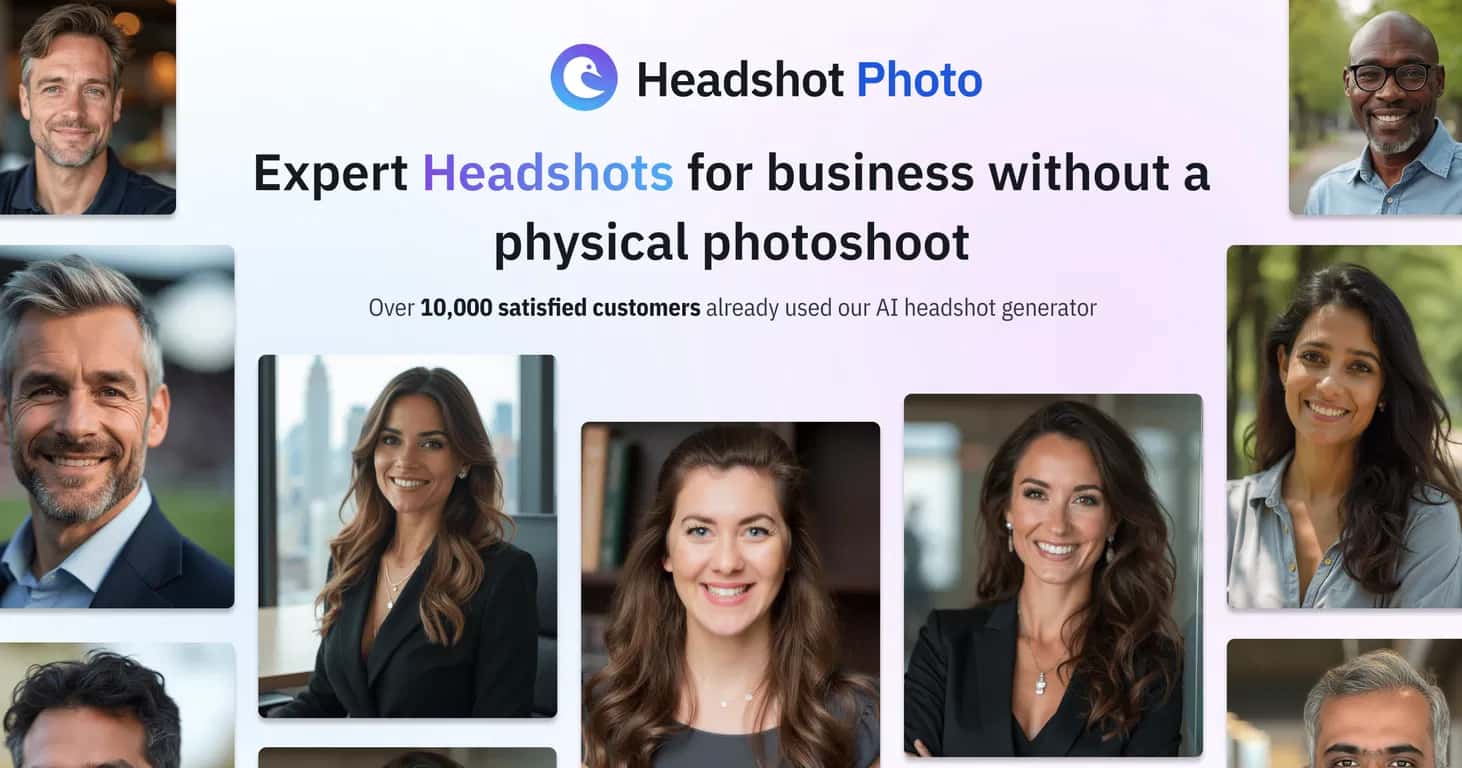
- Gallery of examples for inspiration — Helps you set expectations before you upload.
- Fast turnaround time, often within hours — The whole point is speed.
If you’re wondering whether the results look “AI-ish,” I’d say it depends on your input photo. With a clean, well-lit selfie, the output tends to look more natural. With a low-quality selfie, the AI has less to work with, and you’ll see it—especially around hair edges and facial detail.
Pros and Cons From a Real-User Perspective
Pros
- Easy upload-to-results workflow — I didn’t feel like I needed instructions every step of the way.
- Cost-effective compared to traditional photography — Especially if you only need a headshot for one job cycle.
- Professional-looking outputs (when your selfie is decent) — Backgrounds and overall polish can look surprisingly legit.
- Works for multiple use cases — LinkedIn, resumes, portfolio updates, and social profiles.
Cons
- Customization has limits — You can choose options, but it’s not the same as telling a photographer exactly what to do.
- Quality depends on the original selfie — Blurry, dark, or off-angle photos lead to weaker results.
- Not always a full replacement for in-person sessions — If you need something extremely specific (press photos, high-end brand shoots), you’ll likely still want a photographer.
Quick tip: before you upload, check that your face is well-lit and centered. I’d rather retake a selfie than “hope the AI fixes it.” The AI can polish, but it can’t fully overcome a bad starting point.
Pricing Plans: What You Get for $19, $29, or $49
HeadshotPhoto.io offers three tiers, and the main differences are the number of headshots, how many background options you get, and how fast the turnaround is.
- Basic Plan — $19: 40 headshots, 4 backgrounds, ~3-hour turnaround
- Premium Plan — $29: 100 headshots, 10 backgrounds, ~2-hour turnaround
- Enterprise Plan — $49: 200 headshots, 20 backgrounds, ~1-hour turnaround
My take? If you’re just trying to pick one strong LinkedIn photo, the Basic plan can be enough—40 options is plenty to find “the one.” If you’re updating multiple profiles or you want more variety (different backgrounds for different roles), Premium or Enterprise makes more sense.
Also, keep in mind that more headshots doesn’t automatically mean better quality—it just gives you more chances to land on a strong result.
Wrap-up: When HeadshotPhoto.io Is a Great Fit
Overall, I think HeadshotPhoto.io is a solid choice if you want a professional headshot quickly and you don’t want to spend a fortune. The workflow is straightforward, the LinkedIn preview is a nice touch, and the turnaround times are fast enough to be practical.
Just be realistic about expectations. It’s best as a “good enough + polished” solution—especially if your starting selfie is clear, sharp, and well-lit. If you want something ultra-custom or you’re picky about every detail, you might still prefer a photographer.
If you’re in a rush and you need options today (or at least within a few hours), this is definitely worth trying.
Promote Headshot Photo



