Table of Contents
If you’ve ever tried to update your LinkedIn photo and thought, “I don’t have anything that looks professional… and I don’t want to pay for a full shoot,” I get it. A solid headshot can really change how people take you seriously online—especially when you’re job hunting, pitching clients, or applying for roles where your profile photo is basically the first impression.
That’s why I tested Headshot Converter AI. It’s an online tool that takes a selfie and turns it into something that looks more like a real headshot—complete with selectable styles and backgrounds. No fancy setup. No photographer required. Just upload, choose, preview, download.
Headshot Converter AI Review: Does It Actually Look Like a Real Headshot?
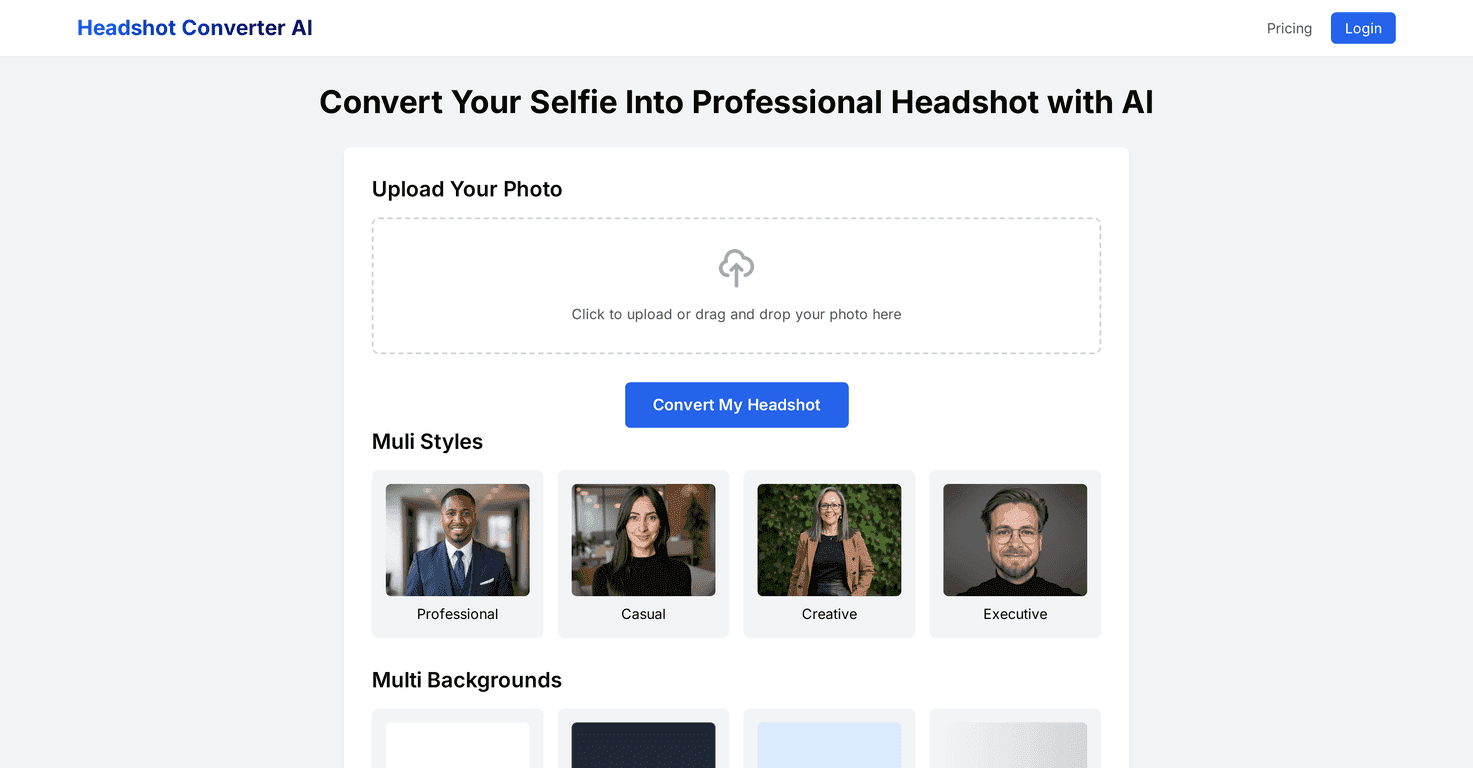
Here’s what stood out to me right away: the workflow is simple. I uploaded a selfie (nothing staged—just normal lighting from my phone), then picked a style and a background. After that, I waited for the AI to process it and used the preview before downloading.
The results were genuinely usable. For LinkedIn, it’s not trying to make you look like a celebrity. It’s more like cleaning things up: clearer subject separation, a more “studio” feel, and backgrounds that don’t look like your living room. I also liked that the tool gives you options—so you’re not stuck with one bland background.
One thing I noticed: the better your original photo is, the better the output tends to be. If your selfie is blurry, super dark, or your face is partially covered (hair covering one eye, for example), the AI can still work—but it won’t magically fix everything. Garbage in, garbage out… just with better polish.
Also, the mobile experience matters. I tested it on my phone and it was responsive enough to use without feeling like a chore. You can get through the upload → style selection → preview process quickly, which is honestly the point if you’re trying to update your profile fast.
Key Features I Used (and What They’re Good For)
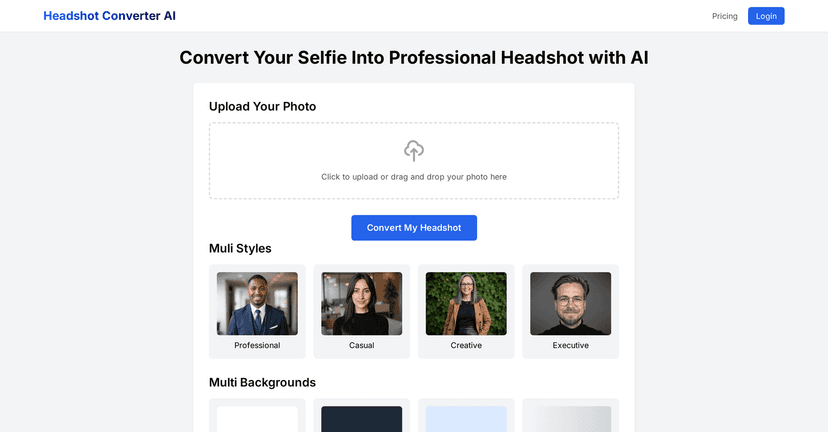
- Photo Upload: Drag-and-drop style upload (or tap to upload on mobile). I didn’t have issues getting my selfie accepted.
- Style Selection: Choose styles like Professional, Casual, Creative, and Executive. I found “Professional” easiest for LinkedIn, while “Executive” felt more formal and slightly more polished.
- Background Customization: Switch backgrounds such as White, Dark Gray, Light Blue, and Gradient. White is classic; dark gray looks great if you want a more serious vibe.
- Preview Before Download: This is a big deal. I previewed a couple styles back-to-back and only downloaded the one that looked most natural.
- Mobile Optimization: Works well enough on mobile that I didn’t feel forced to use a desktop just to get decent results.
- Free Basic Features: You can start with standard headshot conversion at no cost, which is perfect if you’re testing the tool before paying.
Pros and Cons: What I Liked, What Could Be Better
Pros
- Easy to use: The interface is straightforward. I didn’t need a tutorial to get my first headshot.
- Fast processing: It generates results in seconds, which makes it practical when you’re in a hurry.
- Good variety of styles: Having multiple style options means you can match the photo to the platform and job you’re targeting.
- Background options look clean: White and light blue especially give a more “professional headshot” feel.
- Preview helps you choose: Instead of downloading blindly, you can compare options first.
Cons
- Higher-resolution / advanced downloads may cost extra: The free version is a good try, but if you want the best-looking output, you’ll likely need a subscription or upgraded plan.
- Quality depends on your original selfie: If the photo is low-res, poorly lit, or your face is partially obscured, results can look less natural.
Pricing Plans: What to Expect Before You Pay
From what’s offered, Basic Features are free for standard headshot conversion. If you want advanced functionality and higher-resolution downloads, you’ll need to go with a Premium Plan subscription. My advice? Use the free option to test 2–3 styles and backgrounds first, then upgrade only if the quality is exactly what you need.
Wrap up
Headshot Converter AI is a solid option if you want a more professional-looking headshot without booking a photographer. The combination of style presets, background choices, and the preview-before-download flow makes it easy to get something that works for LinkedIn and resume updates.
Just don’t expect it to turn a bad selfie into a perfect studio portrait. But if you start with a decent photo—good lighting, face clearly visible—it can get you surprisingly close to a real headshot look, fast.
Promote Headshot Converter AI