Table of Contents
Let me guess: you open Instagram or TikTok, stare at your caption for a minute… and then you spend way too long trying to figure out which hashtags actually fit. I’ve been there. Half the time I end up using the same generic tags, and the other half I’m just guessing.
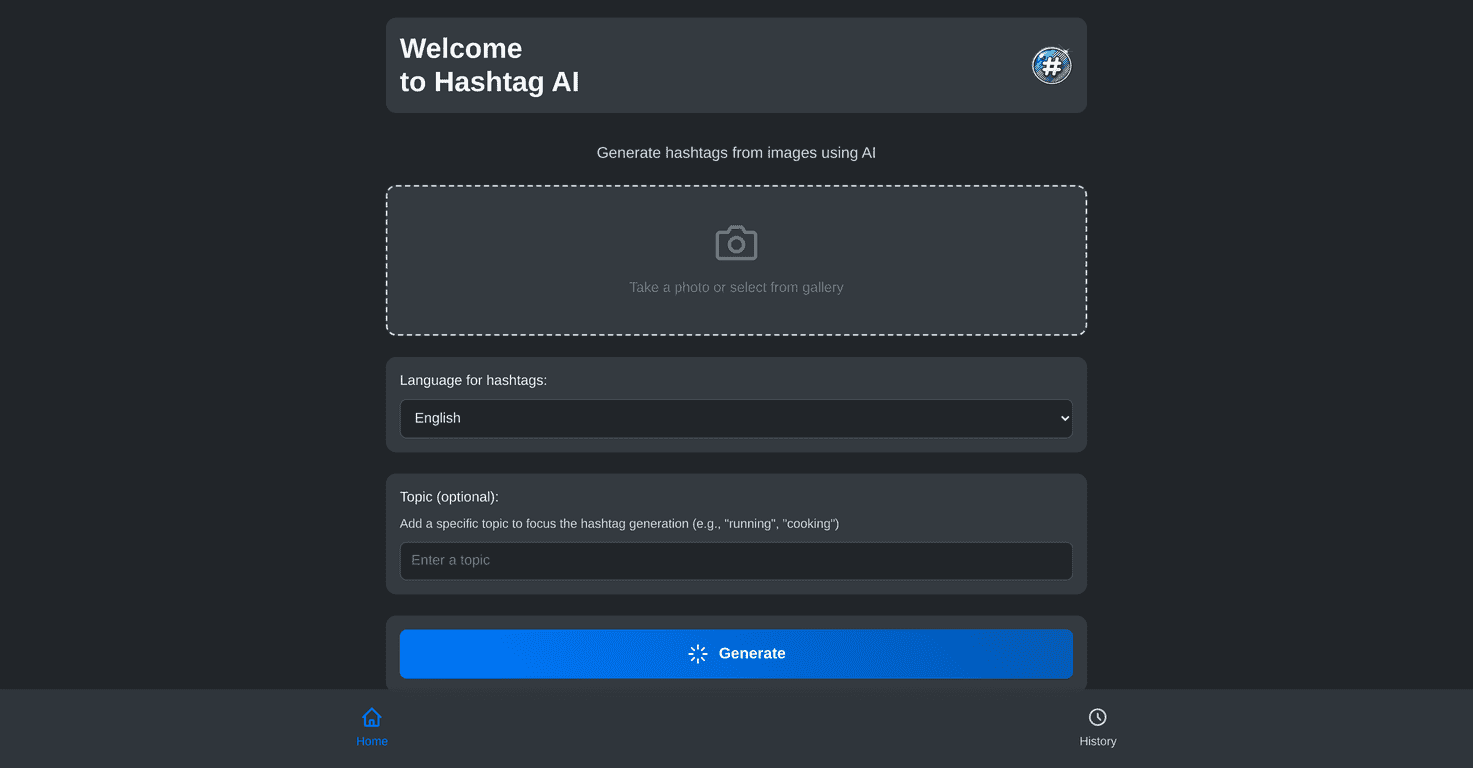
Hashtag AI is a web app that generates hashtags from an image. You upload a photo, it suggests tags, and you copy/paste. In my experience, that alone saves time—especially when I’m posting multiple times in a day or I’m working on content for a client and don’t want to overthink every single hashtag.
But does it actually produce useful hashtags, or is it just “AI doing AI things”? I tested it with a few different image types (a product shot, a casual lifestyle photo, and a more niche scene) and what I noticed is pretty consistent: the best results come when the image is clear and the subject is obvious.
Hashtag AI Review: What It’s Like to Use (and When It Works Best)
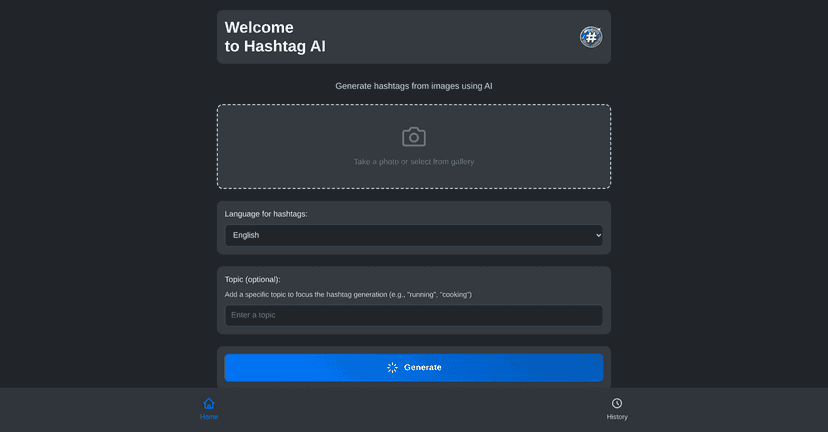
At a glance, Hashtag AI is pretty simple: upload an image, optionally add context (like a topic), and get a list of hashtag suggestions. The interface feels built for speed, not complexity. I didn’t have to hunt around for settings or figure out what each button does.
Here’s what I liked most:
- It’s fast. Upload → suggestions. I’m not waiting around like I would with some “full workflow” tools.
- It reduces the blank-page problem. Even if I don’t use every tag it suggests, it gives me a solid starting point.
- Image clarity matters. When the subject is sharp and readable (like a product photo with visible branding), the suggestions are more relevant.
Now, let’s be honest about the limitations. If your image is blurry, too zoomed out, or has multiple unrelated subjects, the results can get a little generic. It’s not “wrong” exactly—it’s just less specific.
So, should you use it? If you’re posting regularly and you want hashtags that actually match the content, yes. If you need ultra-specific niche targeting every time (like very narrow community tags), you’ll probably still tweak the output yourself.
Key Features That Make Hashtag AI Useful
- Image Upload for easy hashtag generation. This is the core feature. I tested it with a clean product shot and got tags that matched the category and vibe much more quickly than doing it manually.
- Language Selection to cater to users globally. If you’re posting in more than one language, being able to switch languages is a big deal. It’s the difference between “tags that look right” and “tags people can actually search.”
- Topic Input for personalized hashtag suggestions. This is where the tool feels smarter. Adding a topic helps steer the suggestions, especially when the image alone could be interpreted a few different ways.
- History of Generations feature to revisit past hashtags. I like this more than I expected. It’s handy when you’re building a repeat posting schedule and want consistency.
- User-Friendly Interface designed for straightforward navigation. No confusing menus. I didn’t feel like I needed a tutorial to get results.
Pros and Cons (Realistic Expectations)
Pros
- Accurate hashtag generation powered by AI. When the image is clear, the suggestions tend to be on-topic instead of random.
- Supports multiple languages for broader reach. This helps if you’re targeting different regions or bilingual audiences.
- Optional topic input for tailored recommendations. It improves relevance when the image alone isn’t enough.
- History feature helps keep track of previous hashtags. Great for consistency and for reusing what worked.
Cons
- Image quality can affect hashtag suggestions. Blurry photos, heavy filters, or unclear subjects can lead to more generic tags.
- Limited language options may exclude some users. If the language you need isn’t available, you’ll have to work around it.
- Requires internet connectivity for AI processing. Offline use isn’t a thing here—if your connection is spotty, results can be delayed.
Pricing Plans (What I Could Find)
Right now, there isn’t clear pricing info included in the material I reviewed. It might be free, but I’d recommend checking the official site or the app listing for the most up-to-date details. If you’re going to use it regularly, that’s the one thing I’d want confirmed before committing.
Quick Tips to Get Better Hashtags From Hashtag AI
- Use the clearest image you can. If your subject is the product or the main scene, make sure it’s actually visible.
- Add a topic when you can. Even a short phrase like “coffee shop menu,” “fitness routine,” or “skincare routine” can steer the results.
- Don’t copy/paste blindly. I usually pick the best 5–12 tags and drop the rest. That keeps things relevant and avoids hashtag clutter.
- Rotate a little. Use the history feature to keep a “set” of tags you like, but swap a few each post so you don’t look repetitive.
Wrap up
Hashtag AI is a solid option if you want faster hashtag ideas without spending forever manually brainstorming. In my testing, it’s most effective when the image is clear and when you add context via a topic. You won’t get perfect, niche-perfect tags every single time—but you will get a much better starting point than a blank screen.
If you’re tired of guessing, it’s worth giving Hashtag AI a try and seeing how close its suggestions are to what you’d normally pick yourself.
Promote Hashtag AI