Table of Contents
If you’re trying to generate more leads, you already know the annoying part: it’s rarely the offer—it’s the landing page. You either don’t have time to build one, or you build it and it just… doesn’t convert like you expected. That’s why I gave Groops.com a real look.
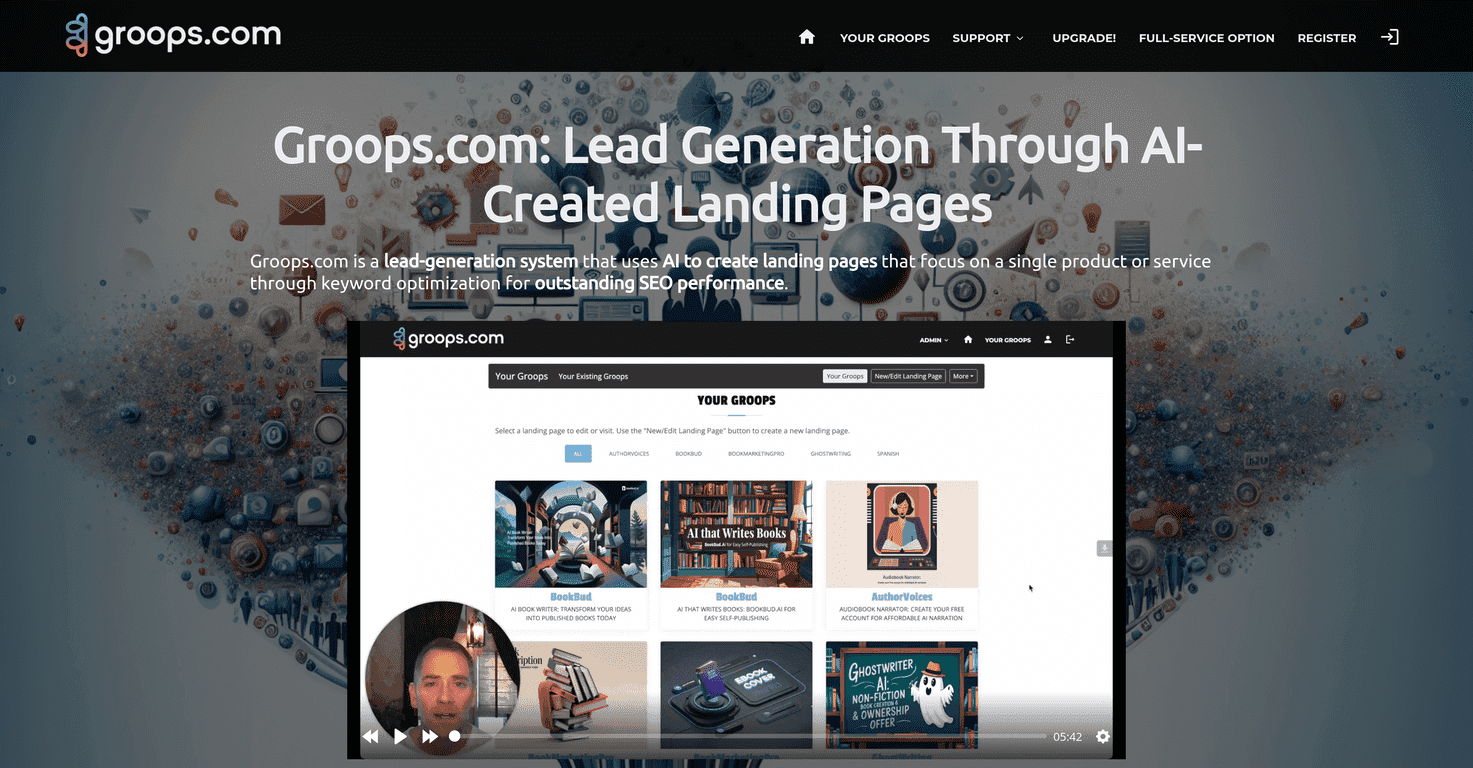
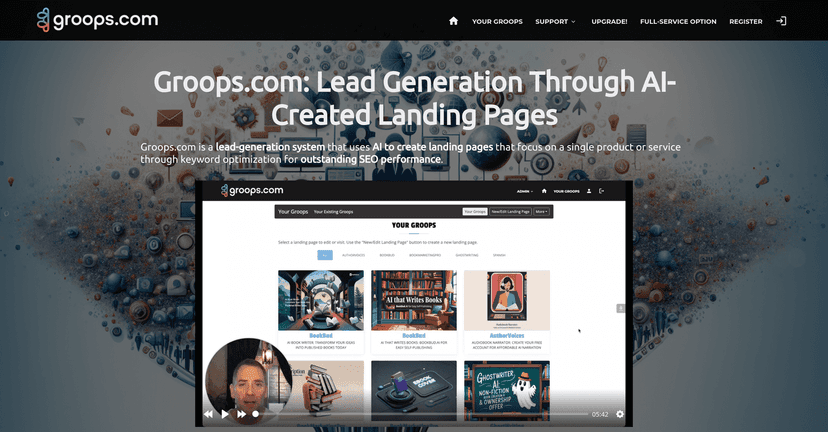
Groops.com is basically a landing page builder that leans on AI to help you get from “idea” to “published page” faster. In my experience, the biggest win is how quickly you can spin up an SEO-focused page and start collecting email leads without having to stitch together a bunch of different tools. Does it replace a full marketing team? No. But for solo marketers, agencies, and small businesses, it can save a lot of time.
Groops.com Review: What I Like (and Where It Can Fall Short)
Groops.com is built around one goal: helping you create landing pages fast, with enough SEO basics handled for you that you don’t have to start from scratch every time. Instead of manually writing meta titles, descriptions, and setting up page structure, the AI system helps generate those pieces based on the keyword/topic you’re targeting.
In my experience, that “starting point” matters. When I’m testing lead gen ideas, I don’t want to spend hours building the skeleton. I want something live, collectable, and tweakable. Groops.com gets you there quickly—especially if you’re comfortable editing content after the first draft.
One thing to call out: “SEO optimized” doesn’t mean “rank instantly.” No tool can do that. But Groops.com does aim to set you up with proper metadata and a clean page layout so you’re not missing the basics before you even hit publish.
Key Features That Matter for Lead Generation
Here’s what stood out to me when I looked at Groops.com’s feature set—especially from a marketer’s point of view.
- Keyword-focused landing page creation: You’re not just building a random page. The flow is designed around targeting specific keywords so the page has a clearer SEO direction from the start.
- Mobile-friendly layouts: Most landing pages live or die on mobile. Groops.com’s templates are responsive, so you’re not stuck with a desktop-only design.
- AI SEO optimization: The platform helps generate metadata (like titles/descriptions) automatically. That saves time when you’re launching multiple pages for different offers.
- Custom domain support: If you’re serious about branding, you’ll want pages under your domain. Groops.com supports attaching custom domains, which helps with trust and consistency.
- Email lead collection widget: Instead of cobbling together a form + email tool combo, Groops.com includes an integrated email lead collection widget so capturing leads is built into the page.
- Customizable modules: You can adjust layout blocks/modules to match your offer—headline sections, benefit blocks, CTA areas, and the usual suspects.
- Dynamic content integration: This is useful if you want pages to feel a bit more tailored instead of static everywhere.
- Advanced tools (image library + custom HTML): I like having an image library option, and the ability to add custom HTML is handy when you want to go beyond the default modules.
Pros and Cons: My Honest Take
Pros
- Fast page creation: You can get an SEO-focused landing page up quickly, which is huge when you’re testing offers.
- Lead capture built in: The integrated email lead collection widget makes it easier to start collecting leads without extra setup.
- Brand-friendly customization: You can tweak the layout so it doesn’t feel like a generic template copy.
- AI helps with the “boring” parts: Metadata and page setup are where you usually waste time. Groops.com handles a lot of that automatically.
- Multi-language support: If you’re targeting more than one region, this can be a real advantage.
Cons
- Free plan is limited: The free plan is restricted to one landing page, so it’s more for testing than for running a real campaign.
- Costs can creep up: If you start launching multiple pages (which you probably will), you may hit limits and need a higher tier.
- Free plan feature restrictions: Some capabilities are only available on paid plans, which is pretty common—but it’s still a downside if you want to fully evaluate the tool.
Pricing Plans: What You Get for the Money
Groops.com’s pricing is straightforward, and here’s how it breaks down:
- Free Plan: $0.00/month for one landing page.
- Basic Plan: $49.00/month for 25 landing pages (or $42/month if billed annually).
- Pro Plan: $99.00/month for 100 landing pages (or $79/month if billed annually).
If you’re running a single campaign and just want to validate your messaging, the free plan could be enough to start. But if you’re doing real A/B testing (different headlines, different CTAs, different lead magnets), you’ll likely want at least the Basic plan pretty quickly.
Wrap up
Groops.com is a solid option if you want to build landing pages quickly and start collecting email leads without getting stuck in setup hell. The AI-assisted SEO pieces and the built-in lead widget are the main reasons I’d consider it—especially for anyone launching multiple pages.
That said, the limitations on the free plan are real. If you’re the type who wants to test lots of variations, you’ll probably end up paying sooner than you expect. Still, for the price tiers listed, it can make sense for marketers who care about speed and consistency more than building everything from scratch.
Promote Groops.com




