Table of Contents
Let me be honest: I’m picky about tools that promise “one-click” results. Most of the time, you end up with something that looks fine at first glance… and then you start noticing the little things that don’t quite match your brand.
That’s why I decided to test GraphicInfo. The idea is simple—turn your existing text into an infographic quickly, then tweak it so it actually looks like you meant to publish it.
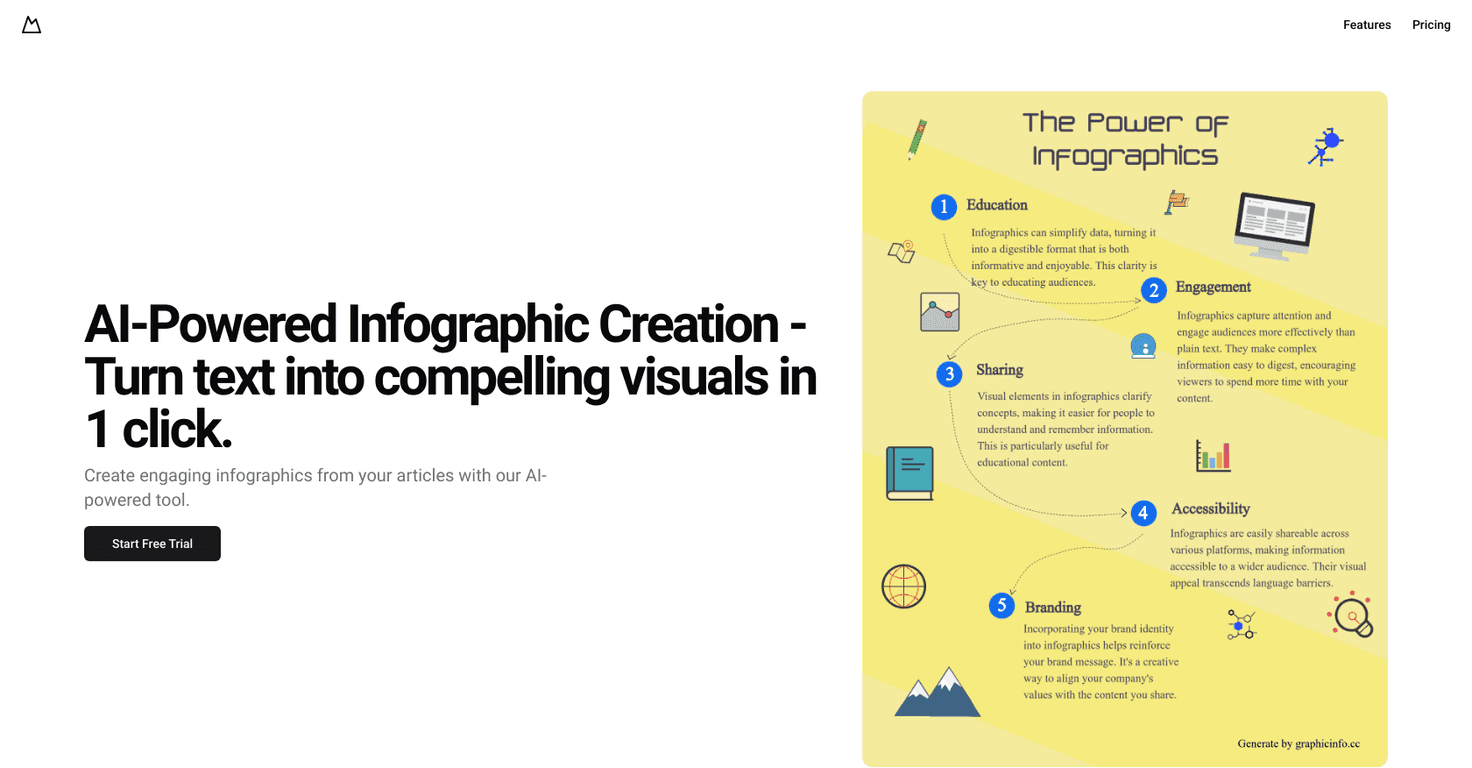
In my experience, the biggest win here is speed. If you already have blog posts, landing page sections, or even a chunk of notes, you can feed that in and get a visual output fast. And yes, it’s built around the “click and generate” concept, which is exactly what you want when you’re trying to keep up with content schedules.
GraphicInfo also leans hard into AI to help with the content side of the infographic. That matters, because the hardest part isn’t always making the layout—it’s deciding what to say on the graphic and how to structure it.
One more thing I appreciated: you’re not stuck with whatever design the tool spits out. There’s editing so you can adjust things to better match your style. That’s the difference between “cool demo infographic” and “usable marketing asset.”
GraphicInfo Review: Does It Actually Help You Publish Faster?
The short answer: yes, it can. But it depends on how you work and what you feed into it.
Here’s what I noticed when I tried it with real content I already had. When I used a clean, structured chunk of text (think: short sections, clear points, not a giant wall of paragraphs), the infographic came out organized and readable. When I tossed in messy notes, the output was… fine, but it needed more editing to make the message land.
GraphicInfo feels built for people who already create content and want an easy way to repurpose it. If you’re turning blog posts into visuals for social media, newsletters, or presentations, that one-click workflow is the whole point.
Also, the AI-generated parts can be a big time saver. Instead of starting from scratch, you’re basically guiding the tool with your text and then refining the result. That’s a lot less “blank canvas” and a lot more “draft → polish.”
And yes, there’s editing. I didn’t just accept the first version. I adjusted elements so the infographic better matched the tone I wanted—especially around wording and layout balance. If you care about branding (fonts, colors, spacing), you’ll want to spend a few minutes tweaking, but at least you’re not doing everything manually.
Key Features I’d Actually Use
- Instant Visuals: You can go from text to an infographic output quickly. The “one click” part is real—what takes time is deciding what to keep and what to adjust after it generates.
- AI content support: The AI helps shape the infographic content so you don’t have to manually rewrite every section. In my tests, it worked best when my source text had clear headings or bullet-like structure.
- Editing capabilities: This is where it becomes practical. I used the editor to clean up the flow and make the graphic feel more aligned with the original message.
- Repurposing workflow: If you already publish regularly, this is the kind of tool that helps you stretch one post into multiple visuals without starting over each time.
Pros and Cons (My Honest Take)
Pros
- Fast turnaround: I could generate a usable draft quickly, which is a big deal when you’re trying to meet posting deadlines.
- Good for repurposing: If you have existing articles or content snippets, it’s built for turning them into visuals without much extra work.
- Editing helps you keep control: The ability to customize means you’re not stuck with a generic look.
- Visuals tend to be engaging: The layout style is designed to be easy to scan, which matters for social feeds.
Cons
- AI output quality depends on your input: Garbage in, garbage out. If your text is vague or unstructured, the infographic will need more fixes.
- It may not match “designer-level” creativity: If you want something super unique or brand-obsessed, you might still feel limited and end up doing extra edits.
- Expect a short learning curve: It’s not hard, but the first couple of tries take a bit of experimenting—mostly around what text formats work best.
Pricing Plans: What I Could Confirm
GraphicInfo offers a Start Free Trial option, so you can test the workflow before committing. In the version of the content I reviewed, specific pricing tiers weren’t listed, so I can’t quote numbers here.
If you want to know exactly what you’ll pay, I’d check the pricing page directly on GraphicInfo and compare it to how often you plan to generate infographics.
Wrap up: Who GraphicInfo Is Best For
GraphicInfo is a solid option if you want to create infographics quickly from content you already have. The one-click generation helps you move faster, and the editing tools are what make it usable for real marketing—not just pretty images.
Just don’t expect it to replace your brain. If you give it clear, structured text and you’re willing to spend a few minutes polishing, you’ll get better results. If your input is messy, the tool can only do so much.
If visual content matters to your strategy, it’s worth trying—especially through the free trial—so you can see whether the output matches your standards.
Promote GraphicInfo




