Table of Contents
If you watch YouTube a lot, you already know the problem: you finish a video and there’s still stuff you want to ask. Or you want to jump back to a moment, but you can’t quite remember where it was. That’s where Gemini YouTube Chat caught my attention.
With this tool, you paste a YouTube URL and then chat about what’s happening in the video. I tested it with a few different types of content—tech explainers, long podcasts, and a couple of “how-to” videos—and what stood out was how naturally the conversation stays tied to the actual video instead of turning into generic AI answers. It’s built around multimodal AI, so it tries to pull meaning from both the audio and the on-screen visuals. In plain terms: you’re not just chatting “about YouTube,” you’re chatting about a specific video.
Gemini YouTube Chat Review: Chat Directly With a Video
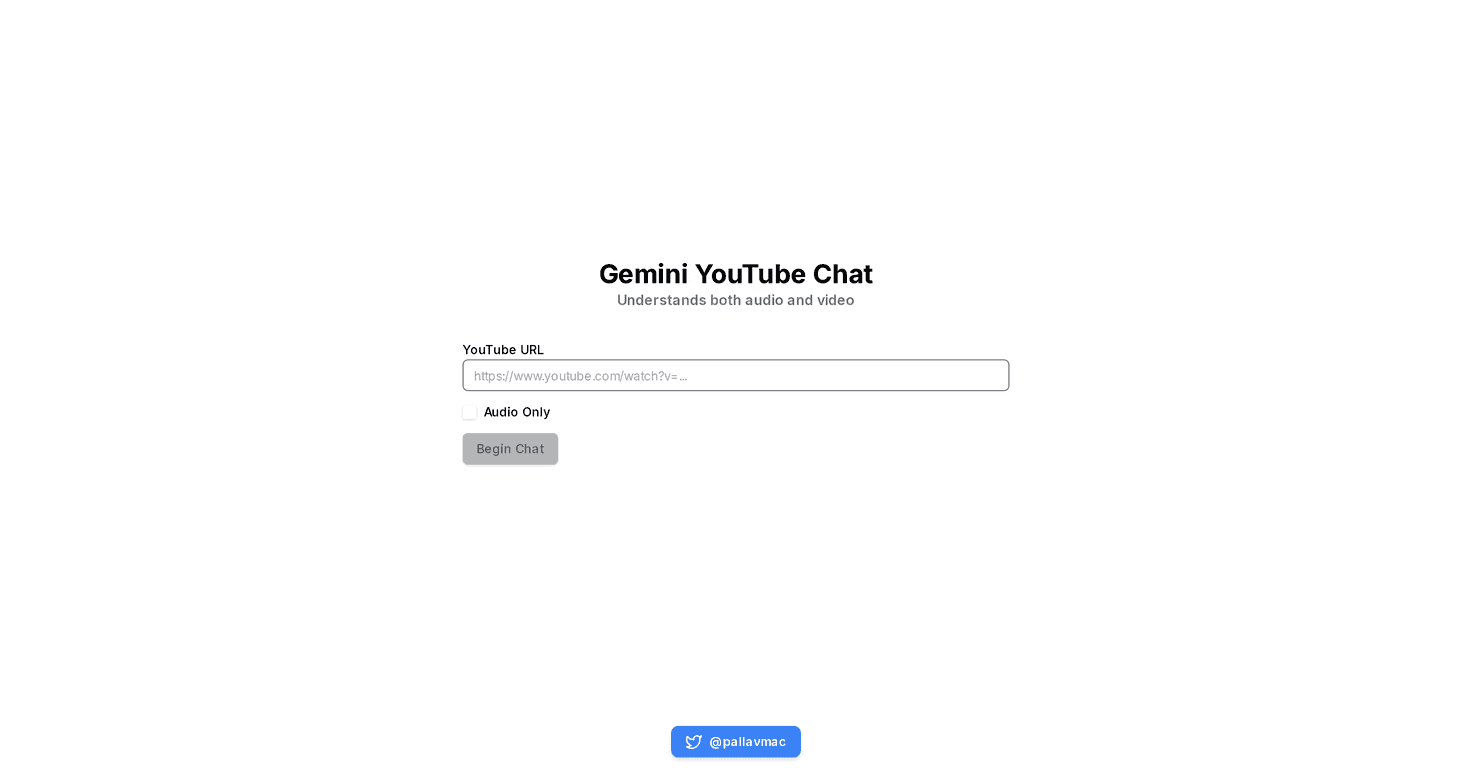
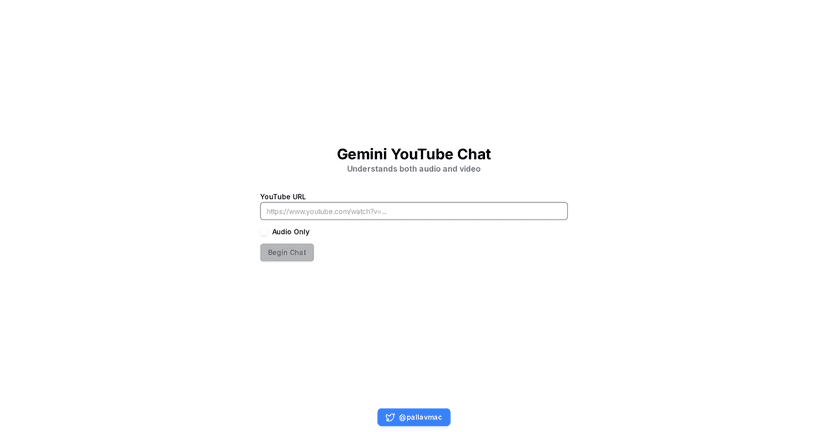
Here’s the basic idea: you paste a YouTube link, and Gemini gives you a chat interface that’s meant to “understand” what’s in that video. It’s pretty straightforward to use. You don’t need to download anything or set up an account just to get started (at least, that’s what I experienced during testing). You just enter the video URL and start asking questions.
What I noticed most is how the conversation feels targeted. For example, if a creator mentions a specific tool or concept, you can ask things like “What problem does this solve?” or “Can you explain that part again in simpler terms?” Instead of giving you a completely fresh answer, it tries to stay grounded in the content from the video you picked.
Also, the multimodal angle matters. On videos with on-screen text (slides, diagrams, code snippets), I got better results when I asked questions that referenced what was shown, not just what was said out loud. On more purely audio-based content, it’s still useful—but the “visual” part obviously has less to work with.
Key Features That Actually Matter
- Chat with YouTube videos by entering the video URL
No complicated workflow. Just paste the link and start a conversation about that exact video. - Multimodal understanding (audio + visuals)
In my testing, questions tied to what the speaker said and what appeared on-screen tended to get more relevant answers. - Audio-only mode
If you’re working through a podcast-style video or you don’t care about visuals, this mode can change the vibe of the responses. - User-friendly interface
It’s easy to navigate. You’re not fighting menus or hunting for settings right away.
Pros and Cons (My Honest Take)
Pros
- Interactive, not just summarizing
It’s more than “here’s a recap.” You can ask follow-up questions and keep going. - Multimodal support helps with real context
When the video includes on-screen info, the chat can be noticeably more useful. - Good for learning and rewatching
If you pause mid-video and want clarification, this can act like a study buddy.
Cons
- You need specific YouTube links
So if you’re trying to jump in spontaneously from a random video page, it may feel a bit limiting. - Audio-only mode won’t be everyone’s favorite
If you like visual explanations (charts, diagrams, code), audio-only can feel like a step back. - Not every video will be equally “chat-friendly”
Dense videos with fast speech or tiny on-screen text can still be tricky. You might need to ask more targeted questions to get good results.
Pricing Plans: What I Could (and Couldn’t) Confirm
Right now, there’s no clear pricing information listed for Gemini YouTube Chat. When I looked for details, it didn’t show a straightforward free-vs-paid breakdown.
If you’re considering trying it, I’d recommend checking the site for any “Try it” or “Pricing” section before you commit time. Sometimes these tools start free and then add limits (like number of chats per day, video length restrictions, or higher usage tiers later). I can’t confirm any of that here because it wasn’t visible in the info I reviewed.
Wrap up
Gemini YouTube Chat is a genuinely interesting way to interact with video content. If you’re the type who pauses a lot, takes notes, or replays sections because you want deeper answers, this can make YouTube feel more like a conversation than a one-way broadcast. Just don’t expect every video to work perfectly—content quality, how much text is on-screen, and how clear the audio is all matter.
If you’ve got a favorite channel or a video you keep coming back to, it’s worth trying. Paste the link, ask a real question (not just “summarize”), and see how well it stays tied to that video. That’s where it shines.
Promote Gemini YouTube Chat