Table of Contents
YouTube titles are sneaky important. I’ve watched videos with solid editing and good retention still underperform just because the title didn’t say anything specific. And yeah, the algorithm matters—but the click has to happen first.
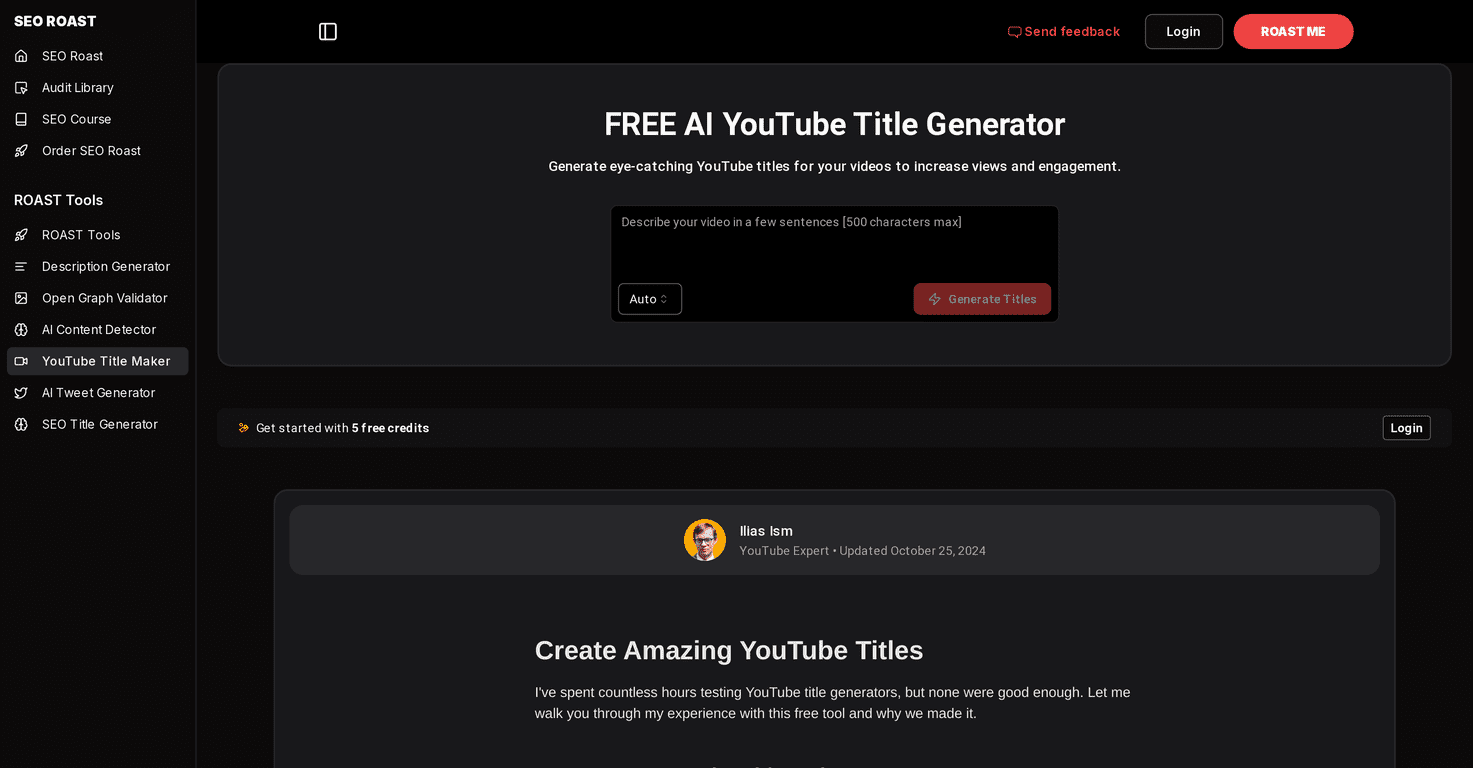
That’s why I tested the FREE AI YouTube Title Generator. The promise is simple: type in what your video is about, get a bunch of title ideas fast, and pick the one that best matches your audience. No fancy setup. No long learning curve.
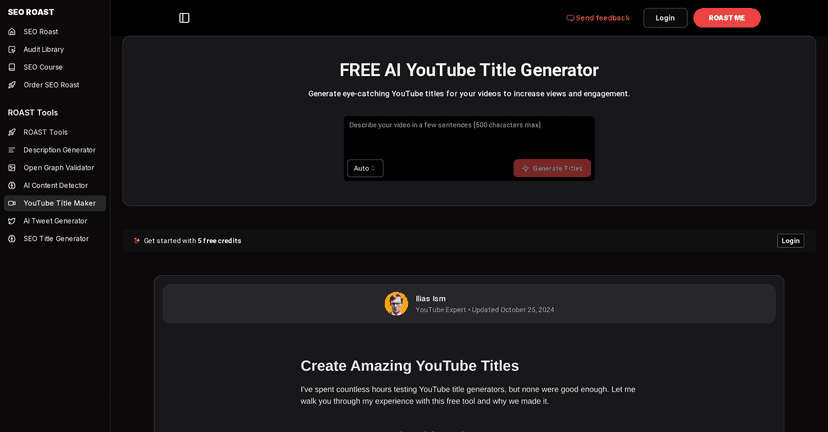
FREE AI YouTube Title Generator Review
Here’s what I noticed right away: it’s built for speed. If you’re sitting there with a half-finished upload and you’re thinking, “What do I even call this thing?”, this tool is meant to get you unstuck quickly.
When I fed it a simple description (topic + who it’s for + the main takeaway), it generated a mix of title ideas that felt relevant instead of random. Some were more “curiosity” style, and others leaned more straightforward and search-friendly. That balance matters because not every channel should sound like clickbait.
One thing I always do after generating titles: I sanity-check them against what’s actually in the video. AI can suggest bold phrasing, but if the title overpromises or doesn’t match the content, you’ll pay for it later with lower retention and more pogo-sticking. So yeah—use it to brainstorm, not to replace your judgment.
Key Features
- Higher click-through rate (CTR) potential — not magic, but the tool helps you craft titles that are clearer and more enticing than a generic “How to…”
- Multiple title ideas generated — you’re not stuck with one option. In my tests, having 10–20 choices makes it easier to find the best wording.
- Trending keyword incorporation — the suggestions often include phrases that match what people are searching for, which is helpful when you don’t know the “right” wording yet.
- Quick title generation — you can get results in seconds, which is perfect when you’re posting consistently and your title process needs to be fast.
- User-friendly interface — it doesn’t feel complicated. I didn’t have to watch a tutorial or figure out where everything was.
Pros and Cons
Pros
- Helps you get unstuck fast — if you’ve ever stared at a blank title field for 20 minutes, you’ll appreciate how quickly this generates options.
- Easy to test different angles — I like that you can try more curiosity-driven versions vs. more descriptive ones and see what fits your video.
- Good starting point for keyword-focused titles — even if you tweak the wording, the tool gives you a direction that’s closer to search intent.
- Variety of styles — you can usually find at least a couple titles that sound like your channel (not just one “AI voice”).
Cons
- Titles still need to match the video — this is the big one. If the title doesn’t reflect what viewers actually get, CTR might rise briefly, but retention will suffer.
- Some options feel limited without an account — I ran into restrictions when trying to push beyond basic generation. If you plan to use it frequently, you’ll likely want an account.
Pricing Plans
The FREE AI YouTube Title Generator starts with 50 free credits for new users. That’s enough to test a handful of video topics and see whether the generated titles fit your style.
If you’re planning to generate titles regularly (like for daily Shorts or a weekly long-form schedule), you’ll probably want to check their billing options for more credits and any upgraded features. For the latest details, you can review their billing page from the tool.
Wrap up
Overall, I think this generator is genuinely useful—especially if you’re posting consistently and you want better title ideas without spending an hour rewriting. It’s not a substitute for understanding your audience, but it’s a solid brainstorming shortcut.
If you’re stuck on titles, or your current titles feel too generic, give it a try with one of your recent videos. Pick the best 2–3 options, tweak them to match your exact content, and then publish. That’s usually where you’ll see the real difference.