Table of Contents
If you’ve ever stared at a messy desktop, a Downloads folder that’s basically a junk drawer, or a “Final_Final_v7” graveyard, you already know the pain. I’ve been there. That’s why I decided to try FileFolder—to see if it could actually make file management feel less like chores and more like… just getting things done.
FileFolder Review
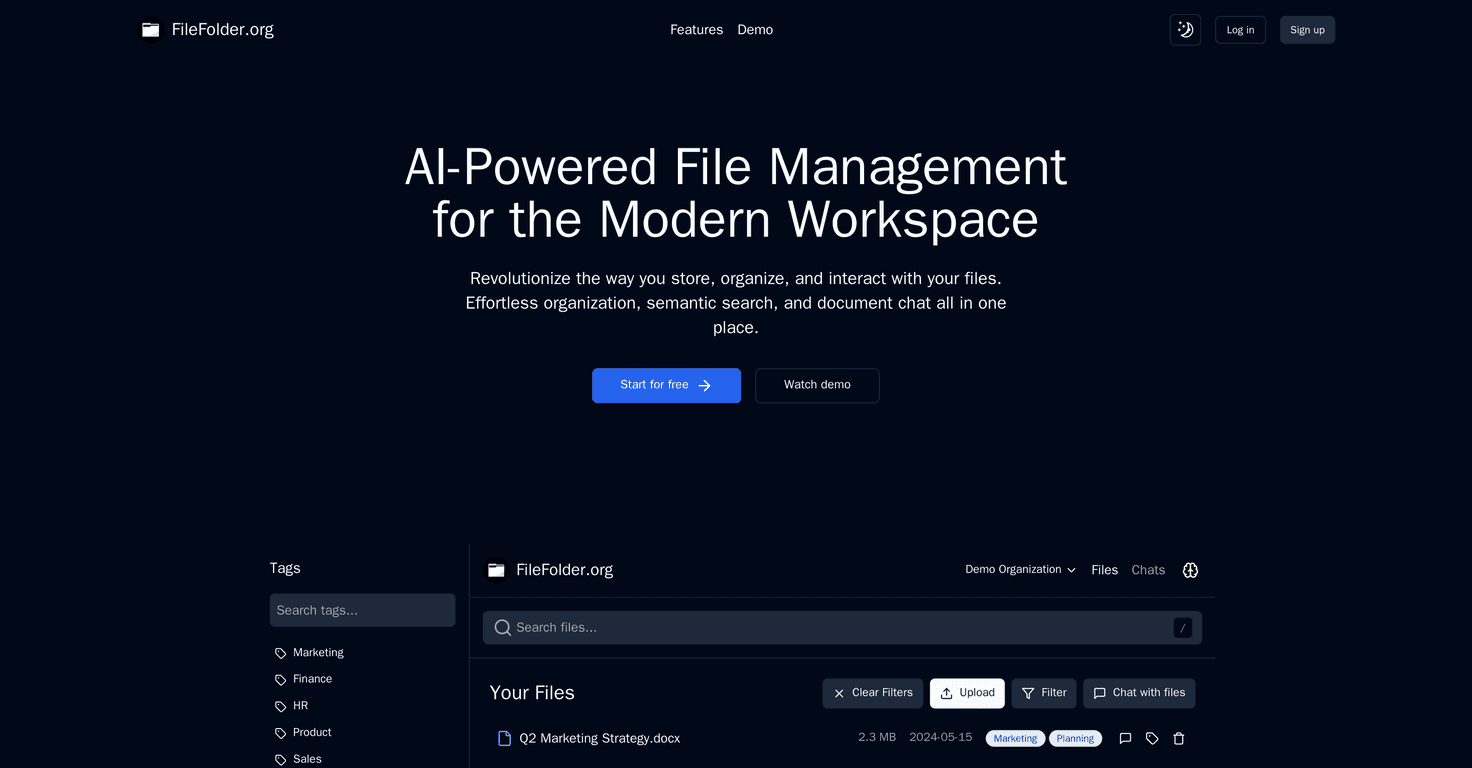
So what is FileFolder actually doing differently? For me, the biggest shift is that it doesn’t make you rely purely on rigid folder structures. Instead, it’s built around smart organization and a semantic search approach—meaning you can search for what you mean, not just what you typed.
When I tested it, I tried a few “real life” searches I’d normally struggle with in a traditional folder view. For example: I’d remember that a document was about “Q3 budget notes” or “vendor contract terms,” but I wouldn’t remember the exact filename. With FileFolder, I could often pull up the right document without needing to hunt through 20+ similar folders. That’s the kind of time-saver that adds up fast.
Another thing I liked: the interface feels designed for day-to-day use, not just power users. It’s not trying to be overly clever with you—you can still organize things in a way that matches how you think. And if you’re working with a team, the document chat feature is genuinely useful. It’s one of those features that sounds gimmicky until you actually use it and realize you don’t have to jump between tools just to ask, “Which version is this?” or “What does this section mean?”
That said, no file manager is magic. If you keep uploading files without any consistency at all, you’ll still need to do some cleanup. AI can help you find things, but it can’t fix chaos that never gets shaped.
Key Features
- Effortless Organization enables easier categorization of files without forcing you into a complicated folder tree. In my experience, the biggest win here is speed—getting new documents placed quickly instead of overthinking where they “should” go.
- Semantic Search helps you find documents based on meaning and context. Instead of only matching exact keywords, it can interpret the intent behind your search, which is great when filenames are vague or inconsistent.
- Document Chat lets you collaborate directly within documents. This is especially handy for reviews, approvals, or when you need to clarify details without sending a bunch of separate messages.
Pros and Cons
Pros
- Search feels faster and smarter—especially when you don’t remember the exact filename or the exact phrase inside the document.
- User-friendly interface that doesn’t overwhelm you. I didn’t feel like I needed a tutorial just to start organizing and searching.
- Document chat supports collaboration in a practical way. It reduces back-and-forth when multiple people are looking at the same file.
Cons
- AI isn’t a substitute for good organization. If your library is a mess, you’ll still want to do some cleanup. The AI helps you find things, but it won’t automatically “fix” everything.
- There’s a learning curve if you’re used to classic folder browsing. After a couple of sessions, it starts to feel natural, but the first day can be a little awkward.
- Pricing details aren’t clear in the content provided here (more on that below). If you’re comparing tools, you’ll want to check the official site before committing.
Pricing Plans
FileFolder’s pricing plans aren’t explicitly listed here. If you want the current numbers (and any trial or tier options), you’ll need to check the official website directly: FileFolder.
One practical tip: when you compare plans, look for limits that actually matter—like how many files you can store, whether document chat is included, and whether semantic search has any restrictions. Those are the things that tend to surprise people later.
Wrap up
After using FileFolder, my honest take is that it’s a strong option if you’re tired of hunting for files and you want search that works more like how your brain remembers things. The semantic search and document chat features are the standout combo for me—especially if you deal with recurring documents (contracts, invoices, meeting notes) or team collaboration.
Just don’t expect it to replace every best practice. You’ll still get the best results when you’re consistent with uploads and naming. If you’re ready to rethink file management and want something more “find it fast” than “organize perfectly,” FileFolder is worth a look.
Promote FileFolder