Table of Contents
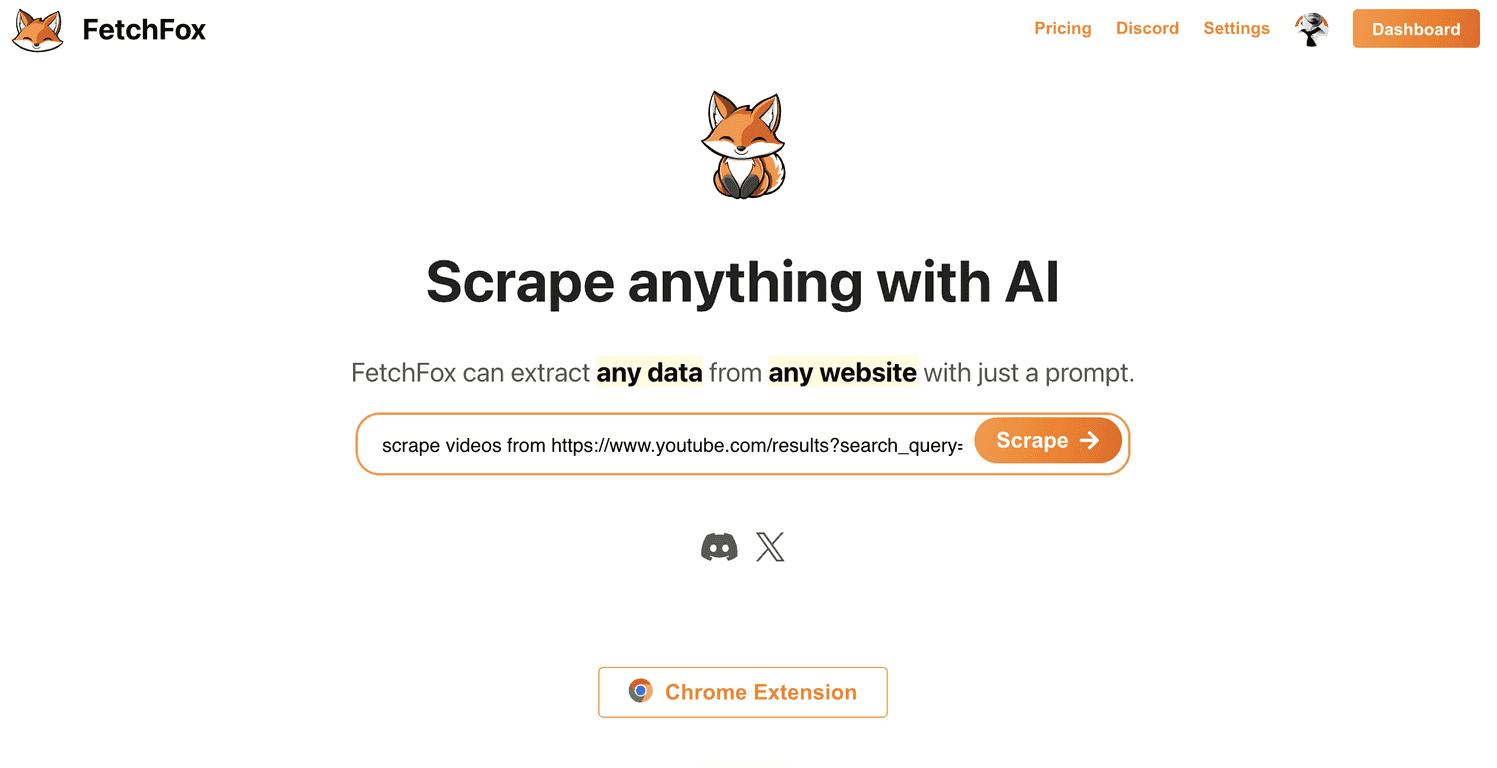
I’ve used a bunch of “AI scraping” tools over the years, and the ones that actually feel helpful are the ones that reduce the fiddly setup. That’s why FetchFox caught my attention. It’s built to make web scraping feel more like giving instructions than wrestling with code—especially if you’re trying to pull structured data out of messy pages.
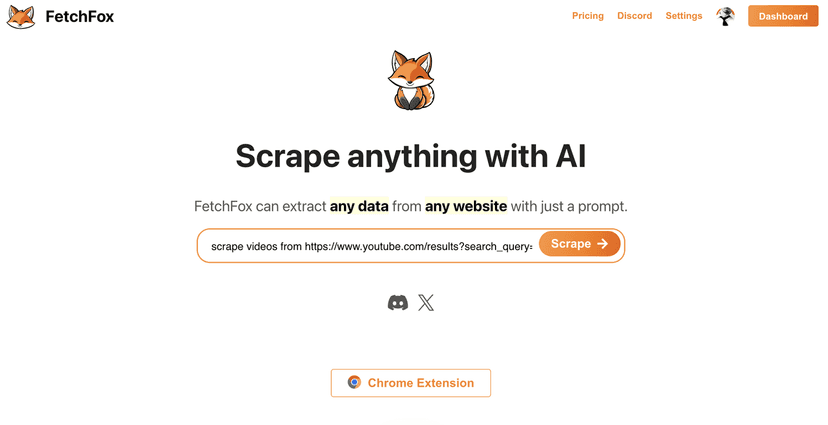
In my experience, the big question with any scraper is always the same: “Will it work when the site gets annoying?” FetchFox positions itself as a tool that can handle more complex HTML layouts and push through anti-scraping measures better than basic scrapers. And from what I’ve seen, the Chrome extension workflow is what makes it approachable. You’re not staring at scripts first—you’re interacting with the page, then telling the tool what you want.
FetchFox also claims support for common targets like LinkedIn and Facebook, which is where most scraping tools start to struggle. I can’t promise every site will behave the same (social platforms are notorious), but the fact that they’re aiming there says a lot about the kind of scraping problems they’re targeting.
If you’re more technical, you’ll also like that FetchFox offers an npm library. That means you can move beyond the browser extension and plug scraping into your own workflow—like a backend job that runs on a schedule, or a script that collects leads and then pushes them into a spreadsheet/CRM.
That said, it’s still a newer tool, and that shows. Some features feel like they’re still catching up to more established scraping platforms, and the documentation isn’t always as complete as I’d expect if you want to handle edge cases. The good news? The community support (Discord, specifically) seems active enough to fill in some of those gaps when you get stuck.
FetchFox Review: What I Liked (and Where It Still Feels New)
FetchFox is aimed at people who need data extraction without spending hours building and maintaining scraping scripts. If you’ve ever tried to scrape a site that loads content dynamically, you already know how quickly things get frustrating. The promise here is that FetchFox uses AI to interpret the page structure and extract what you ask for—rather than relying only on brittle selectors.
Here are the practical things I paid attention to:
- How fast it gets from “page” to “data” — the Chrome extension workflow is clearly designed for speed. Instead of starting with code, you start with the page and the instruction.
- Complex page layouts — FetchFox specifically calls out scraping complicated HTML structures. That’s important because lots of real websites don’t have clean, consistent markup.
- Anti-scraping resistance — it claims to handle anti-scraping measures better than basic tools. In real usage, this matters because even small changes (like bot detection prompts or rate limiting) can break a scraper.
- Developer flexibility — if you want to automate scraping outside the browser, the npm library is the bridge. You can integrate into scripts or services instead of running everything manually.
One more thing I appreciated: it’s not only “generic scraping.” The tool is marketed around extracting specific kinds of information—like emails, videos, and company data—so it’s not just about pulling raw HTML and hoping you can clean it later.
Still, I wouldn’t oversell it. For a newer product, you can expect some unevenness—especially around documentation depth and handling unusual edge cases. If you’re the type who wants a perfect “copy/paste” solution for every site, you may have to tinker a bit or ask the community.
Key Features That Matter in Real Scraping
- AI-powered data extraction from any website — the whole point is to interpret page content so you don’t have to micromanage selectors.
- Scrape multiple data types — videos, emails, and company information are specifically mentioned, which is useful if you’re building lead lists or content research.
- Chrome Extension — quick setup for non-developers, and a practical way to test scraping targets before you automate anything.
- Handles complicated HTML structures — helpful for pages with nested components, inconsistent class names, or content that’s hard to map manually.
- Developer tools (npm library) — lets you integrate FetchFox into your own projects instead of keeping everything in the browser.
- Examples for popular websites — having examples saves time. If you’re starting from scratch, examples can be the difference between an hour of trial-and-error and a working result.
How I’d use FetchFox (quick workflow)
- Start in the Chrome extension to test the exact fields you want (for example: names + titles, or company + contact details).
- Run a small batch first — I usually try 5–10 pages before scaling up, just to confirm the output format is consistent.
- Clean/validate the output — even with AI extraction, you’ll want to sanity-check things like missing fields, partial emails, or duplicated rows.
- Only then automate using the npm library if you need scheduled scraping or a pipeline.
Pros and Cons (My Honest Take)
Pros
- User-friendly interface with simple prompts — it feels approachable even if you’re not a developer.
- Better odds against anti-scraping — at least on paper, FetchFox is aiming at the problems that usually stop scrapers cold.
- Flexible outputs — it’s designed for different scraping needs, not just one narrow use case.
- Developer library available — the npm integration makes it usable in real projects.
- Community support — Discord can be a lifesaver when you run into weird edge cases.
Cons
- Some features still feel in-progress — for a newer tool, you may notice rough edges around optimization and completeness.
- Documentation isn’t as mature as established scraping platforms — you might have to rely more on community help than you’d like.
Pricing Plans: What You Need to Check First
FetchFox doesn’t list full pricing details in the content I reviewed, so you’ll want to check the FetchFox pricing page for the latest options.
In my opinion, this is especially important with scraping tools because pricing often ties to usage limits—like number of runs, page loads, or extraction volume. If you’re doing anything beyond a quick test (say, scraping dozens or hundreds of pages), it’s worth confirming what’s included before you commit.
They also mention VIP scraping plans for larger or more complex requests, so if you’re planning something bigger, contacting them directly could save you time.
Wrap up
Overall, FetchFox looks like a solid option if you want web scraping without the usual “build a scraper from scratch” pain. The combination of a Chrome extension, AI-driven extraction for complicated pages, and a developer-friendly npm library makes it flexible for both beginners and more technical users.
Just keep expectations realistic. Since it’s still developing, you may hit documentation gaps or feature limitations—especially when you’re dealing with tricky sites or highly customized extraction needs. But if you’re willing to test a small batch first and use the community when you get stuck, it can absolutely be worth your time.
Promote FetchFox




