Table of Contents
If your FAQ page is basically a wall of text, I get it—most visitors skim, bounce, and move on. I’ve been there. The frustrating part is that FAQs are usually where your customers already have questions… so why aren’t you using that moment to answer clearly and nudge them toward a purchase?
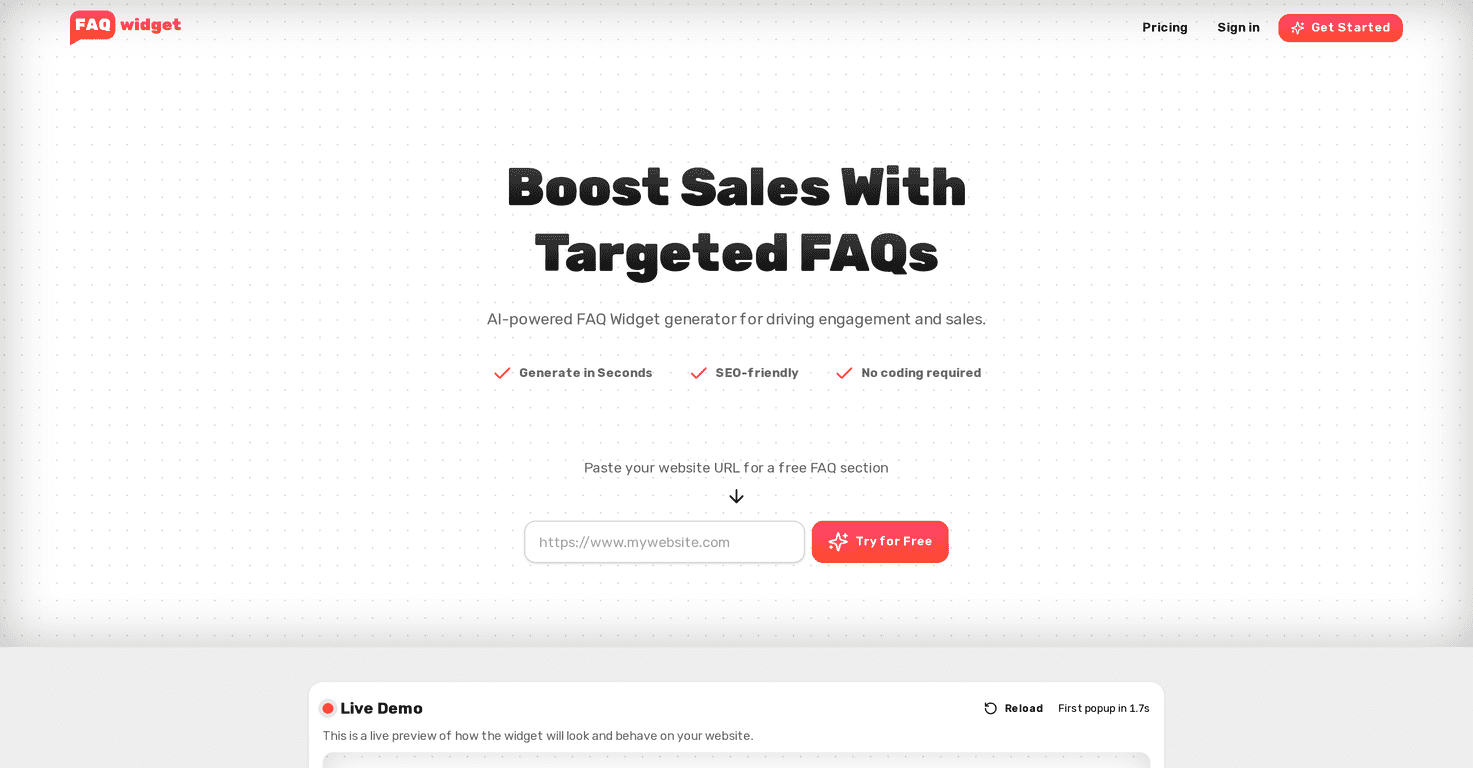
That’s exactly what I wanted to test with FAQWidget. It’s an AI-powered FAQ widget generator that helps you create and manage an FAQ section you can drop onto your website—fast, without writing code.
In my experience, the setup is the big win here. You enter your website URL, and it generates an FAQ widget you can actually use right away. Then you can tweak the questions, styling, and placement so it matches the pages you’re promoting. If you’ve ever thought, “I don’t want to spend a weekend building FAQ content,” you’ll probably like this.
One thing I specifically liked was the live preview. It’s easier to make adjustments when you can see how the widget will look in real time—no guessing, no “hope it works” moments.
FAQWidget Review
So what is FAQWidget, really? It’s a tool that generates an FAQ widget (think expandable questions with answers) for your website. The goal is simple: reduce friction for visitors and make it easier for them to find answers without hunting through long pages.
When I tested it, the workflow felt straightforward. You start with your website URL, the tool generates questions and answers, and then you customize the widget. No coding skills required, which matters if you’re running a small business and you don’t have a dev on standby.
The visual editor is also a big deal. I’ve used other “FAQ builders” before where customization is either limited or weirdly technical. Here, you can adjust things so the widget fits the product/page you’re targeting. That’s important because a generic FAQ widget can feel out of place.
And yes—the SEO angle is part of the pitch. The widget is designed to be SEO-friendly, but here’s my honest take: SEO isn’t magic. The biggest impact comes when your FAQs match what your real customers are actually asking. If the content is off, you won’t suddenly rank just because it’s in a widget.
Key Features
- Generate in Seconds – Drop in your website URL and get FAQs quickly. In my test, it was fast enough that I could move on to customization without losing momentum.
- SEO-Friendly – The FAQs are generated with visibility in mind. Still, I’d treat this as “helpful structure,” not a guarantee of traffic.
- No Coding Required – You’re not stuck with copy/paste snippets you don’t understand. The editor is made for non-technical users.
- Live Preview – This is the feature I used the most. Being able to see the widget before it goes live saves time and prevents formatting surprises.
- Customizable by Page/Product – You can tailor the widget so it fits the specific section of your site instead of using one-size-fits-all FAQs.
- Target Specific Keywords – If you want FAQs that align with particular search terms, this helps you steer the questions in the right direction.
Pros and Cons
Pros
- Fast setup: If you can paste a URL, you can get started. That’s a real advantage compared to tools that require more manual effort.
- Helps answer customer questions: When your FAQ widget is placed on the right page, it can reduce “contact us” messages and speed up decisions.
- SEO support: The structure and focus on FAQ content is a plus, especially if you’re already building SEO pages.
- Preview before publishing: I like tools that show me exactly what I’m getting. It makes tweaking much easier.
Cons
- Customization has limits: You can tweak a lot, but it’s still a widget with certain boundaries. If you need super custom layouts, you may feel constrained.
- Free trial restrictions: The free trial can be limiting compared to paid plans. If you want to test multiple pages or fully refine content, you might hit the cap sooner than you expect.
Pricing Plans
Here’s what I found for pricing. FAQWidget has a few options depending on how many pages you want to run FAQs on:
- Lifetime Deal: $199 – Includes unlimited webpages and lifetime updates. If you plan to keep the widget long-term, this one can make sense.
- Hobby Plan: $9/month – Covers 3 webpages and includes a 7-day free trial.
- Pro Plan: $29/month – Offers unlimited webpages with a similar 7-day free trial.
My practical advice? If you’re just testing whether FAQ widgets improve conversions on your site, start with the trial and pick one high-traffic page first (like your pricing page or product page). Don’t waste time building it for a page that doesn’t get much traffic.
Wrap up
After testing FAQWidget, I’d summarize it like this: it’s one of the easier ways to add an FAQ widget without turning it into a whole project. The live preview and visual editor are genuinely useful, and the ability to tailor FAQs to specific pages is where it starts to feel “worth it.”
Just don’t expect it to fix weak messaging on its own. If your questions don’t match what people are actually asking, you’ll still need to edit and refine. But if you’re willing to review the generated FAQs and make them sound like you, this can absolutely help your site feel more helpful—and more persuasive.
Promote FAQWidget



