LIFETIME DEAL — LIMITED TIME
Get Lifetime AccessLimited-time — price increases soon ⏳
AI Tools

Factful Review – Your AI Writing Assistant

Updated: April 20, 2026
4 min read
#Ai tool#writing

Table of Contents

If you’ve ever stared at a blank page and thought, “How am I supposed to say this better?”, you’re definitely not the only one. I’ve been there—especially when I’m writing something that has to be clear and professional, like client emails or a blog draft that needs to sound consistent from start to finish.

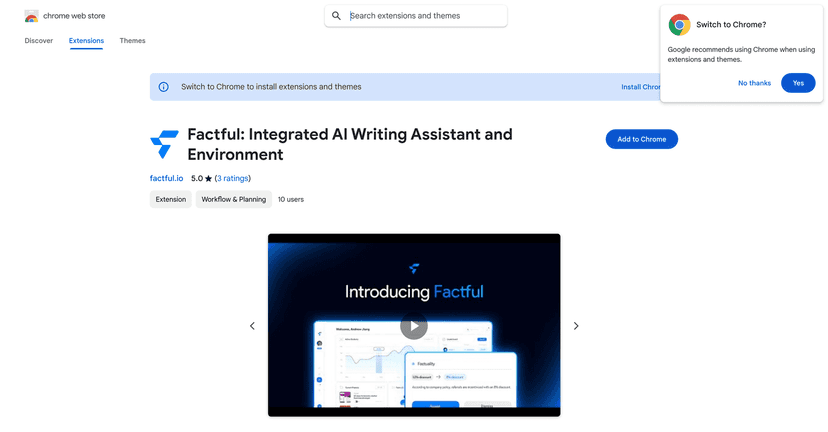
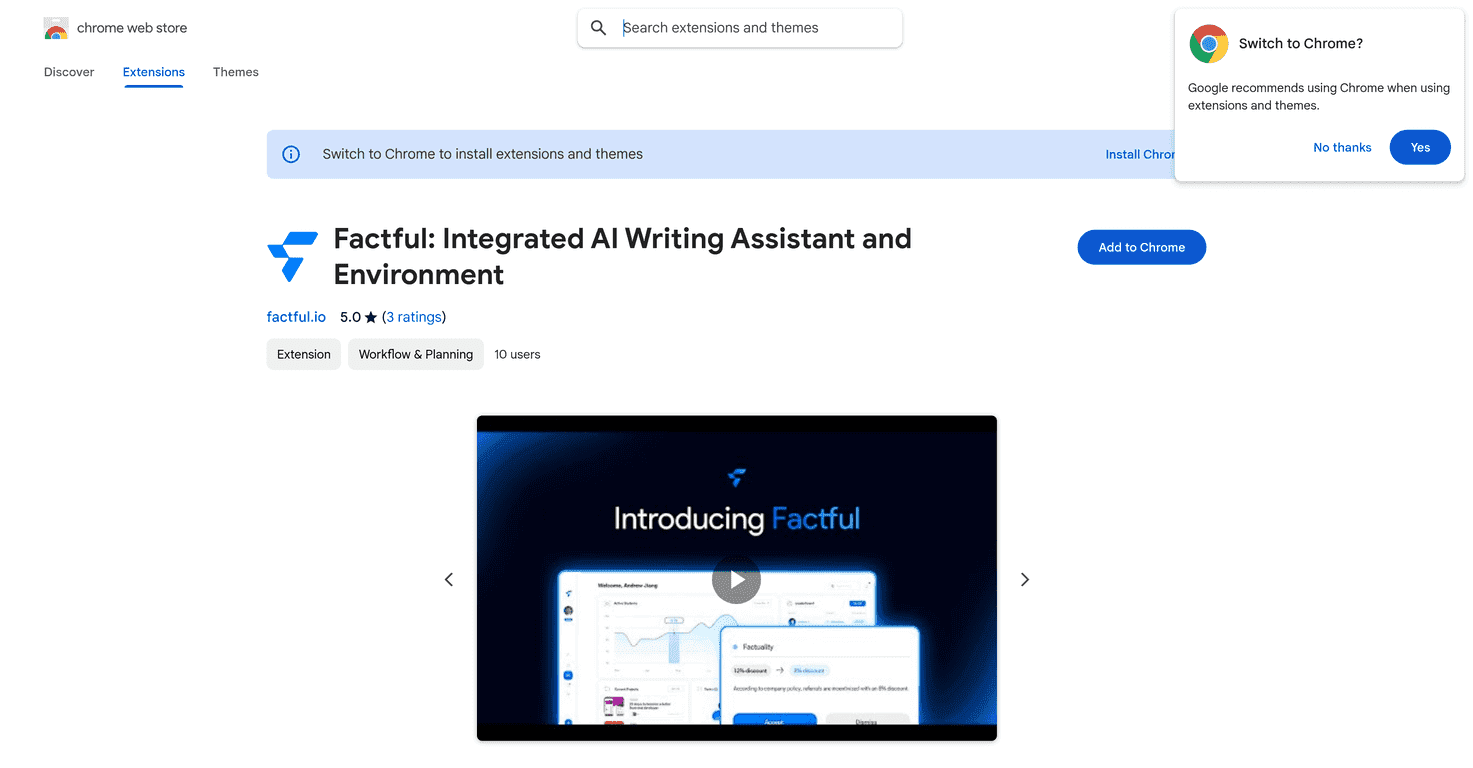
That’s why I tried Factful. The big idea is simple: it’s an AI writing assistant that doesn’t just underline misspellings—it helps with clarity, grammar, tone, and even factual accuracy while you’re typing. And honestly, that “while you’re typing” part matters. I don’t want to write first and fix later. I want feedback as I go.

Factful

One feature I really liked is the inline slash commands. Instead of digging through menus, you can just type commands like /summarize or /translate right where you’re working. Need a quick recap of a paragraph? Summarize it. Writing something bilingual? Translate a sentence. It feels fast, and it keeps you in the flow—no constant tab switching.

Factful Review: What It Feels Like to Use

When I first used Factful, the biggest impression was how “hands-on” it is. It’s not just a one-time rewrite tool. It provides real-time help while you’re typing—grammar fixes, style suggestions, and prompts that nudge your wording toward something clearer.

For example, I noticed it’s particularly helpful when I’m trying to tighten sentences. You know that moment where you reread and think, “This is technically correct, but it sounds clunky”? That’s where I saw the most value—shorter phrasing, smoother flow, and fewer awkward grammar issues.

The “factual accuracy” angle is also interesting. If you’re writing anything that needs to be correct—like a report, a product description, or a blog post with stats—having a tool that flags potential factual issues can save you time. Still, I treated those suggestions like a starting point, not gospel. If something seems questionable, I’d rather verify it myself than blindly trust an AI.

And the inline slash commands? They’re genuinely convenient. Instead of stopping your train of thought, you can request a specific task on the spot. If I’m working on a long draft, I’ll often use /summarize to quickly understand what I already wrote and whether the structure makes sense. If I’m reworking a message for a different audience, /translate helps me move faster than manually copying and translating sentence-by-sentence.

Overall, Factful feels like a writing assistant designed for everyday use—email, blogging, and reports—rather than something you only pull out for big projects.

Key Features I’d Actually Use

  1. Grammar and style optimization for cleaner, more readable writing (not just “spellcheck” corrections)
  2. Real-time fact-checking to help you catch possible inaccuracies while drafting
  3. Inline slash commands like /summarize and /translate to run tasks instantly
  4. Integration across writing platforms so you’re not forced into a brand-new editor
  5. Immediate suggestions while you type (this is the part that reduces back-and-forth)
  6. User-friendly interface that doesn’t feel overly complicated

Pros and Cons (Real Talk)

Pros

  • Improves writing quality—especially clarity and sentence flow, not just obvious typos
  • Faster drafting because suggestions show up right away while you’re still writing
  • Easy to fit into an existing workflow since it’s built to integrate into where you already type
  • More confidence when you’re hitting “send” or publishing—fewer last-minute fixes

Cons

  • Pricing and limitations aren’t clearly detailed here, so you’ll want to check the Chrome Web Store or the app page before committing
  • One more thing I’d keep in mind: for anything high-stakes (legal, medical, or very specific claims), you should still verify facts yourself. AI can miss context.

Pricing Plans

Pricing details aren’t included in the content here. If you want to know whether Factful fits your budget, check the application’s website or the Chrome Web Store page for the latest plan options.

Wrap up

Factful is the kind of tool I can see myself using regularly—not because it writes everything for you, but because it helps you clean up your work as you go. The inline slash commands are a nice touch, and the real-time grammar/style support is the main reason it feels useful instead of just “another AI textbox.”

If you’re serious about improving your writing (and not just fixing typos), it’s worth a look. Just make sure you confirm pricing and any limits on the official page first, so there aren’t any surprises.

Promote Factful

Stefan

Stefan

Stefan is the founder of Automateed. A content creator at heart, swimming through SAAS waters, and trying to make new AI apps available to fellow entrepreneurs.

Related Posts

Figure 1

Strategic PPC Management in the Age of Automation: Integrating AI-Driven Optimisation with Human Expertise to Maximise Return on Ad Spend

Title: Human Intelligence and AI Working in Tandem for Smarter PPCDescription: A digital illustration of a human head in side profile,

Stefan

ACX is killing the old royalty math—plan now

Audible’s ACX is moving from a legacy royalty model to a pooling, consumption-based approach. Indie audiobook earnings may swing with listener behavior.

Jordan Reese
AWS adds OpenAI agents—indies should care now

AWS adds OpenAI agents—indies should care now

AWS is rolling out OpenAI model and agent services on AWS. Indie authors using AI workflows for writing, marketing, and production need to reassess tooling.

Jordan Reese

Create Your AI Book in 10 Minutes