Table of Contents
If you’re trying to sound more natural when you speak English, EnglishPractice.io is one of those tools that’s easy to test quickly. I spent some time using it to clean up my pronunciation—mostly common stuff like word stress, endings, and getting my rhythm closer to native speech. And yeah, it’s not magic, but it does give you a pretty straightforward way to practice without needing a tutor sitting next to you.
Here’s what I noticed right away: you type (or translate) something into English, the site plays the “correct” version, and then you record yourself. After that, it gives feedback—supposedly based on your accuracy and fluency. If you like immediate prompts and you’ll actually practice a little every day, it can be a solid option.
EnglishPractice.io Review: Pronunciation Practice That Actually Feels Simple
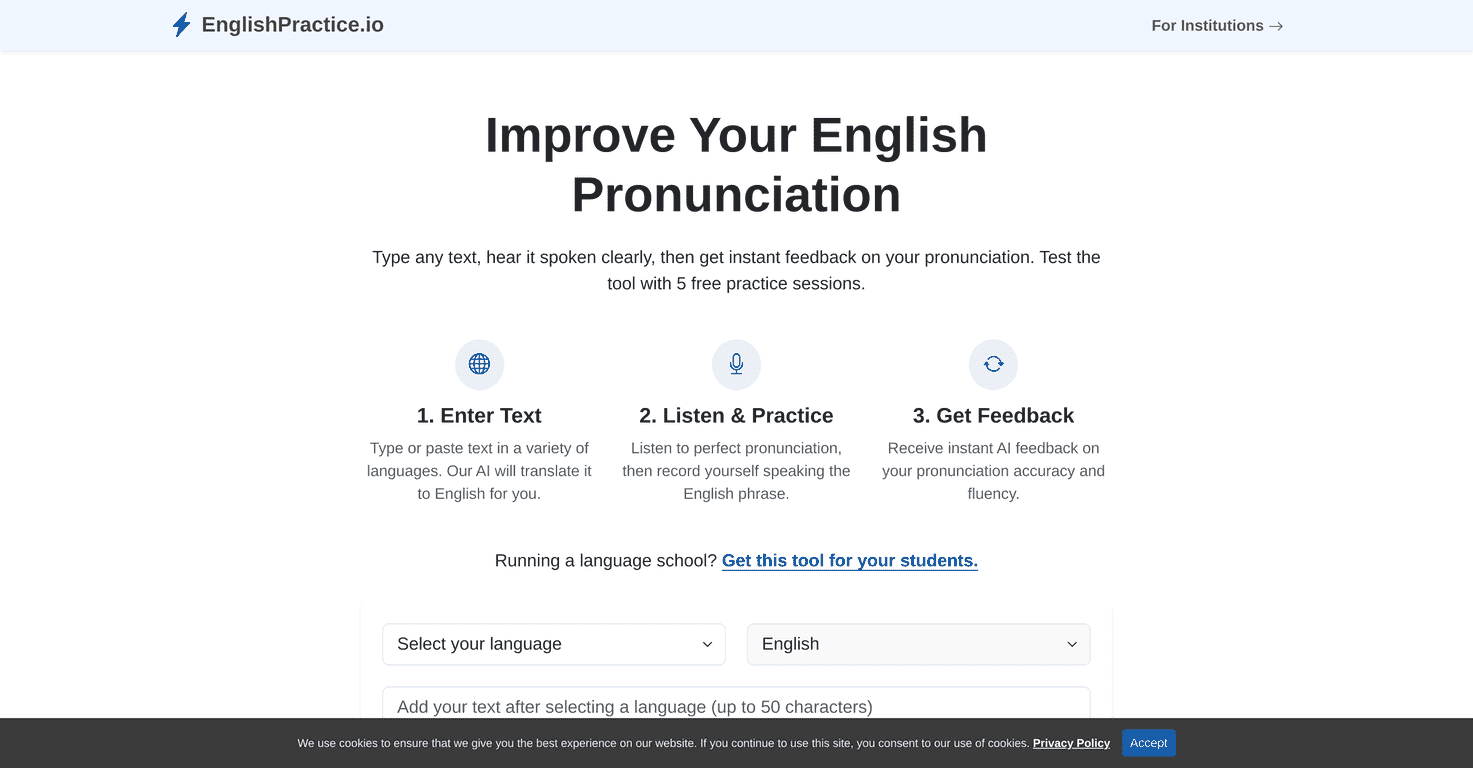
EnglishPractice.io is built for one main job: help you practice English pronunciation through listening + recording + feedback. The workflow is pretty clean:
- You type a sentence (or paste text) in English.
- Or you use the translation option to convert text from other languages into English.
- The site plays how it should be pronounced.
- You record yourself reading the same text.
- You get feedback on how you did.
In my experience, the best part is that it removes friction. No scheduling. No “wait for feedback tomorrow.” You can repeat the same line a few times and try to fix the specific sound that’s giving you trouble.
For example, when I practiced short sentences, I could tell when I was rushing or flattening endings. After a couple tries, the feedback pushed me to slow down and get the rhythm closer. That’s the kind of thing that’s hard to spot on your own.
One more thing I liked: the translation feature is genuinely useful if you’re not already comfortable writing your own English practice sentences. You can translate something you actually want to say—like a message, a simple story, or a daily-life sentence—then practice it out loud.
Key Features (What You’ll Use Most)
- Text input + translation into English
If you’re a non-native speaker, this matters. You don’t have to guess the “perfect” English sentence to practice. You can translate from your language, then work on pronunciation from a real sentence you care about. - Listening before you record
The site plays the correct pronunciation so you can copy the pacing. I found this especially helpful for things like contractions and sentence-level stress—because the audio model gives you a target. - Recording and feedback
After you speak, you get AI-generated feedback about pronunciation accuracy and fluency. It’s useful for direction, not perfection. Think of it like a coach that says, “You’re close, but this part needs work,” instead of a detailed linguistics breakdown. - Practice sessions (free trial)
You start with a limited number of free practice sessions. It’s enough to test whether the feedback style works for you and whether the microphone/audio capture is comfortable on your device. - Multi-language support
The platform supports multiple languages for translation, which makes it easier to practice with content you already understand.
Pros and Cons: What’s Great, What to Watch Out For
Pros
- Easy to use — The interface is simple. I didn’t have to hunt for buttons or figure out a complicated setup.
- Good “repeat and improve” loop — Listen, record, adjust, repeat. That cycle is exactly how pronunciation improves.
- Instant feedback helps you stay consistent — If you’re the type who learns by doing (not just reading), the quick turnaround keeps you practicing.
- Free practice sessions let you try it first — You can test your microphone and see if the feedback is meaningful before paying.
Cons
- Free practice is limited — After the initial sessions, you’ll need credits to keep going. If you want daily practice for weeks, you’ll run out fast.
- AI feedback isn’t always nuanced — It can point out issues, but it won’t replace a real teacher who can tell you why you’re mispronouncing something (or how to fix it with targeted drills).
- It’s only as good as your recording — If your mic is noisy or you’re speaking too softly, your results can look worse than they really are. I noticed that when I tested in a louder room.
Pricing Plans: Free Sessions and Credits
EnglishPractice.io’s free plan includes five practice sessions. After that, you’ll need to purchase additional credits to keep practicing.
If you want a quick reality check: five sessions is enough to learn how the tool works and try a few sentences, but it’s not enough for real progress unless you’re only doing short, occasional practice. What I’d recommend is using those free sessions strategically—pick a few sentences that match your real speaking goals (introductions, work phrases, travel lines, etc.), and practice them until you can say them more naturally.
For the most accurate, up-to-date details on costs and what different credit bundles include, check the pricing section directly on the website.
How I’d Use It (So You Actually Improve)
This is the part most people skip. They try a couple random lines and then wonder why they don’t sound better. If you want pronunciation improvement, you need a plan.
- Pick one “problem” per session — For me it’s usually stress and endings. Don’t try to fix everything at once.
- Repeat the same sentence 3–5 times — Listen first, record, then adjust. After a few tries, you’ll hear what changed.
- Use short sentences early — Longer paragraphs are harder to evaluate, and it’s easier to lose track of what you’re trying to correct.
- Record in a quiet spot — Even a small difference in background noise can affect how the system judges you.
- Translate sentences you’d actually say — That way, the practice feels relevant, not like homework.
Wrap up
EnglishPractice.io is a practical pronunciation tool if you want a simple listen-and-record practice loop with instant feedback. The free five sessions are a nice way to test the experience, and the translation feature is a big win for non-native learners who want to practice real sentences fast. Just don’t expect it to replace a human coach—AI feedback can guide you, but it won’t fully capture the nuance a teacher can.
If you’re ready to practice regularly and you like getting quick feedback, I’d say it’s worth trying.
Promote EnglishPractice.io




