Table of Contents
If you’re trying to stay consistent with content marketing, you already know the real problem: it’s not the “idea” part. It’s the planning, drafting, formatting, and then actually posting on schedule. That’s why I looked at Emplibot—to see if it can handle that whole workflow without turning into another tool I have to babysit.
Emplibot Review: What Happened When I Tried It
I tested Emplibot with a pretty typical setup: one niche website, a small backlog of topics I wanted to publish, and social accounts that I wanted to keep active without manually scheduling every post. My goal wasn’t “set it and forget it forever.” It was more like: can this cut my weekly workload without making the content feel generic?
Here’s what I noticed during my trial workflow:
- Setup felt straightforward—I didn’t have to hunt for complicated instructions. Connecting channels and getting the first content run going took less time than I expected.
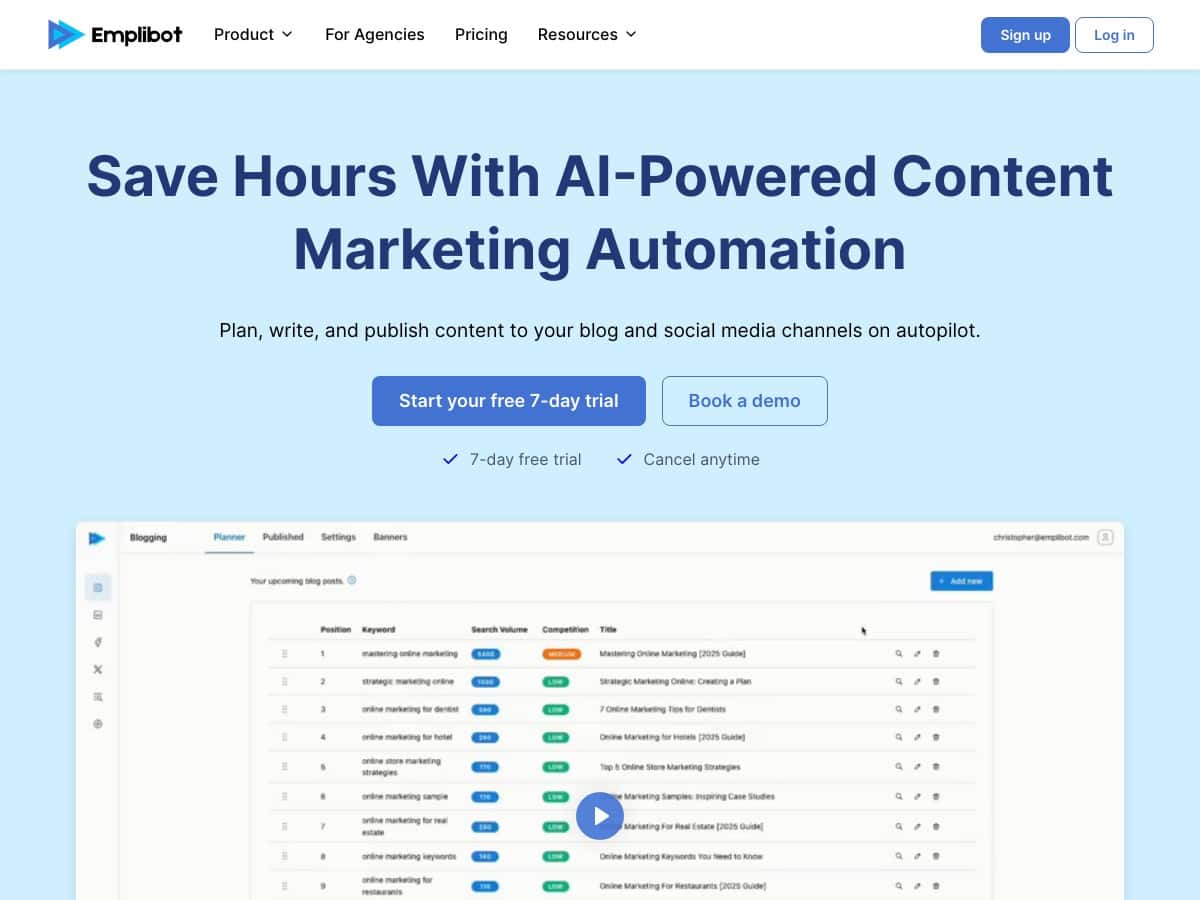
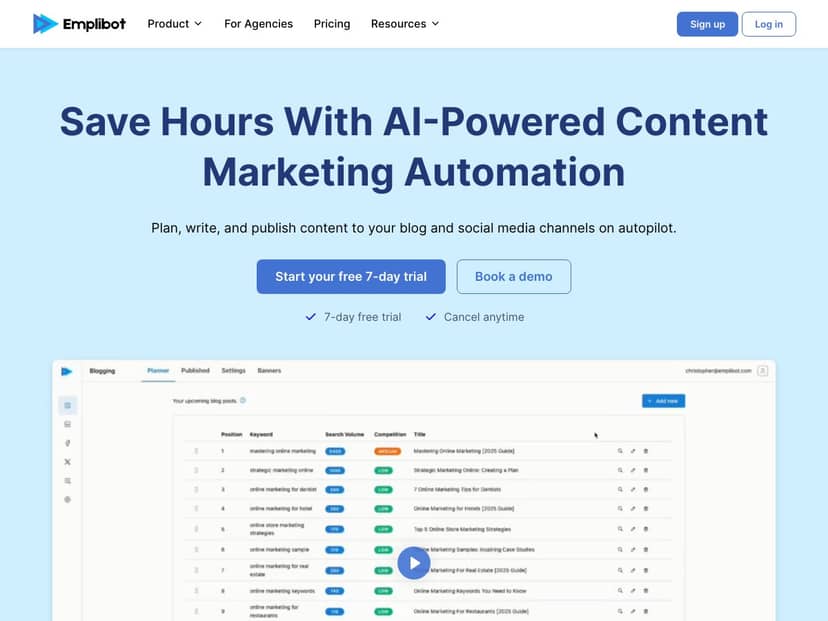
- The content plan generation was the real time-saver. Instead of staring at a blank calendar, Emplibot produced a structured plan I could actually follow. I’m talking about a sequence of posts with a clear direction, not just random topics.
- Drafting was fast, but not “publish instantly” perfect. The AI output was well-structured and readable, and it generally stayed on-topic. Still, I had to tweak a few lines to match my preferred tone and to make sure the examples felt specific to my niche.
- Auto-publishing worked best when I used the recommended publishing path. In my case, LinkedIn and Facebook were the smoothest. I didn’t see weird formatting issues like broken headings or missing images, but I did still want to spot-check before the posts went live.
So did it save me time? Yes—mostly in the planning and first-draft stages. I’d estimate I lost maybe 20–40 minutes per post less than my usual workflow (topic → outline → draft → formatting → schedule). The catch is that you’ll still want to review and polish anything that needs niche accuracy, stats, or a very specific point of view.
One more thing: if you care about SEO, you’ll want to treat the output as a strong starting point. Emplibot helps with structure and keyword targeting, but you’ll still get better results if you add your own internal links, confirm the search intent, and make sure your meta elements match what you want to rank for.
Key Features (And How They Actually Show Up)
- Automation of Content Planning
This is more than “here are some topics.” In my run, Emplibot generated a content plan based on the audience and business focus I provided, then organized the output in a way that made it easy to turn into drafts. The format was usable right away—no extra spreadsheet gymnastics. - Automated Writing
The writing comes out structured (headings, logical flow, and a more blog-like format). What I liked: it wasn’t just one giant paragraph. What I didn’t love: a few sections needed tightening so they sounded like me. If you’re picky about wording, plan on editing. - Auto-Publishing
Emplibot can publish across social channels, and in my testing it worked best for networks like LinkedIn and Facebook. I didn’t have to manually schedule each post, which is the whole point. Still, I’d recommend doing a quick preview check—especially if your account has branding rules or specific formatting preferences. - Keyword Research Tool
This is where the “SEO-friendly” claim becomes real—because you can see keyword data and use it to guide content. In practice, I used it to pick topics that matched my target themes, then adjusted the draft so the keyword usage felt natural (not forced). - Engaging Multimedia
Emplibot can include unique images/infographic-style elements to make posts less bland. What I noticed: the visuals help break up the page, but you’ll still want to make sure they align with your brand and that the image style matches the rest of your site. - Platform Integration
It’s designed to work with popular channels and includes support for Shopify for content distribution. In my experience, the smoothest results came when I used the platform paths that Emplibot clearly supports. - SEO Optimization
This isn’t just “sprinkle keywords.” The content structure is aimed at SEO (headings and keyword usage). If you want to go further, you should still review meta titles/descriptions, confirm internal link opportunities, and make sure the final page matches your target search intent. - Easy Setup
I didn’t need a developer to get started. That said, if you’re not comfortable connecting accounts and verifying publishing settings, you’ll still want to budget a little time for setup and testing. - Analytics and Reporting
You can track performance so you’re not guessing forever. I found this useful because it helps you identify which topics are getting more traction, then adjust the next content batch accordingly.
Pros and Cons (My Honest Take)
Pros
- Time savings are real—planning and first drafts happen much faster than doing everything manually.
- Content comes out structured with clear headings and a readable flow.
- Auto-publishing is convenient, especially for LinkedIn and Facebook workflows I tested.
- Keyword research helps you choose topics instead of writing “because it sounds good.”
- It’s beginner-friendly compared to many content tools that feel like a dashboard maze.
Cons
- Auto-publishing isn’t equally perfect everywhere. In my testing, it felt most optimized for WordPress-style workflows and certain social setups.
- You’ll still need manual control for best results. If your niche requires precision (legal/medical/finance topics, or brand-specific claims), you can’t skip editing.
- AI writing can drift into “safe” language. You may need to add your own examples, data points, or sharper opinions to make it stand out.
- Costs can add up if you’re a small business and want high volume. The trial helps, but you’ll want to check limits per tier before committing.
Pricing Plans (What Changes by Tier)
Emplibot includes a free 7-day trial, which is honestly the best way to judge fit. Don’t just test the “generate one article” demo—try a full mini workflow: generate a content plan, write a draft, then test publishing to at least one social channel.
After that, the pricing starts at $49/month for the basic tier and goes up to $99/month for the pro plan. The big difference is volume and access to more advanced tools (like generating more content and getting deeper capability for the workflow).
Tip: before you upgrade, check exactly what’s included in each plan—limits matter (number of articles/posts), which channels you can publish to, and what analytics/export options you get. Those details can make the “basic vs pro” choice obvious fast.
Wrap up
Emplibot is one of those tools that actually targets the busy work: planning, drafting, and posting. In my experience, it’s strongest when you treat it like a production assistant—use it to generate the bulk of the content quickly, then do a real review pass for accuracy, tone, and brand fit.
If you want to publish consistently without spending your whole week writing from scratch, it’s worth trying. Just don’t expect fully hands-off publishing to be perfect in every niche. For me, that tradeoff was fair—because the time saved was noticeable, and the workflow felt smoother than stitching together multiple separate tools.



