Table of Contents
If you’ve ever sat down to write a LinkedIn post and ended up staring at a blank page for 30 minutes… yeah, I’ve been there. The hardest part isn’t “having ideas.” It’s turning those ideas into something that actually reads well, sounds like you, and doesn’t eat your whole afternoon.
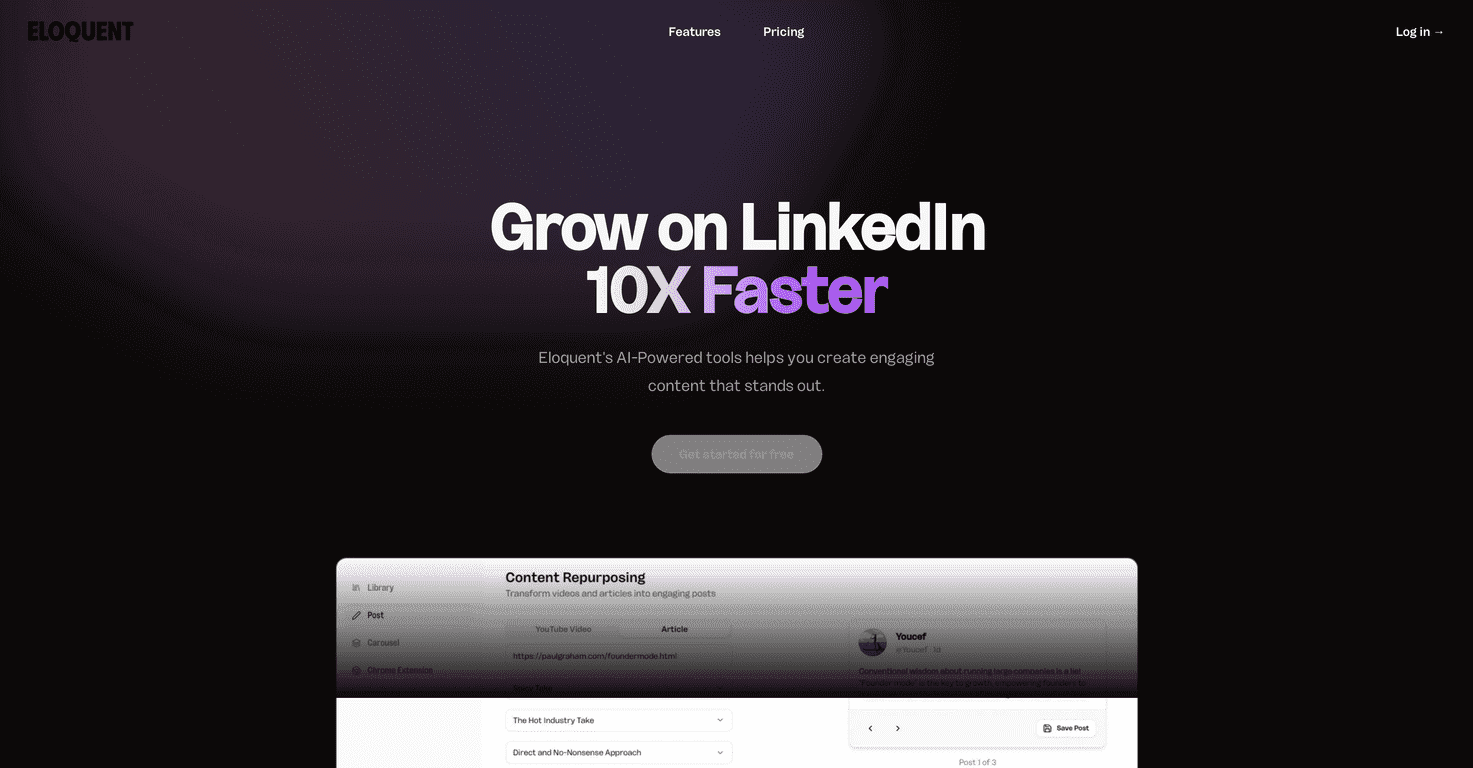
That’s where Eloquent caught my attention. The basic promise is simple: you feed it content (like a YouTube video or an article) and it helps you repurpose that into LinkedIn-ready posts. I tested it with a couple different content types, and what I noticed right away is that it’s built for speed—especially if you already have a library of longer-form stuff.
Eloquent Review
Eloquent is an AI-powered tool focused specifically on LinkedIn growth through repurposing. In practice, that means you don’t start from scratch every time. You take something you already created—like a YouTube video or a published article—and turn it into posts that are formatted for LinkedIn consumption.
Here’s the part I really liked: it’s not just “rewrite this.” It’s more like “extract the good stuff, structure it, and give you a starting point.” When I used it, the output wasn’t perfect right off the bat, but it was close enough that I didn’t feel like I was starting over.
Also, if you’re trying to grow your network consistently, consistency matters more than people admit. Eloquent helps with volume—without forcing you to crank out entirely new ideas every single day. And honestly? That’s what most people need.
Key Features
- YouTube to LinkedIn Post Repurposing — I used this with a video where the main value was in a few key points. What I noticed is that the tool leans into turning those points into something you can post quickly, instead of dumping the entire video into a wall of text.
- Article to LinkedIn Post Repurposing — When I tried an article, the output felt more “thoughtful” than the video version. It did a decent job pulling themes and turning them into a LinkedIn-style narrative.
- Carousel Creation — This is a big one if you want to diversify beyond text posts. Carousels usually take longer to build manually, so having the draft structure generated for you saves time. In my experience, you’ll still want to tweak the slide titles and tighten wording so it matches your tone.
- Custom Replies Chrome Extension — The extension is meant to help with replies, which is where a lot of LinkedIn engagement actually happens. If you’re someone who likes commenting thoughtfully (not just “Great post!”), this can help you respond faster while keeping it relevant.
Pros and Cons
Pros
- It saves real time. If you already create long-form content, repurposing is the obvious next step—and Eloquent makes that step faster.
- Better structure than “plain rewriting”. The posts and carousels come out formatted in a way that’s easier to publish with minor edits.
- All features in one place. No hunting around for the “right” plan to unlock basic functionality.
- Free trial so you can test with your own content style before committing. I always recommend doing this—AI tools can behave differently depending on the type of source material.
Cons
- One pricing plan might not fit everyone. If you only need repurposing once in a while, $7/month could feel a bit steep.
- You’ll still need to edit. In my experience, the generated posts are a strong draft, but you should add your own voice—especially your takeaway or personal example.
- Results vary by content type. Some videos/articles repurpose beautifully; others are more “wide” than “focused,” and the output needs more trimming.
- Learning curve (small, but real). You’ll figure out what prompts or inputs work best for you after a few tries.
Pricing Plans
All Features Plan: $7/month. It includes everything: YouTube to post repurposing, Article to post repurposing, carousel creation, and the Custom replies Chrome extension. No credit card is required to start the free trial.
If you’re posting consistently (like a few times per week) and you already have source content to repurpose, this pricing is pretty straightforward. But if you’re only posting occasionally, you might want to test first and make sure it actually reduces your writing time.
Wrap up
Overall, I think Eloquent is a solid option if your LinkedIn growth strategy depends on repurposing. It won’t magically make you sound like a top creator overnight—but it will cut down the “from zero to draft” time, which is usually the bottleneck.
My advice? Use it to generate drafts, then spend your energy on what AI can’t do well: your perspective, your specific example, and the reason someone should care. Do that, and you’ll get way more value out of the tool.
If you’re already creating videos or writing articles and want an easier way to turn that work into LinkedIn posts, it’s worth trying.
Promote Eloquent



