Table of Contents
Poster design is one of those things that sounds simple… until you actually try to make something that looks good. I’ve seen a lot of people get stuck on the same problems: fonts don’t match, spacing looks off, and suddenly you’re spending hours fiddling instead of getting the poster out the door. That’s where Easy Posters AI comes in.
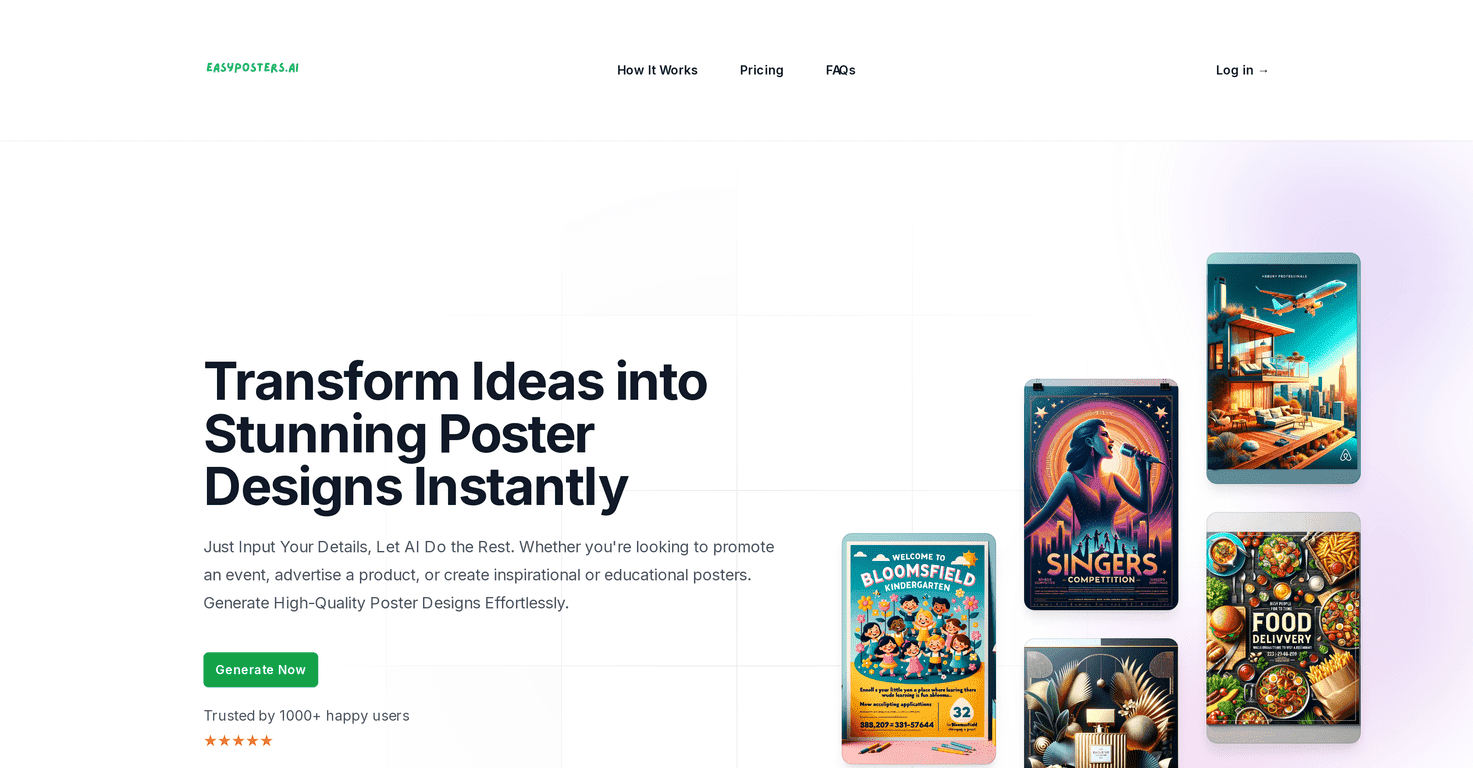
Easy Posters AI is an AI poster builder that’s meant to be straightforward: you choose a theme (and usually what you’re promoting), and the tool generates a poster layout for you. I like tools like this because they cut out the blank-canvas intimidation factor. If you’re promoting an event, sharing educational content, or marketing a product, you can usually get a presentable design quickly—without needing to learn design software first.
That said, I don’t want to oversell it. AI can get you 80–90% of the way there fast, but you’ll still want to review the text, check the spacing, and make sure the final version matches what you actually meant to say. Done right, though, it’s a solid option for anyone who needs posters now.
Easy Posters AI Review
I tested Easy Posters AI with a few different poster-style prompts (event promo, a simple educational flyer, and a product announcement). What I noticed right away is that the tool tries to keep things visually organized. You’re not starting from scratch like you would in Canva or Photoshop, and you’re not stuck hunting for layout ideas either.
Here’s what usually happens in practice: you pick your theme and what the poster is for, then the AI generates a design. From there, you can customize the result so it doesn’t feel like a “template machine” output. If you’re working solo and you need something that looks presentable in under an hour, this kind of workflow makes a difference.
One more thing I appreciated: it’s designed for people who don’t have design experience. That doesn’t mean it replaces design entirely, but it does mean you’re less likely to end up with a poster that looks messy or unreadable.
Key Features
- Error-Free Text Generation: The AI focuses on readable text blocks and generally keeps the content organized. Still, I recommend you skim everything before exporting—AI can misplace a line break or slightly alter wording depending on your prompt.
- Time and Cost Savings: Instead of paying for multiple revisions with a designer, you can generate options quickly and choose the best direction.
- No Design Skills Required: You don’t need to know typography rules or layout grids. The tool handles the “where does this go?” part for you.
- Perfect Customization: You can adjust the poster after generation so it matches your event details, product name, dates, and other essentials.
- Versatile Creation: It’s not just one “style.” You can create posters for different needs—events, education, and marketing content.
- Print-Ready Quality: The output is intended to be export-friendly for real-world use, not just social media mockups.
Pros and Cons
Pros
- Beginner-friendly: I didn’t feel like I needed a design background to get something usable.
- Fast results: You can move from idea to a polished draft quickly, which is huge when you’re on a deadline.
- Customizable outputs: The posters aren’t locked in—there’s room to make it feel like it’s actually yours.
- Cost-effective vs. hiring: If you regularly need flyers or posters, paying for a subscription can be cheaper than paying designers per project.
- Ongoing improvements: The product is positioned as actively updated, which matters if you’re relying on it long-term.
Cons
- No free trial: I get why companies do this, but it makes it harder to “test drive” before committing.
- Subscription can add up: If you’re not generating posters often, monthly fees might feel unnecessary.
- Generation limits on lower tiers: You’ll likely want to upgrade if you’re doing lots of poster variations (like A/B testing different headlines or dates).
- Still needs a human check: Even with strong layouts, you’ll want to proofread text and confirm details like dates, prices, and locations.
Pricing Plans
Easy Posters AI has two subscription options. Here’s the straightforward breakdown:
- Starter Plan: $4.99/month (or $49.99/year) — up to 50 poster generations monthly and 1000 yearly.
- Premium Plan: $9.99/month (or $99.99/year) — unlimited generations and larger print resolutions.
If you’re making posters occasionally, Starter could be enough. But if you’re producing a steady stream (weekly promos, multiple locations, different versions for different audiences), Premium is the one I’d lean toward.
Wrap up
Easy Posters AI is a practical tool if your main goal is getting good-looking posters without spending hours learning design. In my experience, it’s especially helpful when you need something quickly and you don’t want to pay for design work every time.
The big downsides are the lack of a free trial and the fact that the lower tier has generation limits. Still, if you’re comfortable reviewing the text and doing a quick proofread before exporting, it can save you time and money—fast.
Promote Easy Posters AI




