Table of Contents
If you just want to make a meme without wrestling with templates, fonts, and a bunch of settings, the Dumb Meme generator is a pretty straightforward option. I tested it by going straight to the page, typing a caption, hitting the generate button, and waiting for the preview to render.
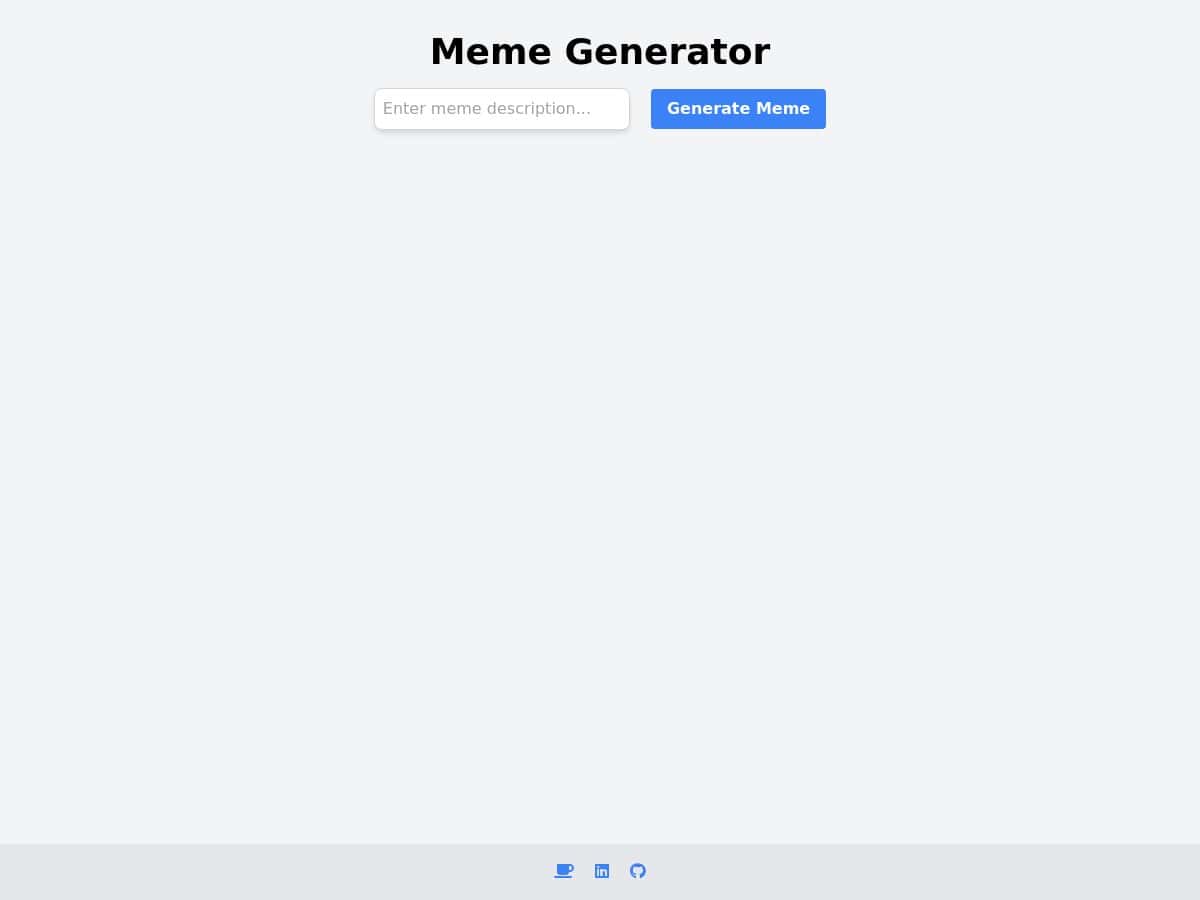
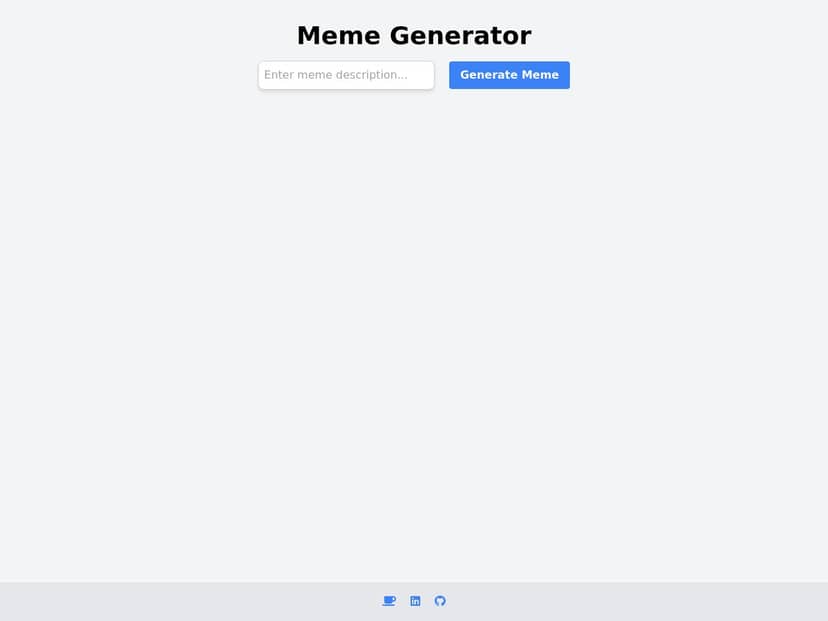
What I noticed right away: the page stays clean and focused. There’s no maze of menus—just a caption input, a generate action, and then the meme preview. The loading state is also pretty honest. I saw a progress indicator move while the image/text composition finished, and then the finished meme appeared instantly enough that I didn’t feel like I was stuck watching a spinner.
After that, sharing was the easy part. Instead of downloading files and re-uploading them somewhere else, it gives you a link you can copy and send. If you’ve ever tried to “just make one meme” and ended up spending 10 minutes saving/exporting, you’ll appreciate that.
Dumb Meme Review: Quick Caption → Shareable Meme
Here’s what my test looked like, step by step. I opened the Dumb Meme page on a regular desktop browser (Chrome) with a normal Wi‑Fi connection. Then:
- I typed a caption into the main text box (no fancy formatting needed).
- I clicked the Generate button.
- I watched the progress indicator update while the meme rendered.
- When the preview loaded, the text was already overlaid on the image in a way that looked clean and readable.
- I used the Copy URL-style share flow to send the result to a friend (and yes, it worked as a link, not just a local file).
For examples, I tried a few captions that are the kind of thing you’d actually send in a group chat:
- “Me pretending I’m calm during the meeting.” — The overlay stayed legible and didn’t look like it was fighting the background.
- “When the Wi‑Fi acts up again…” — Short enough to fit nicely, and the text placement looked centered/intentional.
- “I said I’d leave at 5… it’s 5:17 and I’m still looking for ‘one more thing.’” — This one stretched the limits a bit. The tool still tried to keep the text readable, but longer captions naturally get tighter. If you’re going for wall-of-text humor, you’ll want to edit down for best results.
One more thing I liked: the UI feels modern and uncluttered. The layout is simple, and it doesn’t bog you down with settings you probably don’t want anyway. In my experience, that’s exactly what makes this kind of meme generator fun—quick clicks, quick output, quick share.
Key Features (and what they’re actually like)
- Text Input Field
- You type your caption directly into the input. No separate “top text” vs “bottom text” fields—just one place to write your joke. That’s great for speed, but it also means you don’t get full control over positioning like you would in a full meme editor.
- Generate Meme Button
- One click and it starts rendering. I didn’t see a bunch of extra prompts. There’s also no confusing “export settings” step—once it’s done, you’re looking at the meme.
- Loading Progress Bar
- The progress indicator gives you a real sense of what’s happening. In my test, generation felt fast—roughly a few seconds from click to preview on a normal connection. If the site is busy, expect it to take longer; I’ve seen similar tools slow down during peak usage, and this one follows that pattern.
- Meme Display with Overlay Text
- The preview shows the final composition: the base image plus your caption overlaid on top. What I noticed is that the text stays crisp and doesn’t look like it’s been slapped on randomly. For readability, the overlay treatment is the whole point—if the font/background contrast didn’t work, this would be frustrating. In my runs, it worked well enough to share immediately.
- Long caption behavior: When I pushed a longer sentence, the tool still tried to fit it in, but readability naturally drops as lines get denser. If you want the joke to land, keep captions short and punchy, or split the idea into two shorter attempts.
- Copy URL Functionality
- This is one of the most practical features. Instead of downloading an image and dealing with re-uploading, you can copy the link and share it. I tested this by copying the URL and sending it—no extra steps needed.
- Responsive Design
- I checked the layout on mobile (using the responsive view). The page didn’t feel cramped, and the main actions stayed easy to hit. It’s not “fancy app UI,” but it’s usable without fighting tiny buttons.
Mini walkthrough (quickest path): Open the page → type your caption → click generate → wait for the progress bar to finish → copy the URL. That’s it. If you’re looking for a tool that gets out of your way, this one does.
Pros and Cons (what I’d tell a friend)
Pros
- Fast, simple workflow: In my test, it was basically “type → generate → preview → copy link.” No clutter.
- Progress feedback: The progress bar makes the wait feel predictable instead of like a mystery.
- Sharing is frictionless: Copy URL means you can send it instantly without downloading and re-uploading.
- Readable output: The overlay text looked clear enough for real sharing, not just “looks okay at a glance.”
- Works on mobile too: The layout stays usable even when you’re on a smaller screen.
Cons
- Internet-dependent: Since it generates online, you’ll need a decent connection. No connection = no meme.
- Not a full editor: You don’t get the same level of control you’d expect from advanced meme tools (like fully customizing font, exact text placement, or multiple text boxes).
- Long captions get messy: The tool tries to fit text in, but if you go too long, readability suffers. For best results, keep it tight.
- Performance can vary: On a busy day, generation may take longer (I’d expect “a few seconds” to stretch depending on server load and your network).
Pricing Plans (what I found when I checked)
I looked for pricing info on the page, and this HTML version of the review doesn’t include any specific cost details. I can’t honestly claim a price I didn’t verify. If the site offers a free tier (common for meme generators), I didn’t see clear pricing text included here.
If you want to know for sure, check the official Dumb Meme site directly for any “Pricing,” “Plans,” or “Terms” section. If you do find it, it’s worth double-checking whether there are limits like:
- daily generation caps
- whether downloading is restricted
- any watermarking on free outputs
- API access (if that’s even offered)
Wrap up
So, is Dumb Meme worth trying? If you want quick, shareable memes with minimal effort, yes—it nails the “type a caption and get something you can send” part. The biggest limitation is also the tradeoff: it’s not trying to be a full meme editor with tons of customization. If you’re the type who likes perfect typography control and complex layouts, you’ll probably want a more advanced alternative.
But for spontaneous laughs? This one does the job fast.


