Table of Contents
Ever catch yourself standing in front of your closet thinking, “I have clothes… just not the right ones”? Yeah, same. I’ve had days where I could name every item in my wardrobe, but the moment I needed an outfit for something specific—interview, dinner, weekend plans—I still felt stuck.
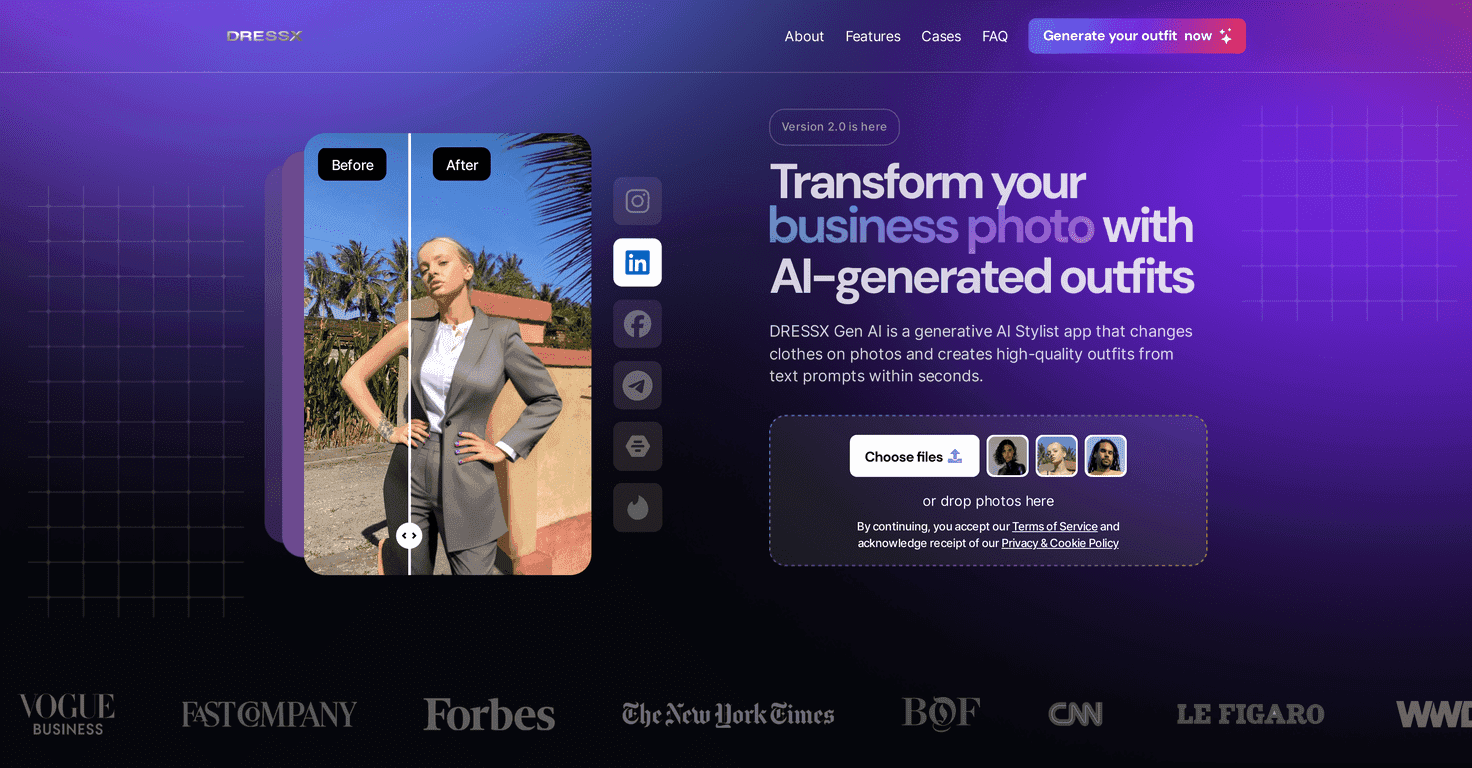
That’s basically where DRESSX.ME comes in. It’s an AI stylist app that generates outfit ideas based on what you want to do (and sometimes what you look like, depending on how you use it). In my experience, the best part isn’t that it magically replaces your closet—it’s that it gives you fast, visual options when you don’t know what to pick.
DRESSX.ME Review
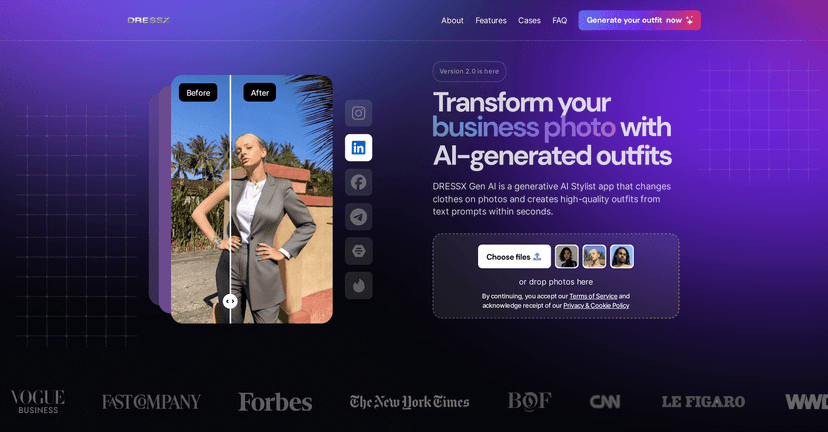
DRESSX.me is basically an AI-driven stylist that helps you generate outfit suggestions for specific moments—think job interviews, dates, or casual outings. You can upload photos or use text prompts to steer the results. The vibe is “here are some looks you can try,” not “I’m judging your body or your taste.” And honestly, that matters.
What I noticed right away is how quickly it moves from idea to visual. Instead of scrolling endlessly through random fashion posts, I can ask for something like “smart casual for a coffee meeting” and get options I can actually react to. If you’re the type who wants to see a full outfit (not just one piece), this format is pretty satisfying.
It also has a virtual wardrobe feel. You can browse curated, AI-generated looks and even invite friends to share styling ideas. I like that social angle because it turns outfit planning into something you can talk about—“Which one looks more like me?”—instead of doing everything solo.
Is it perfect? No. AI outfits can sometimes drift toward trends that don’t match your real-life closet or climate. But as a starting point—especially when you’re in a rush—it’s surprisingly useful.
Key Features
- AI Outfit Generation for personalized styling — You can generate looks based on your prompts (and in some cases photos), which helps narrow down options fast.
- Diverse Use Cases for different occasions — The app is built around scenarios like interviews, dates, events, and everyday wear.
- Invitations to Friends for shared styling experiences — You can pull in other opinions instead of relying on your own “does this work?” doubts.
- Access to a collection of curated, AI-generated outfits — Browse ideas when you don’t feel like starting from scratch.
- User-Friendly Interface that’s easy to navigate — Uploading, prompting, and browsing are straightforward, even if you’re not super techy.
Pros and Cons
Pros
- Free access for the first five looks — I think this is a smart way to let you test the style direction before committing.
- Mix of free and paid options — You’re not forced to pay immediately, which makes it less risky.
- Encourages you to try new styles — Even when you don’t wear the exact look, it can nudge you toward pieces you forgot you owned.
- Beginner-friendly — The app doesn’t feel complicated. You can get results without a learning curve.
Cons
- Limited free looks before coins are needed — After those first five, you’ll likely want to decide if it’s worth paying.
- Extra coins may be required after free usage — If you like generating lots of variations, costs can add up faster than you’d expect.
Pricing Plans
Here’s how the coin setup works: you can create your first five looks for free. After that, you’ll need coins to keep generating.
Coin options: 10 coins for $5, 50 coins for $16, or 200 coins (no watermark) for $60. I’d personally treat the free five as a “test drive,” then only buy if you’re actually using it for real plans (like an upcoming event) instead of just experimenting for fun.
Also, keep an eye out for special offers. Apps like this sometimes run promotions, and that can make the difference between “worth it” and “meh.”
Quick tips so your results look better
- Be specific with the occasion. “Date night” is vague. “Dinner at a casual restaurant” or “cocktail vibe but not too flashy” usually gets better outfits.
- Use style words you’d actually wear. Try phrases like “minimal,” “classic,” “streetwear,” “boho,” or “business casual.”
- Generate a few variations before you decide. One look might be off. Three looks usually helps you spot a direction you like.
- Don’t ignore the climate. If you’re in summer heat or winter cold, mention it in your prompt.
Wrap up
Overall, I found DRESSX.me to be a solid AI stylist when you need outfit ideas quickly and you want something visual. It’s especially handy for occasions where you don’t want to waste time guessing. Just remember the free looks are limited, so if you plan to generate a lot, you’ll want to think about the coin pricing ahead of time.
If you’ve been stuck in “nothing to wear” mode, it’s worth trying—at least for the first five looks—and seeing whether it matches your style, not just the app’s.
Promote DRESSX.ME




