Table of Contents
I’ve tried a bunch of calendar “helpers” over the years, and most of them still feel like you’re stuck doing the same old typing and clicking. Dola is different. It’s an AI calendar assistant that lets you schedule by talking, texting, or even sending images—so you’re not always stuck inside the calendar UI.
What I like most is that it plugs into the calendars you already use. Dola supports syncing with Dola with Google Calendar and Apple Calendar (and it also mentions CalDAV). So instead of creating events in some separate system, you’re usually just updating the one you already rely on.
Dola Review
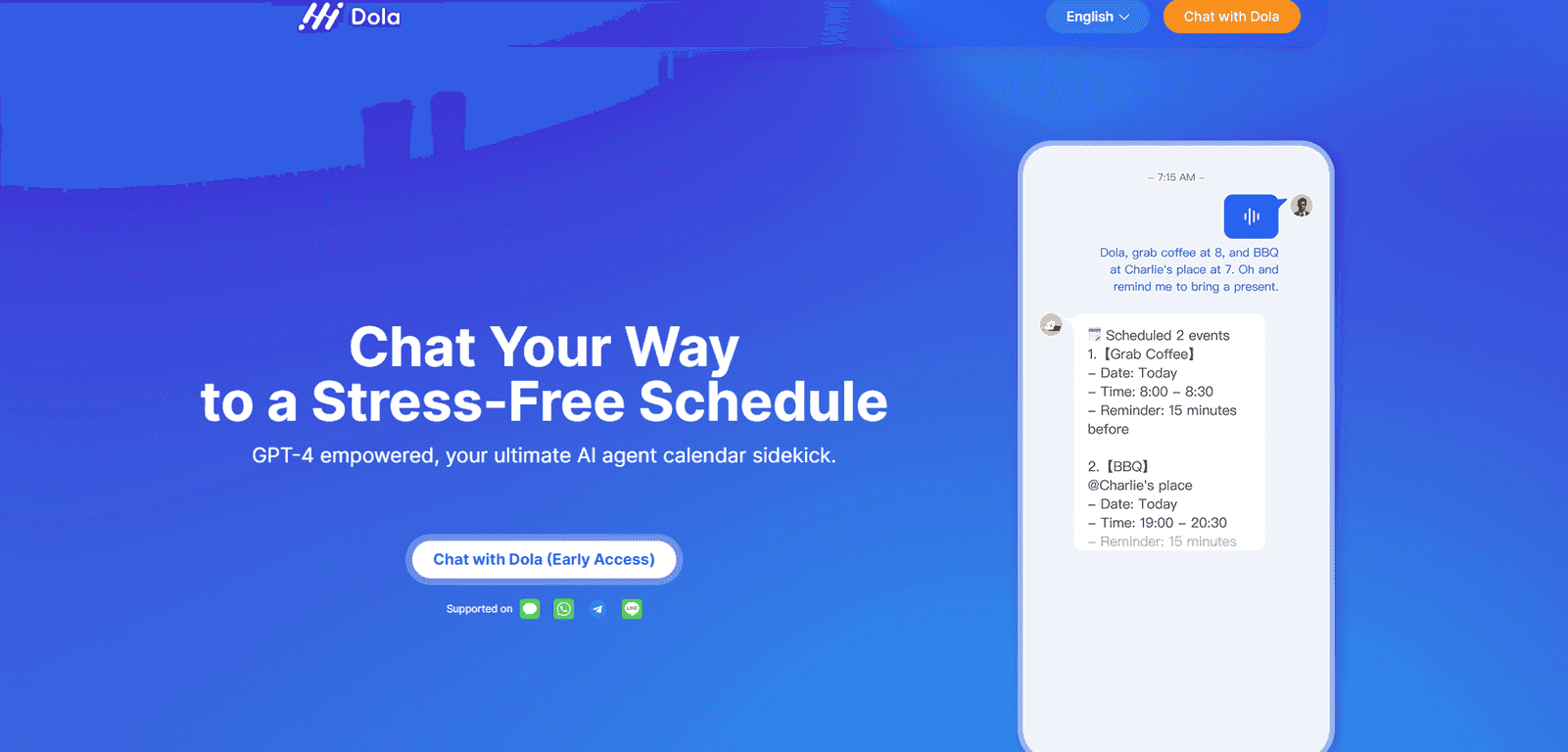
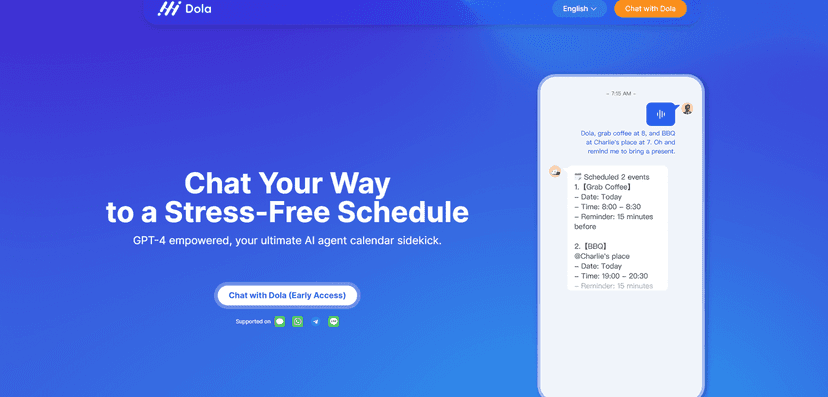
Here’s the basic idea: instead of opening your calendar and building events from scratch, you can tell Dola what you want in plain language. For example, you might say something like “Schedule a dentist appointment next Tuesday at 3pm” or send a message like “Remind me to call Sam Friday morning.” It’s aiming to make scheduling feel closer to texting than traditional calendar work.
In my experience, the “on-demand” part matters. When I’m juggling work and personal stuff, I don’t want to stop and manually set time slots. If I can just drop the details quickly—especially while I’m already in a chat—I’m more likely to actually get it done.
Dola also includes a daily weather update, which sounds small, but it’s genuinely useful for planning. If you’re deciding whether to run errands, go for a walk, or schedule something outdoors, a quick weather check can save you from a bad time slot.
And yes, the assistant supports multiple input methods. Voice is great when your hands are busy. Text works when you want precision. Images are handy when you’ve got details written down somewhere and don’t want to retype everything.
Key Features
- Natural language scheduling via voice, text, and images
- Fast event creation (they claim up to 10x quicker than traditional calendar apps)
- Calendar sync with Google Calendar, Apple Calendar, and CalDAV
- Daily weather updates to help plan your day
- Messaging-style interface so you can schedule from tools you already use
If you want to get better results, be specific. I’ve noticed that “next week” is fine, but “Wednesday at 10:30am” is way cleaner. Also, including things like duration (“for 45 minutes”) or location (“at the office”) tends to reduce follow-up questions.
Pros and Cons
Pros
- Less friction for scheduling—you can add events without switching apps constantly.
- Works through messaging, which is honestly where most people already live day-to-day.
- Multiple ways to input requests (voice/text/images) so it fits different situations.
- Syncing across devices via your existing calendar platforms, so you’re not stuck with a separate view.
- Helpful accuracy for common tasks like meetings, reminders, and time-blocking (especially when your request is clear).
Cons
- Messaging-first can feel limiting if you’re expecting a full calendar UI with advanced editing and drag-and-drop.
- Sync depends on third-party services (Google/Apple/CalDAV). If those services have issues, Dola can’t magically fix it.
- Not every edge case is effortless—recurring events, weird time zones, and overlapping schedules may require a bit of clarification depending on how you phrase things.
Pricing Plans
Pricing isn’t laid out clearly in the material I’m seeing here, but Dola is described as being available for free through messaging platforms (WhatsApp is mentioned). That usually points to a freemium model—free for basics, paid for more advanced features or higher usage.
If you want the real numbers (like limits, premium tiers, or whether voice/image scheduling costs extra), you’ll likely need to check the website or the app itself for the latest pricing details.
Wrap up
Dola is a solid option if you want calendar management that feels more like chatting than editing. In my opinion, it’s especially useful for busy days when you don’t want to open a calendar and start building events manually.
That said, it’s not a replacement for everything. If you rely on highly detailed calendar workflows, you may still miss a traditional calendar interface. But for quick scheduling, reminders, and keeping your events synced, Dola is definitely worth a try.
Promote Dola




