Table of Contents
Trying to summarize a long PDF can be a pain. I’ve had days where I’m staring at a 60-page report, telling myself I’ll “just skim it,” and then realizing I’m still not sure what the key points are. That’s where Documator caught my attention.
It’s a free AI tool that focuses on one thing: turning PDF content into something you can actually digest. In my testing, the biggest win wasn’t just speed—it was how quickly it helped me get to the “so what?” without reading every page. If you need summaries (and sometimes translations) for school, work, or just personal research, it’s worth checking out.
Documator Review: Quick PDF Summaries + Translations (Free)
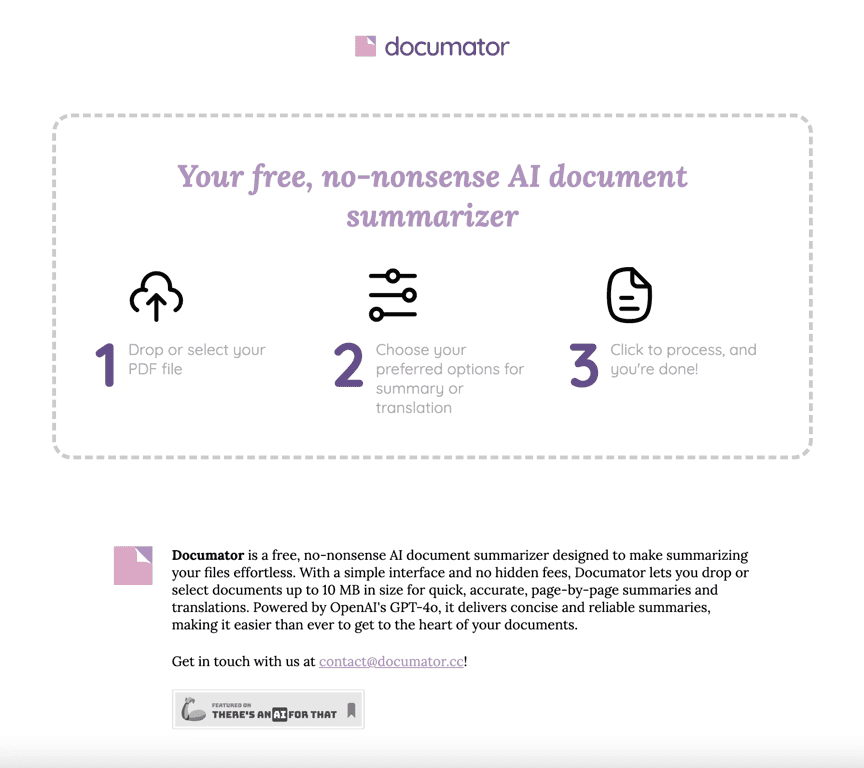
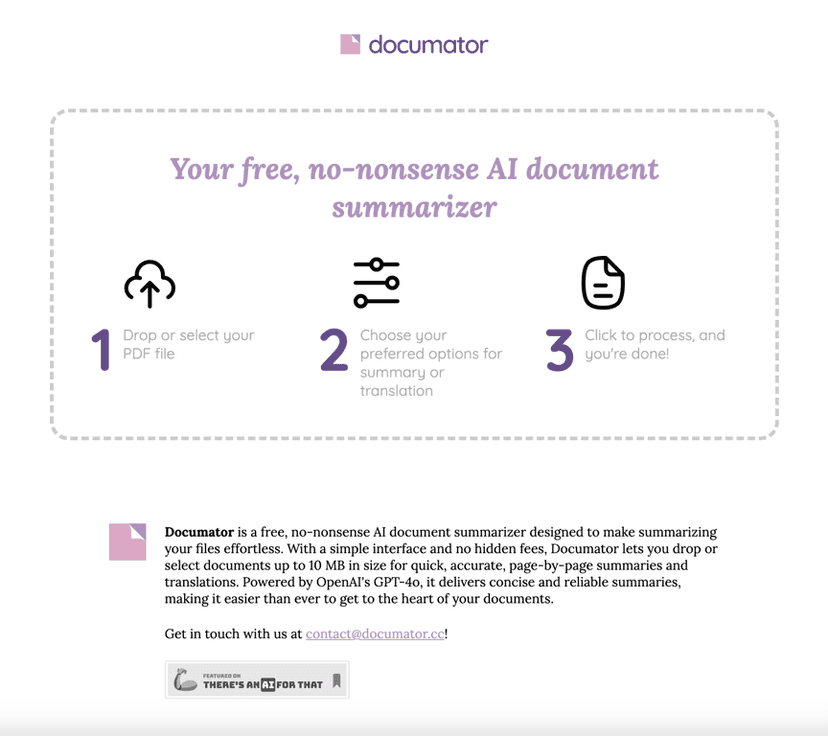
Documator is designed for people who don’t want to spend their entire afternoon reading PDFs. The workflow is pretty straightforward: upload a PDF, pick a summary style, and let it generate the output. In my experience, that “pick a style and go” approach is what makes it feel easy—especially if you’re not super technical.
One thing I appreciated right away is how it handles multi-step tasks. Instead of forcing you to do summarization, then separately translate, it keeps both options in the same tool. When I tested it with a document that had dense sections, the summaries were usually clear enough to help me identify what I should read more carefully later.
Now, let’s be honest: no summarizer is perfect. If your PDF is super complicated—think heavy jargon, lots of tables, or documents where meaning depends on a tiny footnote—AI can miss nuance. Still, for getting the main ideas quickly? It’s genuinely useful.
Key Features I Actually Used
- PDF uploads up to 10 MB
This is a clear limitation, and it matters. If your file is bigger (like scanned reports or long exports), you’ll need to split it first. For typical course PDFs and standard work documents, 10 MB is often enough. - Multiple summary styles
I like that you can choose what kind of output you want instead of getting one generic summary every time. The options include Concise, Complete, Outline, and Translation. - When I needed a quick overview, Concise was perfect. When I was trying to prep for a meeting, Complete helped me capture more context without going page-by-page.
- Translation into multiple languages
Documator supports English, Spanish, Portuguese, French, German, and Italian. That’s handy if you’re sharing a summary with someone who doesn’t read the original language (or if you’re studying and want quick comprehension). - Simple, intuitive interface
I didn’t have to hunt around for settings. The layout feels built for “upload → choose → get results,” which is exactly what I want when I’m busy.
Pros and Cons (Realistic Take)
Pros
- Free to use with no hidden fees (at least based on how it’s presented).
- Easy for non-technical users—no complicated setup or weird menus.
- Fast summaries that help you move on with your day.
- Works for translation too, which saves time when you need multilingual output.
Cons
- 10 MB PDF size limit can be a dealbreaker for bigger files. If your document is large, you’ll likely need to split it.
- Can miss nuance in complex documents—especially where details are subtle (tables, dense definitions, or documents with lots of context spread across sections).
- Not a replacement for careful reading—I’d still verify important numbers, names, and quotes by checking the original PDF.
Pricing Plans
Documator is entirely free to use. That’s honestly the best part—no subscription wall, no “trial then pay” surprise. If you just need occasional summaries, it’s a great option.
Promote Automateed

Wrap up
If you’ve got PDFs you need to understand fast, Documator is a solid free option. I especially like the combination of summary styles and translation—it makes it easier to share the same document insights with different people. Just keep the 10 MB upload limit in mind, and don’t blindly trust summaries for sensitive details. Use it to get oriented, then double-check the important bits in the original PDF when it really matters.